A Guide to Optimizing your Emails for Dark Mode
To optimize your images and logos so subscribers using dark mode for emails can better appreciate them
Prefer a shortcut? 16 free tools do parts of this for you.

Aim: To optimize your images and logos so subscribers using dark mode for emails can better appreciate them
Optimal Outcome: More subscribers will better appreciate your emails if they can see your logos while in dark mode
What do you need to start: Image or Photo Editor
Why is this SOP Important: Create a pleasant user experience when you send your emails to subscribers who use the dark mode setting in their email apps
When and Where to execute: Perform this SOP every time you send your emails. However, you only need to optimize your logo once.
Who Should Be Doing This: A person assigned to create your digital images
What Is a Dark Mode Setting in Emails?
Some email clients provide an option to use the dark mode setting for their users. It inverts the color so readers don’t strain their eyes, especially when they read under dark conditions. Generally, it inverts a black text and a white background to a white text and a black background. Its use has become famous because they don’t like a white screen to illuminate their face when they read at night.
Execution
Resources/Tools & Set up
- Photo or logo editor
How Email Clients Support Dark Mode
Email clients can present an image with no change, partial conversion, or fully convert in dark mode.
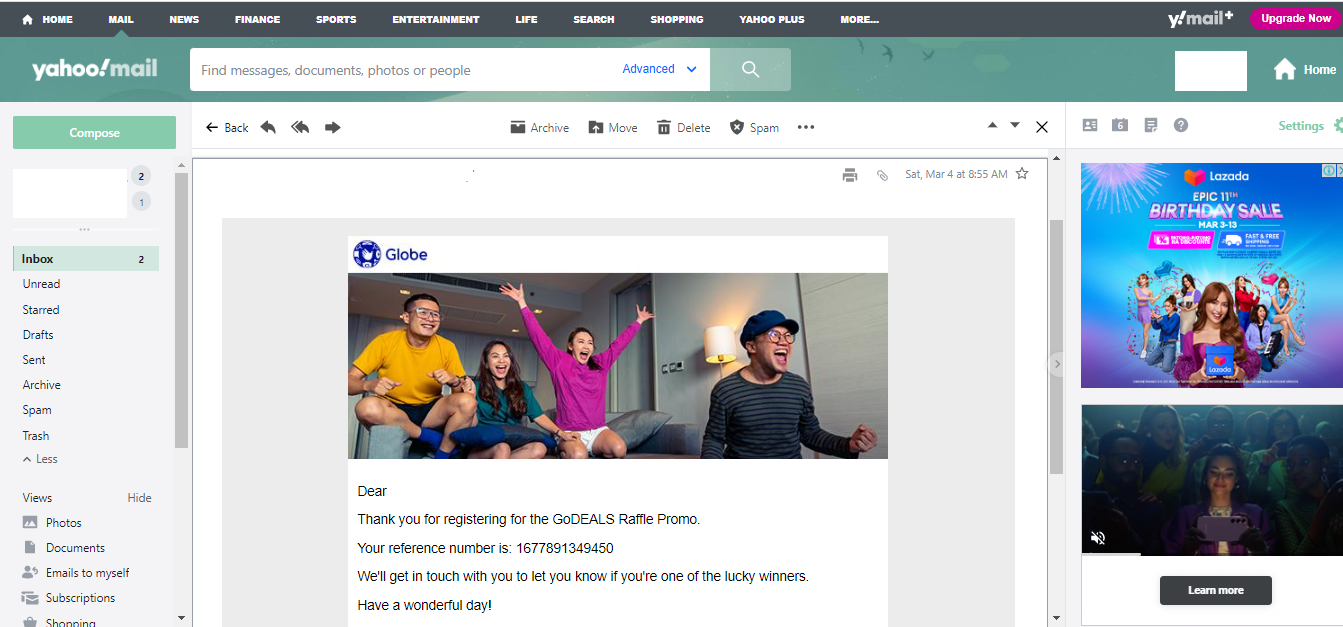
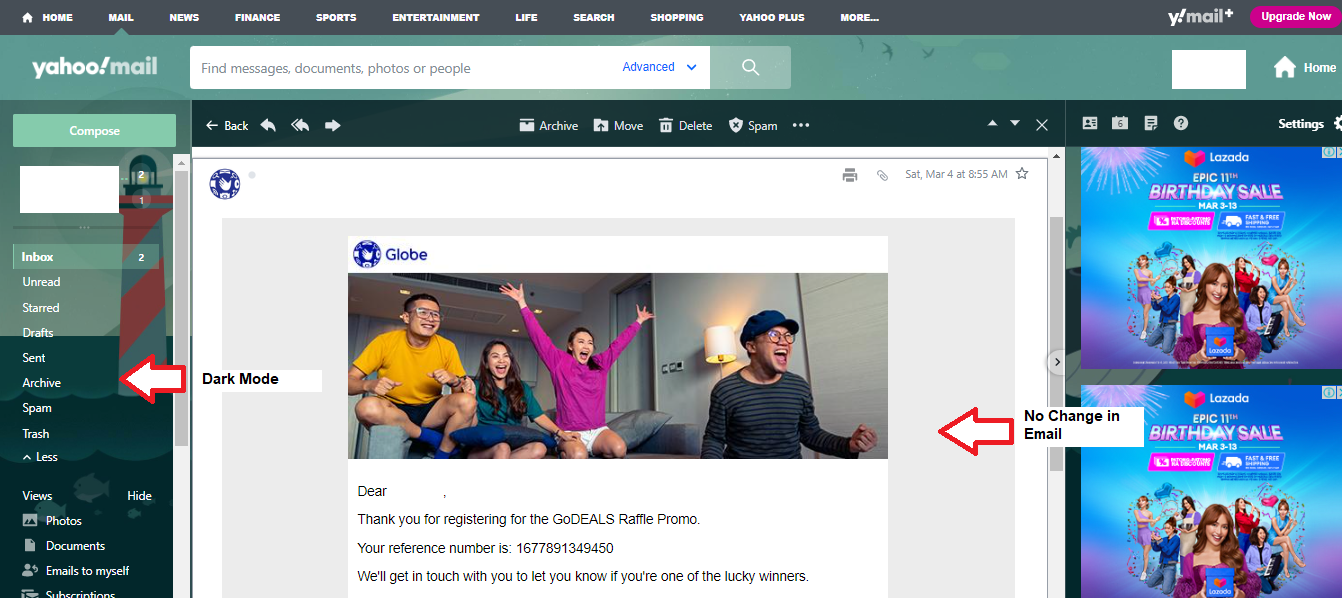
- No Change in Color
Some email clients have a dark mode feature but only change plain texts. They don’t interfere with HTML codes. They only convert white background to dark grey if their users opt to change to dark mode.
Examples of email clients that don’t change HTML codes are Yahoo Mail, AOL, Gmail Desktop, Apple Mail (MacOS), Hey.com, and iPhone/IPad (iOS 13).
Light Mode:
Dark Mode:
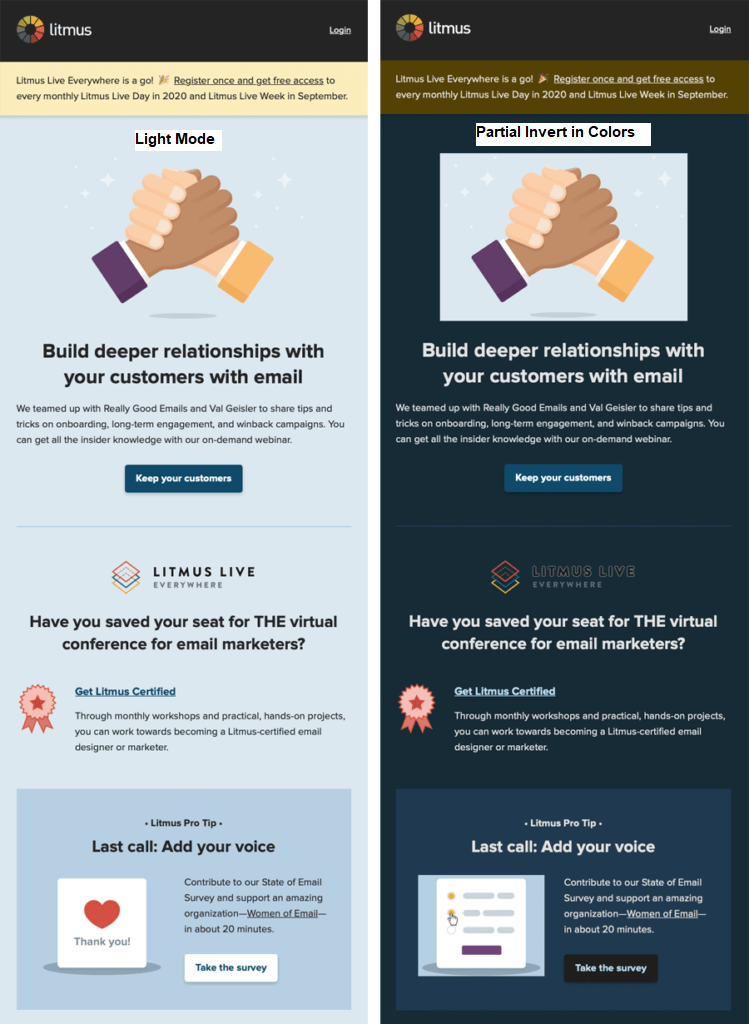
- Partial Change in Color
On the other hand, some email clients change the background from light to dark and the text color to light if their users opt for the dark mode feature.
Examples of email clients that partially change colors when in dark mode are Outlook.com, Outlook 2019 (MacOS), Outlook app (iOS), Outlook app (Android), and Gmail app (Android).
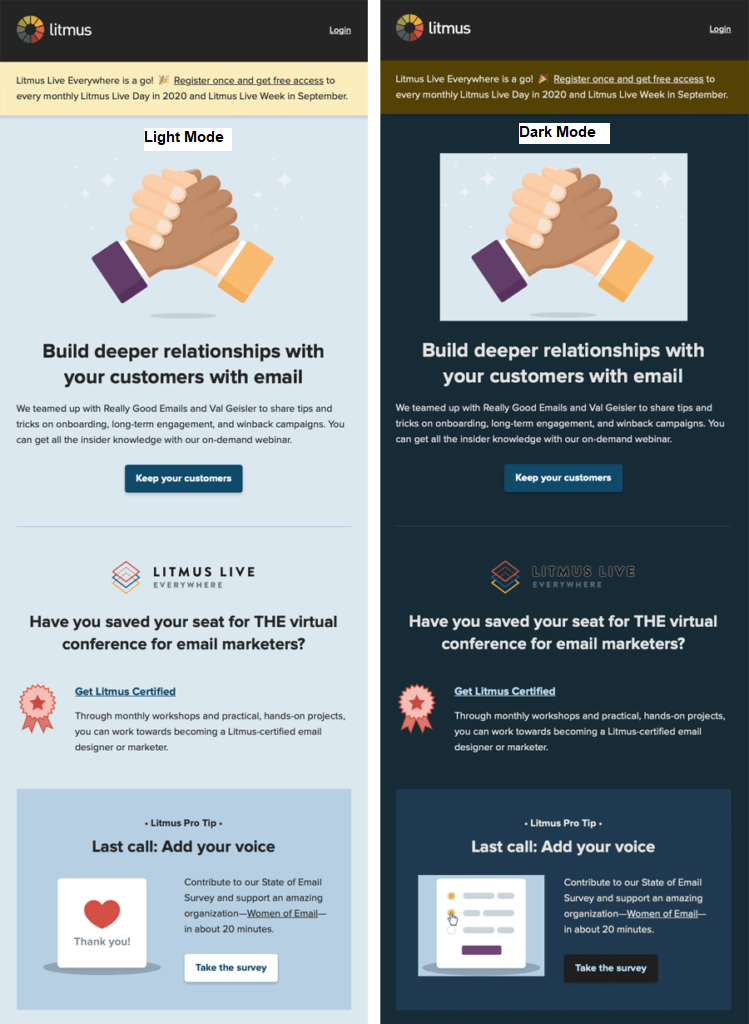
- Full Change in Color
Some email clients also meddle by fully inverting the colors.
Examples of email clients that fully change colors are Outlook 2019 (Windows) and Gmail (iOS).
Use Transparent Logos and Images
Transparent images and logos don’t have a background and often have a noticeable checkerboard pattern. Using them prevents creating a jarring background for customers who prefer the dark mode setting in their emails. Moreover, these pictures boost the user experience when your subscribers see them as they read your emails. Ensure to reduce the file size before attaching them to your email because they often come larger.
An example of a transparent image:

Use a White or Translucent Outline for a Black or Dark-Colored Logo
However, if your logo has black text or parts, you should consider using an outline of the image to make the image or text noticeable.
For example, this image won’t show in a dark mode. Consider creating an outline in white or translucent color or use a background color that matches your image or color scheme.

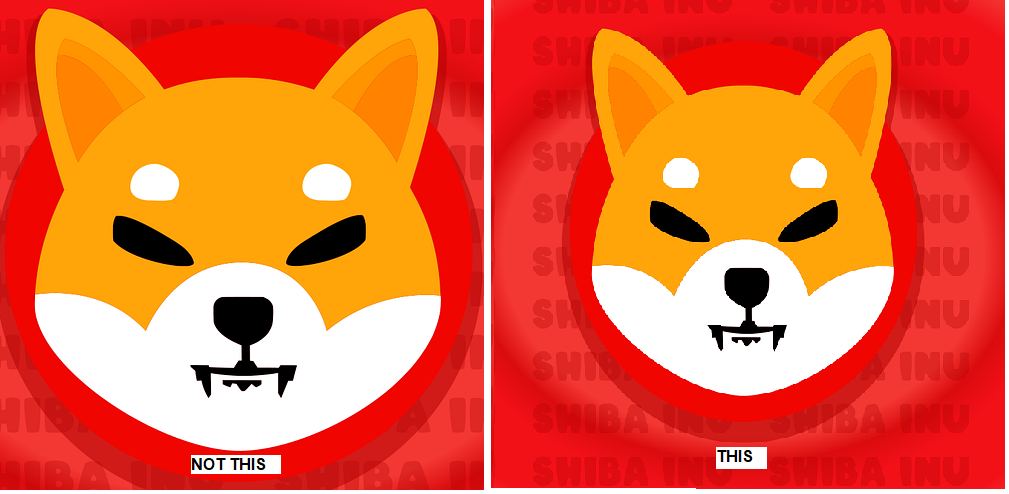
Make Enough Padding for an Image with a Background to Prevent an Awkward Juxtaposition
Your focal point should have enough padding if it has the background to prevent an awkward juxtaposition.
Use Plain Text
Of course, you can send plain-text emails instead of worrying about how your logos and images will appear on an email in dark mode.
Conclusion
Congratulations! You now understand why and how to optimize your logo and images for subscribers reading their emails in dark mode.
Execution Checklist:
-
The dark mode is a setting provided by many email clients for users who prefer to take care of their eyes.
-
As more and more email users prefer the dark mode setting, you should optimize your logos and images to ensure your subscribers can properly appreciate them.
-
Use a photo or logo editor to create the changes mentioned in this SOP.