A Guide to Creating a LinkedIn Lead Generation Form
To walk you through setting up a LinkedIn lead generation form on your company page.
Prefer a shortcut? 16 free tools do parts of this for you.

Aim: To walk you through setting up a LinkedIn lead generation form on your company page.
Optimal Outcome: To create a lead generation form on LinkedIn for your company page and attract people who have interest in your company’s products or services.
What do you need to start: To follow this SOP, you need to have a LinkedIn account and LinkedIn company page where you will conduct your lead generation campaign.
Why is this SOP Important: Lead generation is necessary for your business because it is one of the key components of any marketing plan. Any company that wants to grow must have a reliable strategy in place for generating leads. Lead generation revolves around gathering potential customers' contact details and using it to establish credibility.
When and Where to execute: You will want to prepare your lead generation form script to attract potential clients and the creation of a LinkedIn company page is also required.
Who Should Be Doing This: This task should be done by the person who is assigned as the Lead Generation specialist or the Sales and Marketing specialist.
Lead Generation
A lead is an entity that may be interested in your goods or services. A simple lead can consist of a name and contact information such as email. Finding people who might be interested in your service and reaching out to them to continue a conversation and convert them is a process known as lead generation. Lead generation is crucial since it helps identify which customers to target based on their information, builds brand recognition, and ultimately aids in revenue generating.
Execution
Resources/Tools & Set up
- LinkedIn Company Page
Setting Up a Lead Generation Form
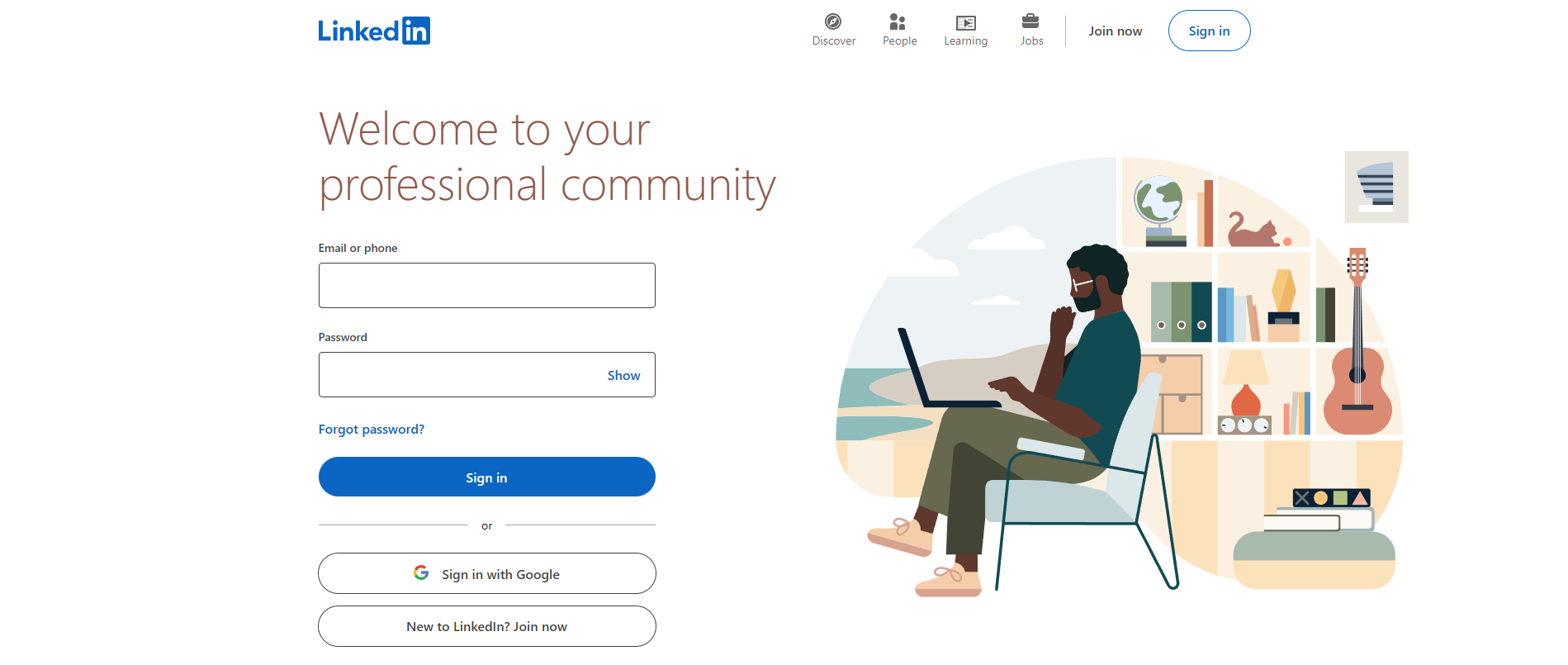
- Sign in to your LinkedIn account by indicating your email or phone number and password on the blank fields indicated below and clicking “Sign in”.
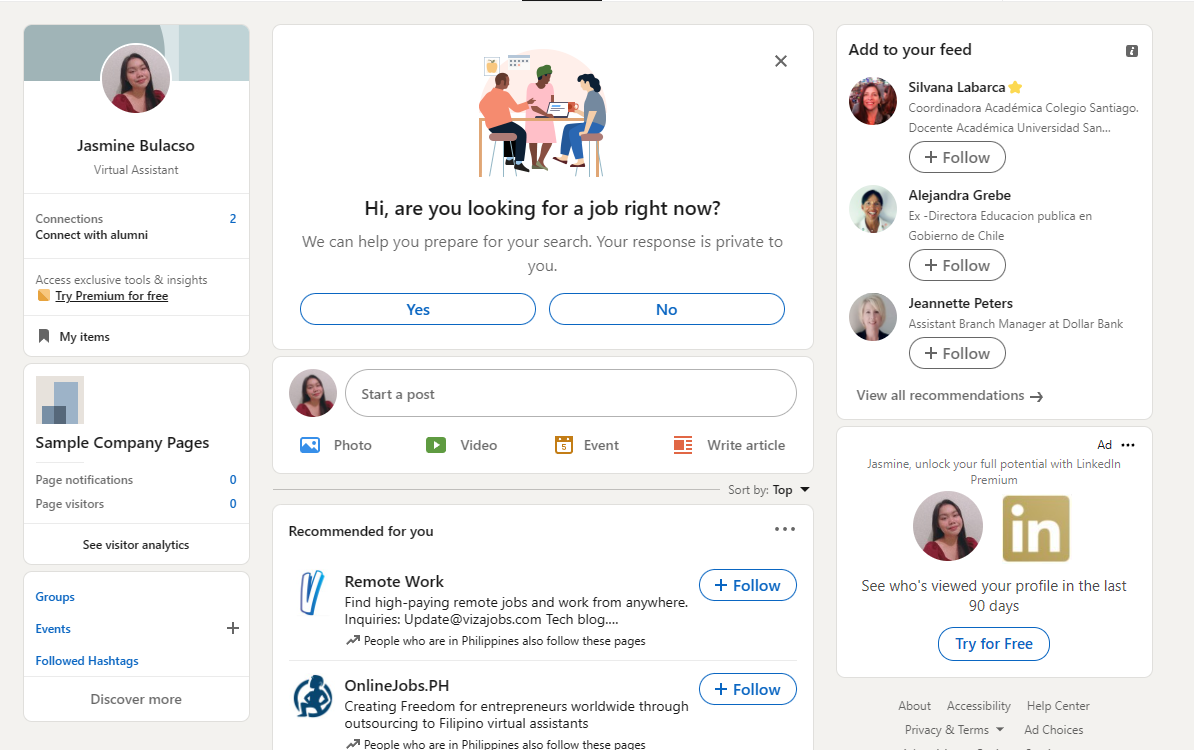
- To navigate to your company page, click it below your profile on the left side of the site.
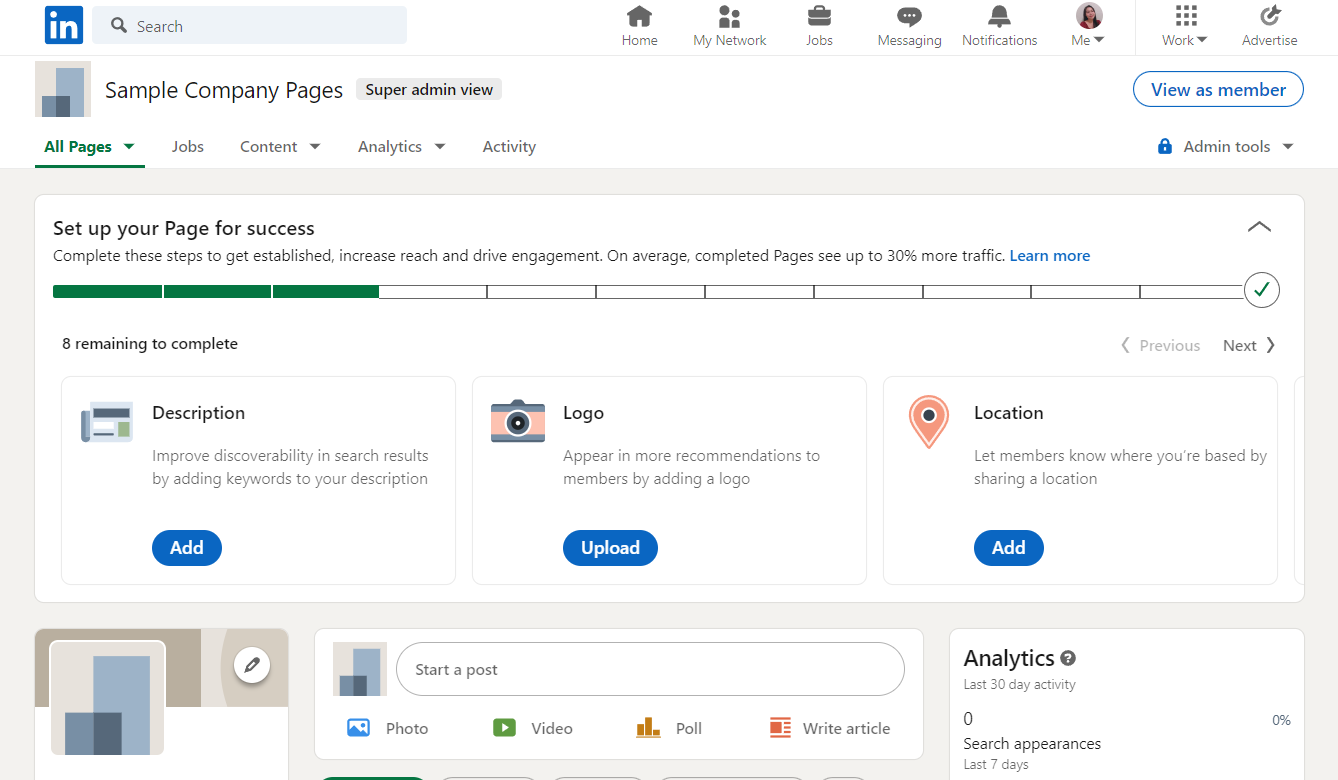
- From your LinkedIn company page, view it as “Super admin view”.
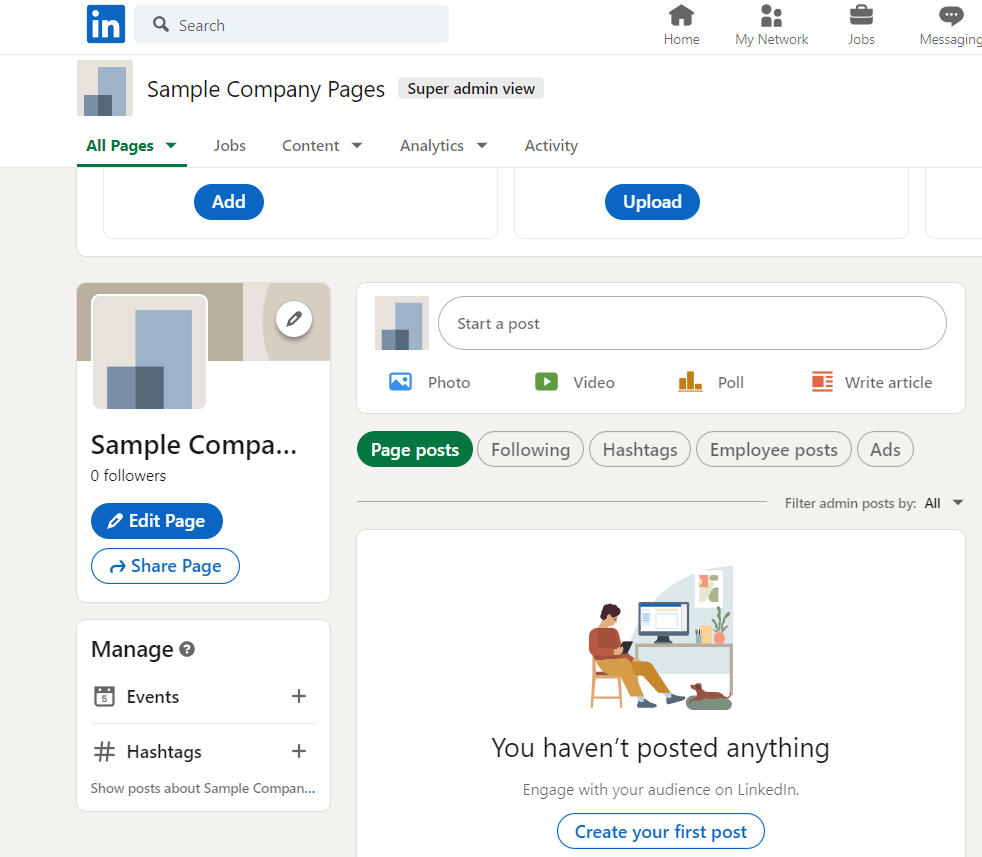
- On the left side of the site, click the “Edit Page” button.
- Under Leads, click the “Lead gen form”.
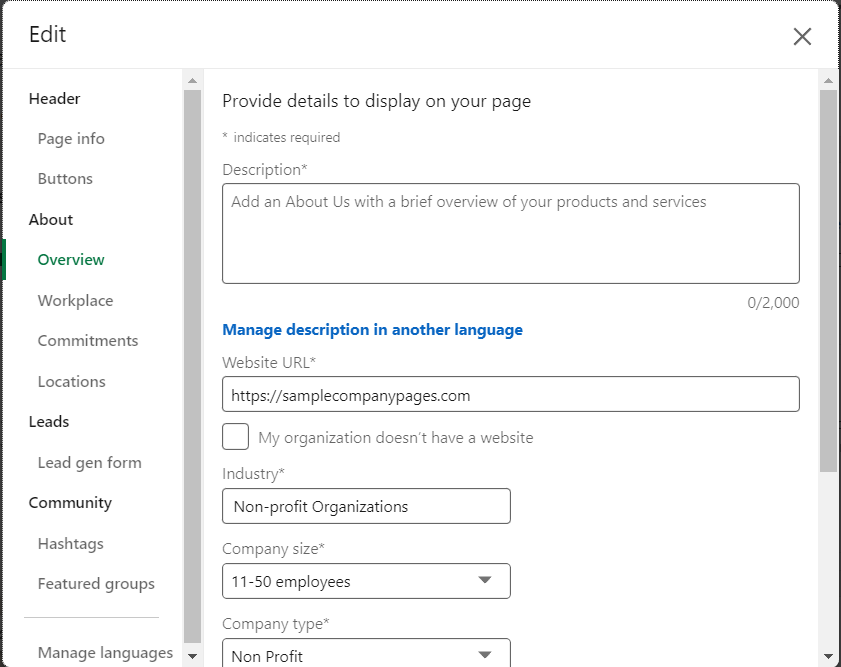
- After clicking the Lead gen form, you can see that the toggle for collecting leads is off. You can turn it on by clicking the toggle. By toggling on the Lead gen form, you can collect and download leads that has relevance to your company page.
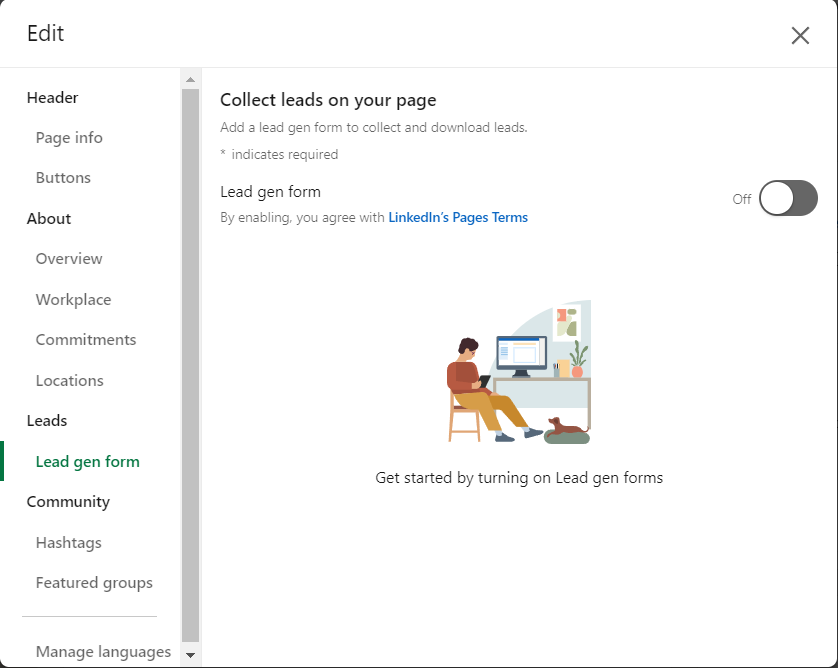
- After toggling it on, you can now set up your lead generation form for your company page. You can choose your CTA in the first part as shown below. CTA is short for “call to action”, which implies the next step that you want your consumer to be involved with. Click the drop-down menu to show the options.
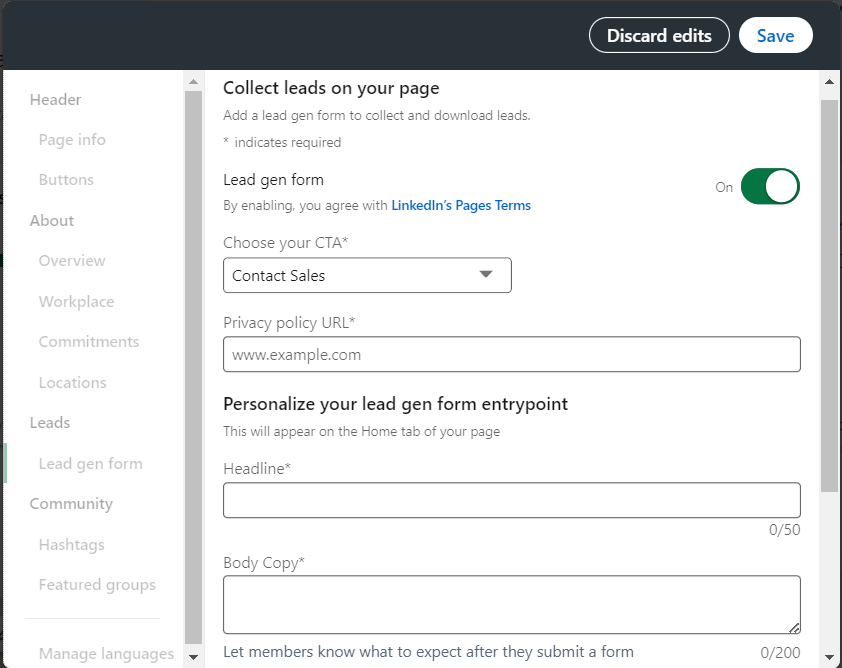
- These are the following options for your CTA: Contact Sales, Request for free demo, Start of free trial, and Get started. One of these is simply the button that your consumer can click when they see your lead gen form, so you have to consider the objective of the lead generation that you have established. For instance, if you want your consumers to try on a premium feature on your website or your company, you can opt to choose “start free trial” as your CTA.
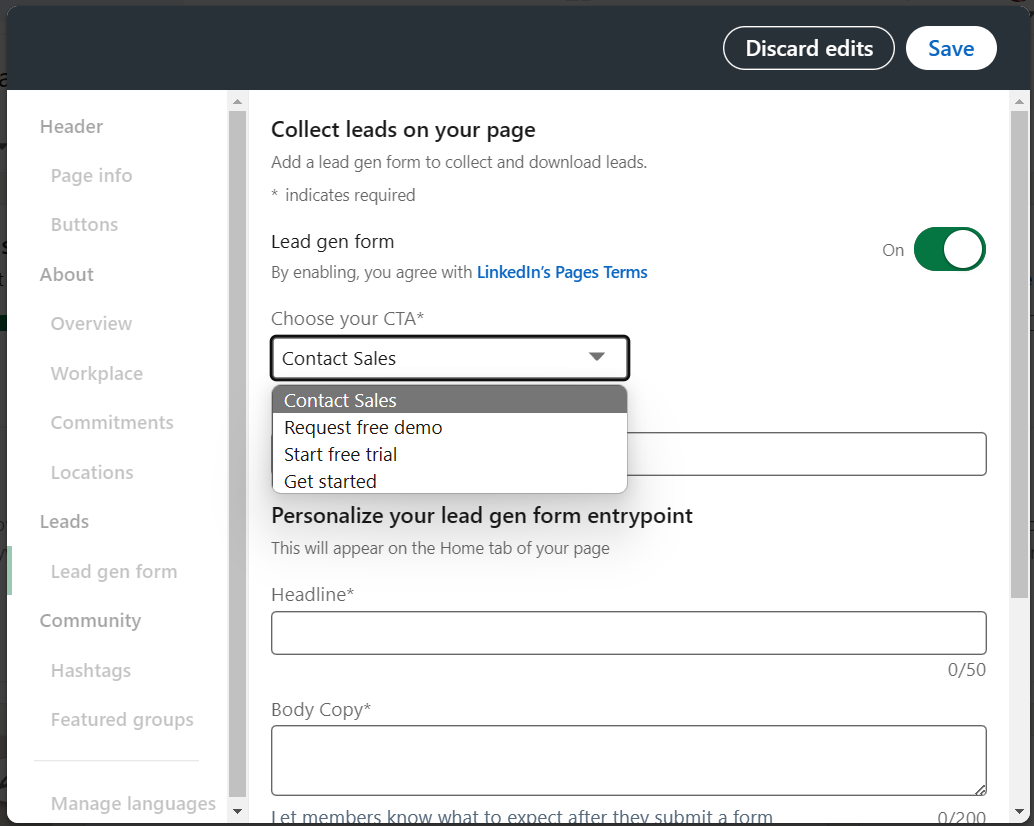
- Next is the Privacy policy URL. In this field, you must enter the webpage link of your privacy policy which includes the legal information about your company. This is also where the cookies are located. You can paste it on the blank space indicated below.
Personalization of Lead Gen Form
- To personalize your lead gen form entrypoint, you must construct a:
-
Headline: where you will state your offer.
-
Body Copy: script to encourage people to participate in your lead gen form.
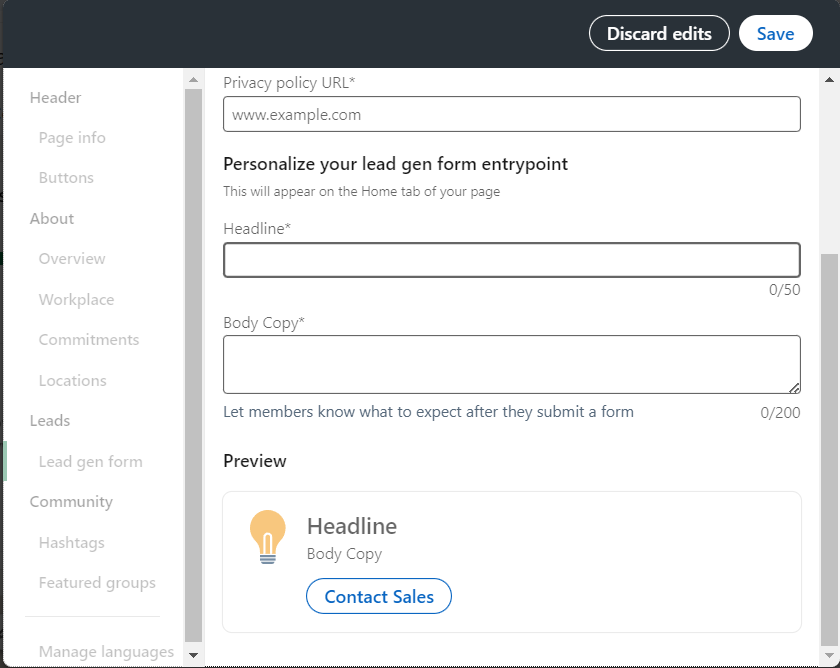
- Here is a Preview of the lead gen form entrypoint that you have indicated:

- Click the “Save” button to save all your inputs.
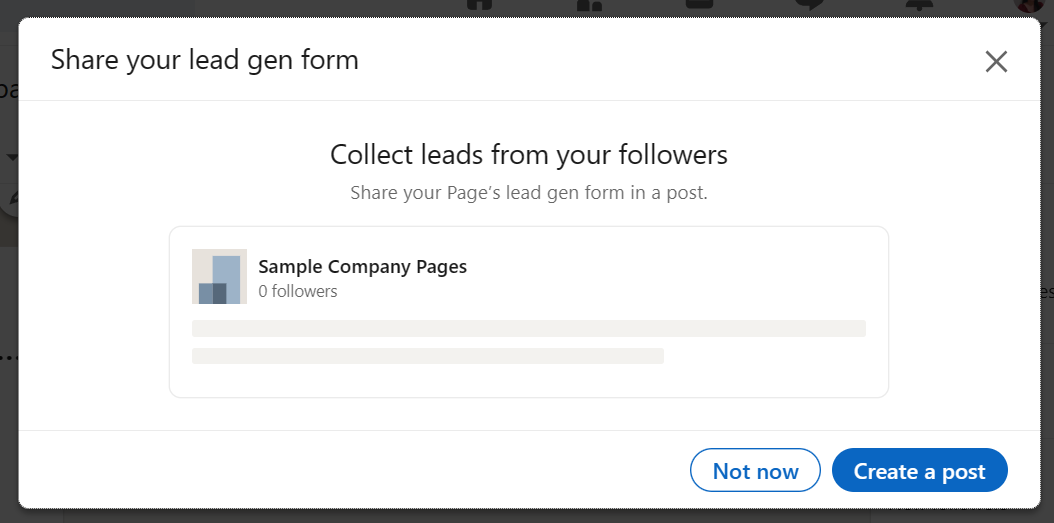
- After creating your LinkedIn Lead Gen Form, you can disseminate it to your followers by creating a post.
Conclusion
You’re done! Remember, the lead generation strategy has its content as its backbone. In order to draw visitors to your website, you need to create a variety of creative, useful content.
-
You'll generate a lot more revenue if you adopt a lead gen approach that emphasizes content production and developing relationships based on trust rather than just blasting out promotional content to everyone you can reach.
-
With today's educated consumers, who are far less receptive to being marketed to, lead gen strategy works accordingly.
-
To set up a LinkedIn lead generation form for a company page, you must first create a company page.
-
After clicking the edit button in the page, you can see the lead gen form. It is needed to be activated to make a form.
-
The form requires a headline and body copy, so it is better if the content for that is already prepared prior to making the lead gen form.
-
Lastly, save the lead gen form so it can be visible to members of the page.