Setting Up A Social Listening Campaign to Gather Valuable Insight
Provide you with a step-by-step guide on setting up your Social Listening campaign.
Prefer a shortcut? 16 free tools do parts of this for you.

Aim: Provide you with a step-by-step guide on setting up your Social Listening campaign.
Optimal Outcome: You’ll have a way to monitor and analyze social media conversations and gain insights into your target audience, existing customers, and industry.
What do you need to start:
-
Free or paid social listening tool
-
Hashtags related to your brand, products, industry, or competitors that you want to monitor
Why is this SOP Important: Setting up a social listening campaign will give you a deeper understanding of your audience, the market, and your competition in order to inform business decisions and drive success.
When and Where to execute: In general, social listening campaigns can be beneficial at any stage of your business but more especially during the following events:
-
after launching new product or service
-
rebranding
-
entering a new market
-
Improving customer service
Who Should Be Doing This: Social Media Manager
What is social listening?
Social listening is the practice of monitoring and analyzing online conversations on social media, news websites, forums and blogs to gain insights about a brand, its competitors or the industry. It helps companies understand the sentiment of their target audience, identify opportunities or threats, and measure the effectiveness of their marketing campaigns. Using social listening tools can help businesses gather data about what is being said, by whom, and where and use this information to improve product development, customer service, crisis management, and overall marketing strategy.
Execution
In this SOP, we’ll explore two different tools and walk you through navigating the tool and what information to look for.
Brand24
-
Go to www.brand24.com.
-
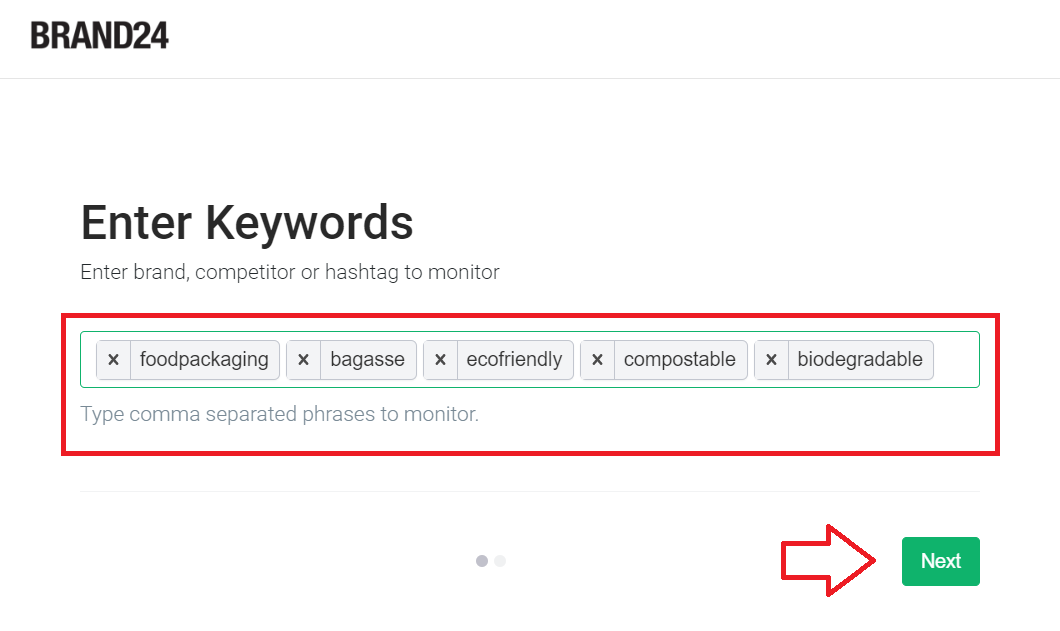
Enter the keywords you want to use in your research.
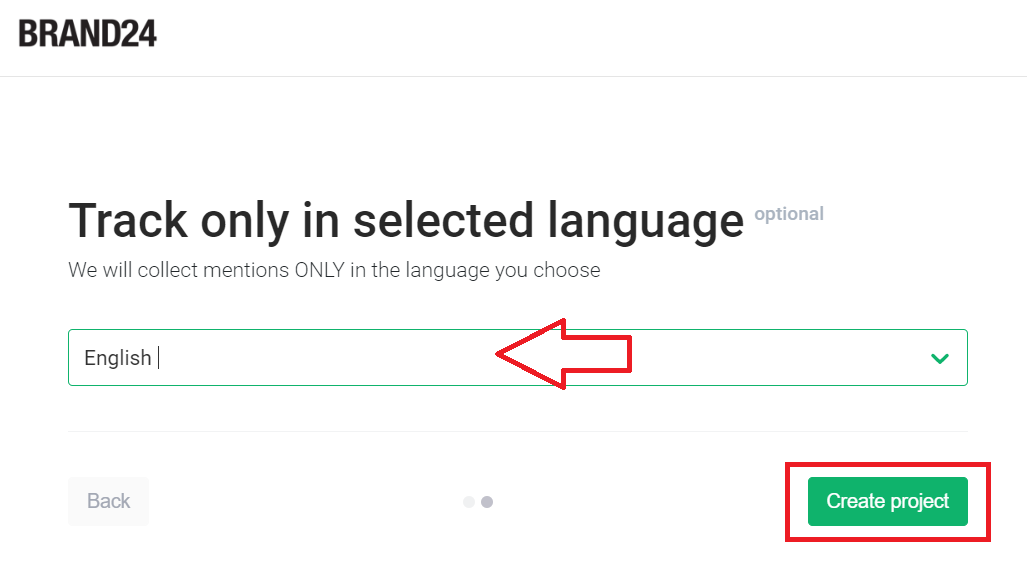
- Select the Language you want to track then click Create project.
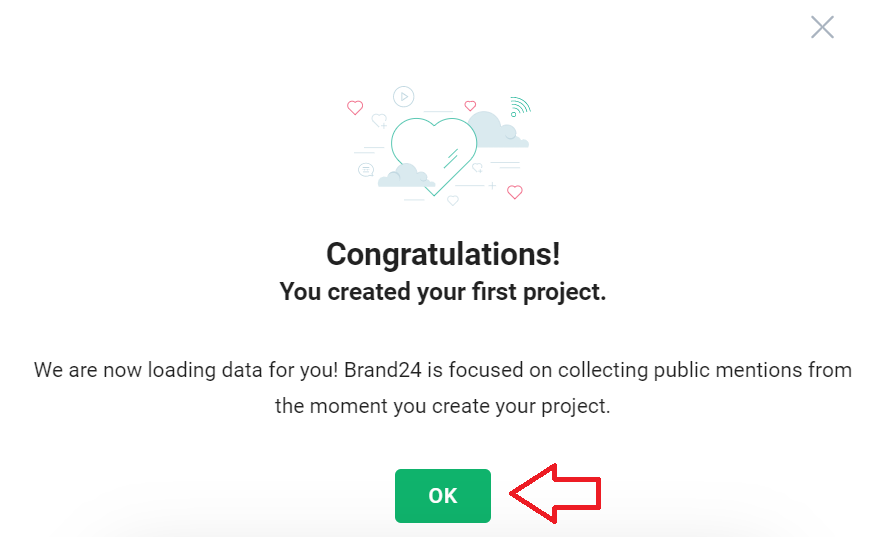
- Click OK.
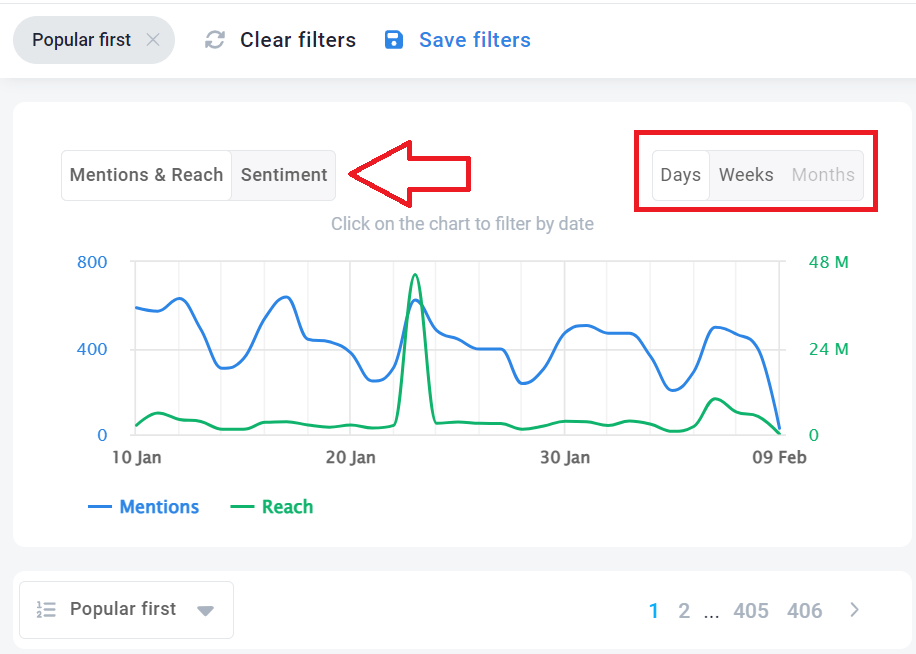
- The Mention dashboard will show you engagement trends related to the keywords you entered. Data will vary depending on the timeline you want the report to cover.
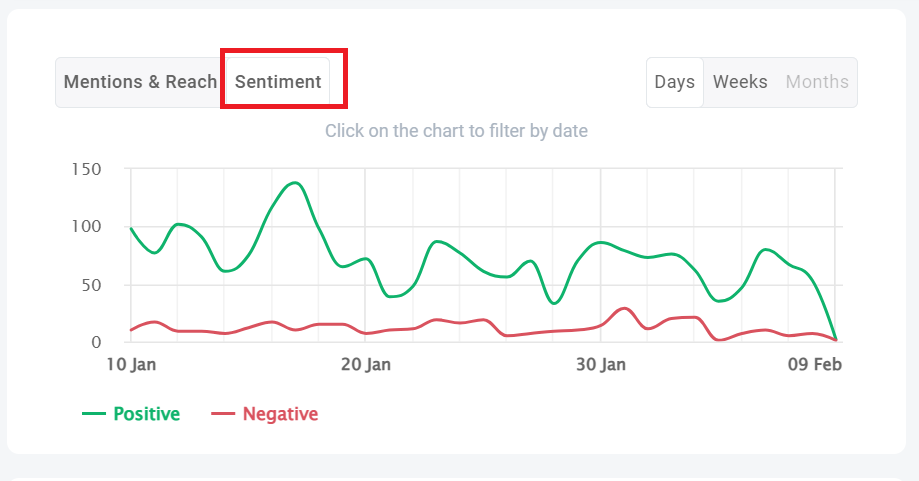
You can toggle between Mentions & Reach and Sentiment.
- The Sentiment tab will show you the graph of Positive and Negative sentiments.
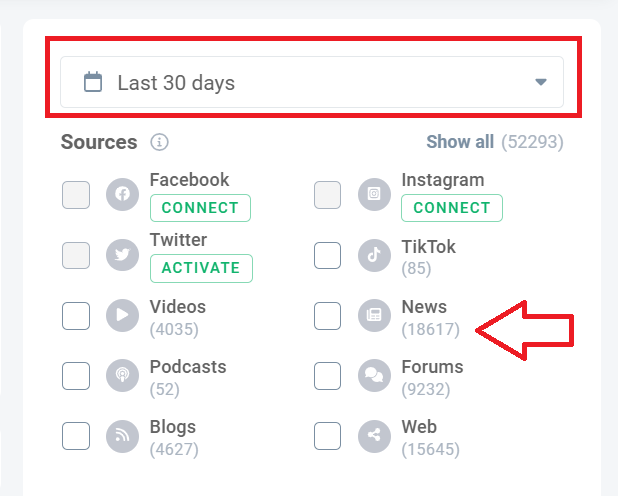
- You can see the platforms where the engagements related to your keywords are coming from. You have the option to filter the timeline and the platform data you want to analyze.
Note: There’s tons of data available here but not all of them relevant to your search, so it’s important to review the posts and assess if those items can be valuable to your report.
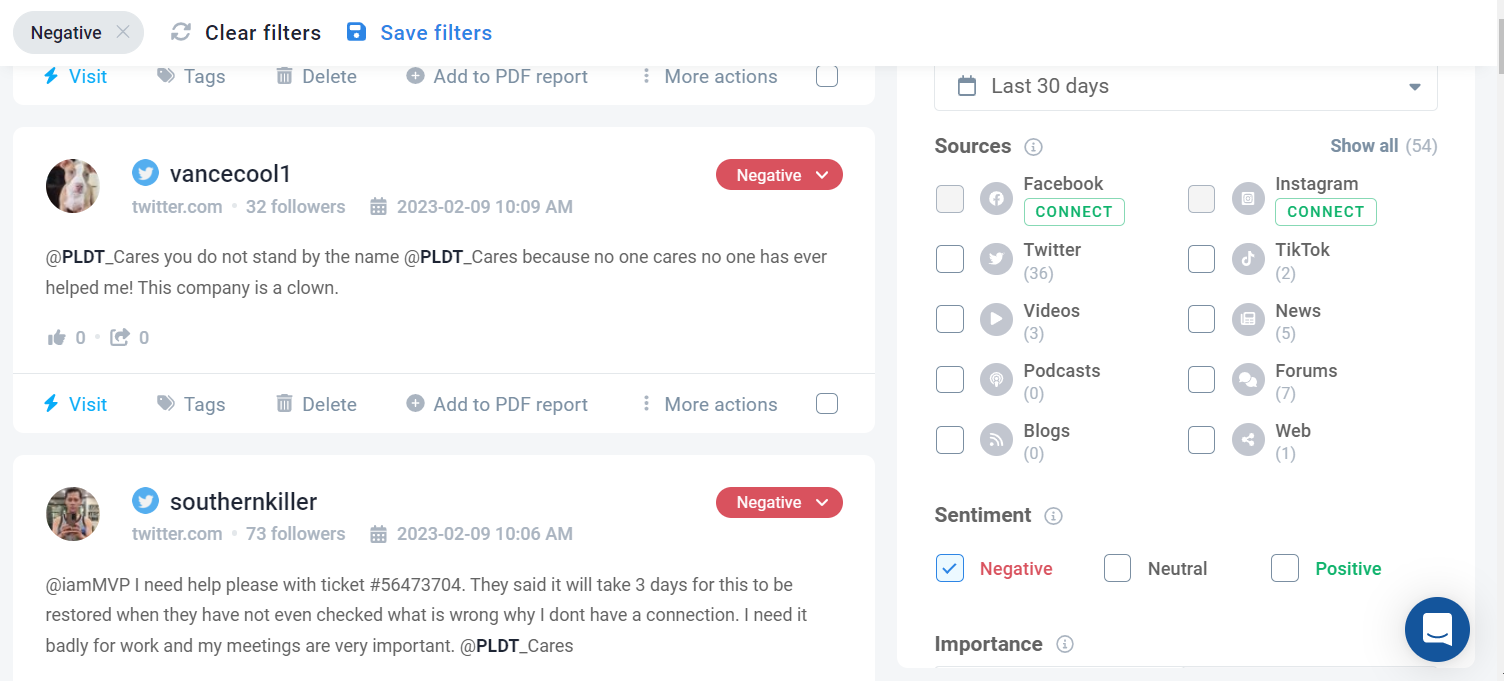
- If you want to deep dive into the sentiments related to your brand, you can check the list of posts and add filters based on your objectives.
Example: If you want to know the cause of negative sentiments, check the box for Negative under Sentiments, then choose a Source. Next, go through the list of posts to see if there are any specific topics that’s causing the negative sentiment.
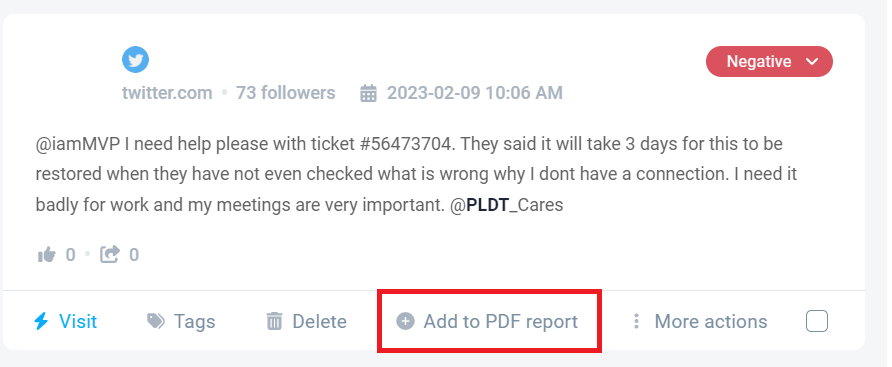
- If you want to add a particular post to your analysis, click Add to PDF report.
-
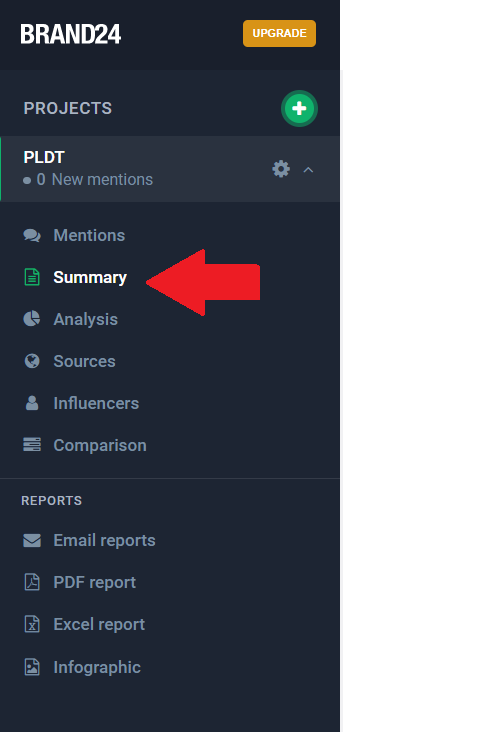
Navigate to the left menu and click Summary.
-
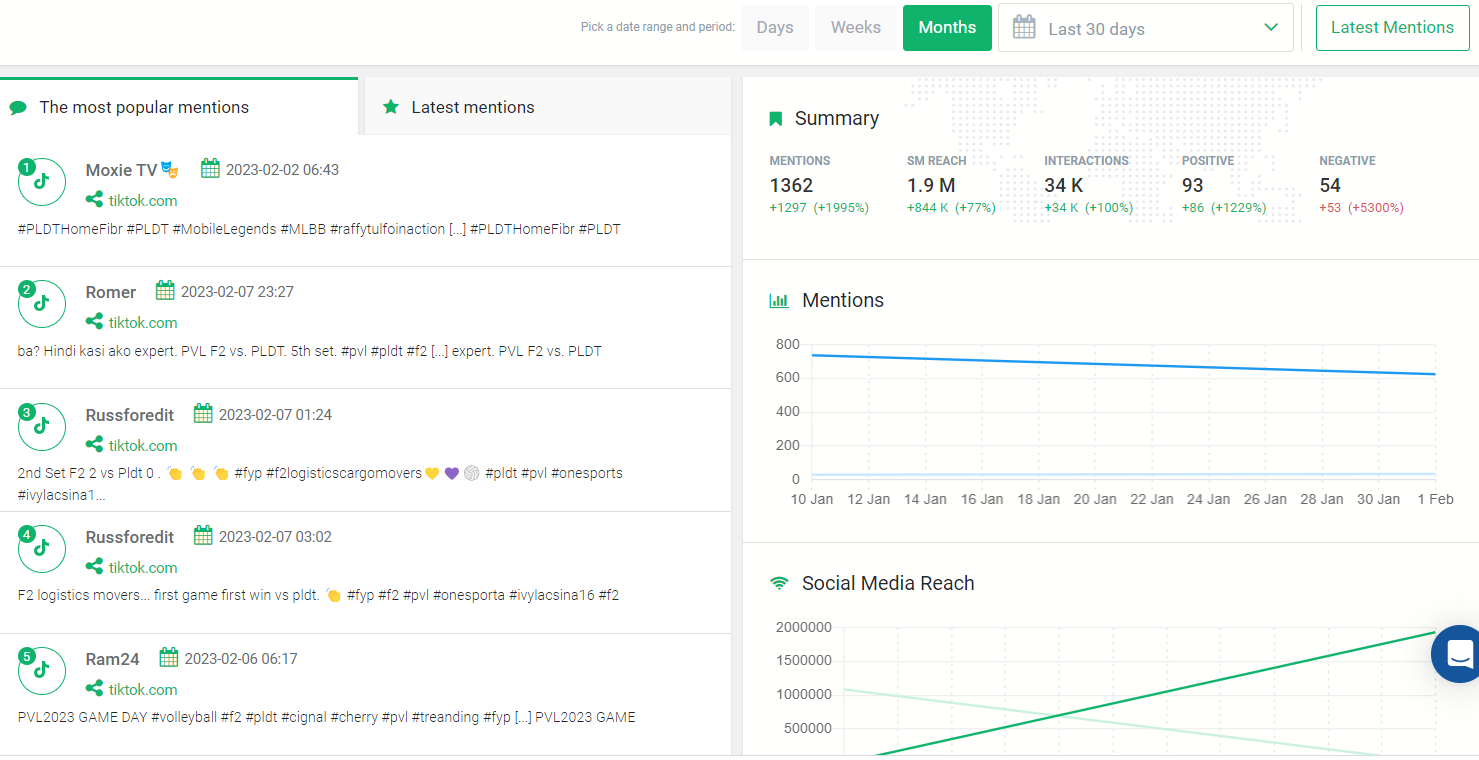
You can find more aggregated data related to your brand including mentions, reach, and positive and negative sentiments.
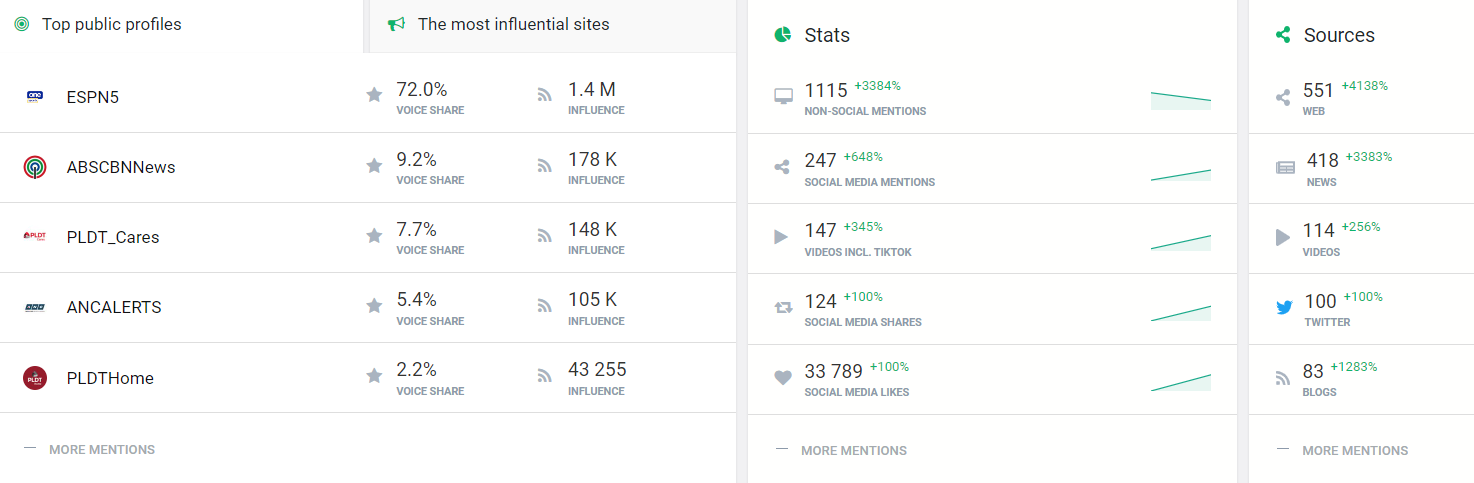
- Scroll down to see more data related to social media trends, breakdown of data sources and top profiles generating this data.
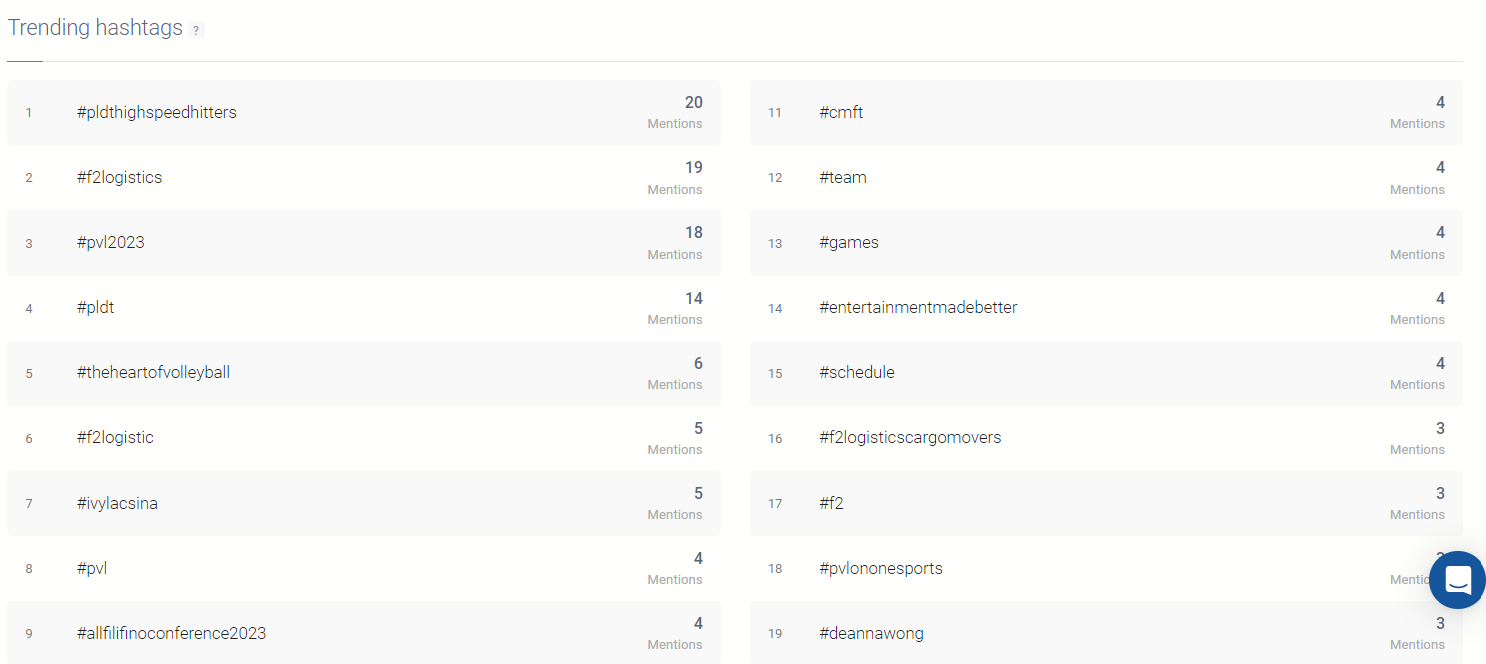
- Check and review the trending hashtags.\
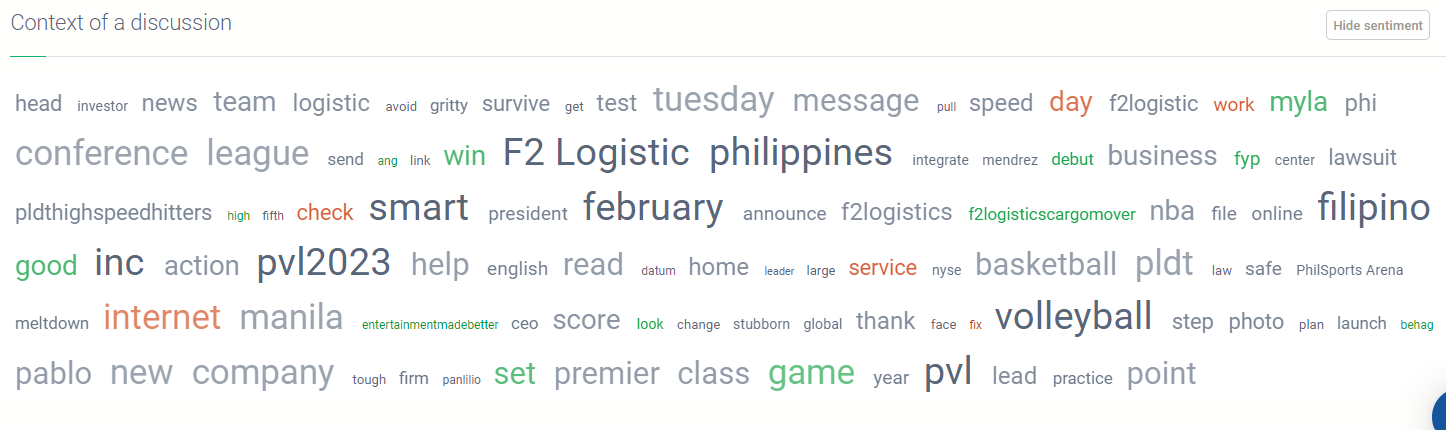
- Word cloud is automatically generated from the mentions and tags related to your keyword.
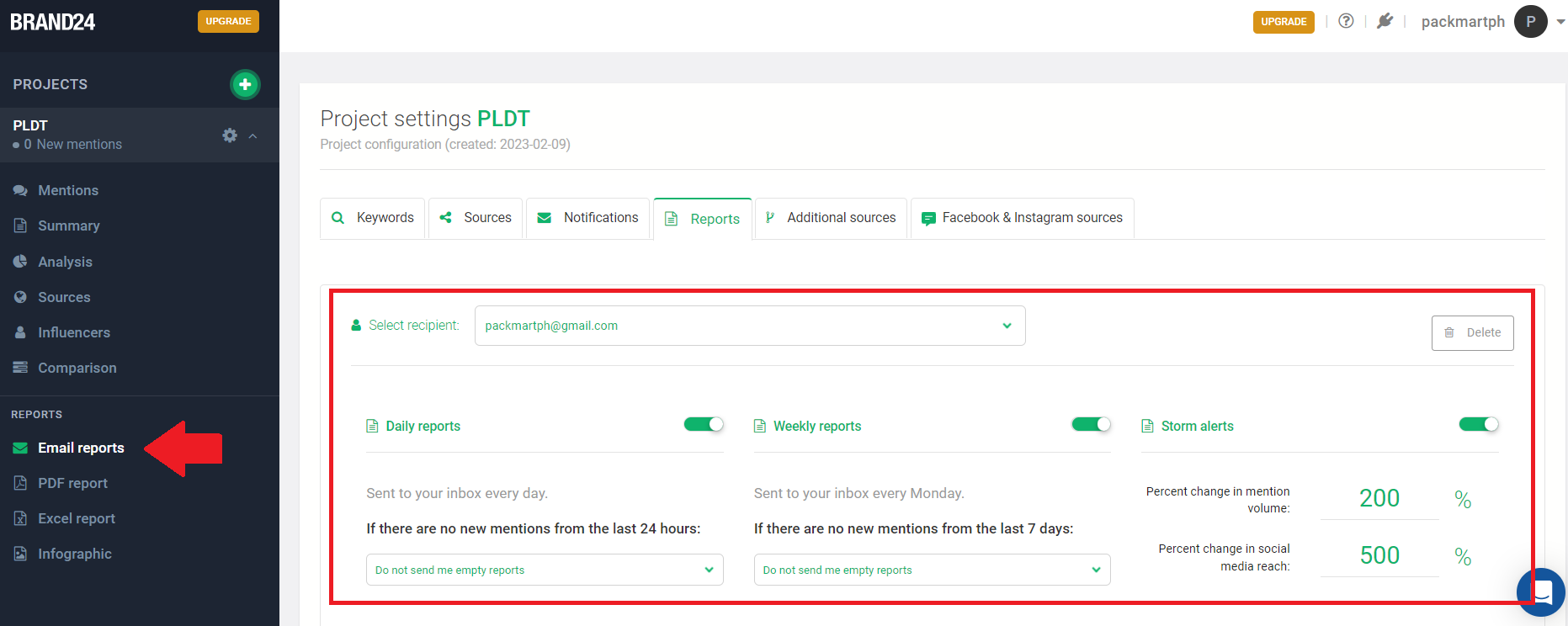
- Next, set up automated email reporting. Navigate to the Reports section then click Email reports. Enter the email where you want to receive the reports and customize the report frequency.
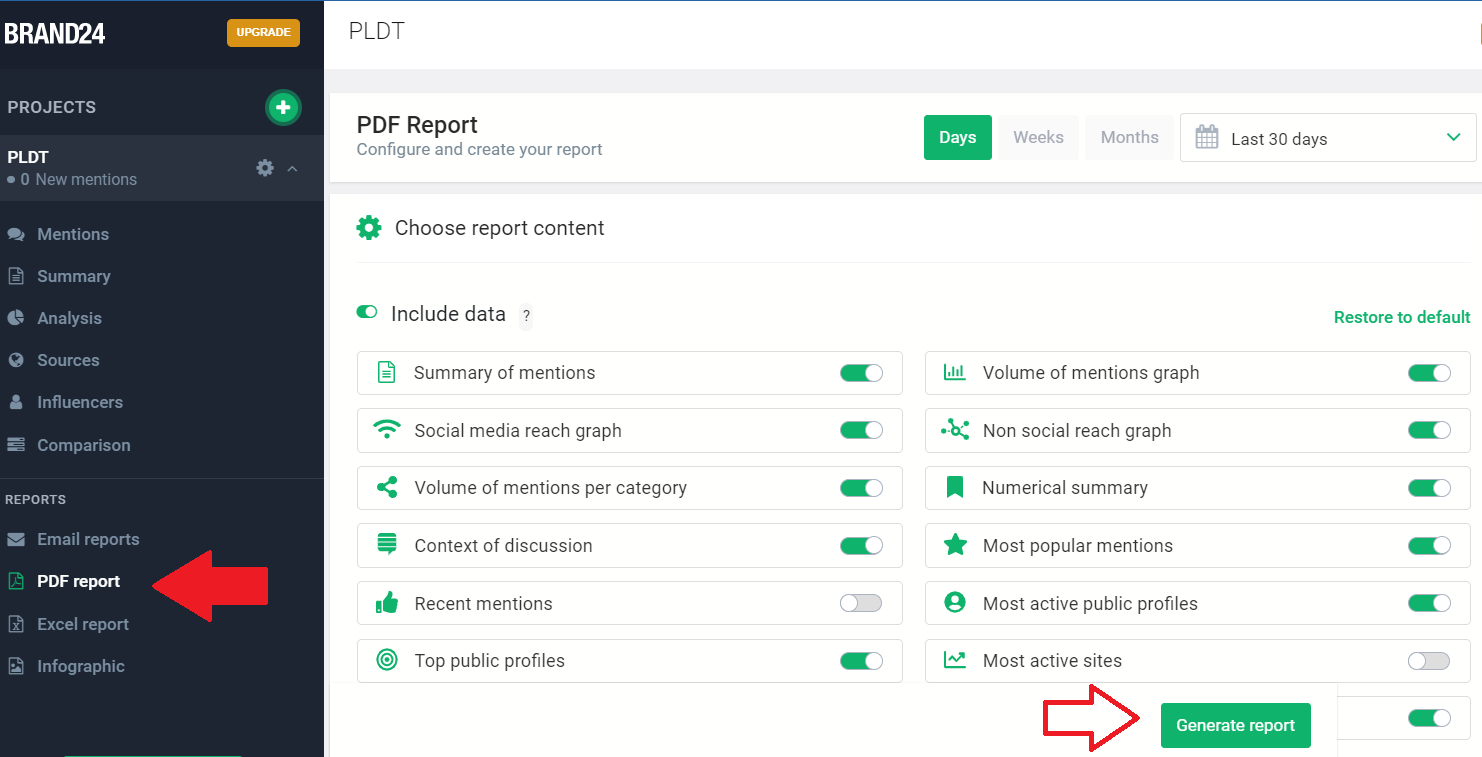
- You can also download a PDF report.
BrandMentions
-
Create your account and sign in.
-
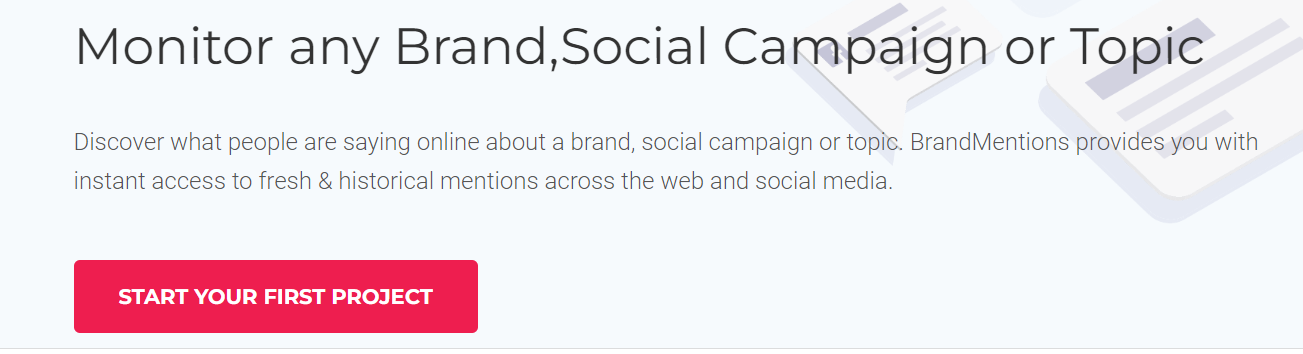
Click Start your first project.
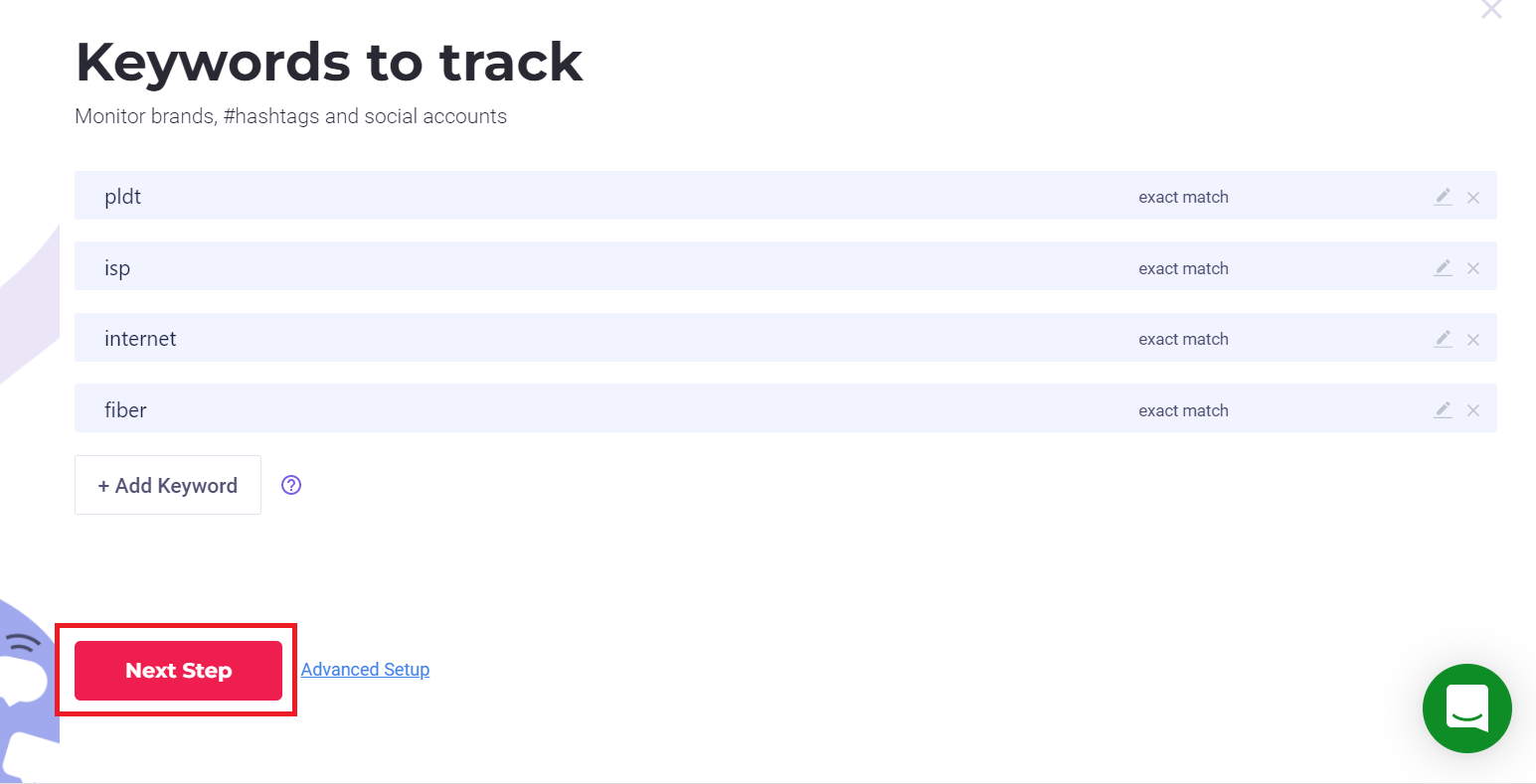
- Enter the keywords you want to track then click Next Step.
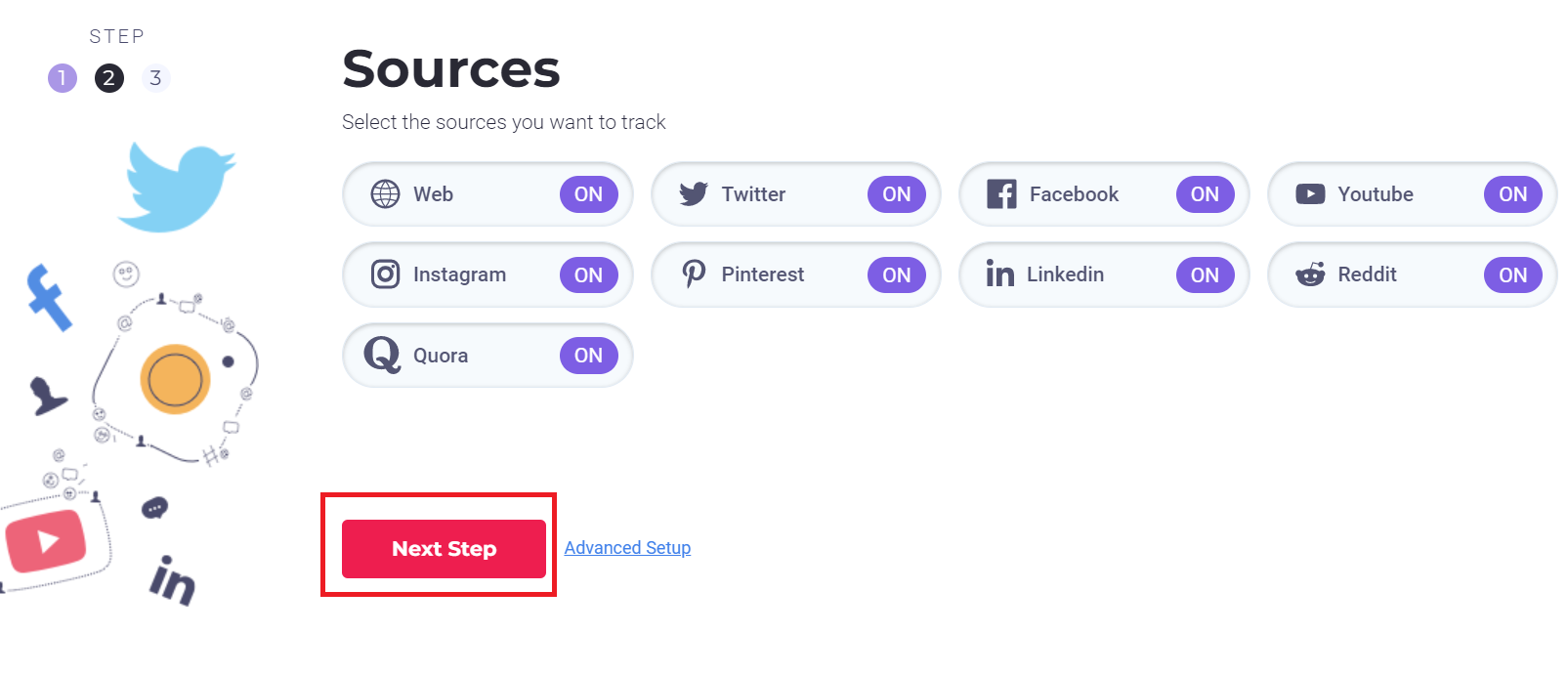
- Choose the social platforms you want to extract intel from then click Next Step.
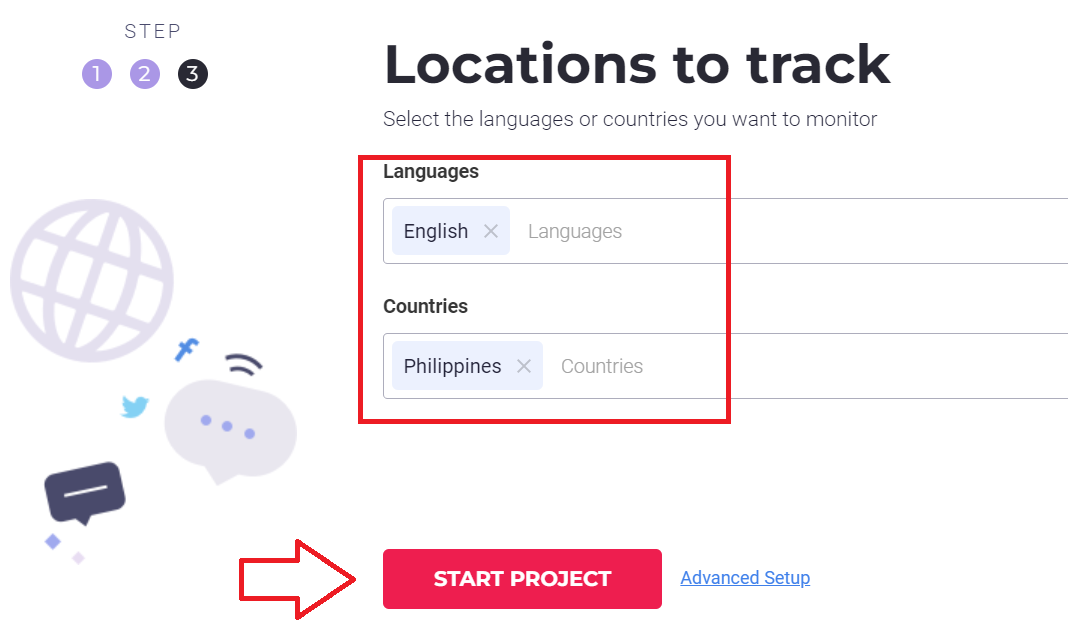
- Specify the Language and Countries you want to track, then click Start Project.
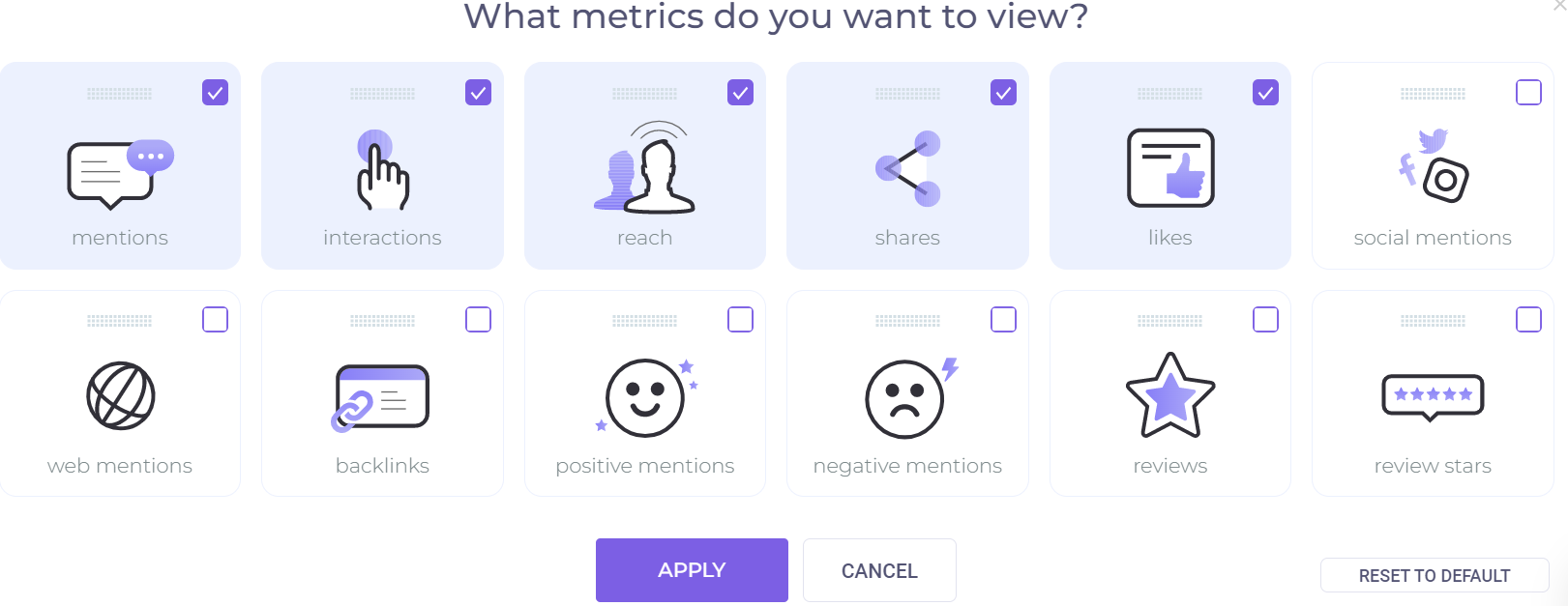
- Select the metrics you want to include in your analysis, then click Apply.
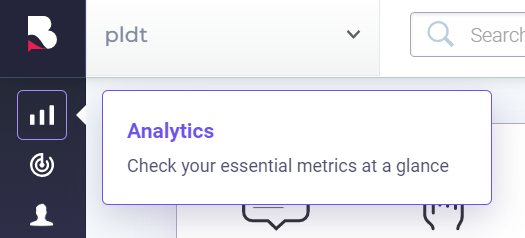
- From the main dashboard, select Analytics.
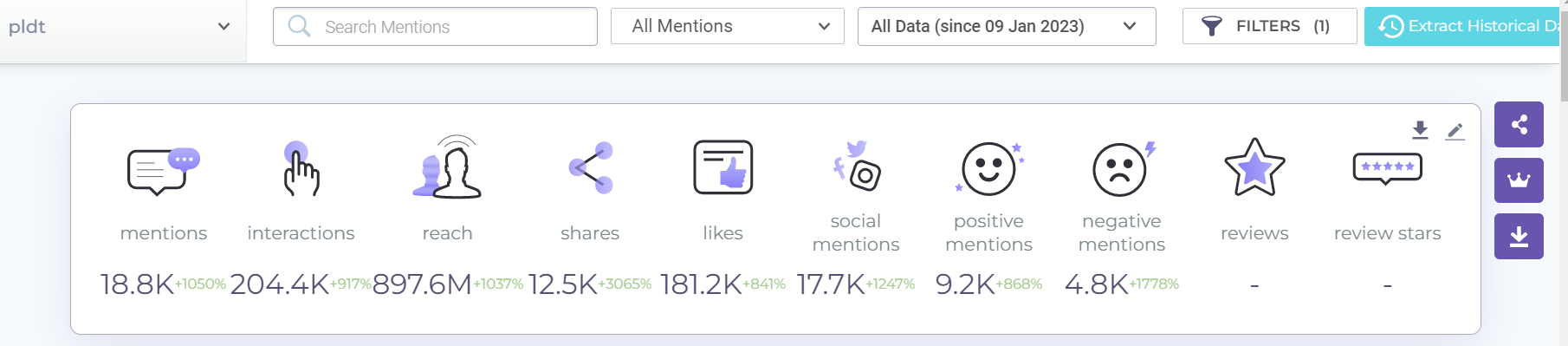
- You can customize the report filter from the top menu.
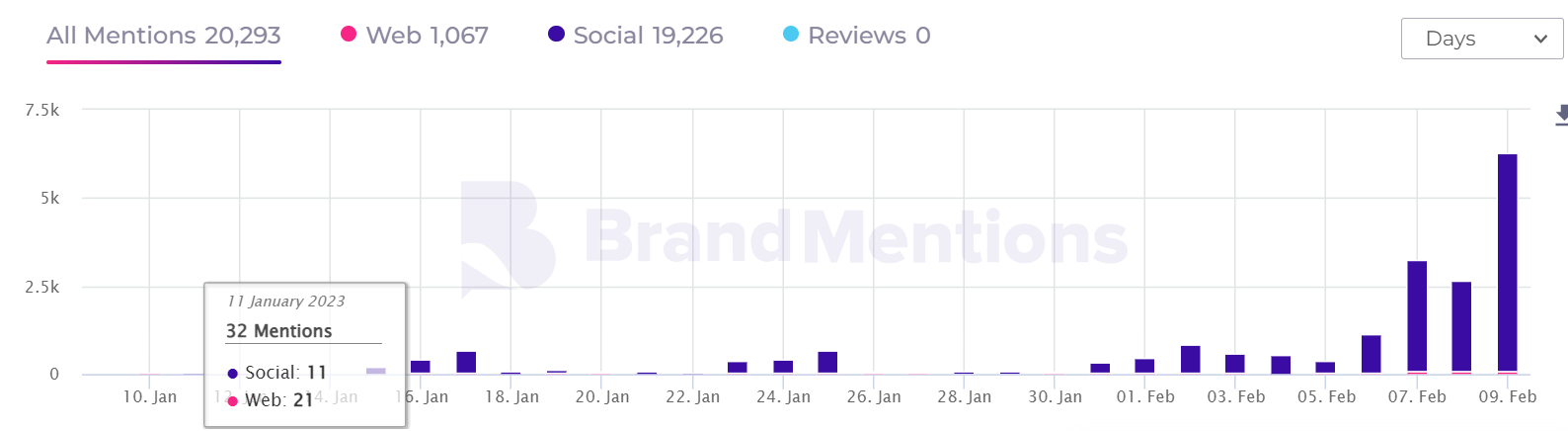
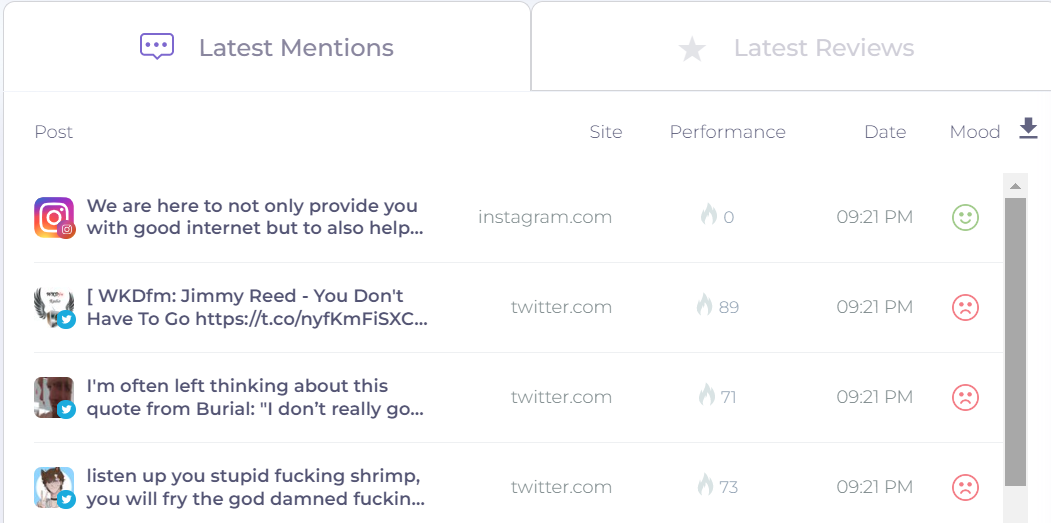
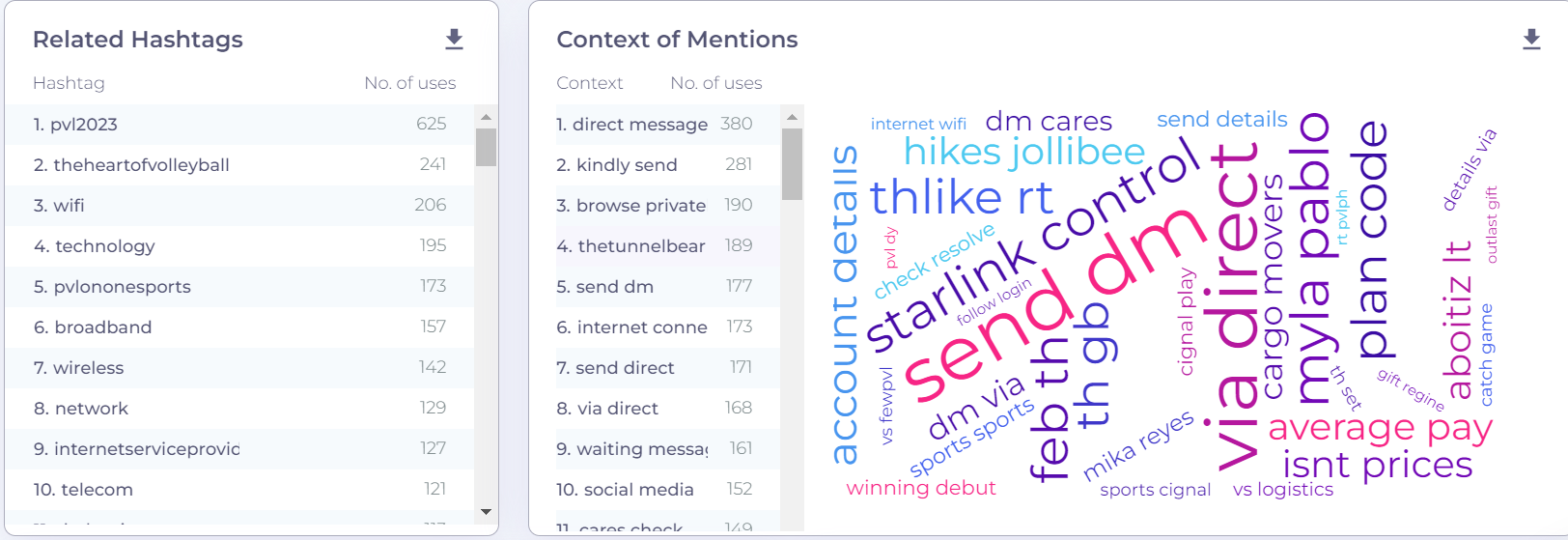
- Just like with Brand24, you’ll see useful reports in the form of graphs and and tables on this section.
-
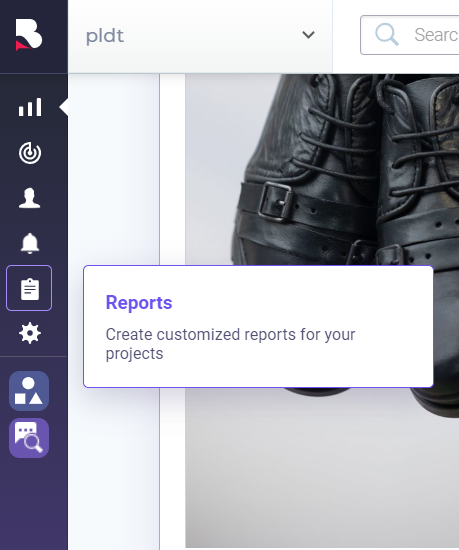
Navigate back to the left menu and click Reports.
-
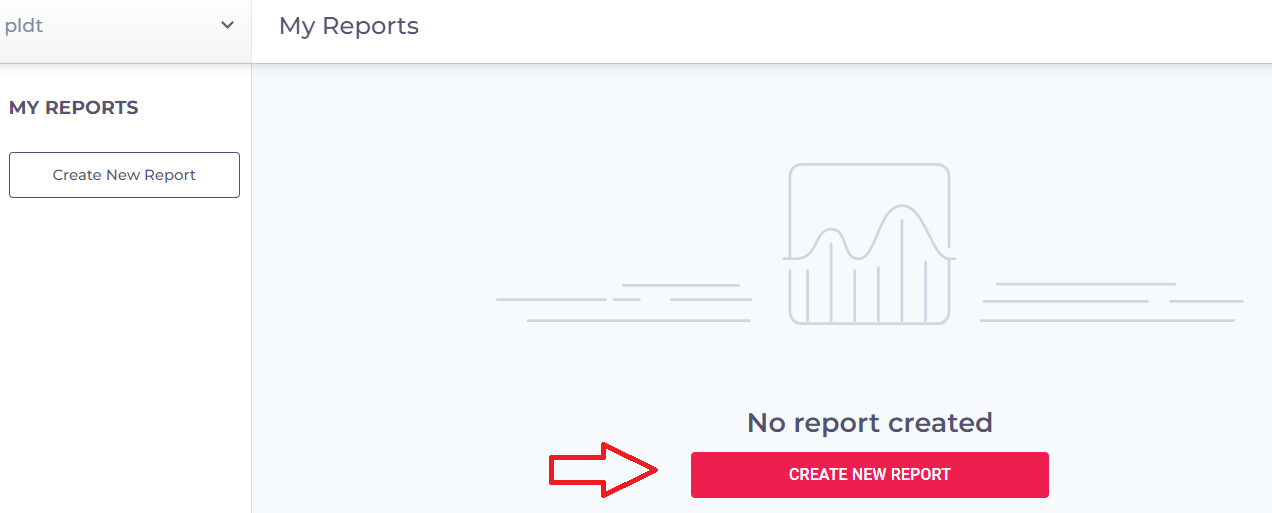
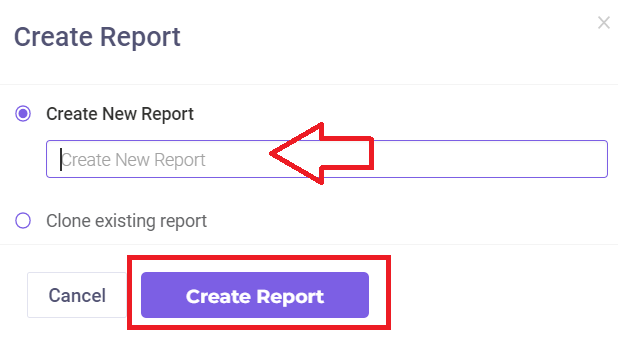
To start your reports, click Create New Report.
-
Provide a name for your report then click Create Report.
-
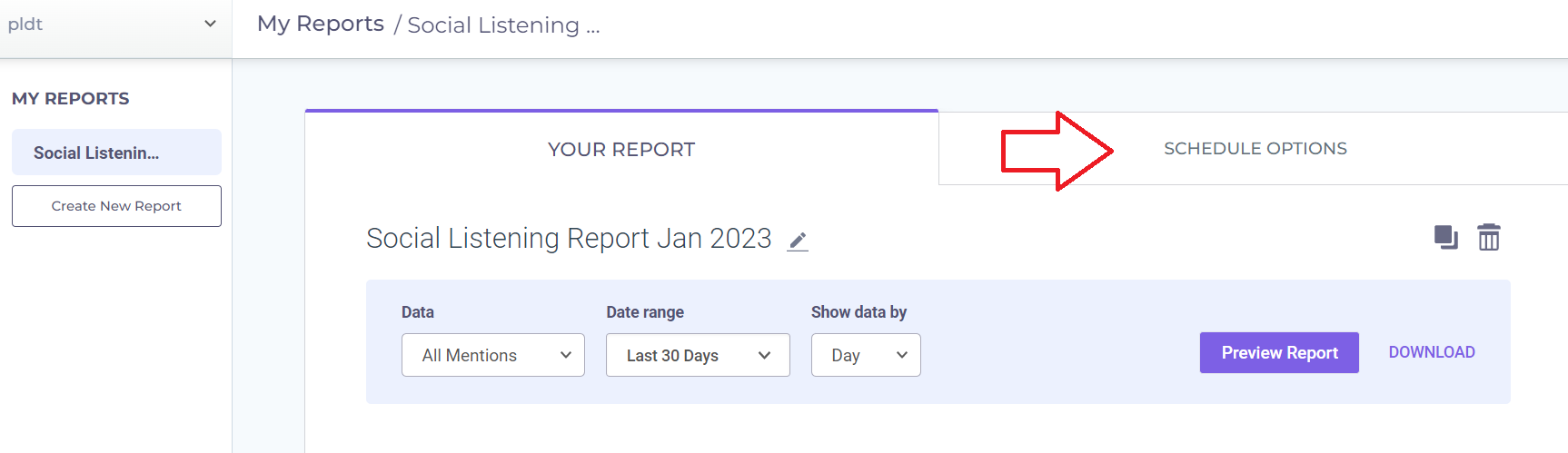
To schedule regular reports, click on the Schedule Options tabs.
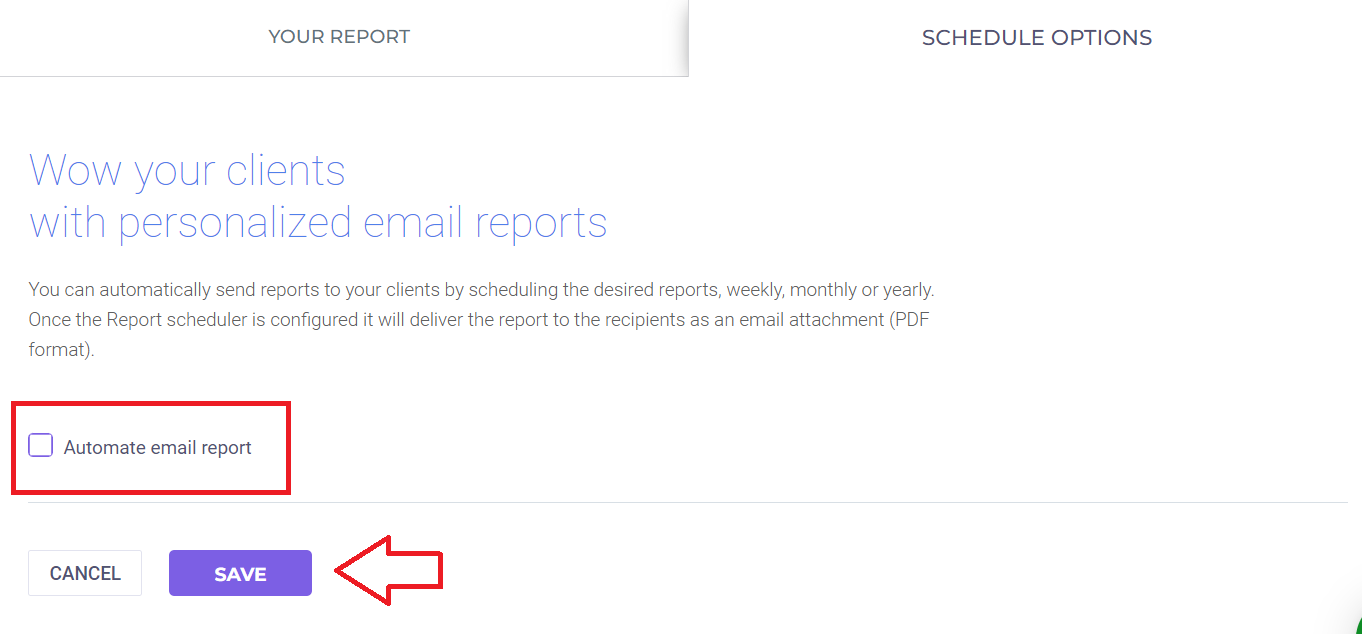
- Check the Automate email report box then click Save.
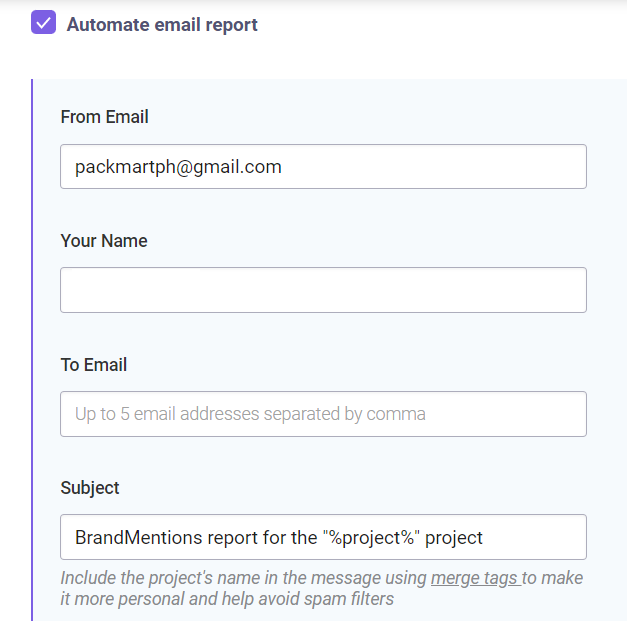
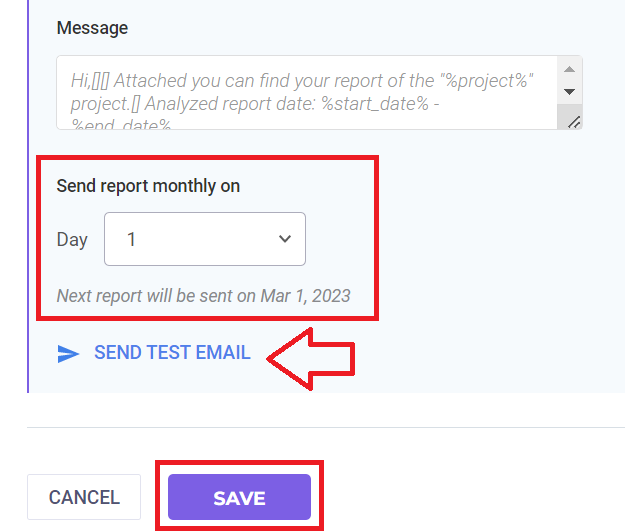
- Fill out the fields for sender email address, name, and recipients. You can set the frequency of the reports and send a Test Email. Once done, click Save.
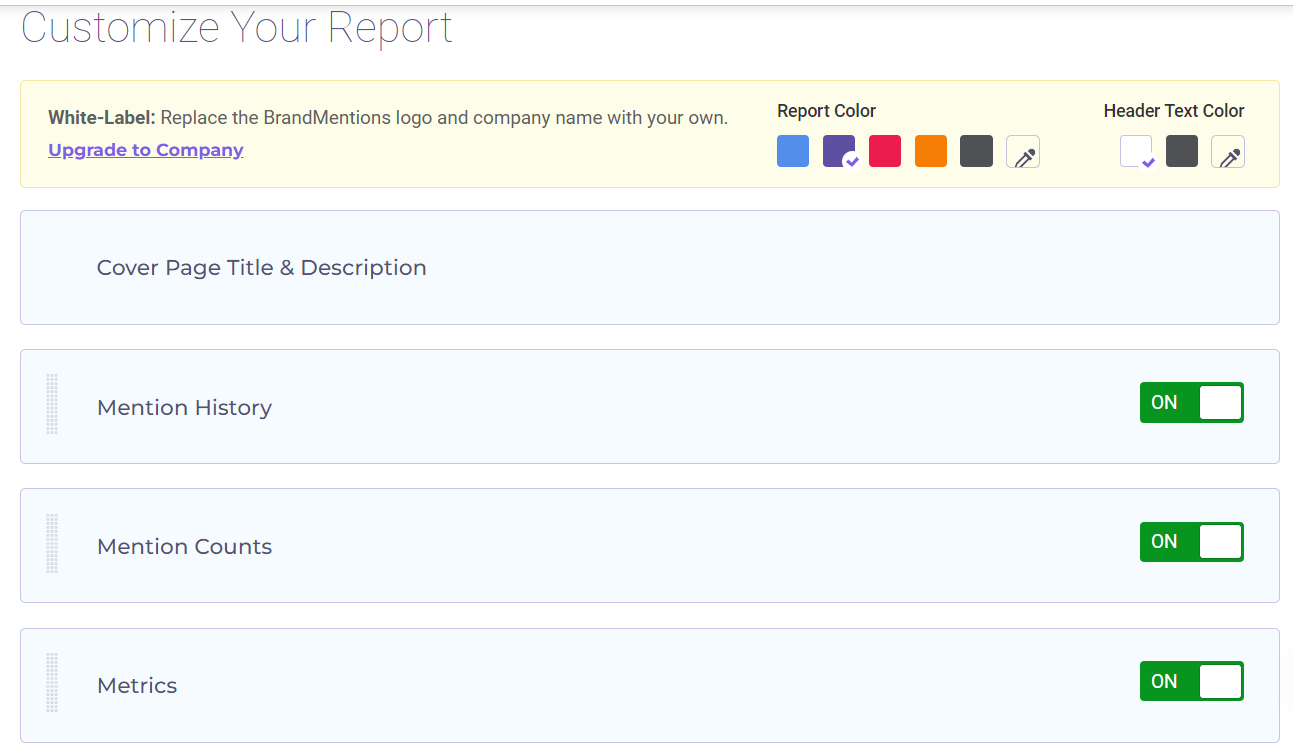
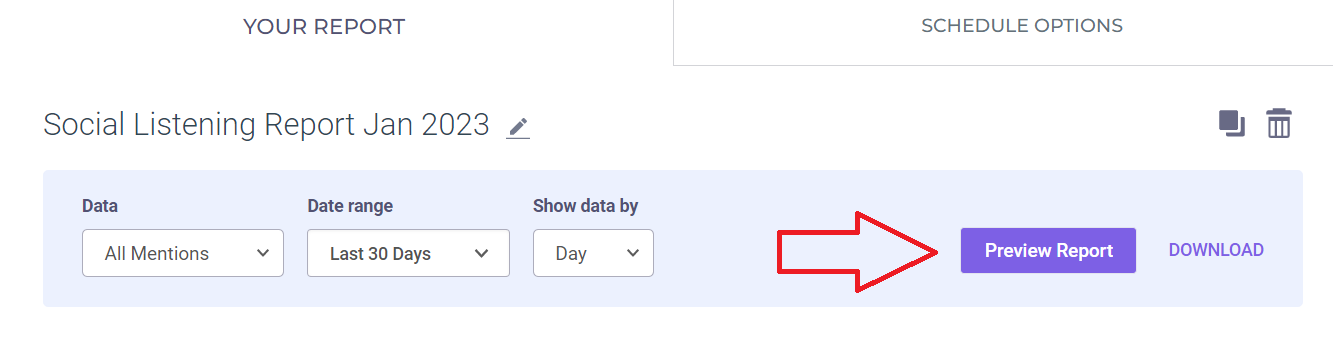
- If you want to download the report, you can customize how your report would look like and preview before downloading.
Conclusion
That’s it! You now have a way to conduct social listening and prepare your reports.
-
Social listening can be used to identify and respond to customer complaints, inquiries, and feedback in real-time.
-
By monitoring social media, you can identify potential crisis situations and respond proactively to protect their brand reputation.
-
Social listening can provide valuable insights into customer needs and preferences, which can inform product development and marketing strategies.
-
Social listening can be used to track what your competitors are doing and saying, and to identify any potential threats or opportunities.
-
Social listening can be used to track the success of a marketing campaign by measuring reach, engagement, and sentiment.