Hiring the Best Shopify Designer on 99Designs
To find the best designer for your Shopify website by indicating your preferences on 99Designs website.
Prefer a shortcut? 16 free tools do parts of this for you.
Aim: To find the best designer for your Shopify website by indicating your preferences on 99Designs website.
Optimal Outcome: To obtain an efficient and visually-stimulating Shopify website for your store which may encourage your customers to purchase your products or services.
What do you need to start: To follow this SOP, you need to have an email account to utilize in logging in to 99Designs. If your business already has a logo or color palette that you want to use in your website, it is also necessary to prepare materials and shades for that aspect.
Why is this SOP Important: Finding the best Shopify designer on 99Designs means entrusting them with your business information and aspirations for a long-term setting. There are two methods on how you can get a designer from this site: it’s either you invite them to your quote or they approach you with their sample works.
When and Where to execute: This task is done ideally if you want to set up a retail store online for your products or services. Although web design is important in visuals, Shopify store designs must be focused on optimizing the website to have the capability in handling a variety of products that will be input in the Shopify store.
Who Should Be Doing This: This task should be done by the person-in-charge under Information Technology, Sales, or Marketing.
Shopify Website Designing
Shopify designer websites such as 99Designs are used to create the layout of your store website. The goal of Shopify business owners is to create a visually appealing and unique format for their store that attracts customers, which will then lead to brand recognition and improvement in sales. Hiring the best Shopify designer can be done if both the client and the designer have the same styles and aesthetic that they have decided before the start of the project. Every part of the store website is calculated to fit in the standard of the customers, and this includes the positioning of the products in the website.
Execution
Resources/Tools & Set up
-
Email account
-
Logo, color palette, or any desired templates
Inputting your Business Information
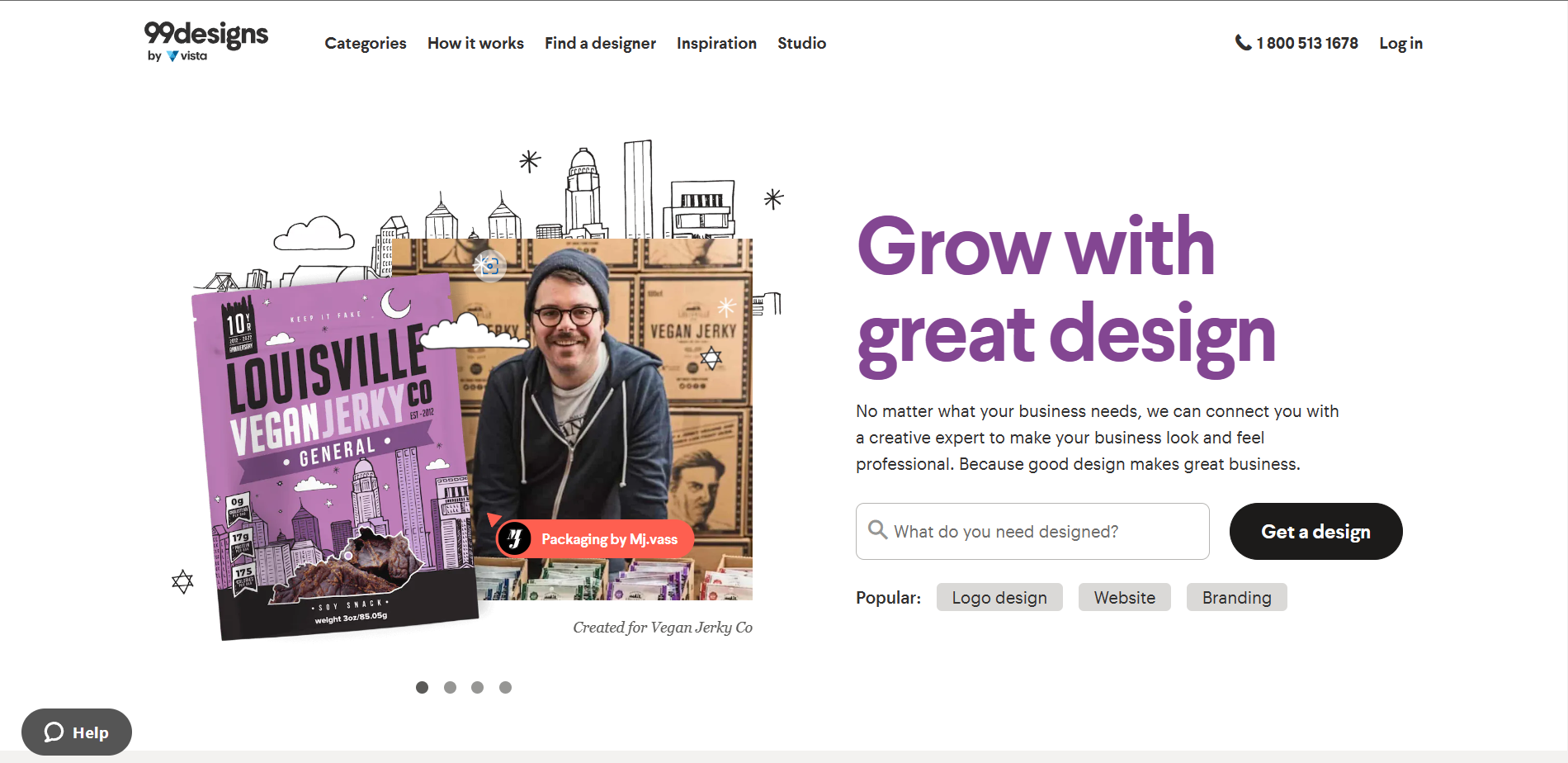
- Go to 99designs website and click the “Get a design” button.
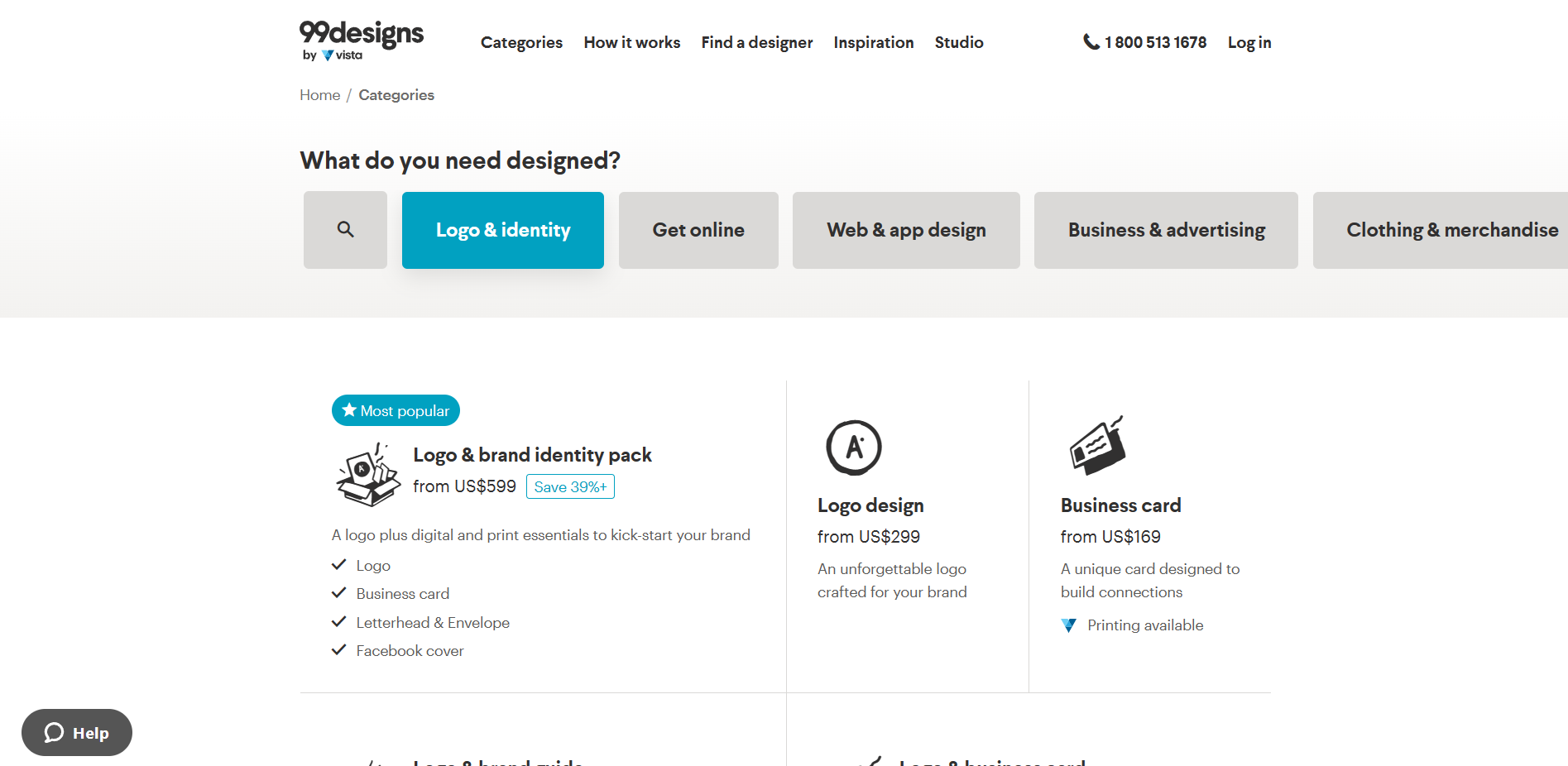
- Click “Web & app design” to look for Shopify designers.
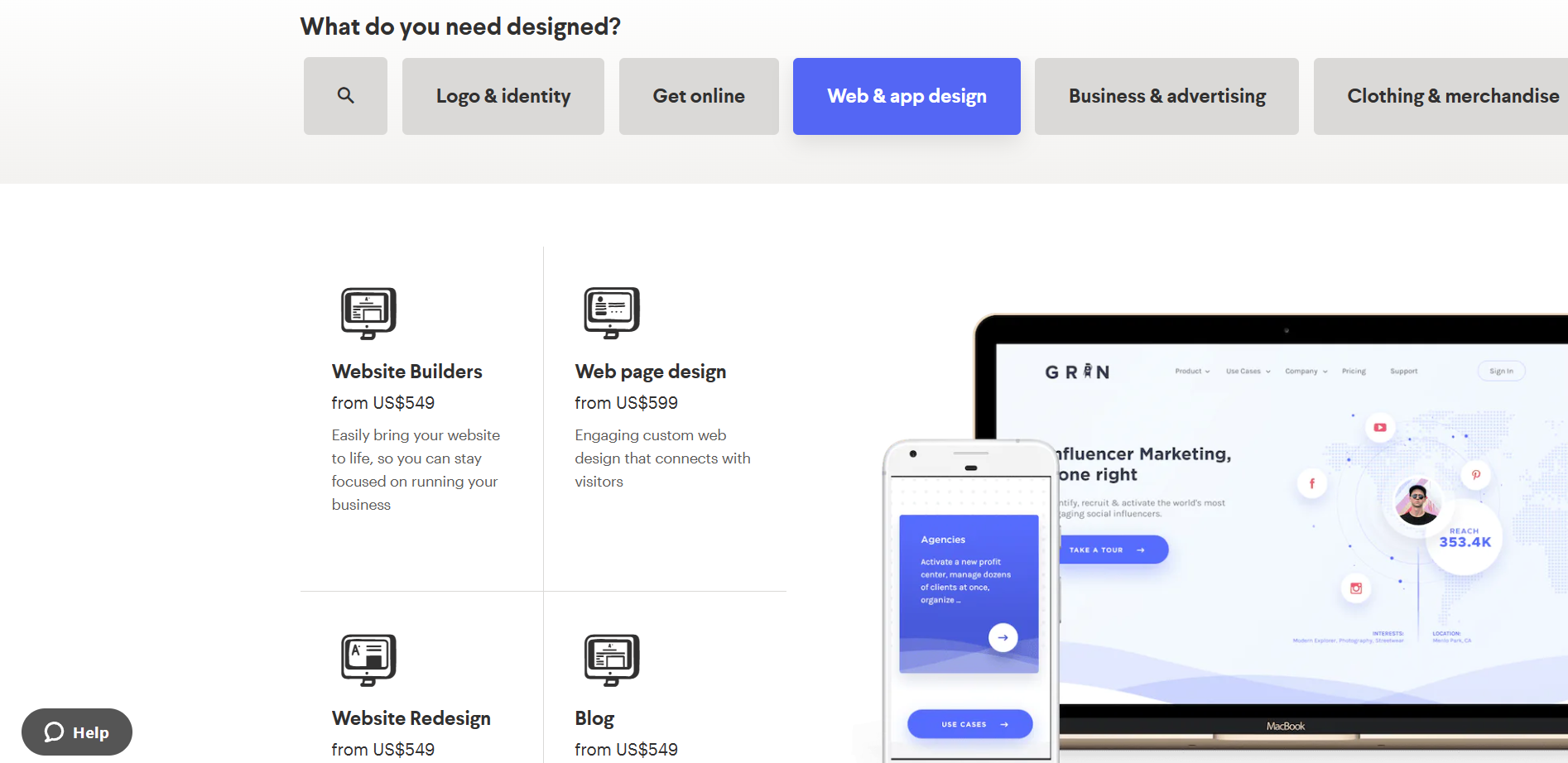
- After clicking Web & app design, you will be given a selection of tasks that their designers can do. To build a website, click “Website Builders”.
- Click the “Get started” button to provide 99designs with details about your business that they can use in choosing the best designer for your Shopify store.
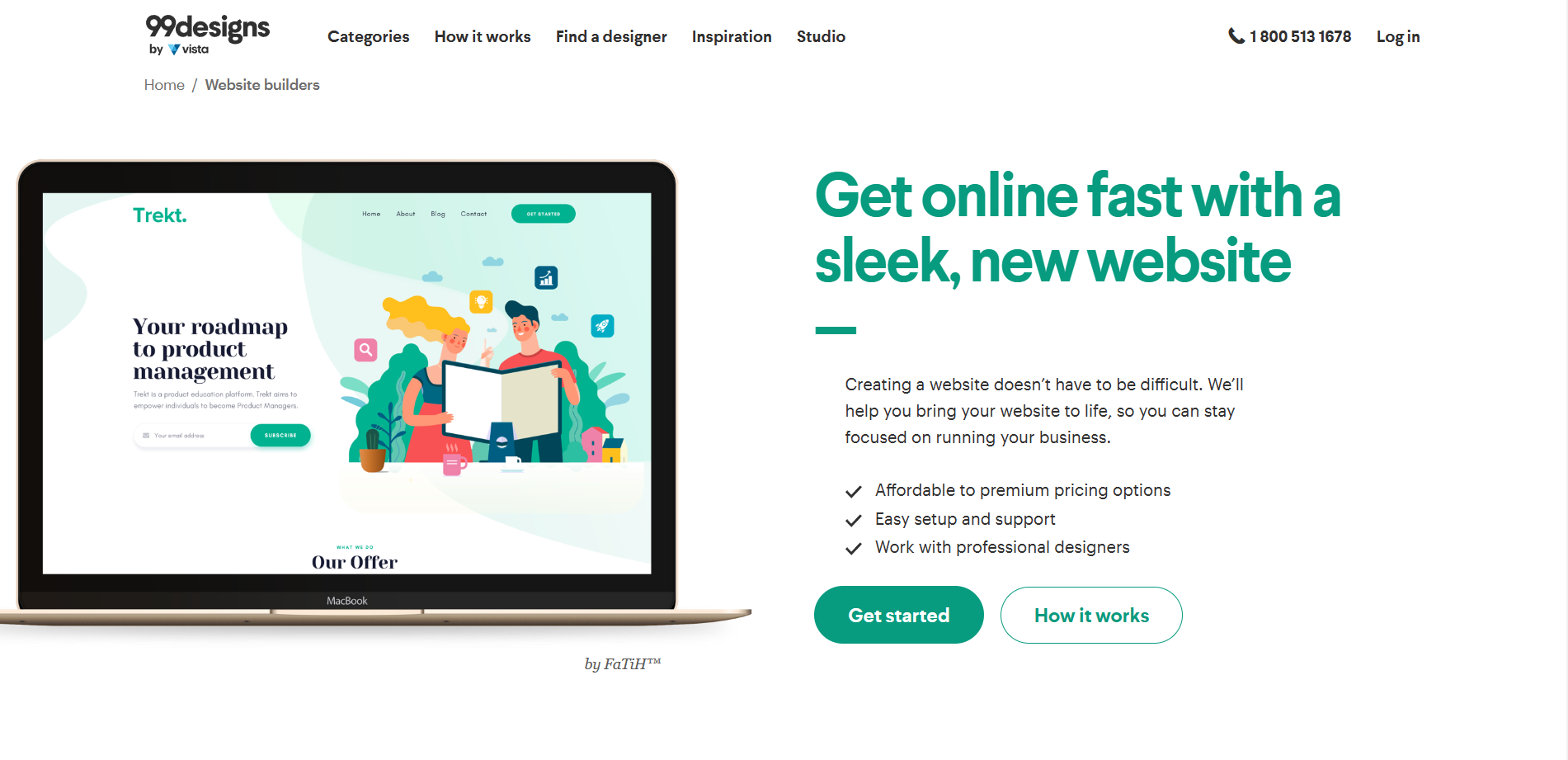
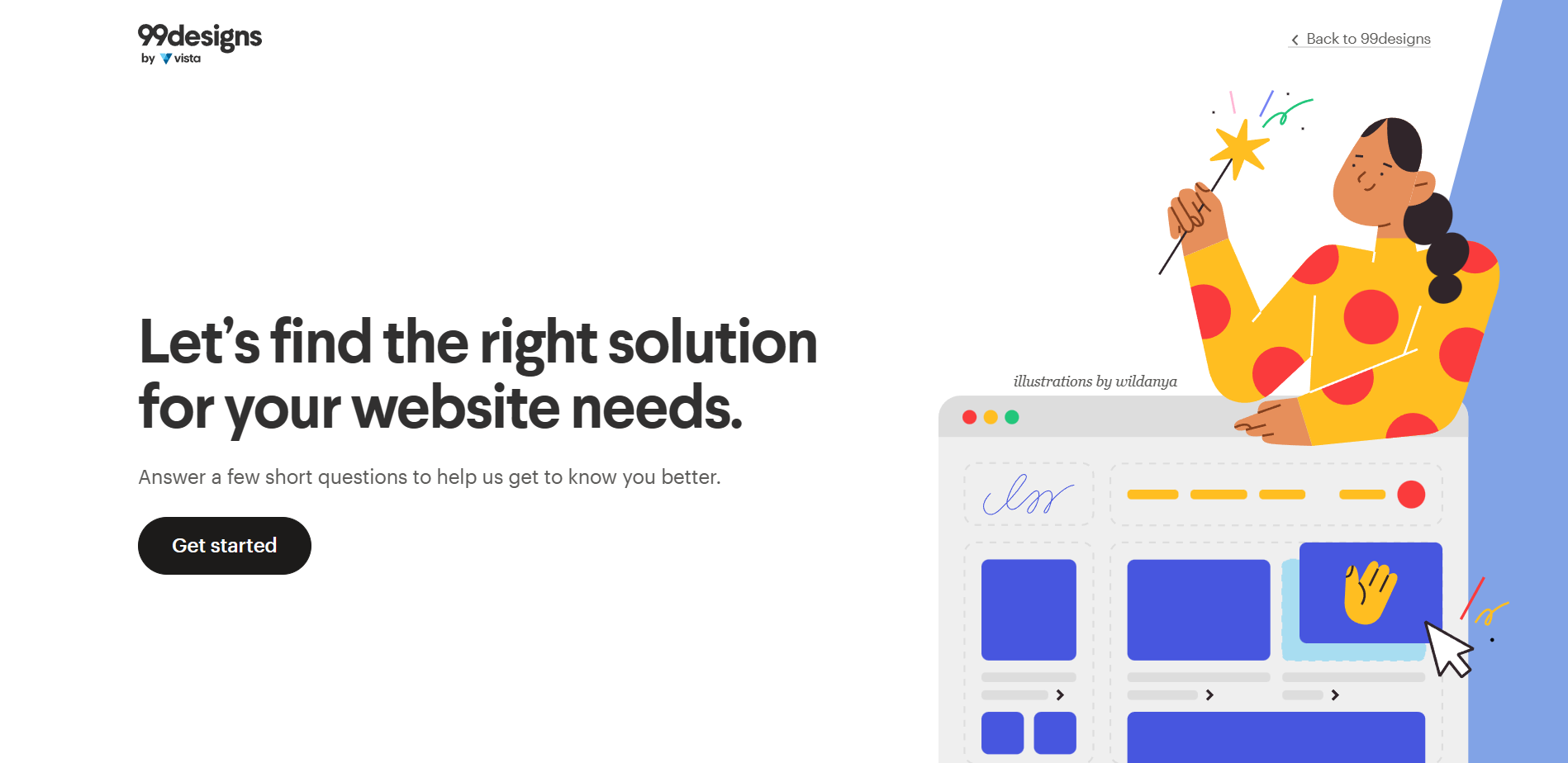
- Click the “Get started” button to answer a few questions before finding a Shopify designer.
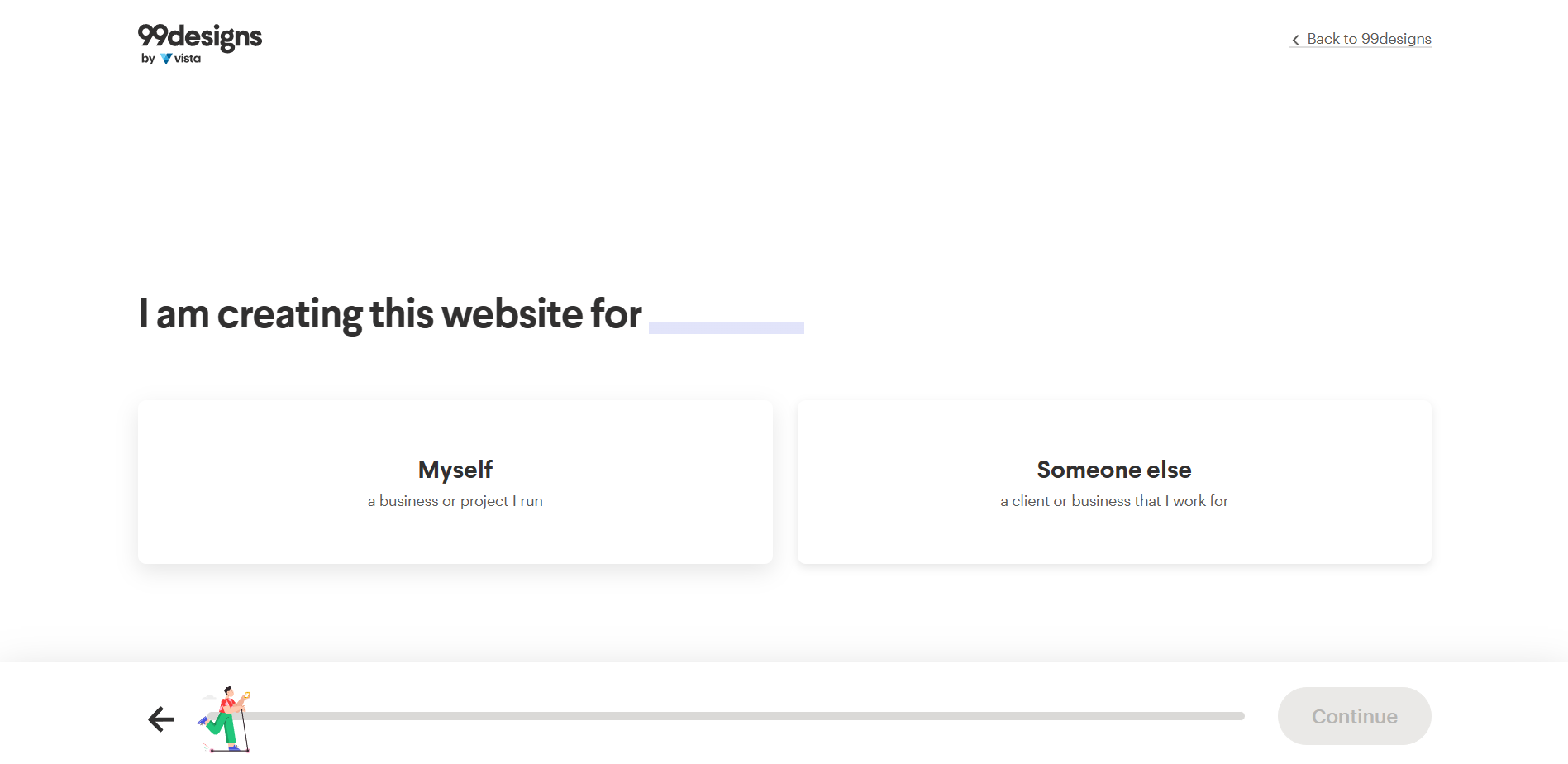
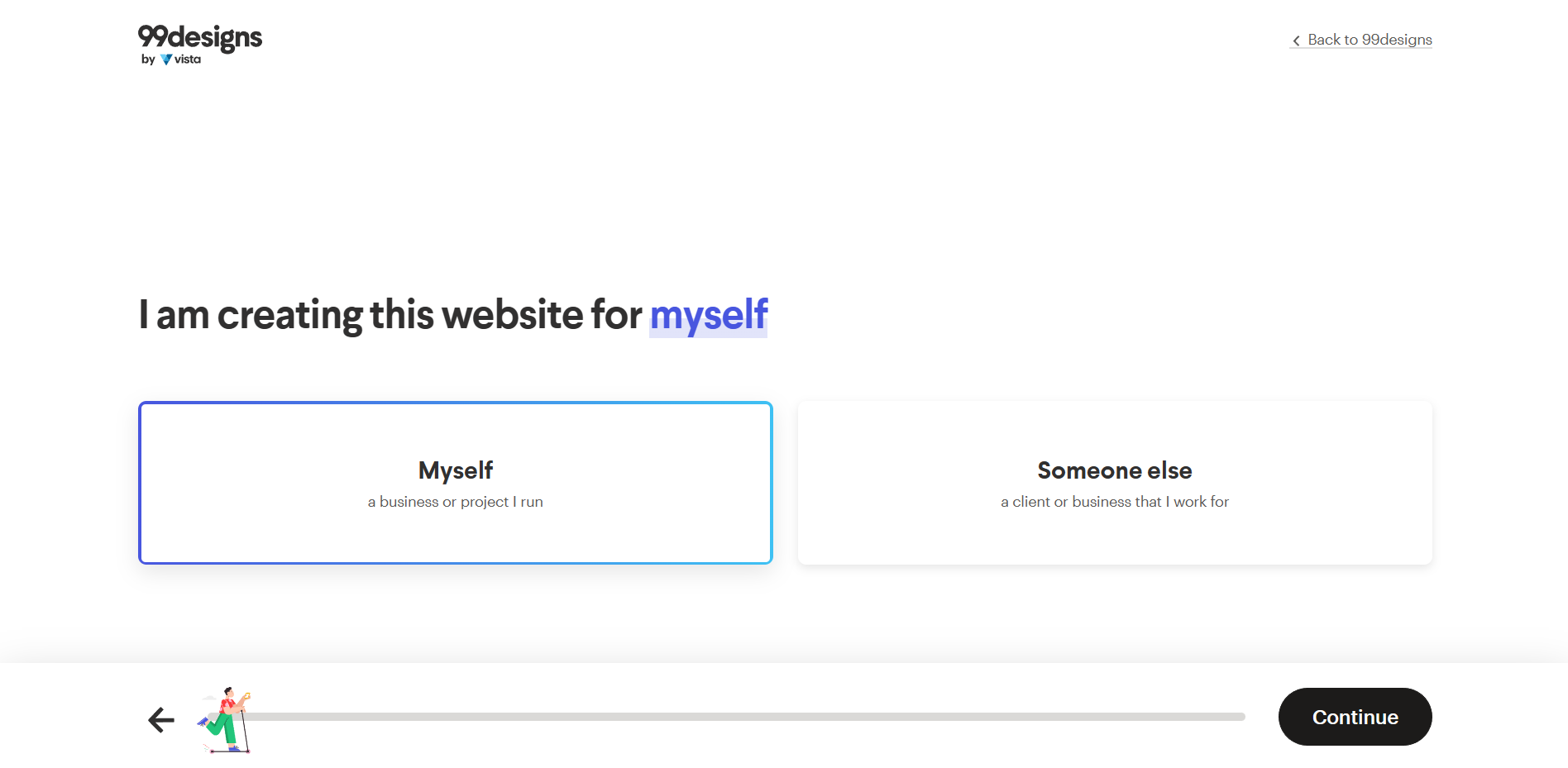
- First statement inquires about the owner of the website. If you are either doing it for yourself, or if you are working for someone else (a client). Click the option of your appropriate answer.
- Click “Continue” to finalize the chosen option.
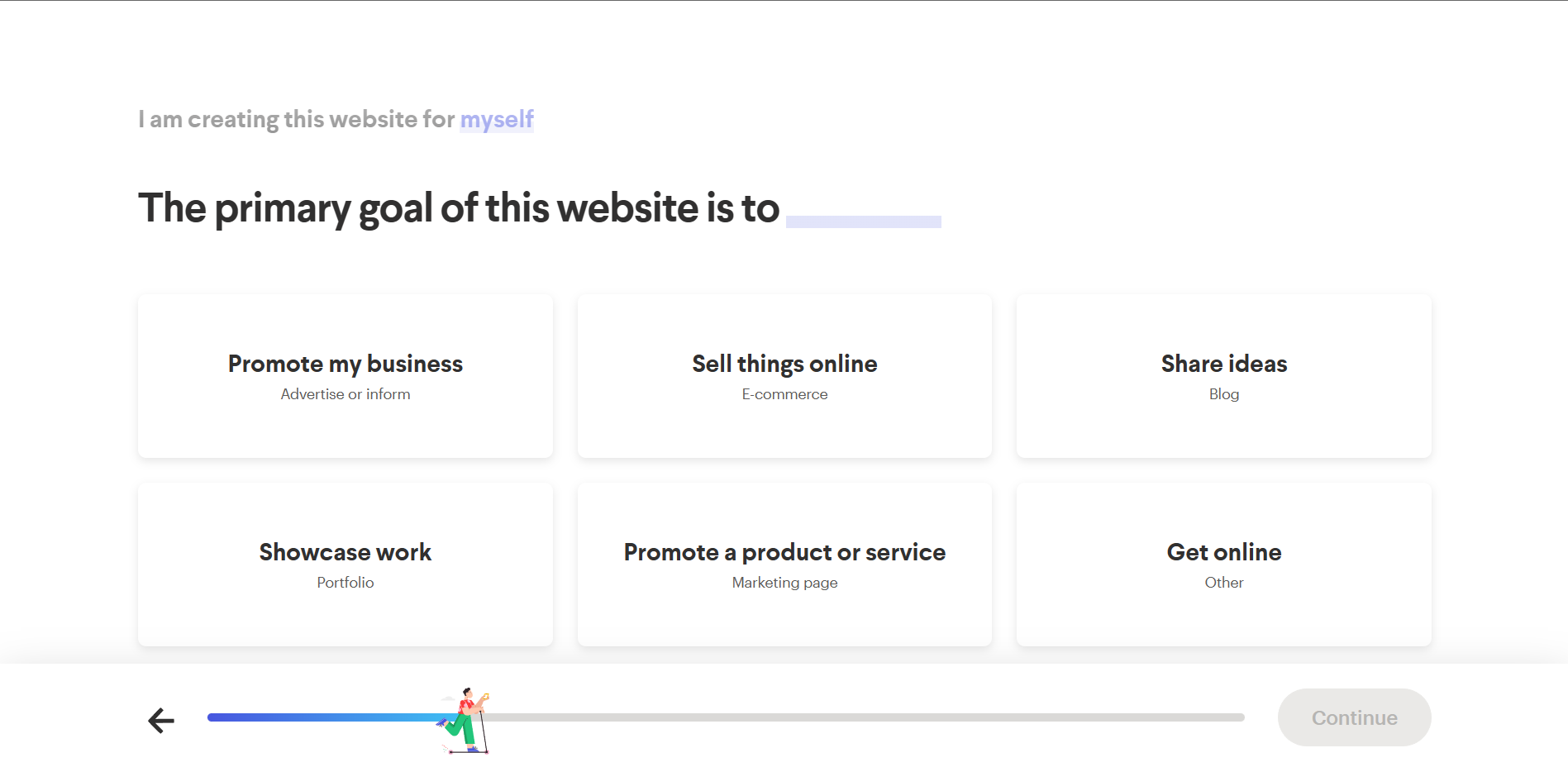
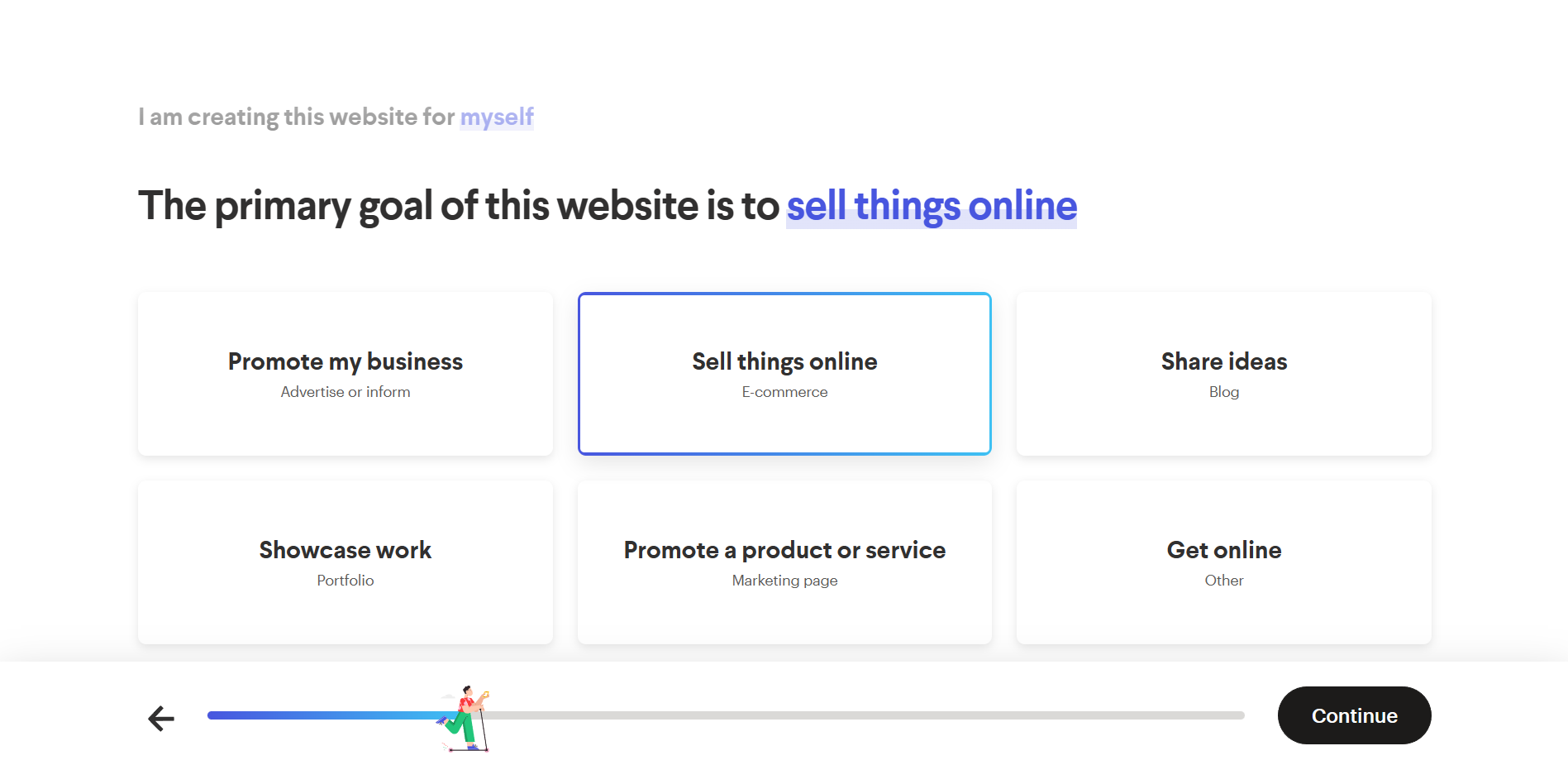
- Next is the primary goal of the website. Some of the options include: to promote business, sell things online, share ideas, showcase work, promote a product or service, or get online. If you are wanting to find a designer to build your Shopify store, you might want to click the “Sell things online” option.
- Click “Continue” to proceed with the next step of the process.
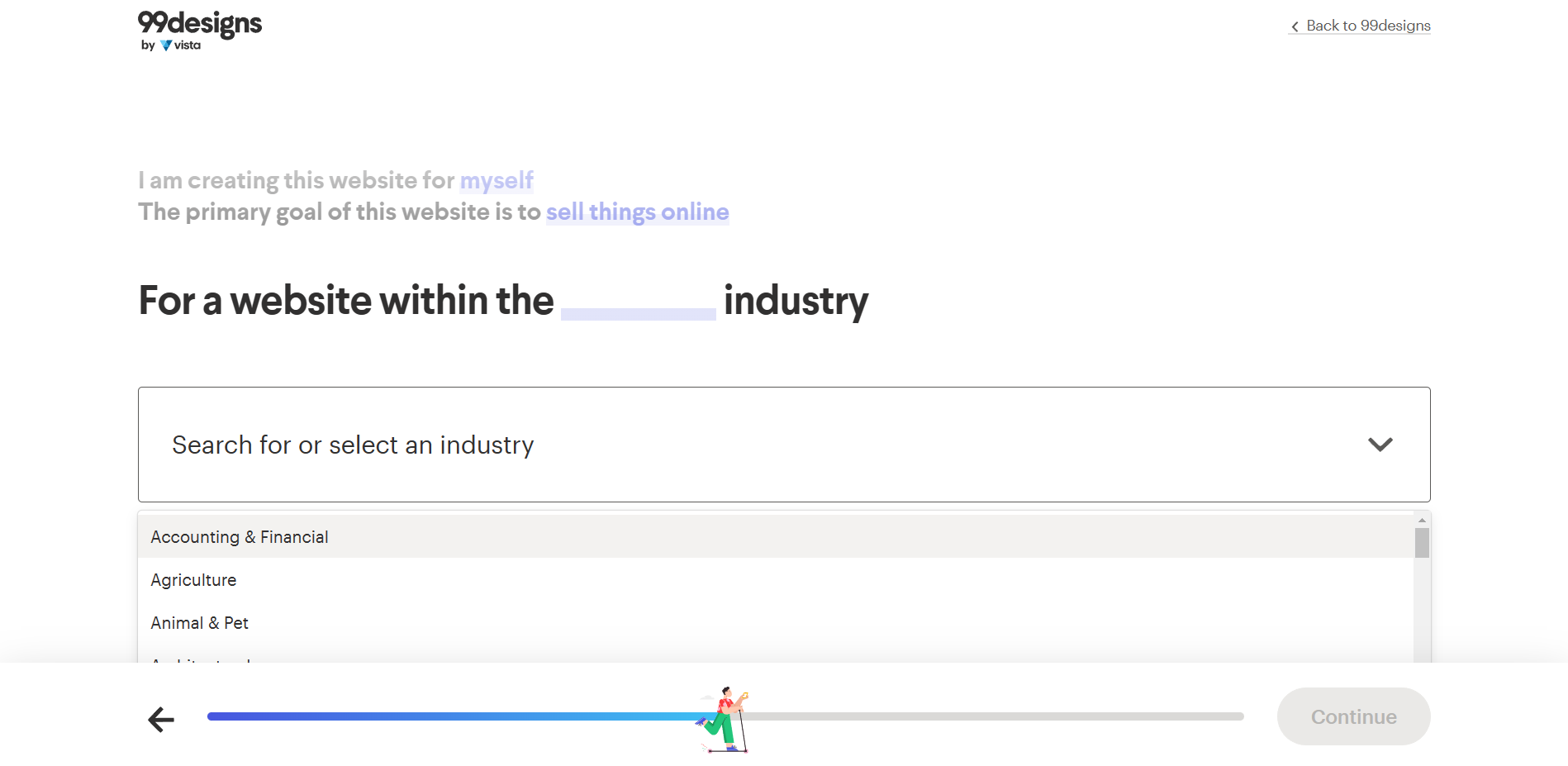
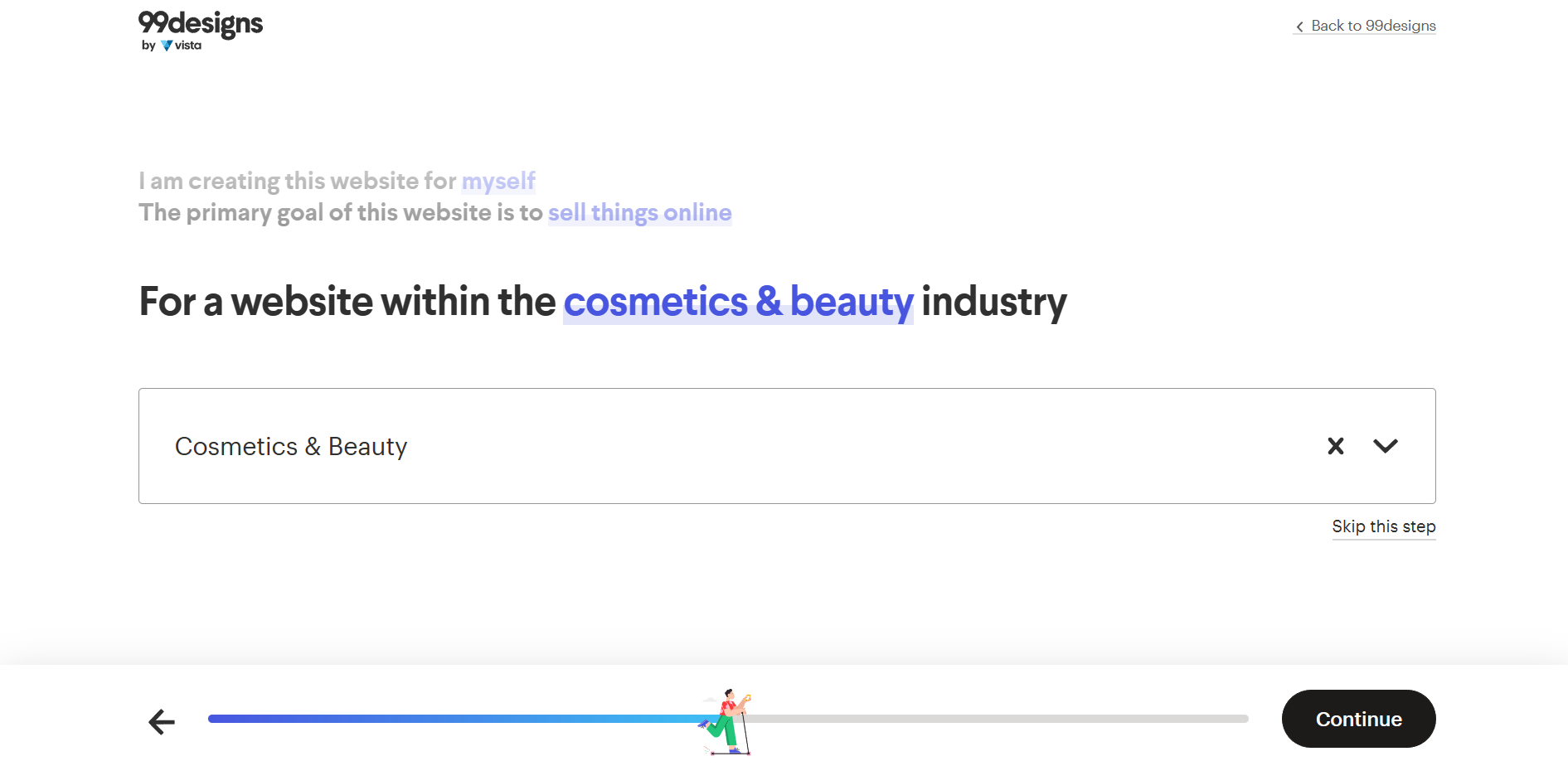
- Then, the industry where your website will be based is also required. You can choose an industry by clicking the search bar or by clicking the dropdown menu.
- After selecting an industry that your website will belong to, click “Continue” to proceed.
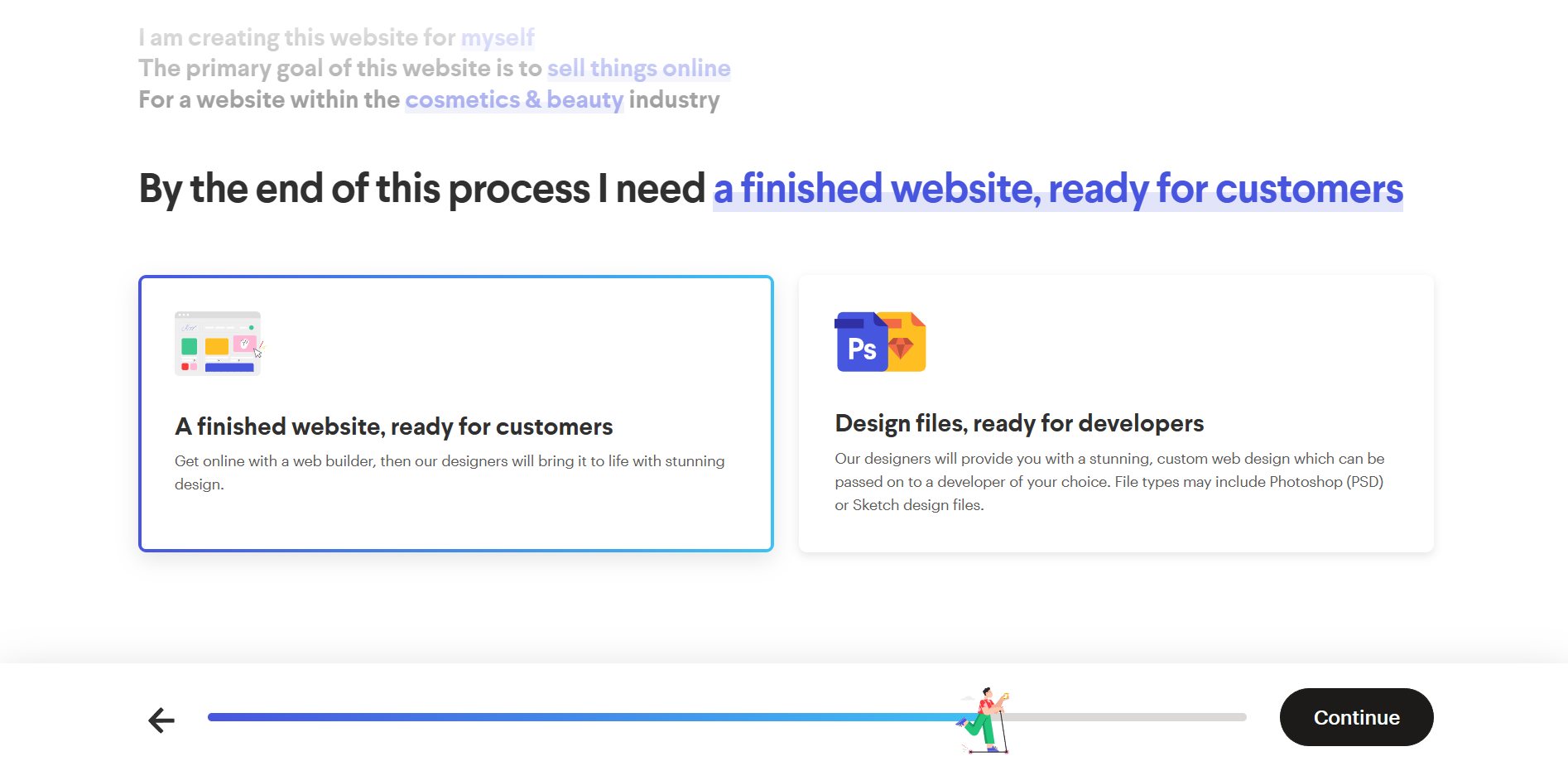
- Next will be the question about the expected output of the project. It might be a finished website that is ready for customers, or design files that can be forwarded to your developers so that they will be the ones who will finalize it. Choose which output you prefer more and click it.
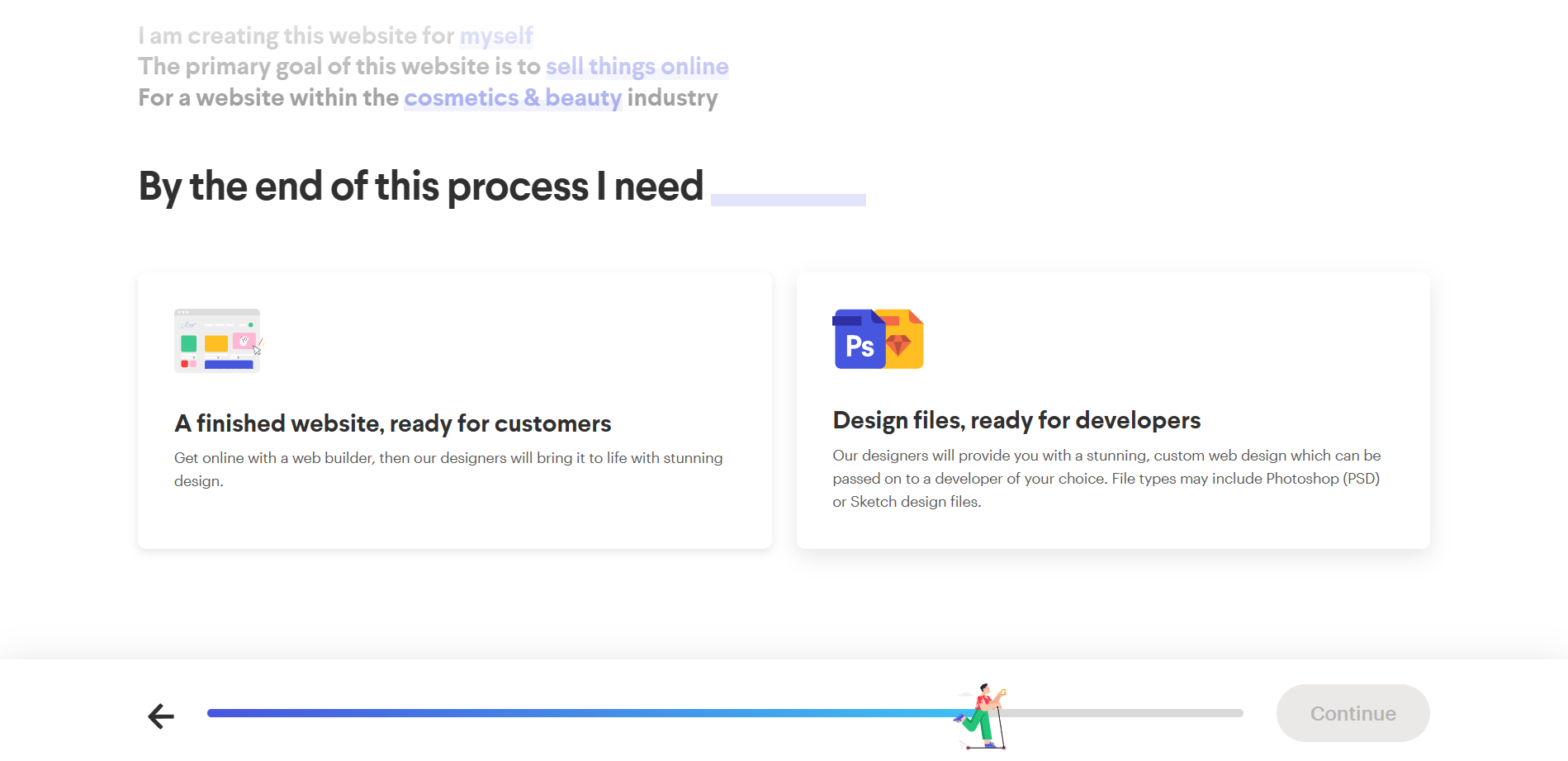
- Click “Continue” to proceed with the last step of the process.
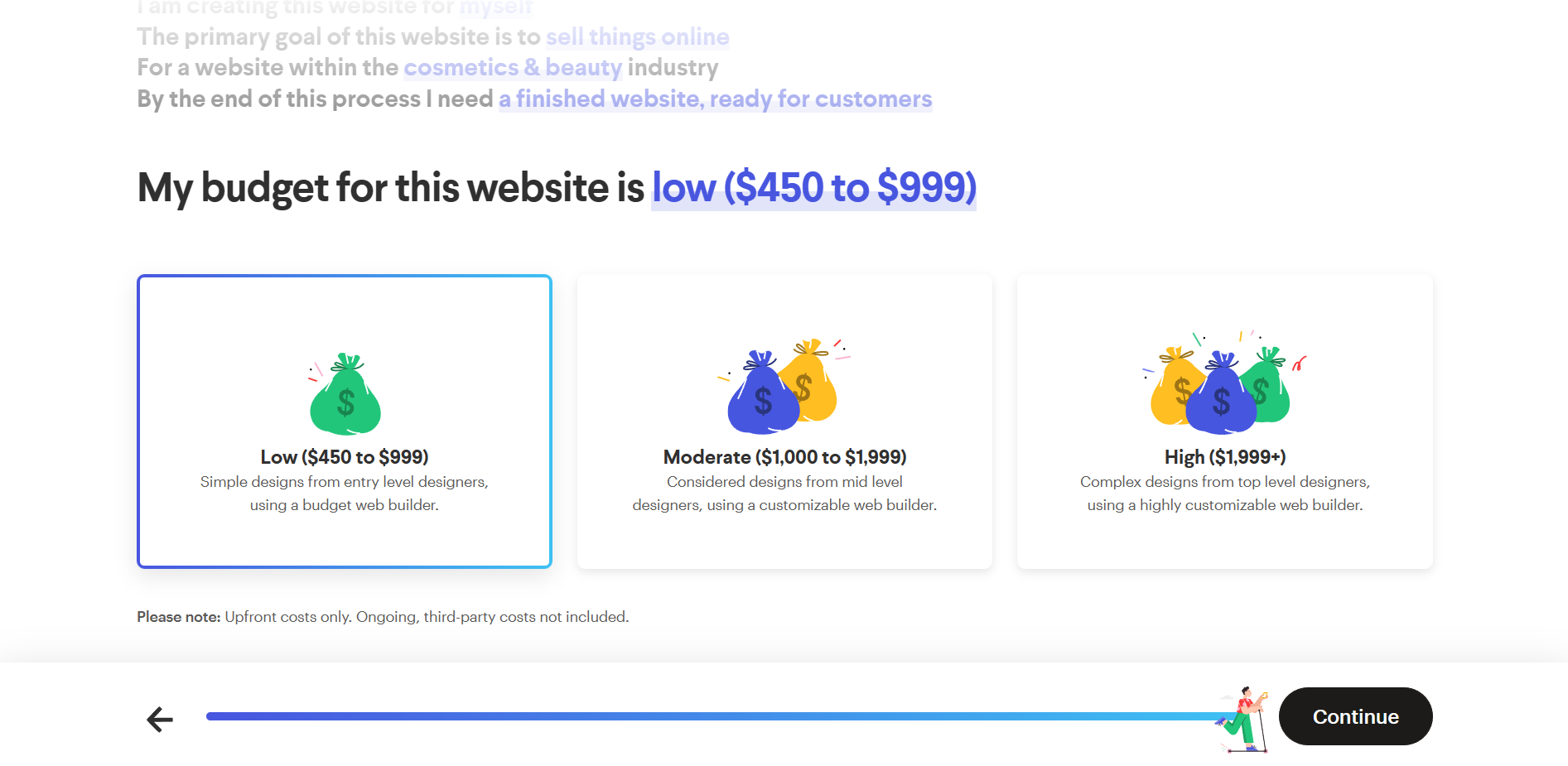
- Lastly, the budget for the website is asked. There are three cost brackets which you can choose your budget from: Low, Moderate, and High. If you want to have a high-end website, you can choose the high, but if you want a simple one, then the Low budget would suffice. Click your preferred option.
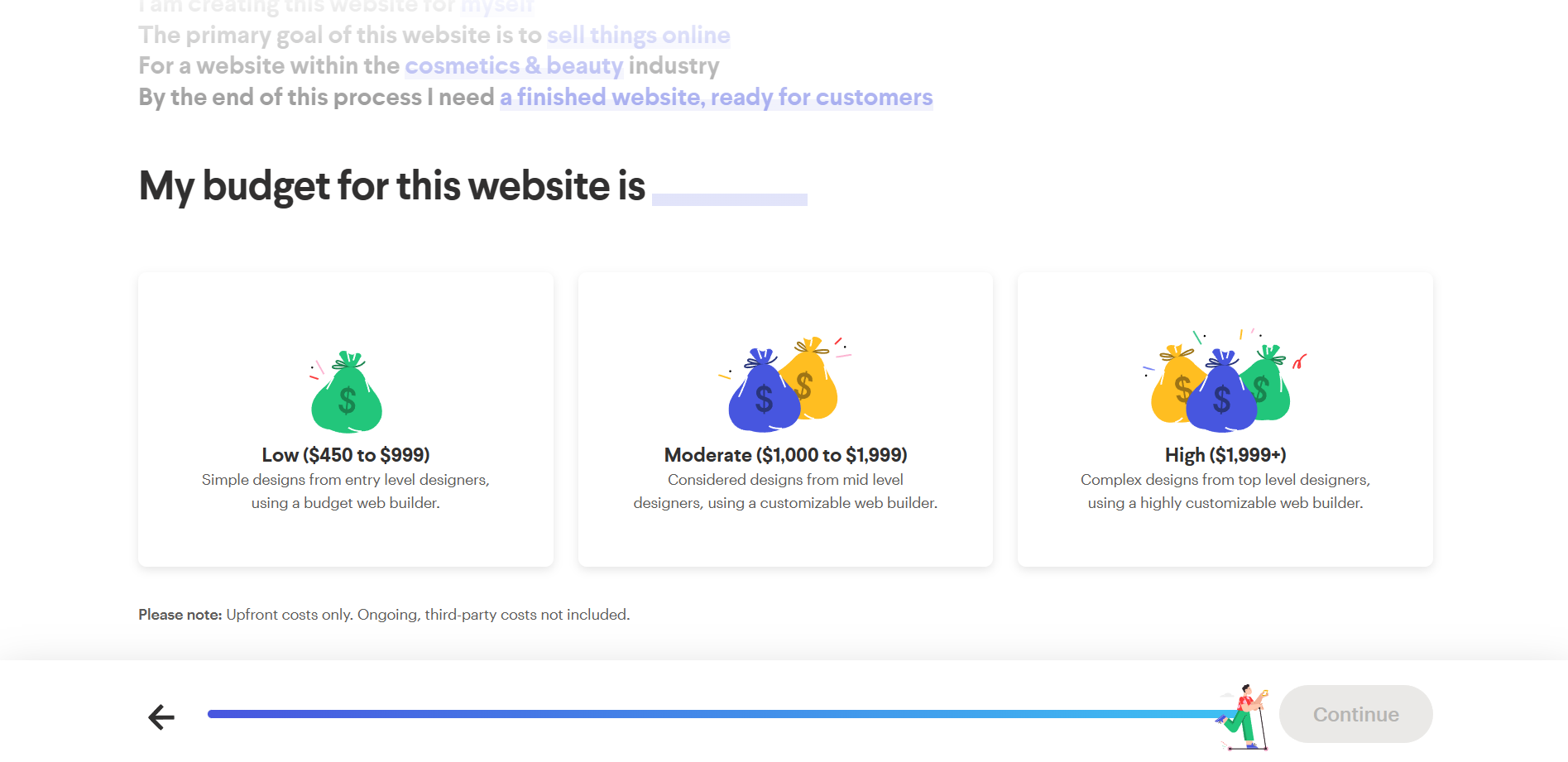
- Then, click “Continue” to finish the process.
- Shopify Design Information
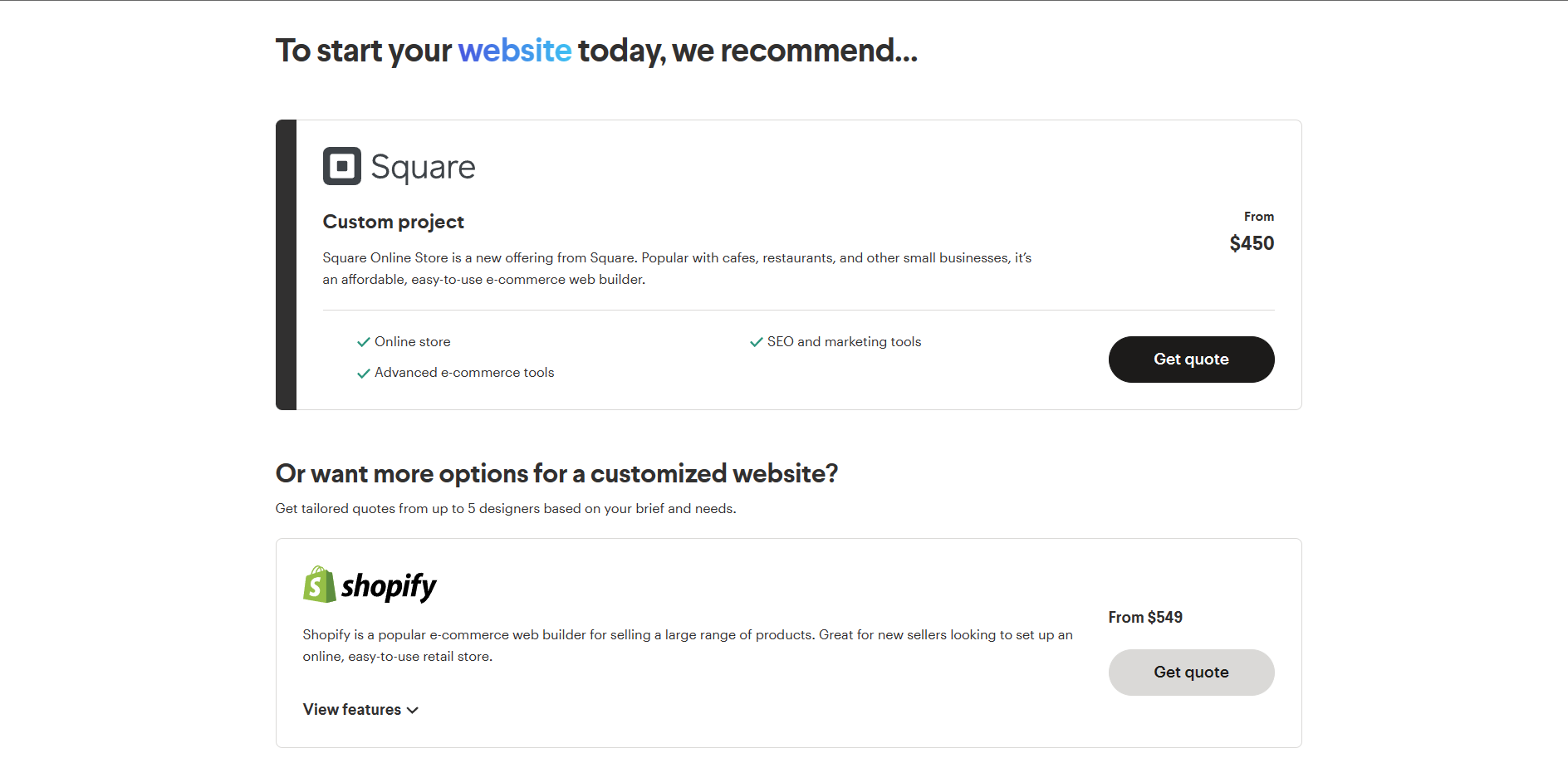
- To start your website, you need to choose a quote option for a customized website. Since you already set up a Shopify account, you must have already included your store’s products there. Click “Get quote” under Shopify so you can get designers that specialize in making Shopify websites.
- First is the preferred language of the website. Click “English” to set it as the language so that your website is understandable in international countries.
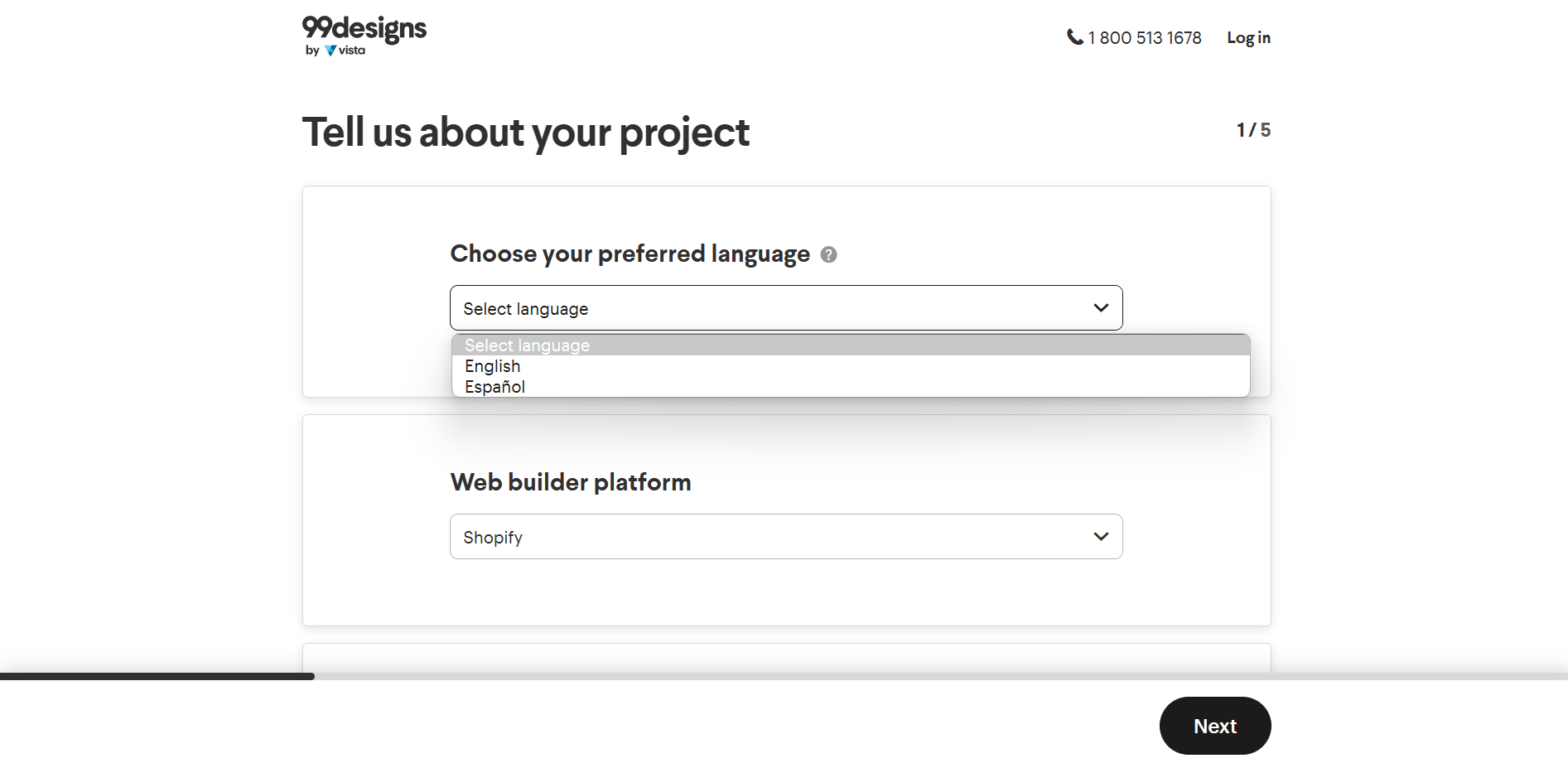
- The web builder platform must be Shopify, adhering to your Shopify store website. Name the project based on the name of your website. Enter it in the indicated blank field.
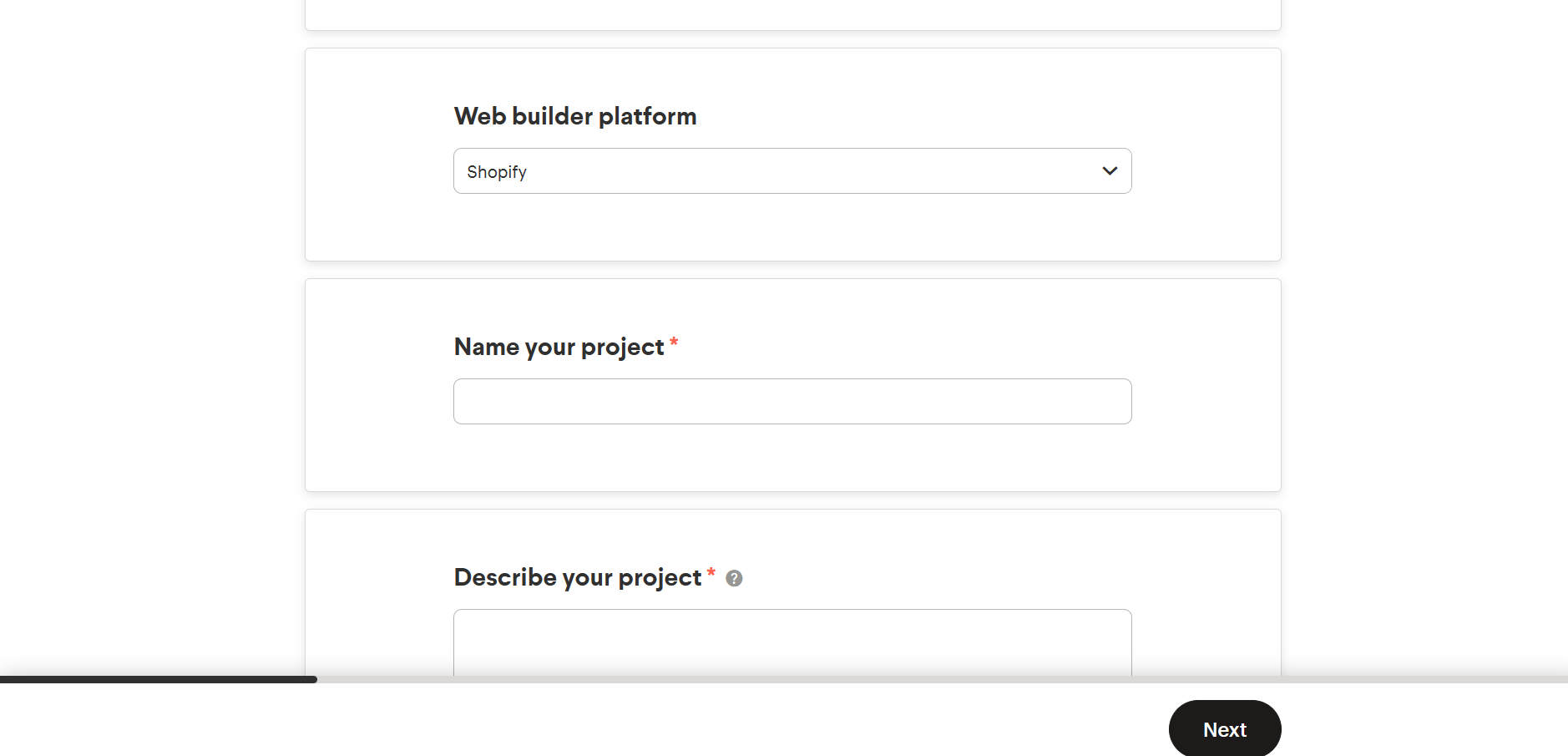
- Describe the project so that the designers will have an idea on how you want this project to turn out to. Enter it in the indicated blank field.
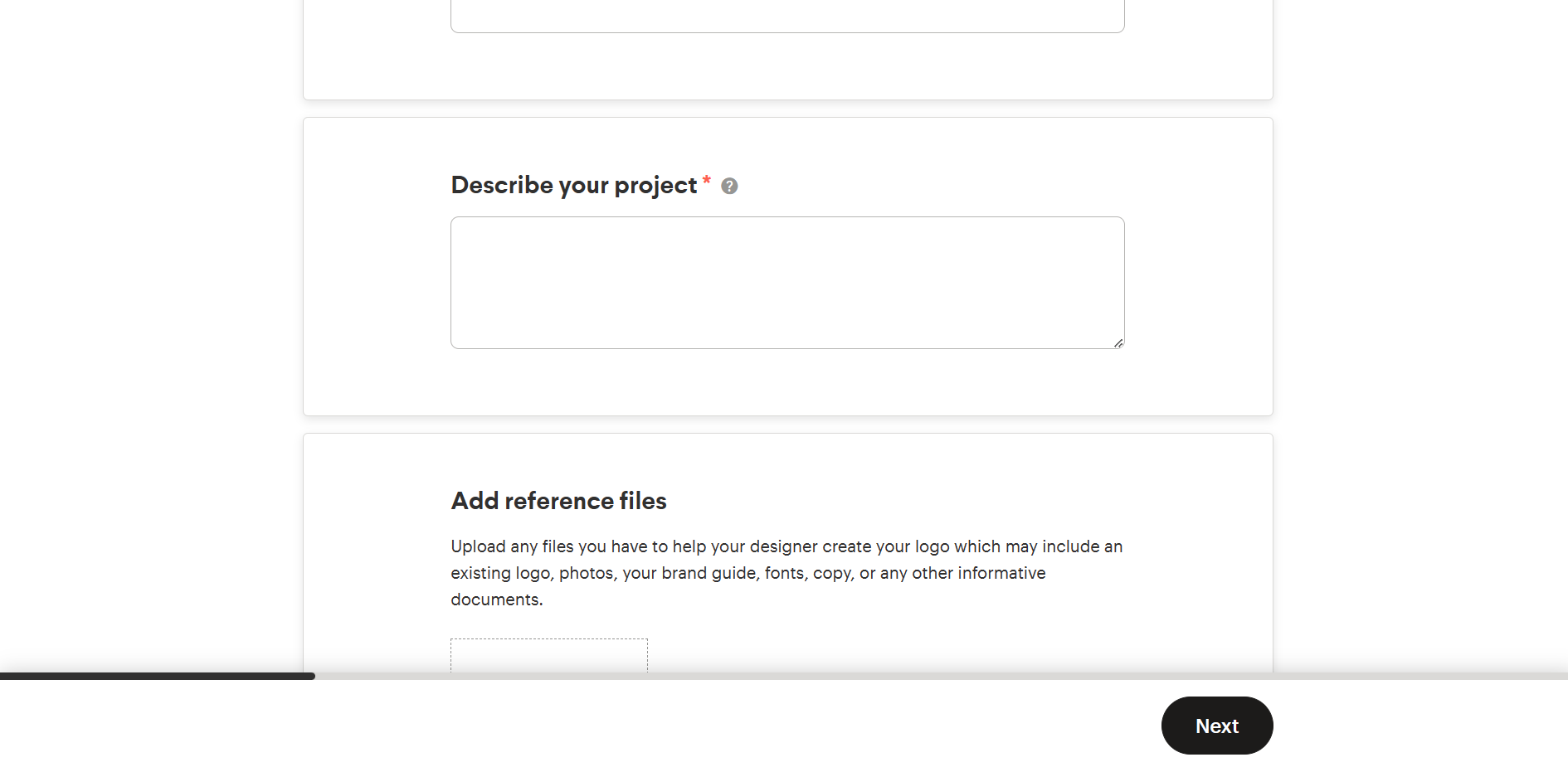
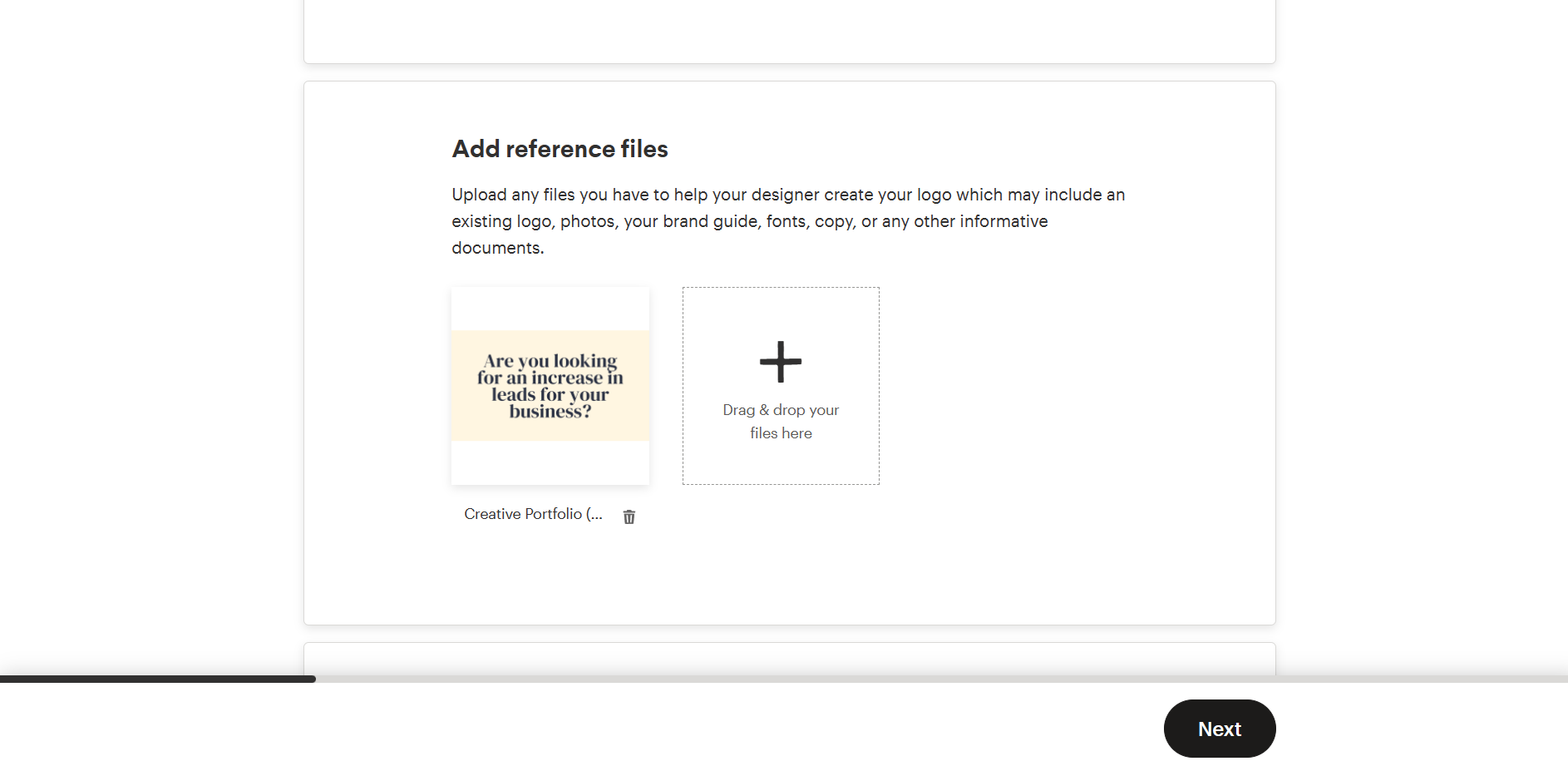
- The reference files would be the prepared files that can be added to the website project. For example, you want to add a premade logo or unique font to your website, this is the field where you should put it. Drag and drop the files or upload it from your desktop.
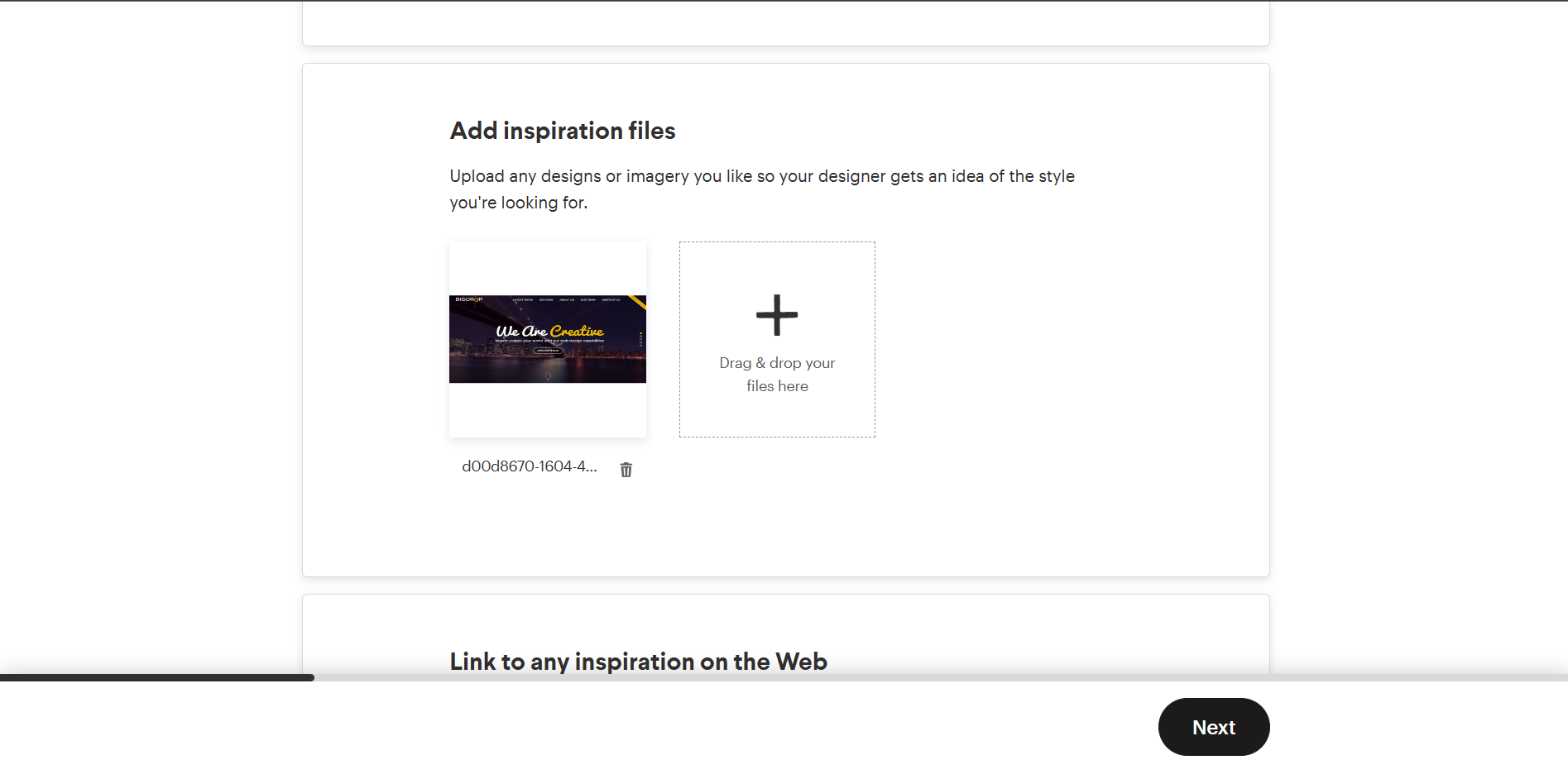
- Next are the inspirational files. These are the aesthetic or desired designs that you want to be incorporated in your store website. This allows the designer to visualize the style that you want for the website. Drag and drop the files or upload it from your desktop.
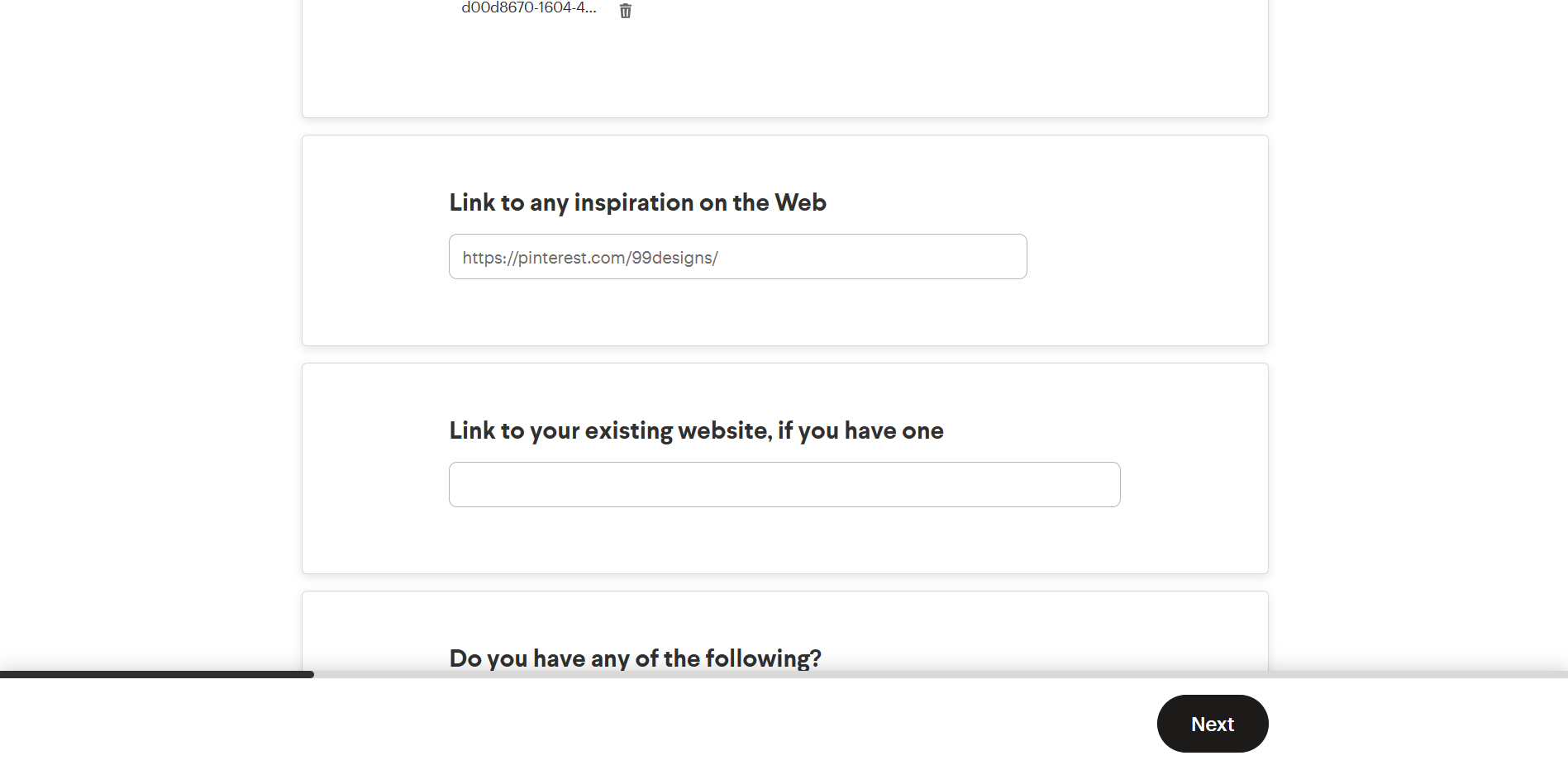
- You can also insert a link of any design inspirations from the web or the link to your existing website, if there is any. Enter it in the indicated field as shown below.
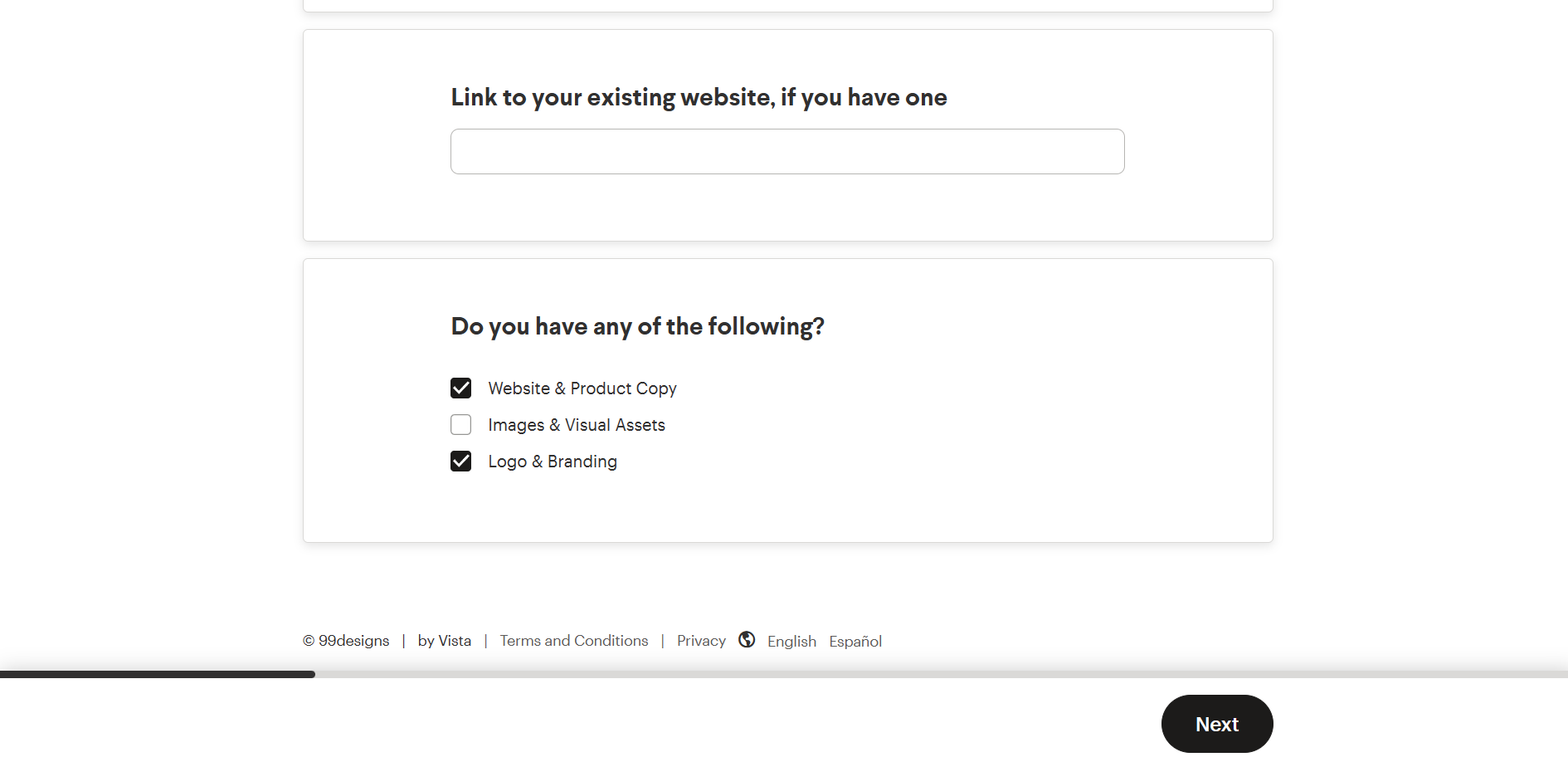
- Check the checkbox of those website design parts that you have on hand, such as Website & Product Copy, Images & Visual Assets, and Logo & Branding. If you do not have any of these, leave the checkboxes unchecked. After this, click Next.
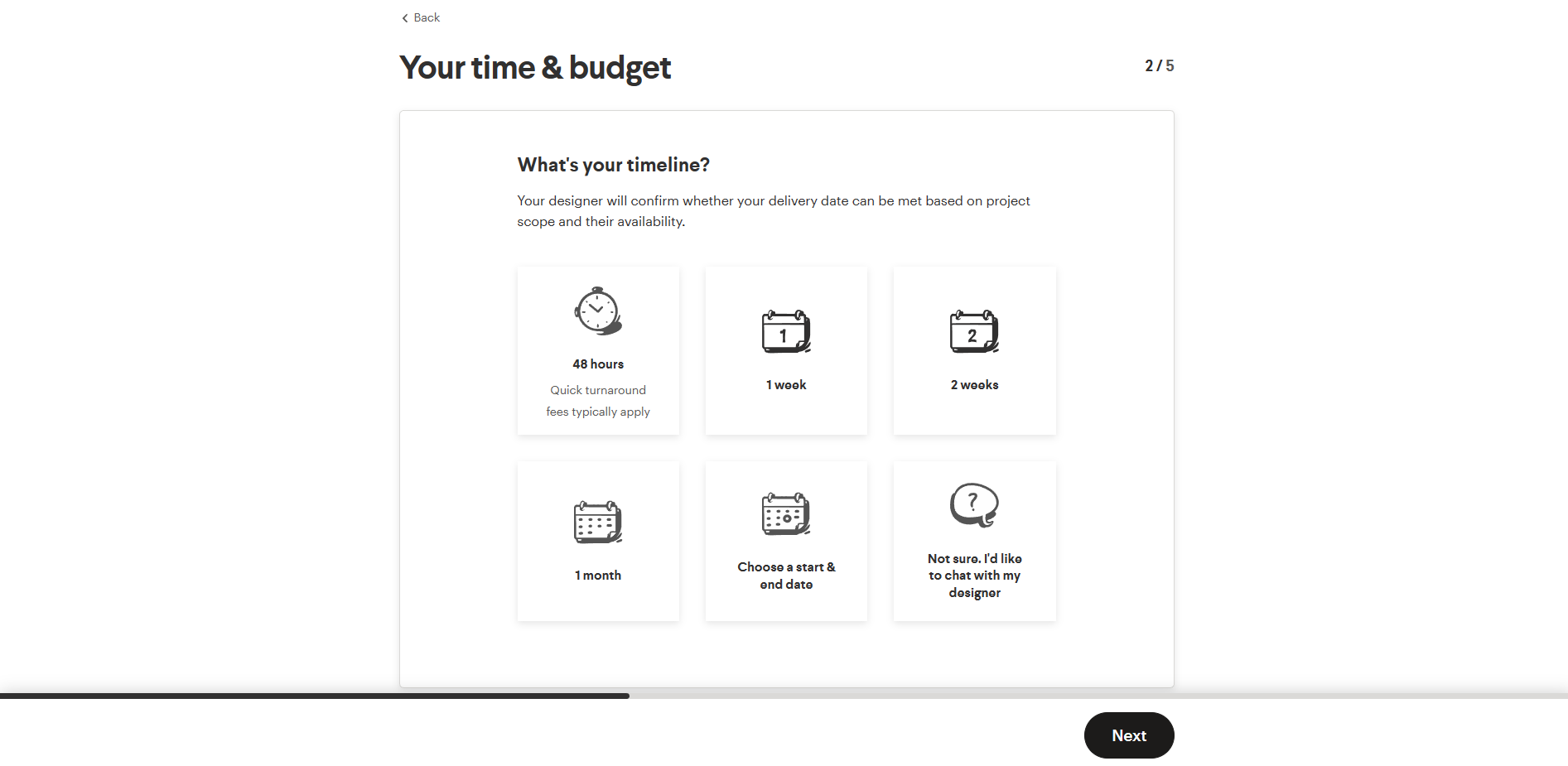
- In the next part, you will indicate the timeline that you want to give your designer before the deadline of the finished website. Choose among the options by clicking it.
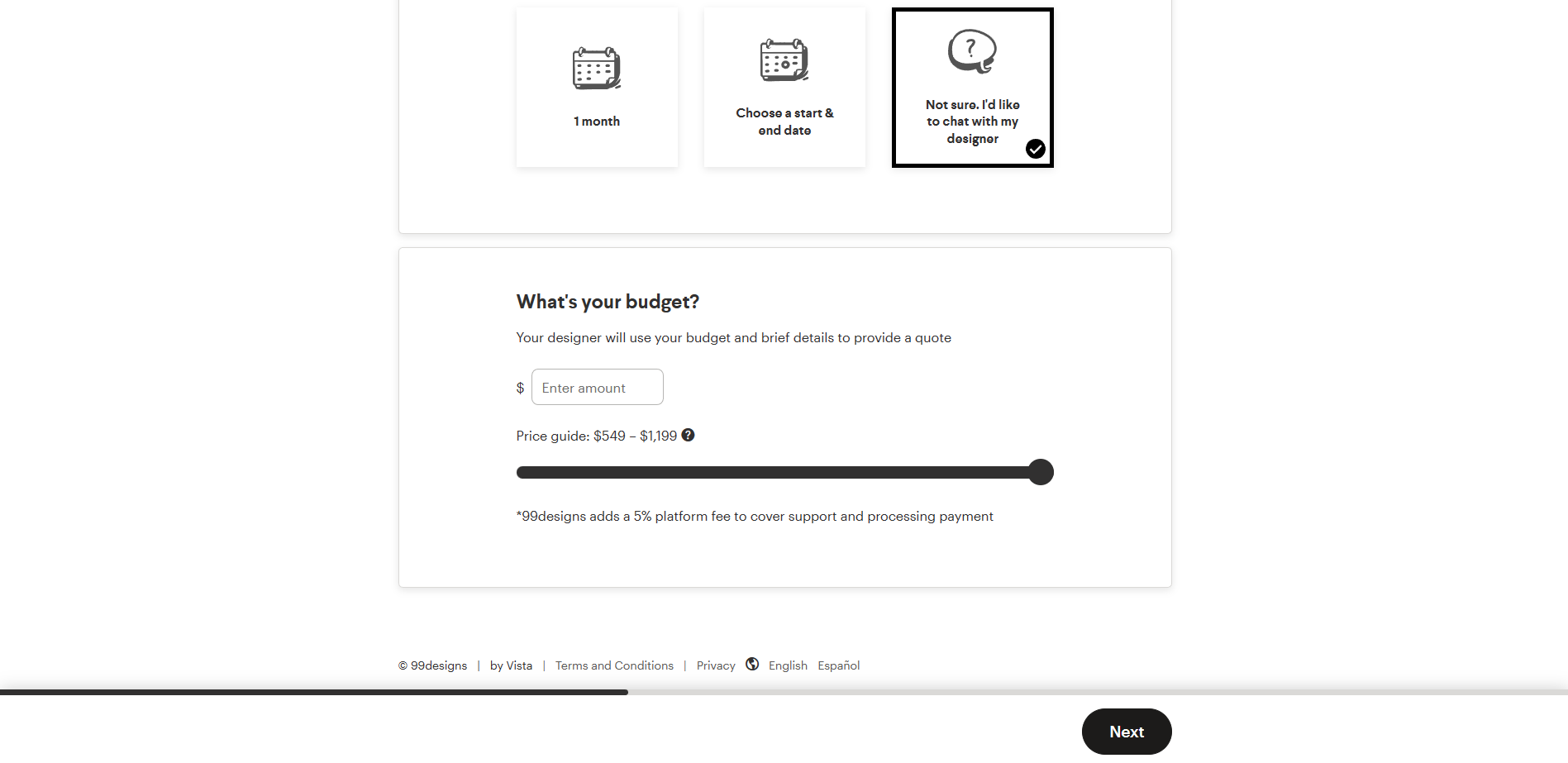
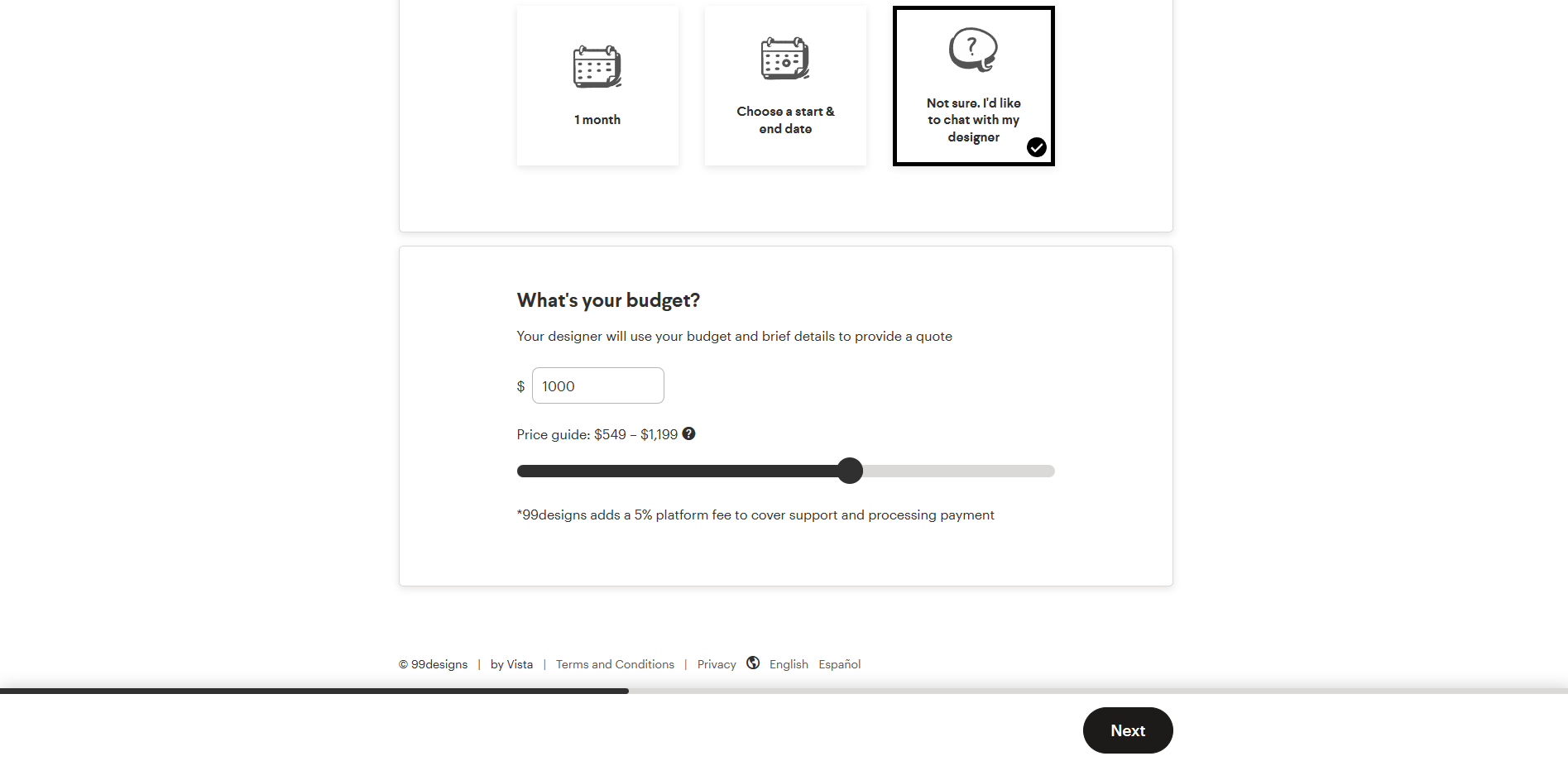
- After choosing the timeline, you will now indicate your budget for the project. You can drag the dot on the line, with $549 being the minimum and $1,199 as the maximum. You can also type the exact amount on the blank field provided.
- After deciding the budget for the website, click Next.
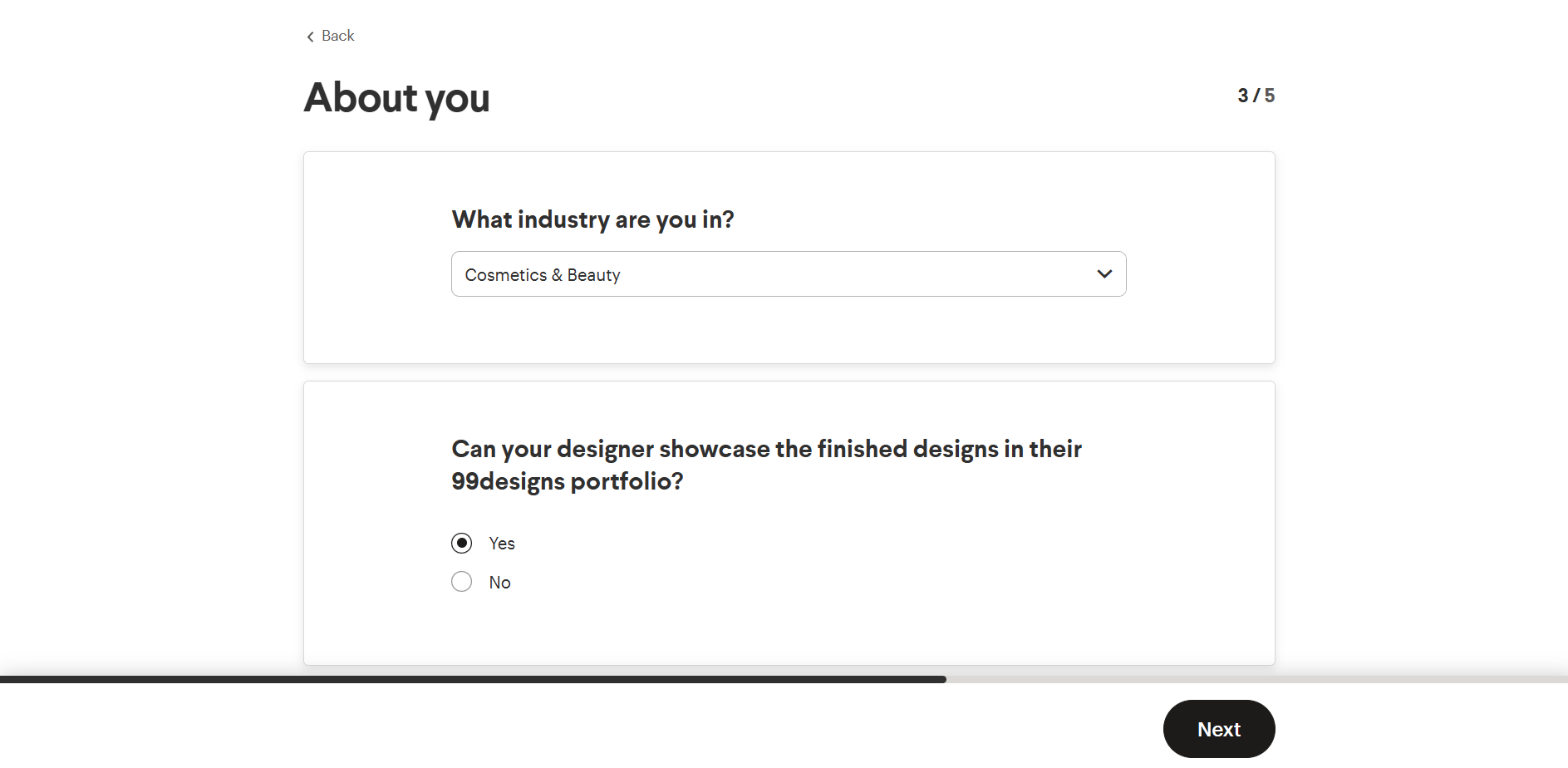
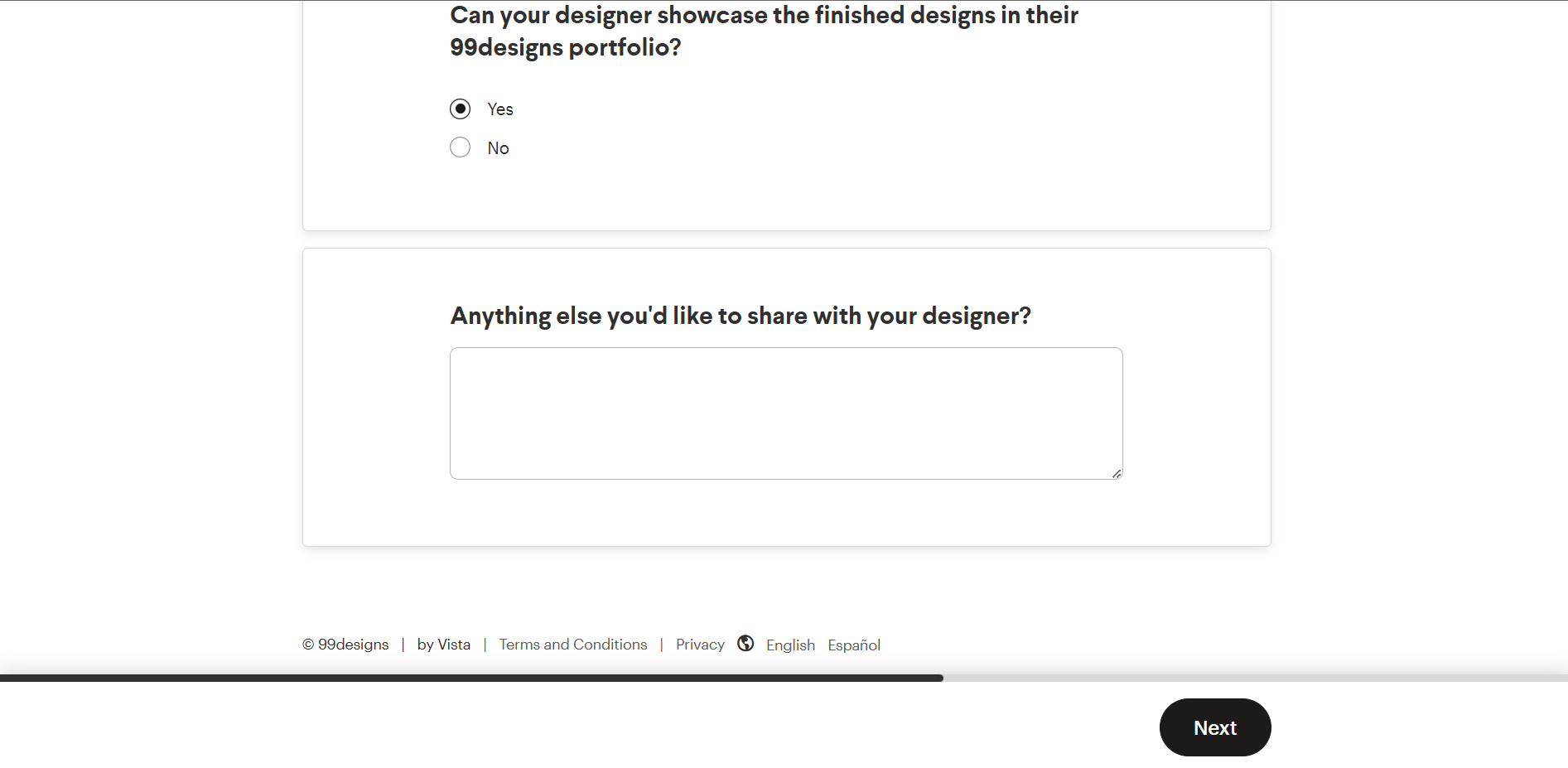
- You will be asked whether or not you will allow the designer to show their finished designs of your website in their 99designs portfolio. If it is okay with you, then you can click “Yes”. But if not, for private transactions, you can click “No”.
- There is also a field where you can indicate a message for the designer regarding the project. If you do not have anything to share, then you can click Next.
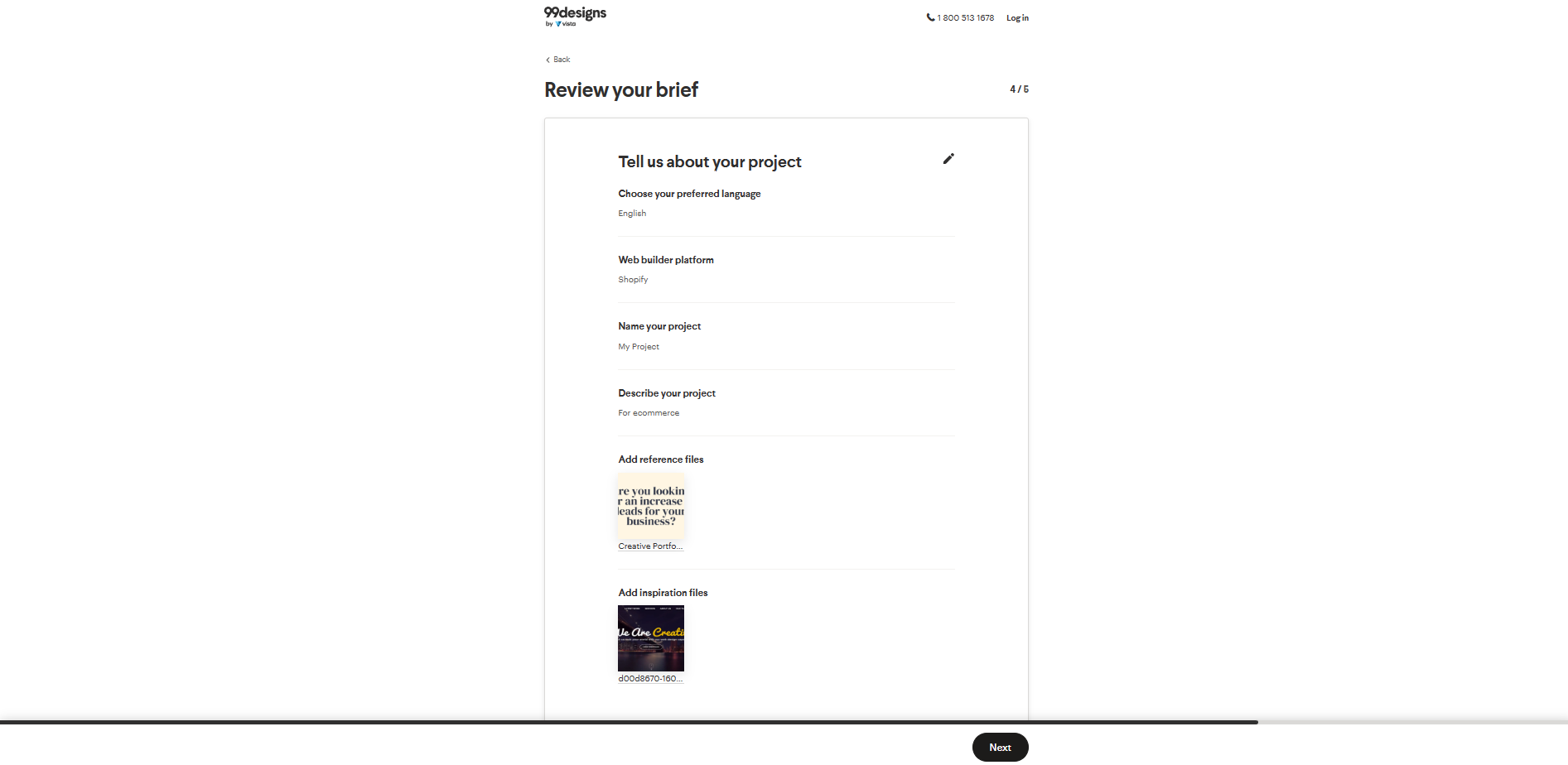
- Review the information and choices that you have entered and click Next after finalizing it.
- Inviting High-Rated Designers to Quote
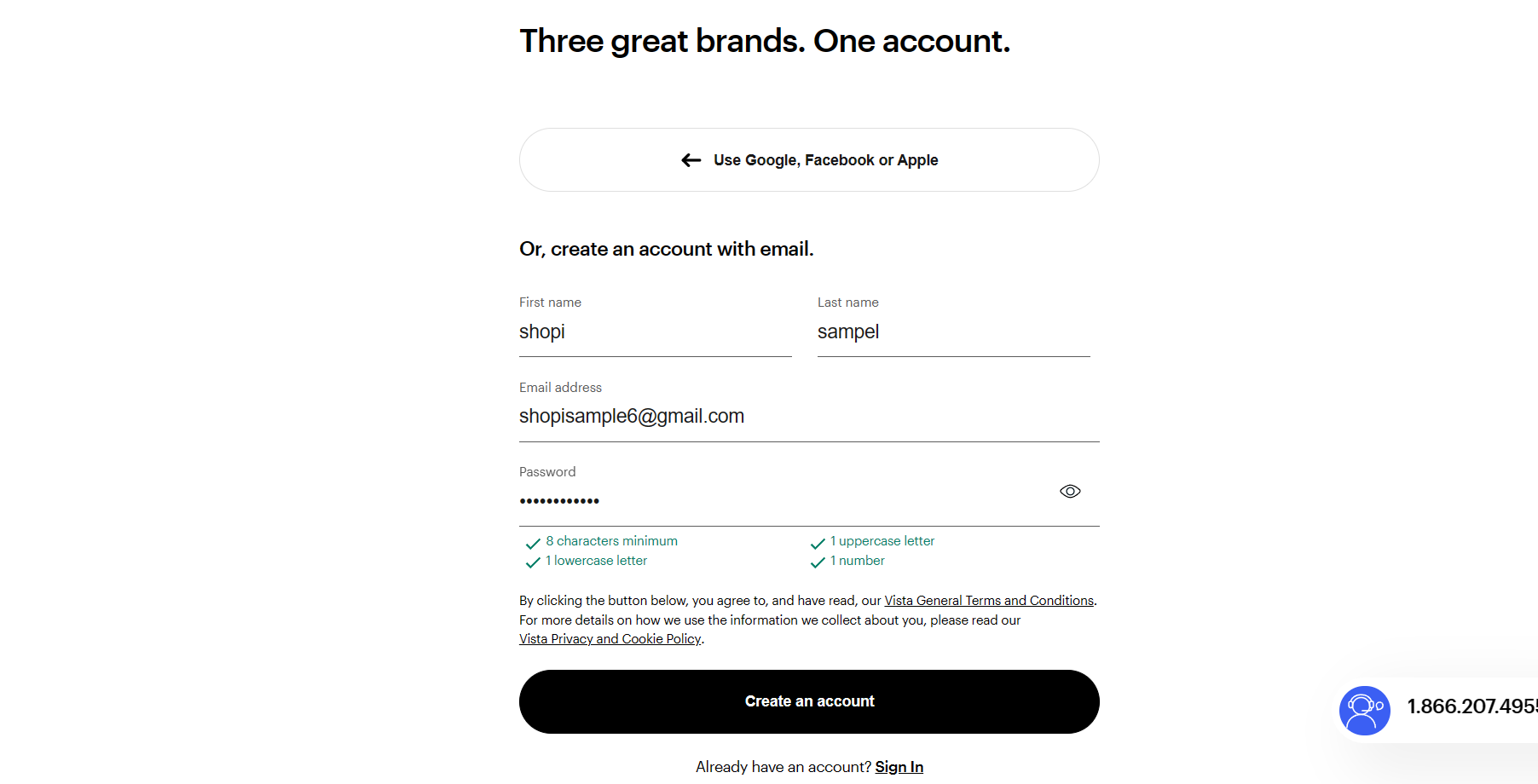
- To invite designers, you must first create an account with email. The first name, last name, email address, and password are required to create an account. Click the “Create an account” button to continue.
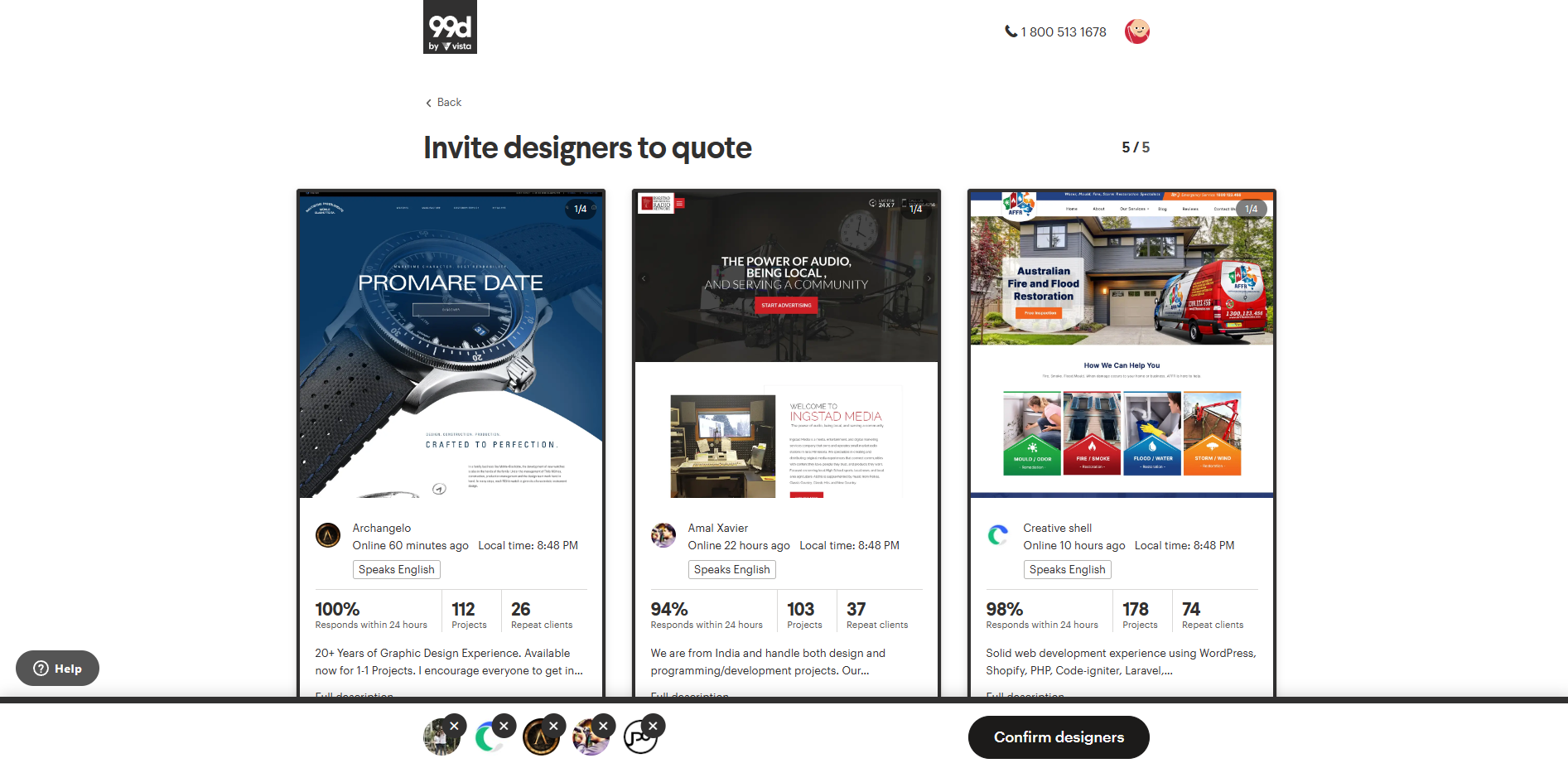
- After creating an account, you will be presented with a selection of Website Builder designers that would want to take on your website project. NOTE: These are suggested due to their credibility. Choose five designers to invite to go through the account creation by clicking the Add button under their name and description.
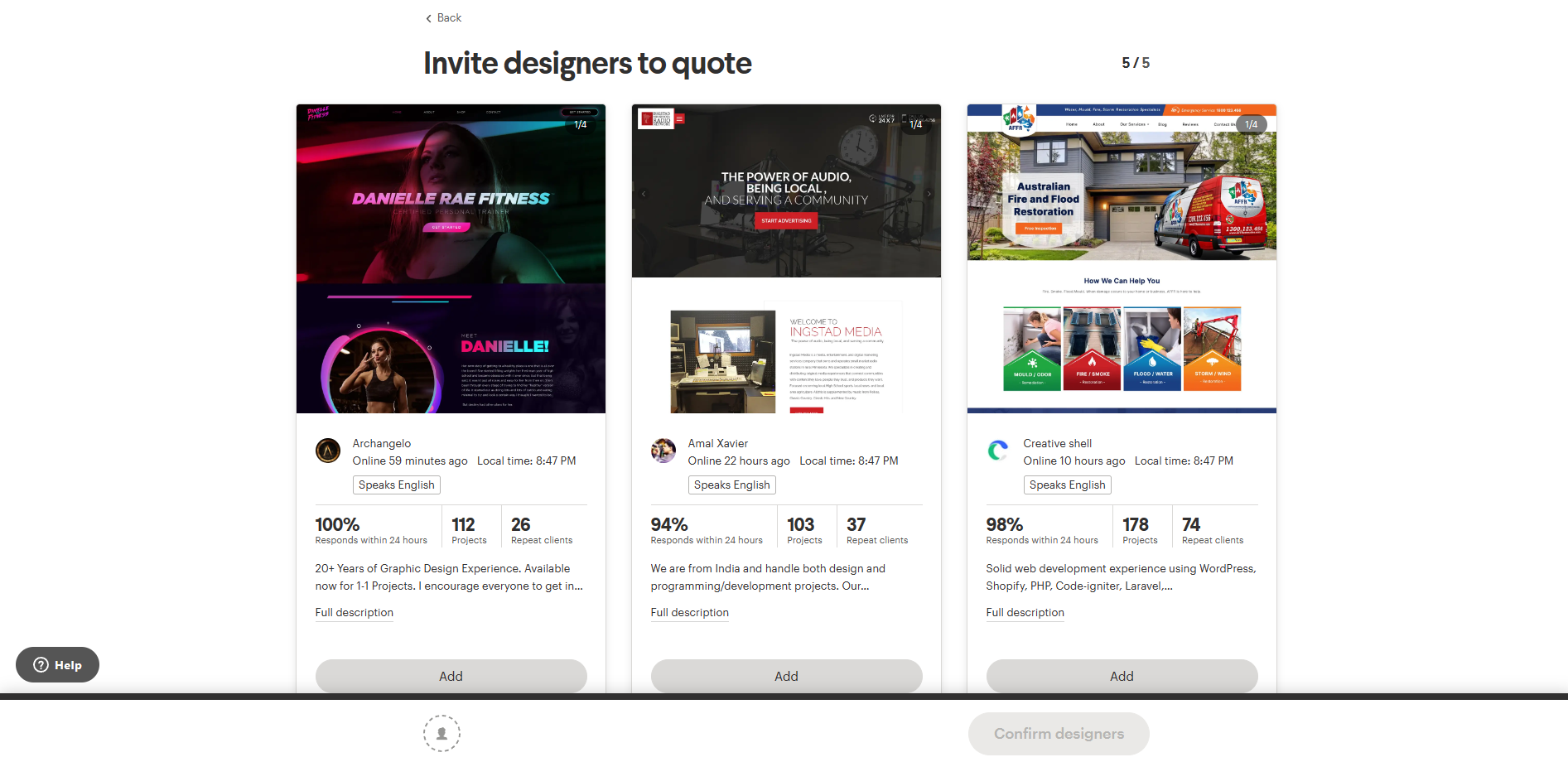
- After adding potential designers for your website, click the “Confirm designers” button.
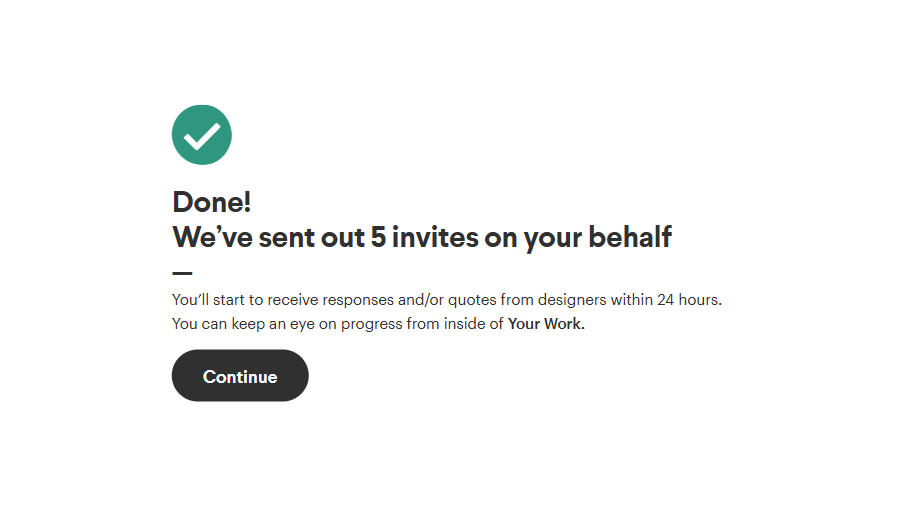
- Click “Continue”.
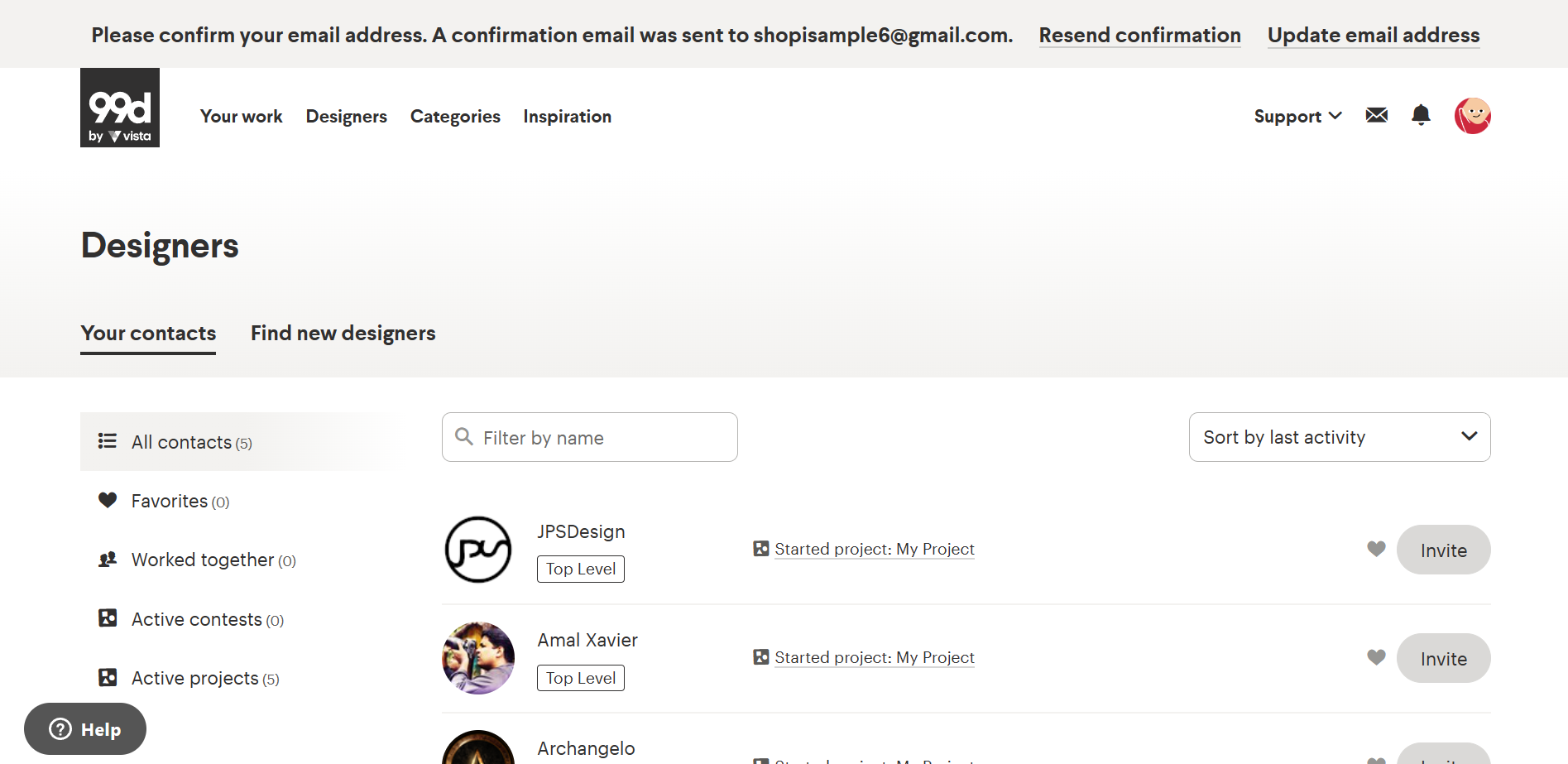
- To find new designers, go to the Designers tab and click “Find new designers”.
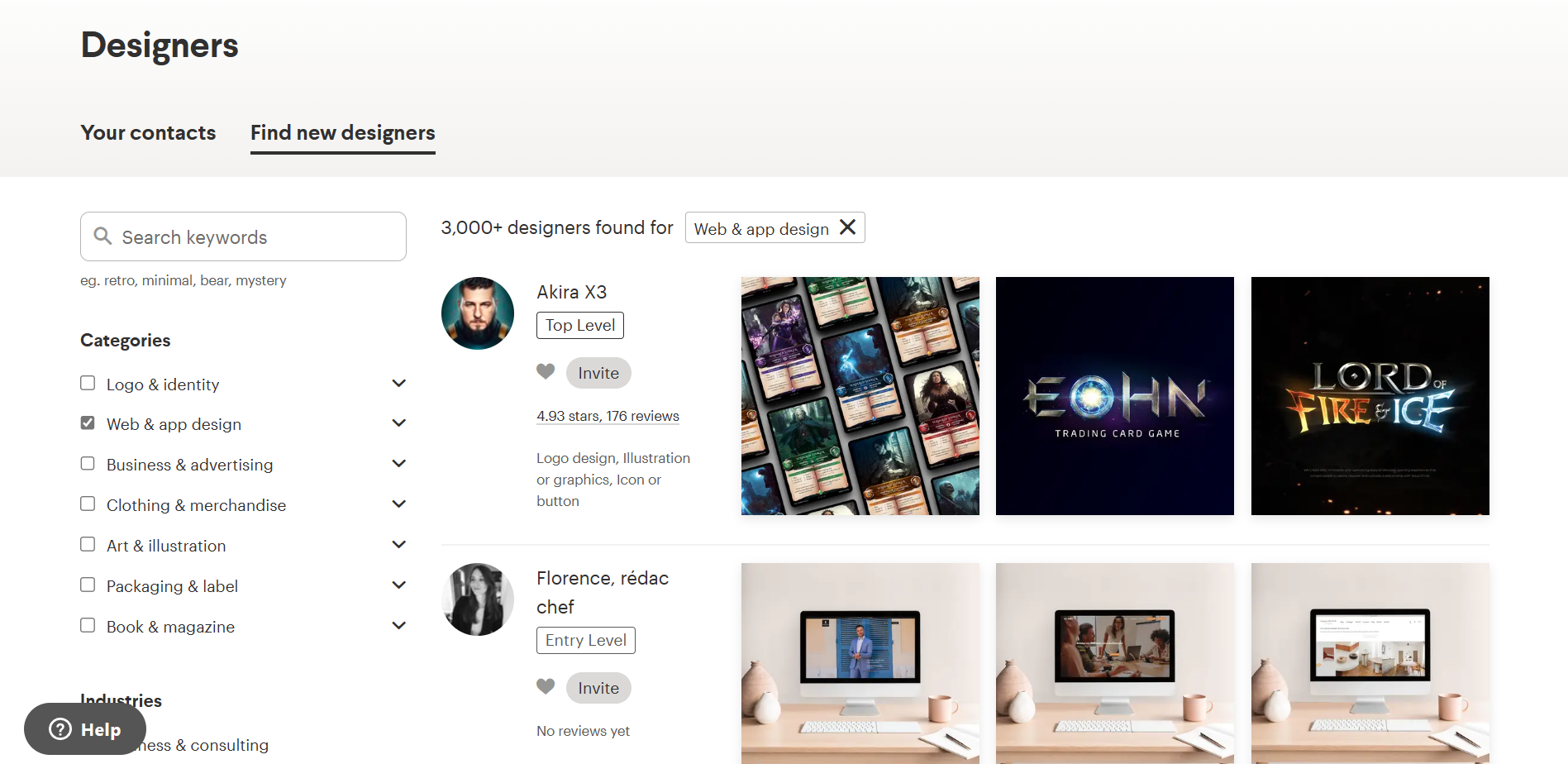
- Here, you can see Categories. Check “Web & app design” to limit the designers that would appear from your screen. From there, you can choose designers that might be able to do the design that you prefer on a website. Make sure to check the portfolio of the designers so you can see whether you want their way of styling the website or not.
Conclusion
You’re done! Always keep in mind that since Shopify has limited design options for their website themes, it is not ideal for business owners who want to explore the creative side of website building.
-
To search for designers on 99Designs, you need to clarify key requirements in making the website. It is important to finalize the budget, design inspiration, website name, and the logo.
-
Changing these important aspects in the later date would cost more in the production and stop the establishment of the website to the online public.
-
Finding the best Shopify designer means finding someone that understands your preferences in design and fixing the layout of your store in a way that it does not overwhelm the visitors as they scroll through it.
-
After creating your account on 99Designs, they will send 5 invites on your behalf to the designers that you want to reach out to that specializes in the field and industry that you have chosen.
-
TIP: In finding the best Shopify designer to your website, make sure that you plan ahead the time allocation that you will give them to finish the store website. It is also advisable to talk directly with the designer to emphasize details on your website that you want to showcase to your customers.