How to Find and Keep Track of the Income of Other Shopify Sellers
To help you in finding and keeping track of the income and other necessary details of other shopify sellers by navigating through their website using Koala Inspector.
Prefer a shortcut? 16 free tools do parts of this for you.

Aim: To help you in finding and keeping track of the income and other necessary details of other shopify sellers by navigating through their website using Koala Inspector.
Optimal Outcome: To be able to compare your business strategies to other Shopify sellers without having to checkout products from their website. By knowing the Shopify apps installed on their store, you will get a glimpse on how your competitors are thriving in your niche.
What do you need to start: To follow this SOP, you need to have either Microsoft Edge or Google Chrome so you can install the Koala Inspector extension. You will also need an email account to try the said extension.
Why is this SOP Important: Being aware of your competitors' strategies in marketing and the current income and traffic of their website stores would be beneficial for you as you want to improve your website according to your customers' perception. In line with this, you will also learn how to calculate the revenue or income of these Shopify sellers by following the guide which is indicated in the Koala Inspector's website.
When and Where to execute: This SOP is executed when you want to improve your website and business by utilizing your competitors' own Shopify-made website.
Who Should Be Doing This: This should be done by the company's marketing analyst.
Finding & Tracking Other Shopify Sellers
The Koala Inspector extension provided by Google Chrome is especially made for Shopify stores, which means that it would not be able to track other websites that are not made through Shopify. It is incredibly efficient especially for small businesses who are still starting because it allows them to adopt certain strategies that other successful Shopify stores are performing. By utilizing this, you can understand their pricing strategy and see the products that their customers purchase the most.
Execution
Resources/Tools & Set up
-
Google Account
-
Google Chrome or Microsoft Edge
-
Chrome Web Store
Installing Koala Inspector
- Go to the Chrome Web Store.
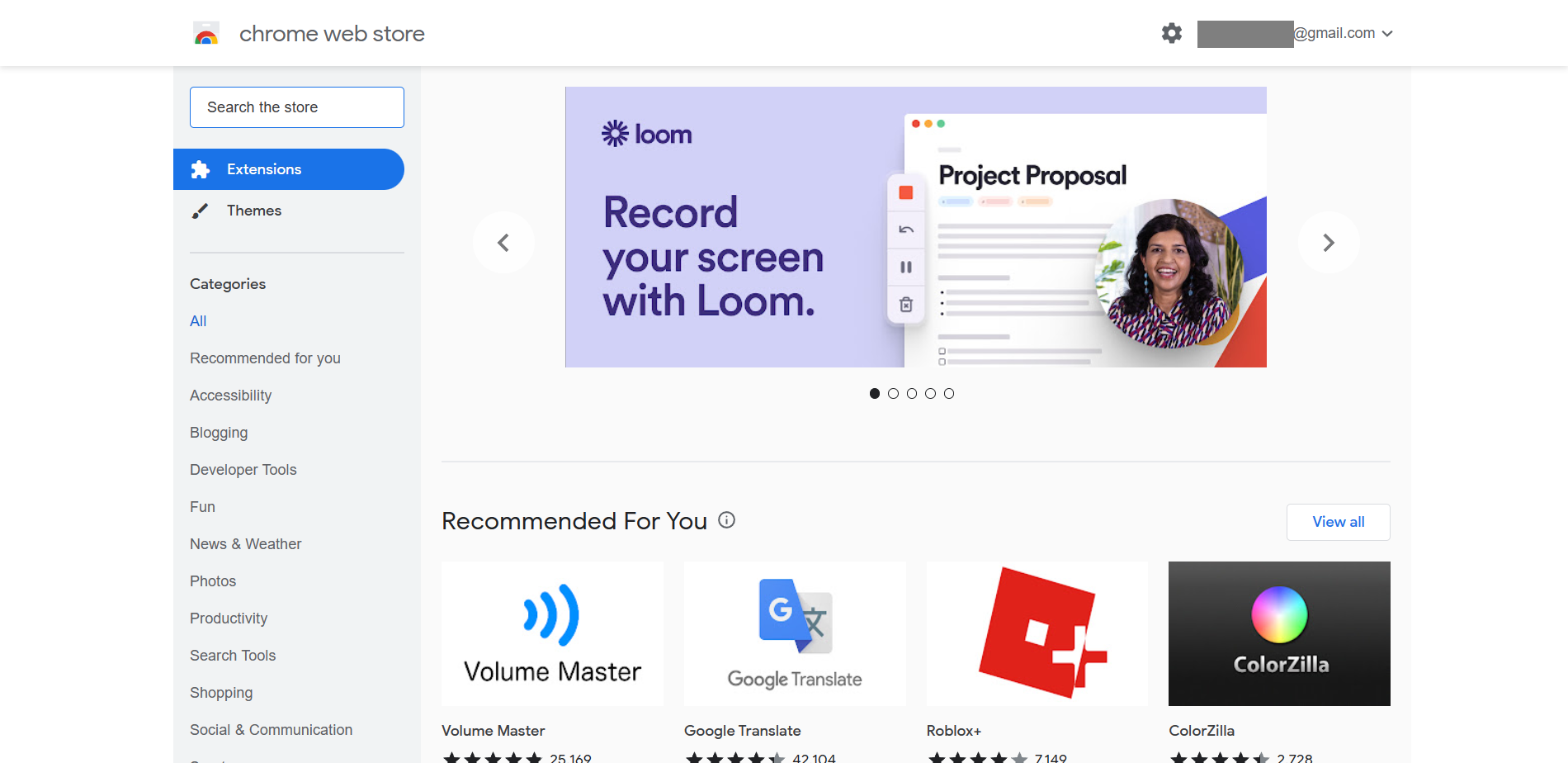
- You will find a search bar indicated on the upper left of the website. Here, you can click it to type "koala inspector shopify".
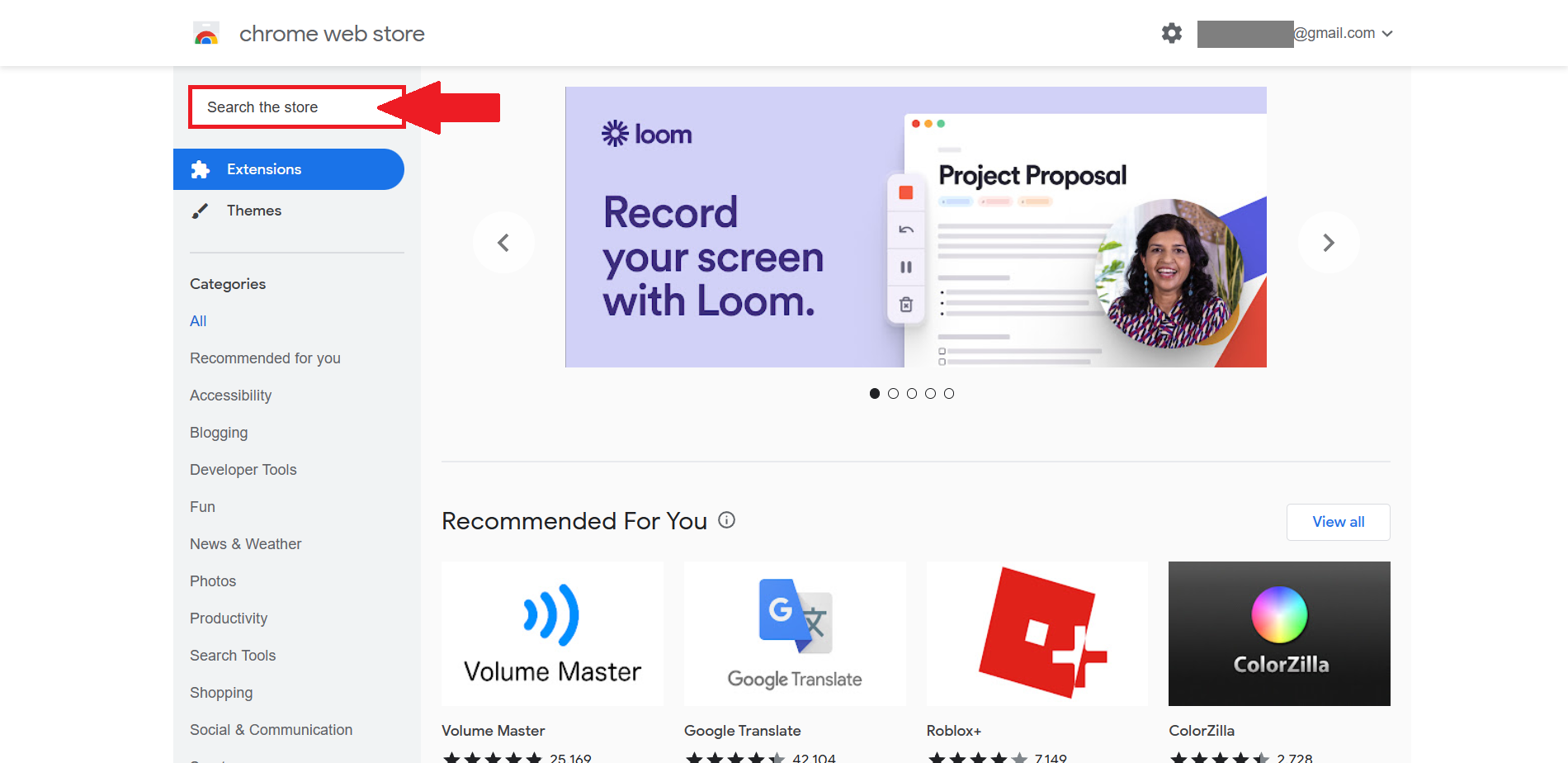
- Suggestions will appear below the search bar. Click the suggestion "koala inspector shopify" or click Enter from your keyboard.
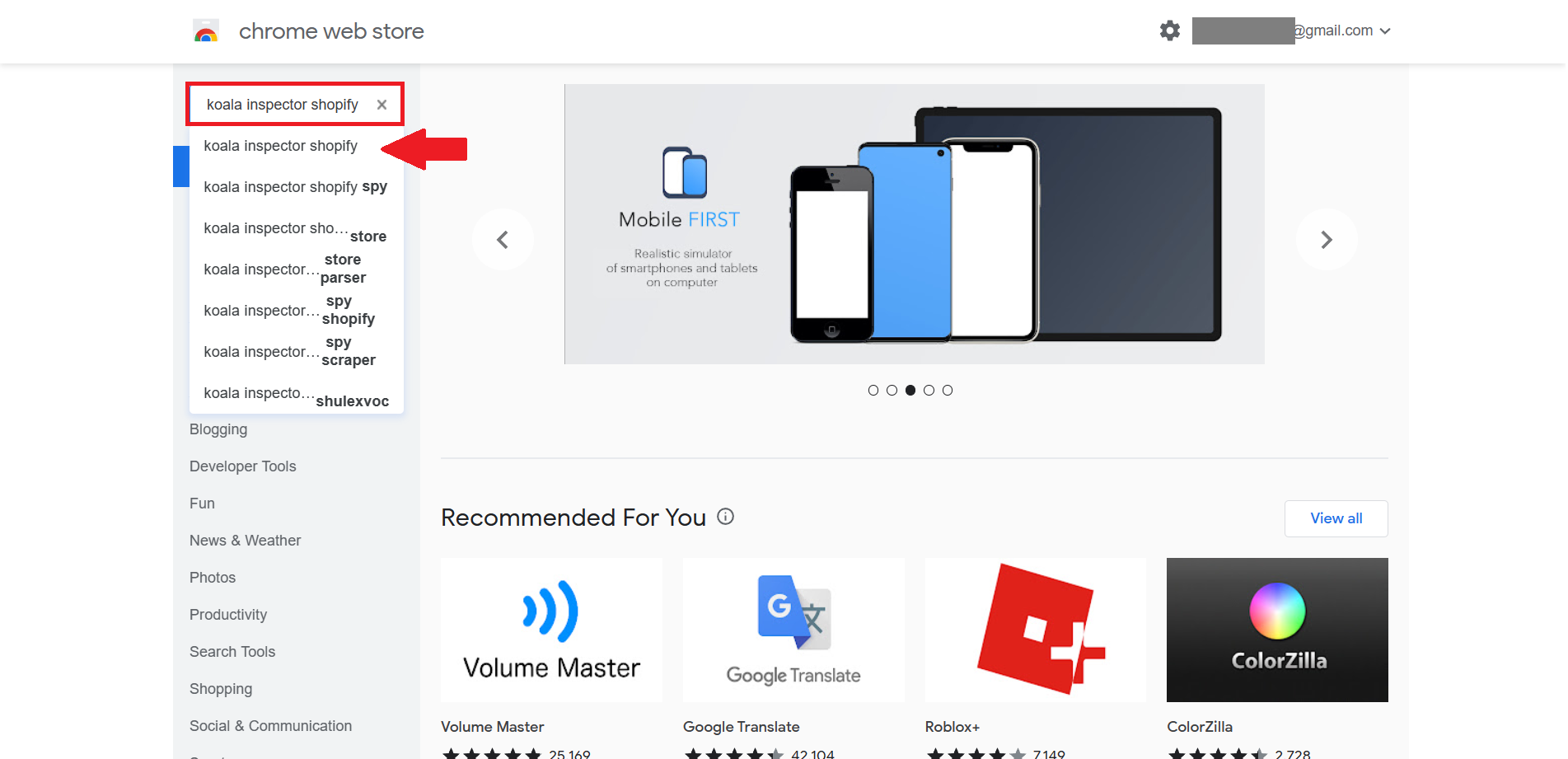
- After searching the Chrome Extensions, you can now click the "Koala Inspector - Shopify Spy & Dropship Tool".
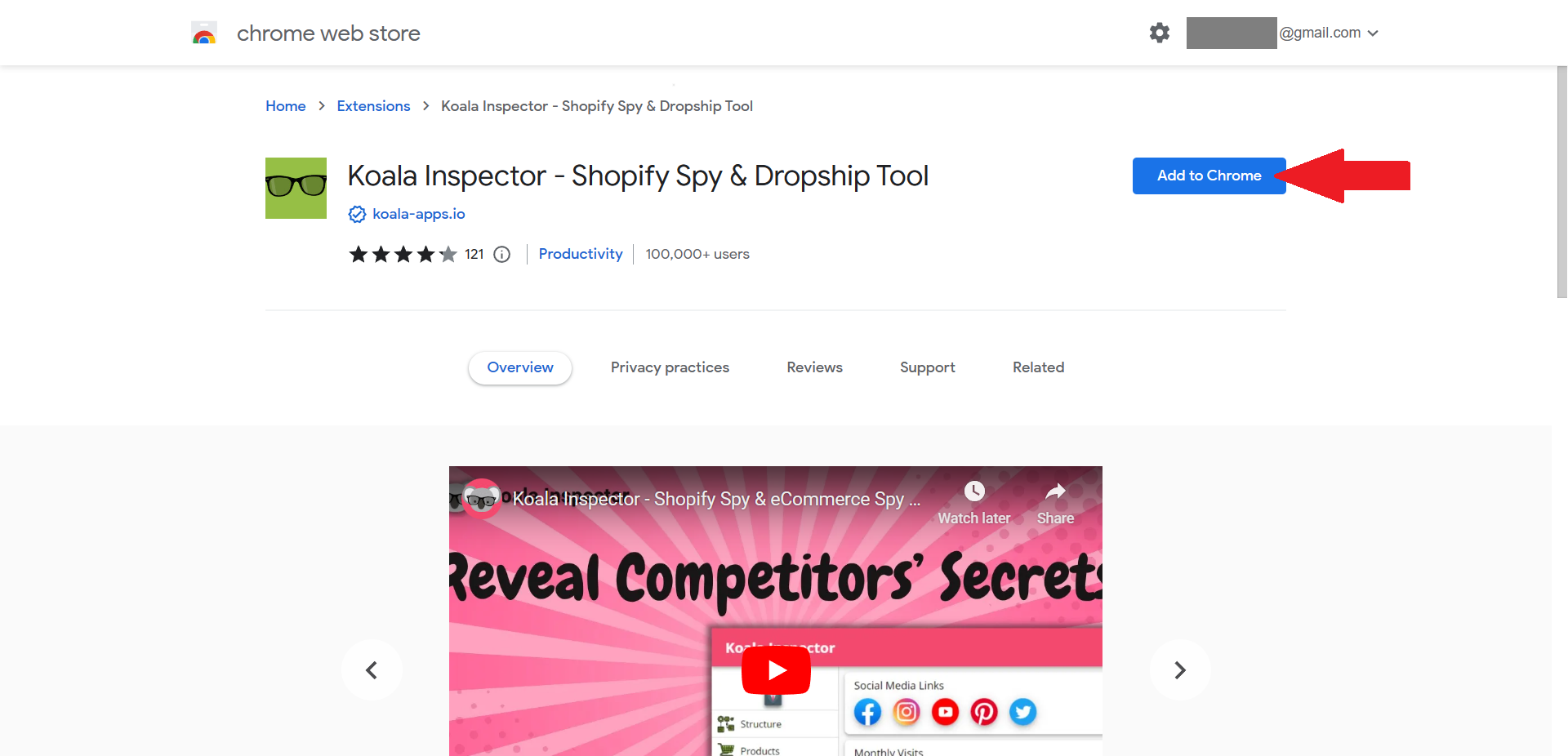
- After clicking the extension, you will be redirected to this page. Since this is an extension, you must click the "Add to Chrome" button.
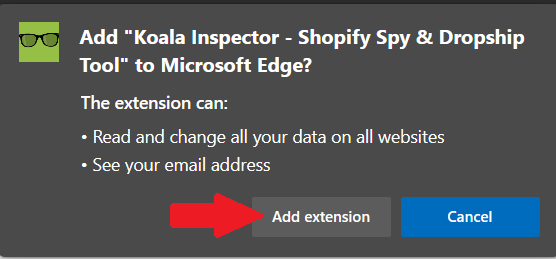
- If you are utilizing Microsoft Edge as a search engine tool, this pop-up tab will appear. This shows that the extension can read and change all your data on all websites and see your email address. If you are okay with these conditions, click the "Add extension" button.
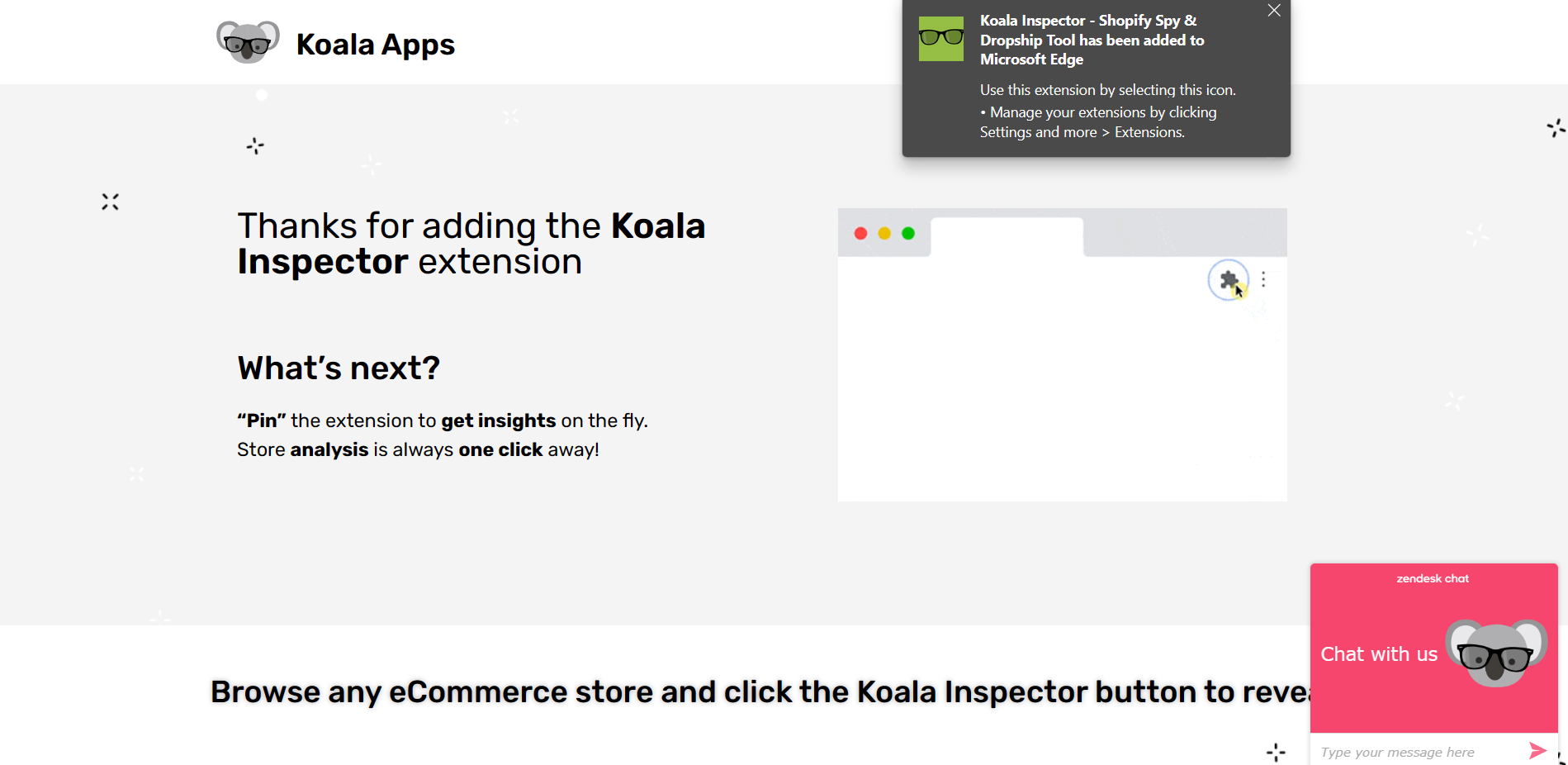
- There you have it! This will be the page that you will see after adding the extension.
Creating a Koala Inspector Account
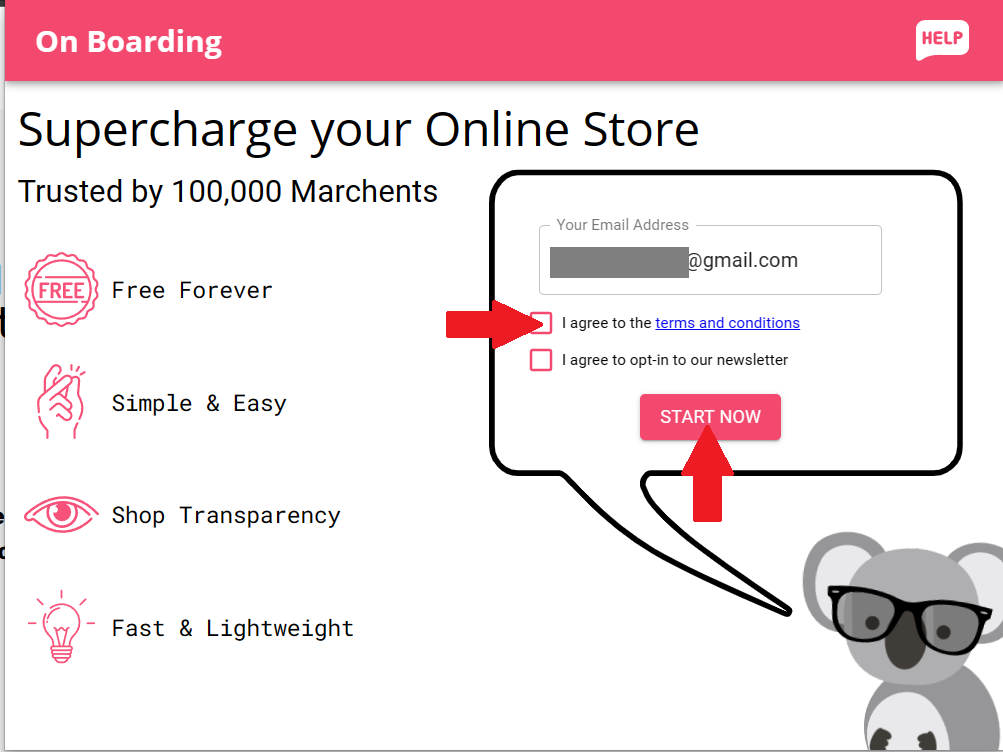
- As you can see, there will be a space where you will have to enter your email address to create an account. Click it and type your email account. There will also be agreements to create the account, such as the terms and conditions and opting in to their newsletter. NOTE: You can read the terms and conditions by clicking the blue underlined terms and conditions. To agree with these options, click the corresponding box in each option to check it.
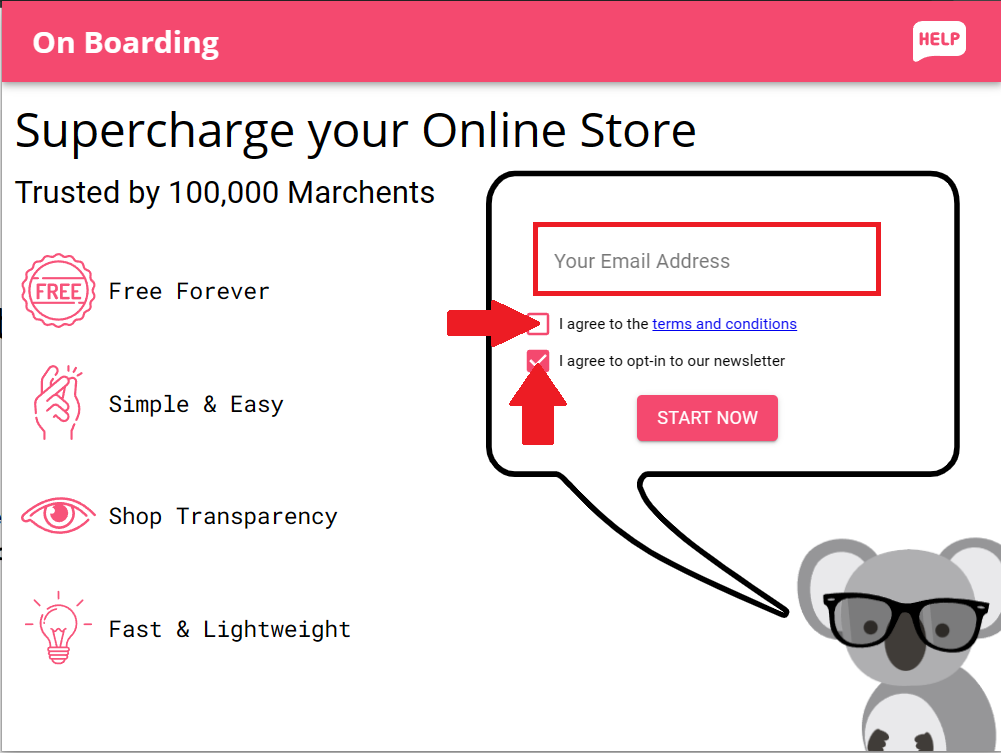
- After clicking the checkbox on your preferred options, click the "START NOW" button.
Utilization of the Koala Inspector Extension
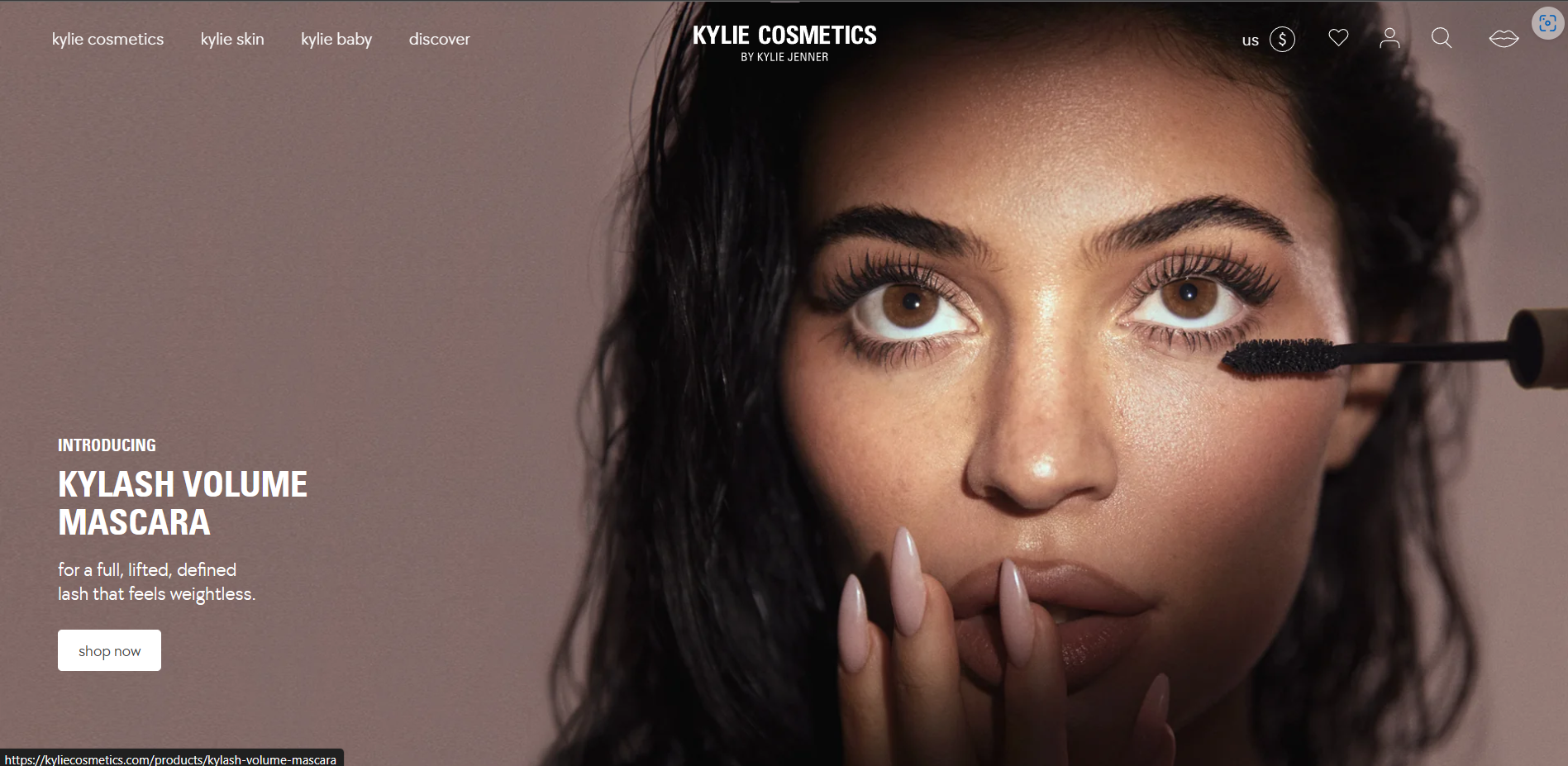
- Go to a Shopify seller's store website. For example, we will use the Kylie Cosmetics, the Shopify store website of a cosmetic company.
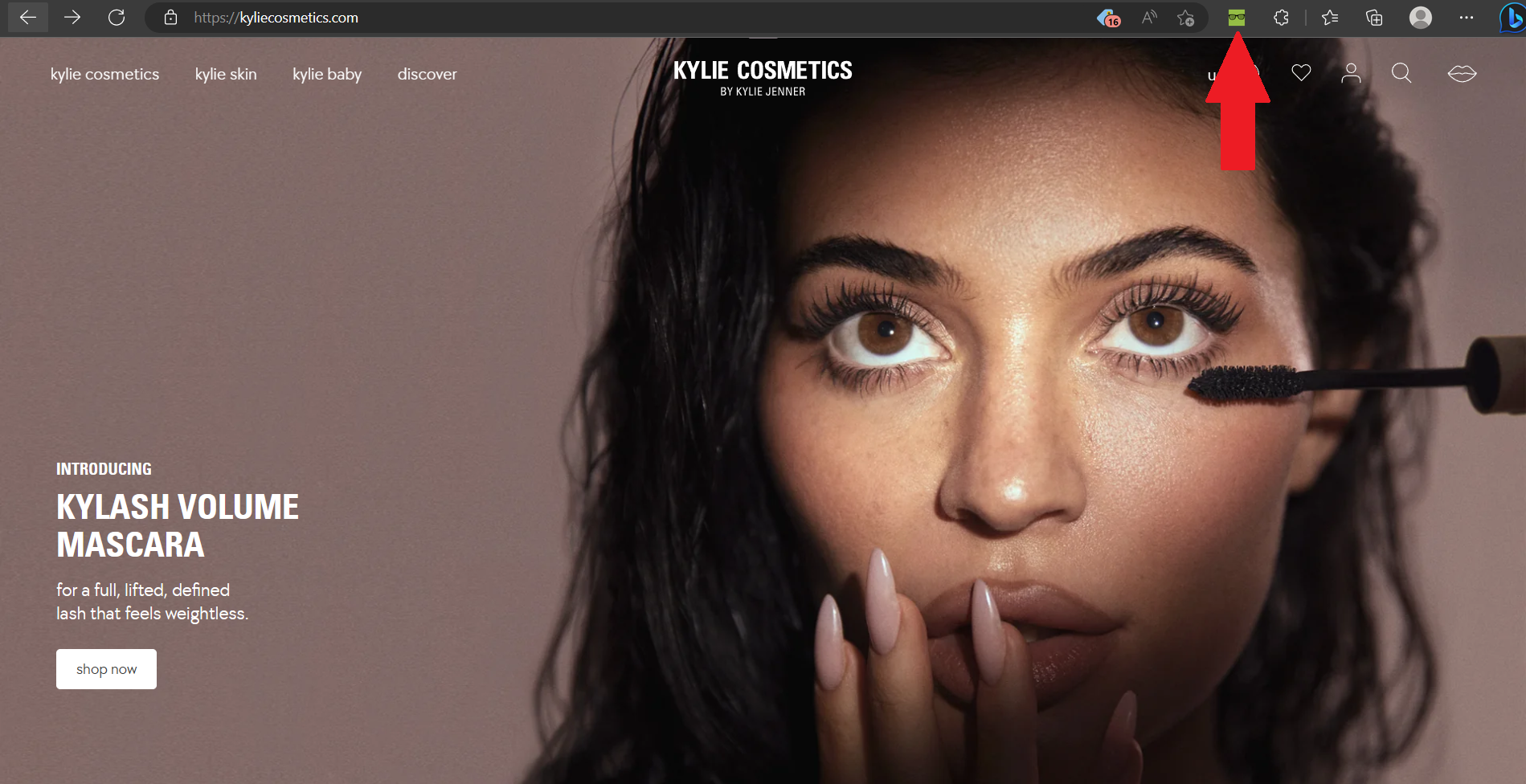
- From your browser, you will see the extension shortcut icon of Koala Inspector in line with the search bar. Click it to open the extension.
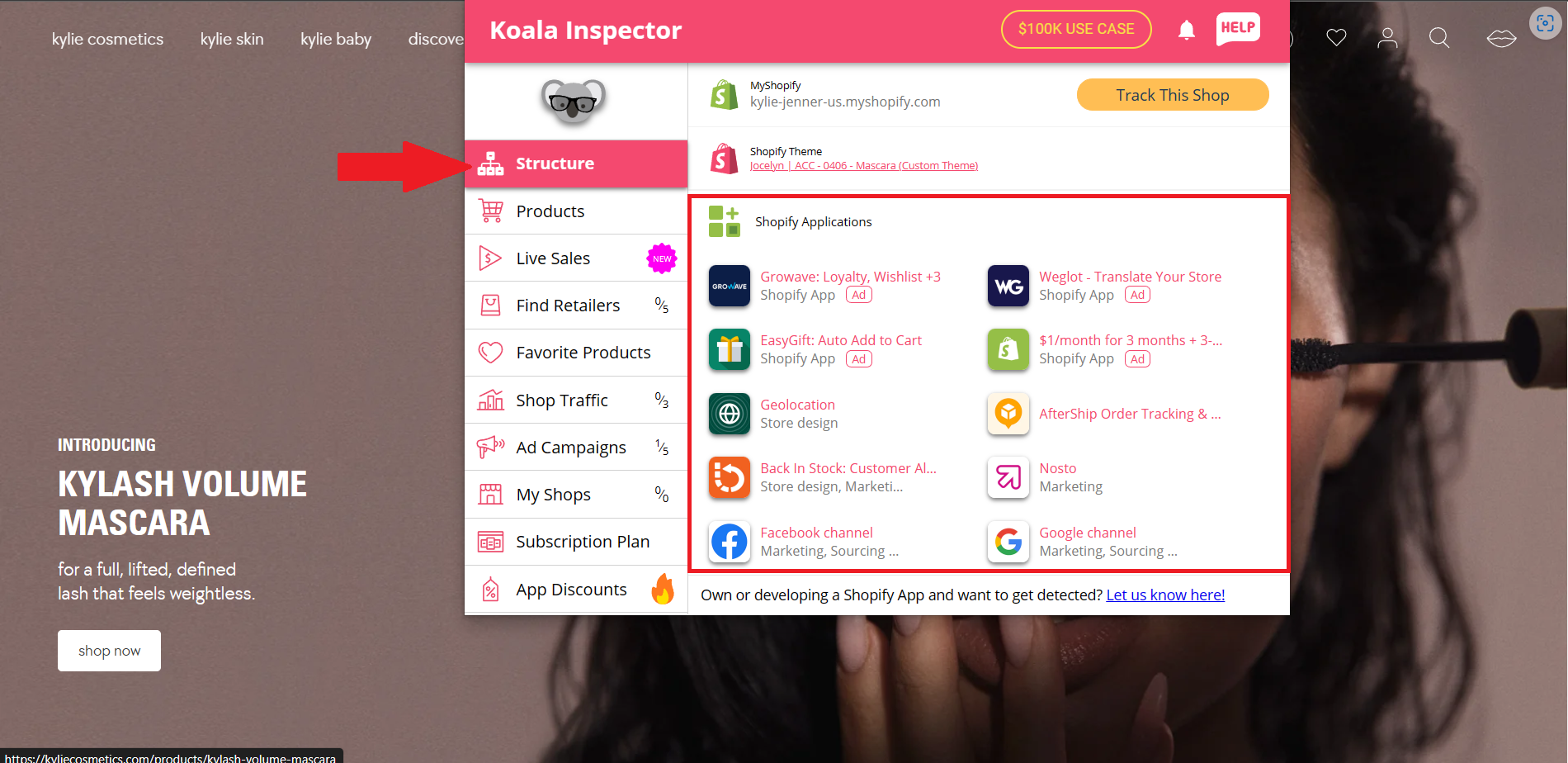
- Once you have opened Koala Inspector, you will see a dashboard on the left side of the extension. Under Structure, you can see the Shopify store link of their store website. Next is the Shopify Theme, where you can incorporate it to your own website if you want to. The Shopify Applications are also indicated in the structure. If you want to establish a successful website, you can see and assess these applications to find out which would be beneficial for your business.
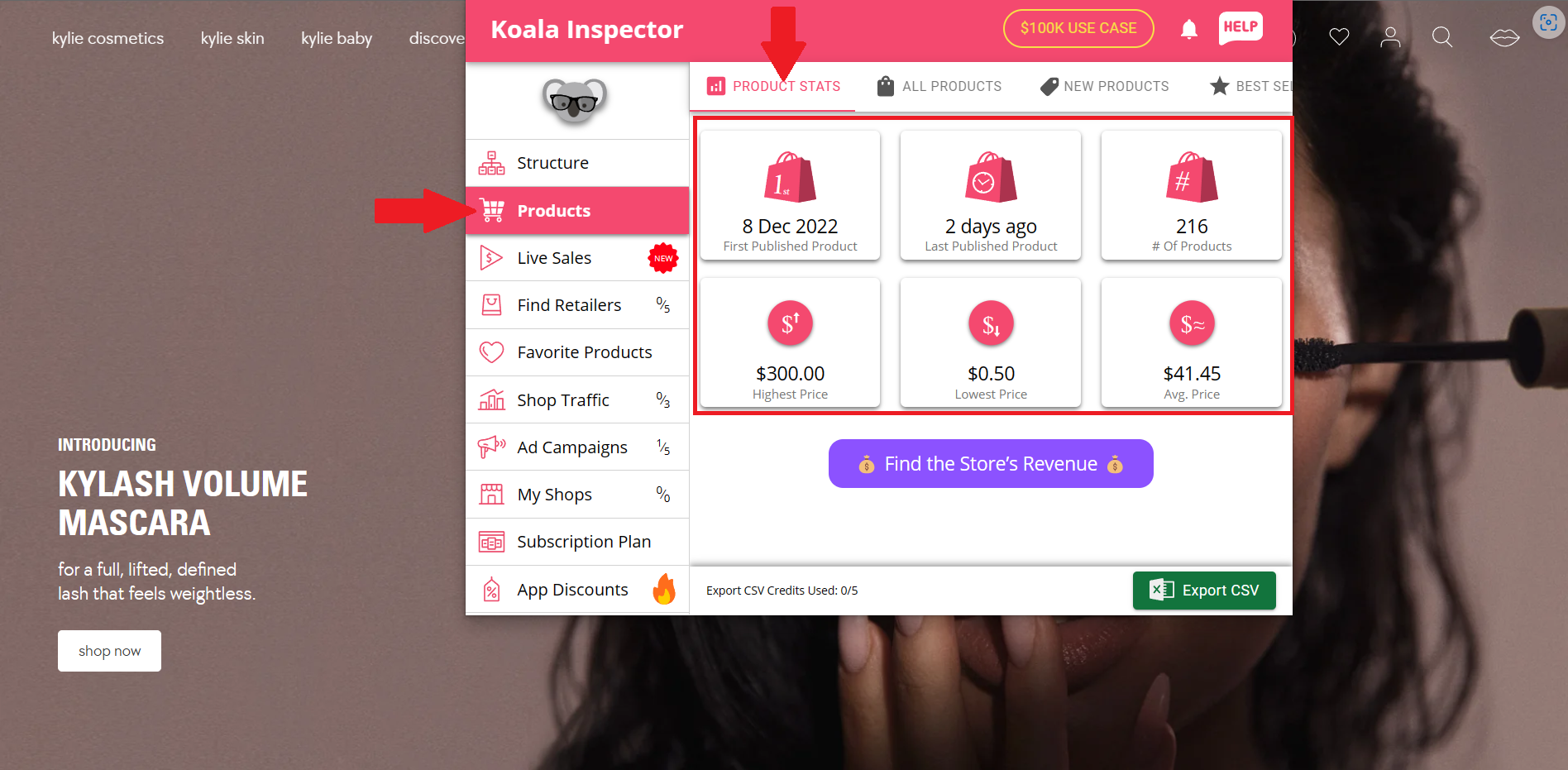
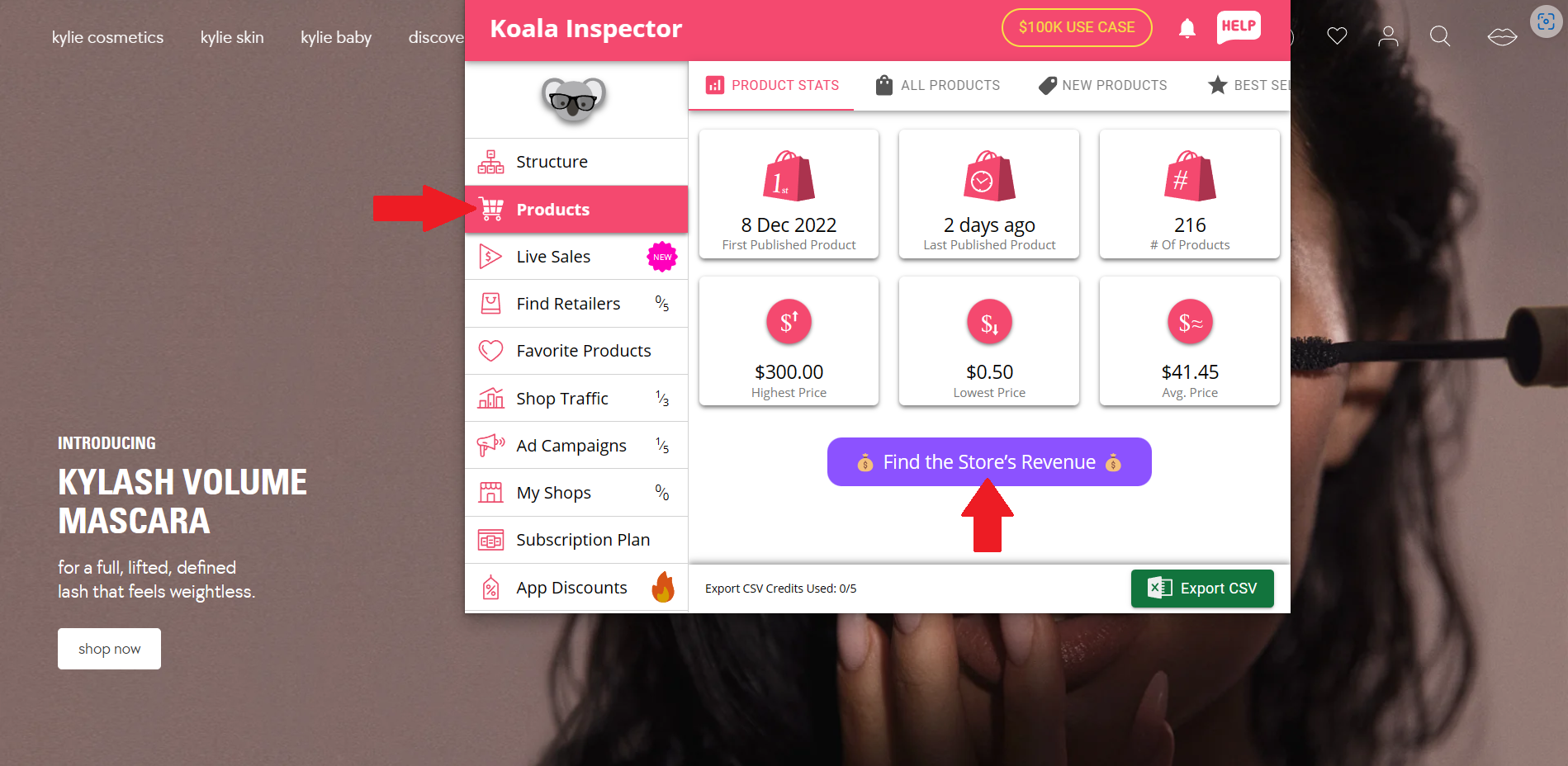
- Next thing in the dashboard is the Products tab. This tab shows four categories of product differentiation, wherein the first one presents the Product Stats. This tab shows you the information about the first product which was established, latest date when a product was published, number of products, highest price among the products, lowest price among the products, and the average price of the products. The average price is important to calculate the income of the store.
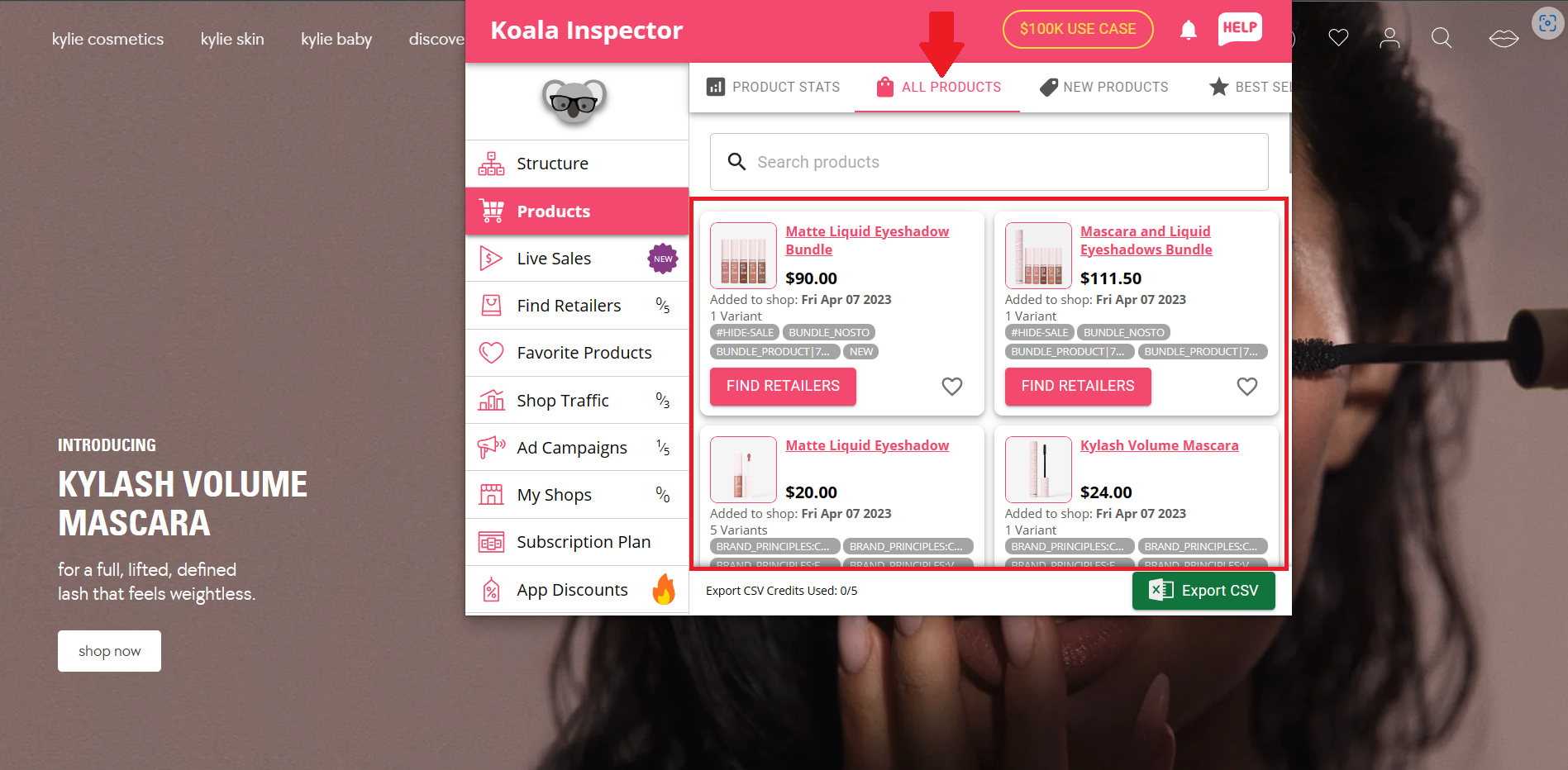
- Next to the Product Stats is the All Products tab. In this tab, you can search the products of other Shopify sellers using the search bar, and you can find the retailers that provide them.
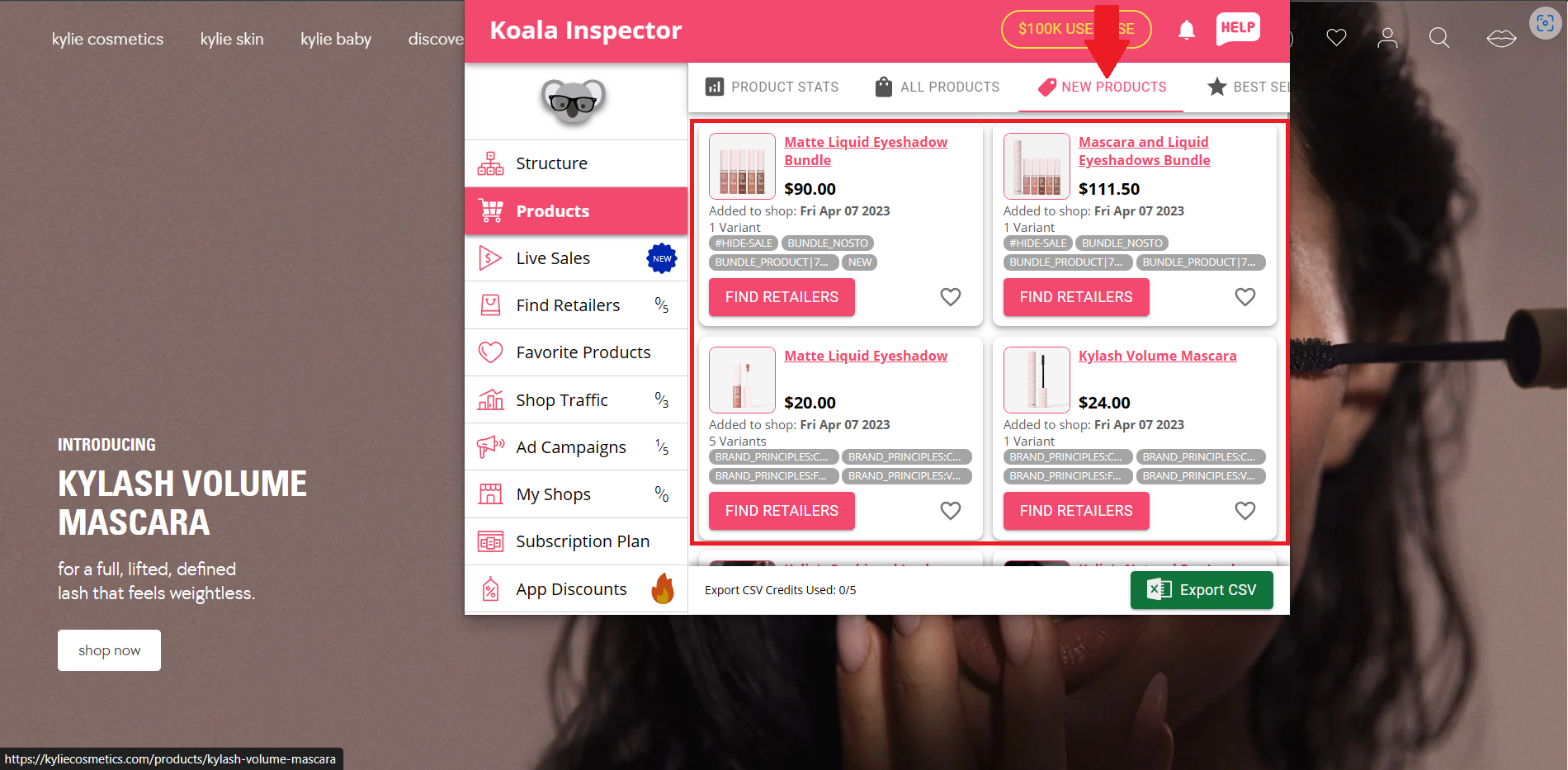
- Lastly, there is also a tab indicating all the New Products. This tab shows the collection of new products that the Shopify seller has released and the date that it was established in their Shopify store.
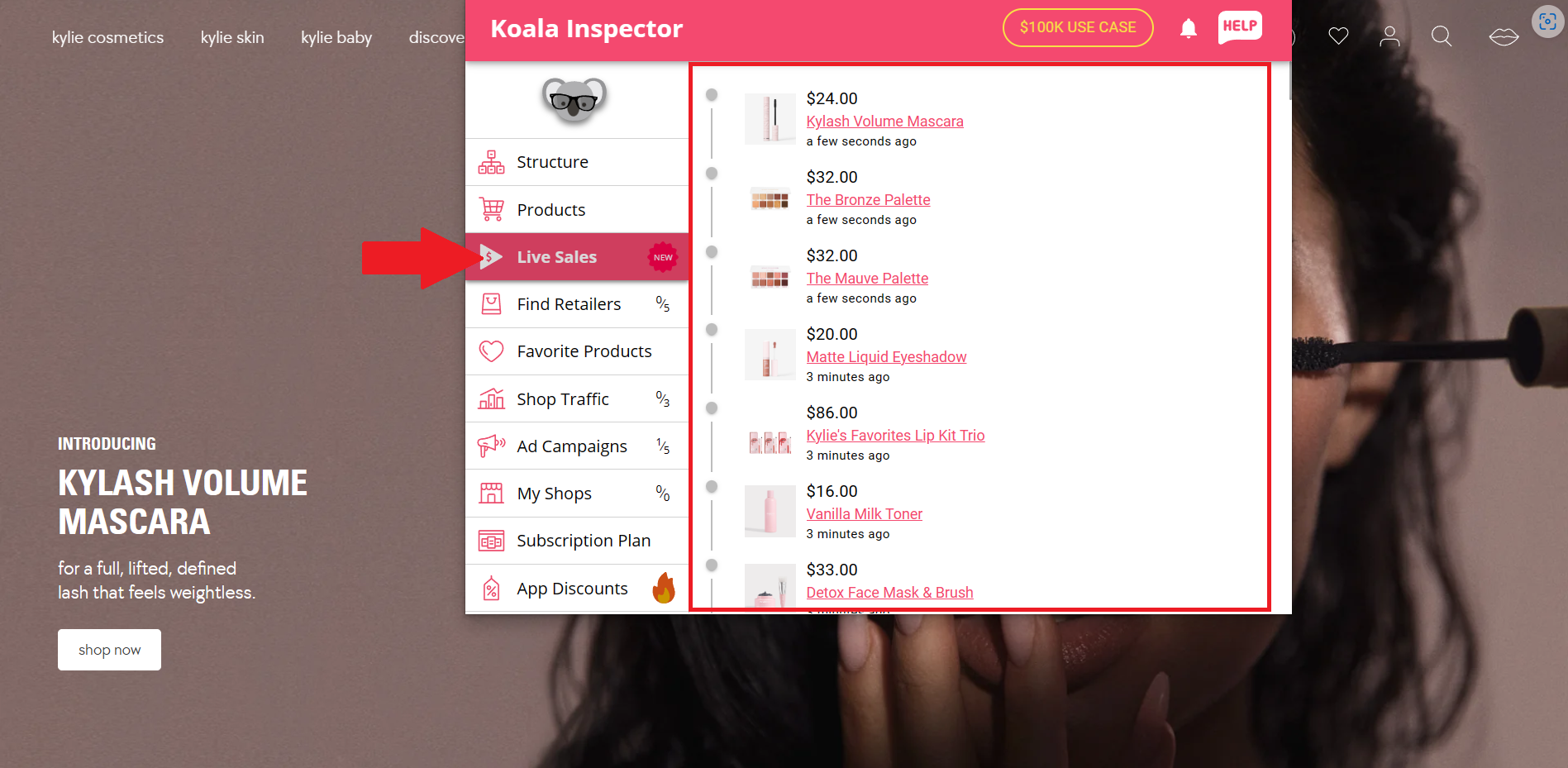
- In the Live Sales tab, you can see the incoming sales made on the website. Although the buyer's name is not indicated, the products that they have bought were indicated in this tab.
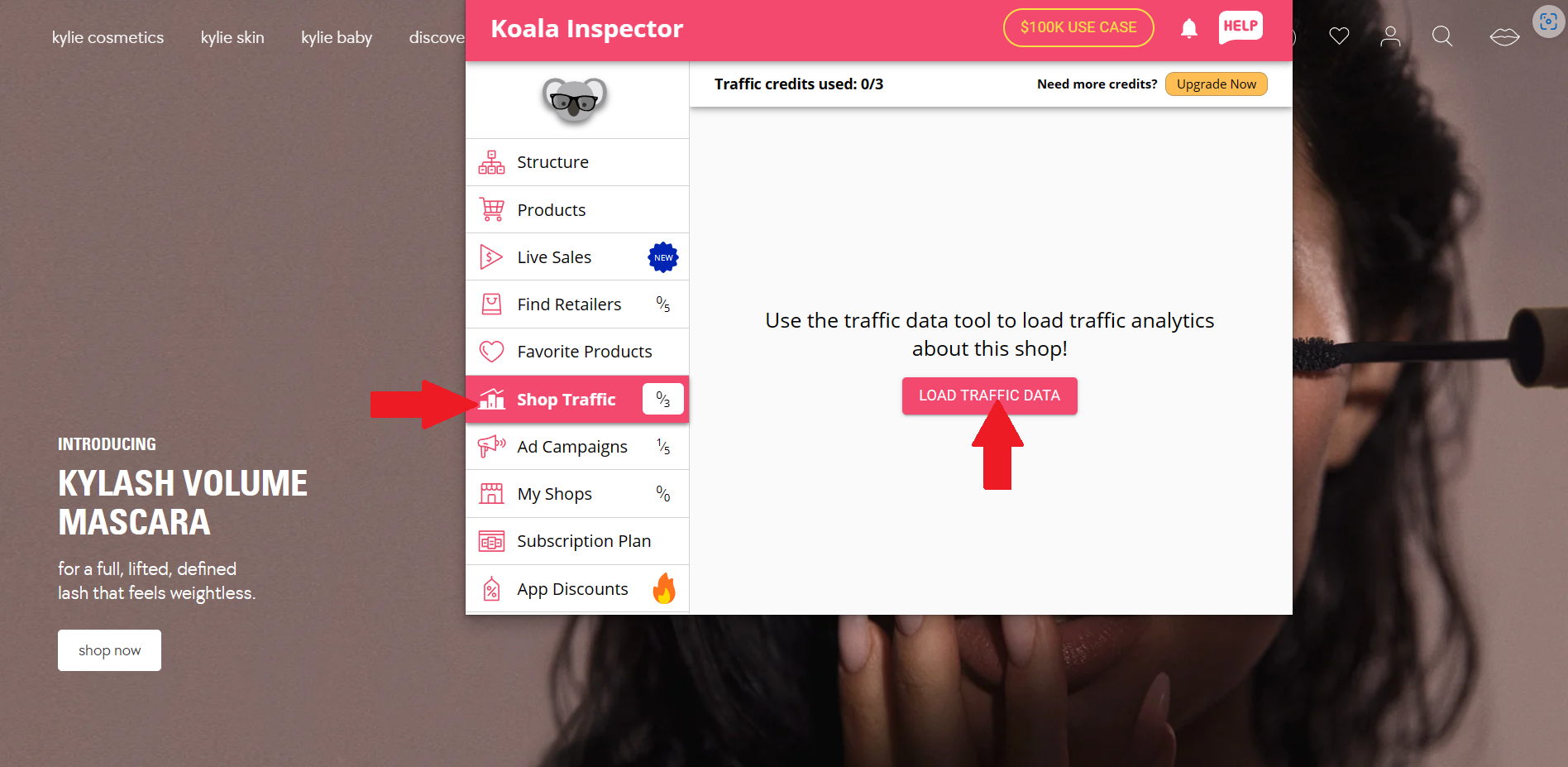
- To access the Shop Traffic tab, click the "LOAD TRAFFIC DATA" button.
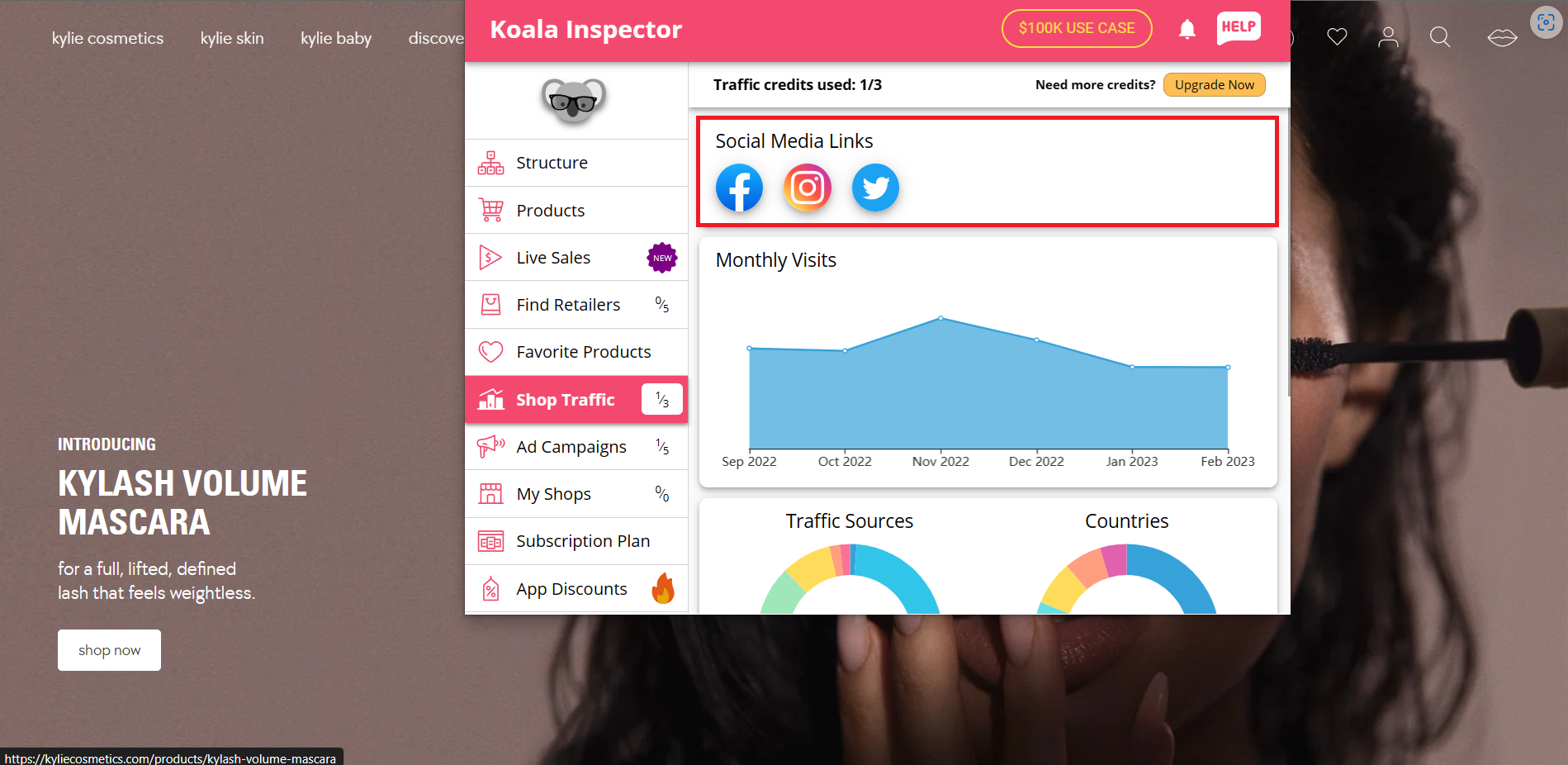
- In this tab, you can first see the Social Media Links where the store website is integrated. As you can see, Facebook, Instagram, and Twitter are integrated to the store website and these platforms give marketing benefits to the store.
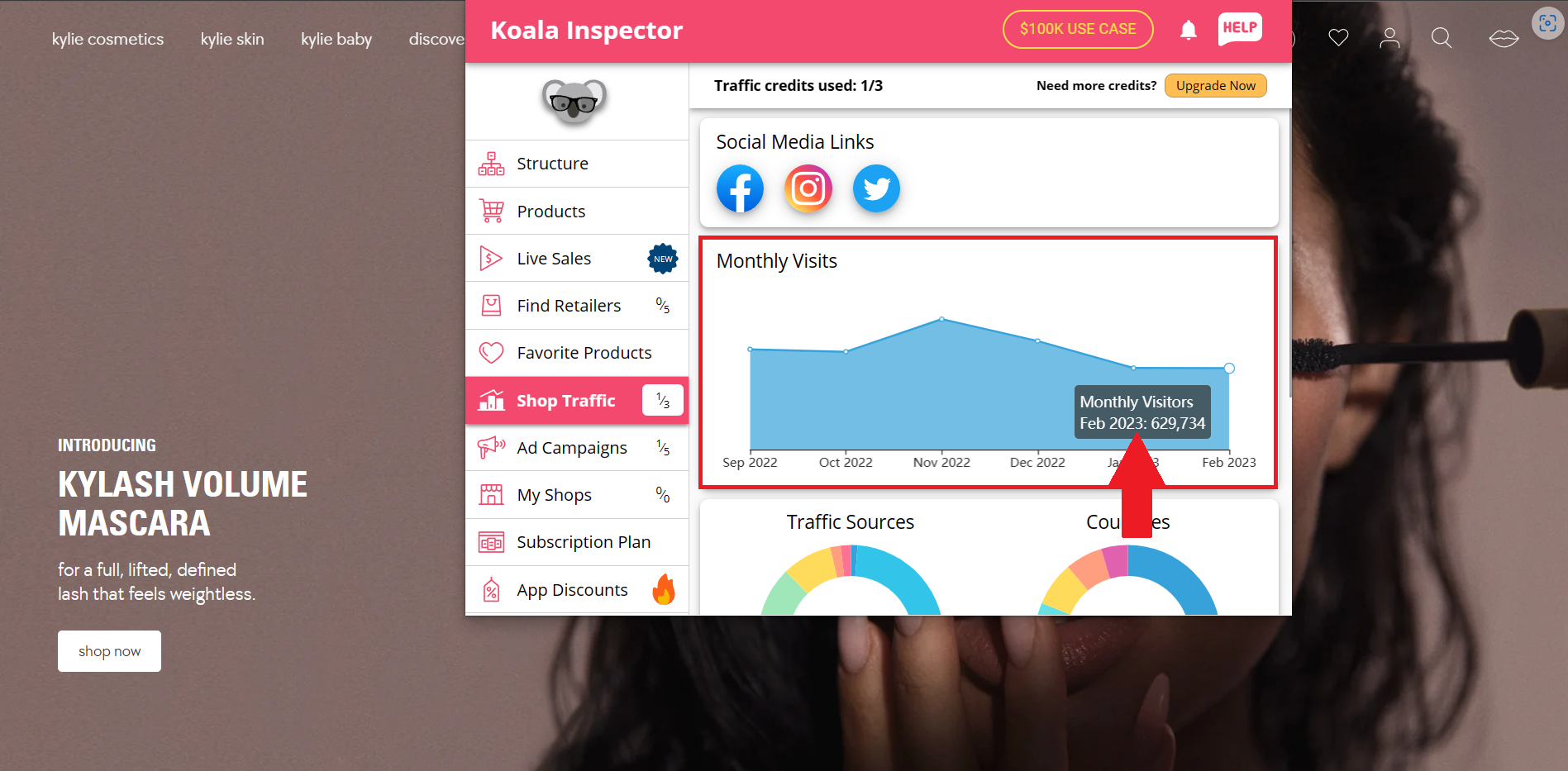
- The graph indicated the Monthly Visits of the store website. The graph shows whether there is a decline on the monthly visits, or if the campaigns are working according to the plan. Like average price, the number of monthly visits is needed to calculate the income of the website.
- The second graph (right) indicates the country locations of the store website viewers. You can also see the major contributing country in this graph by clicking the large area.
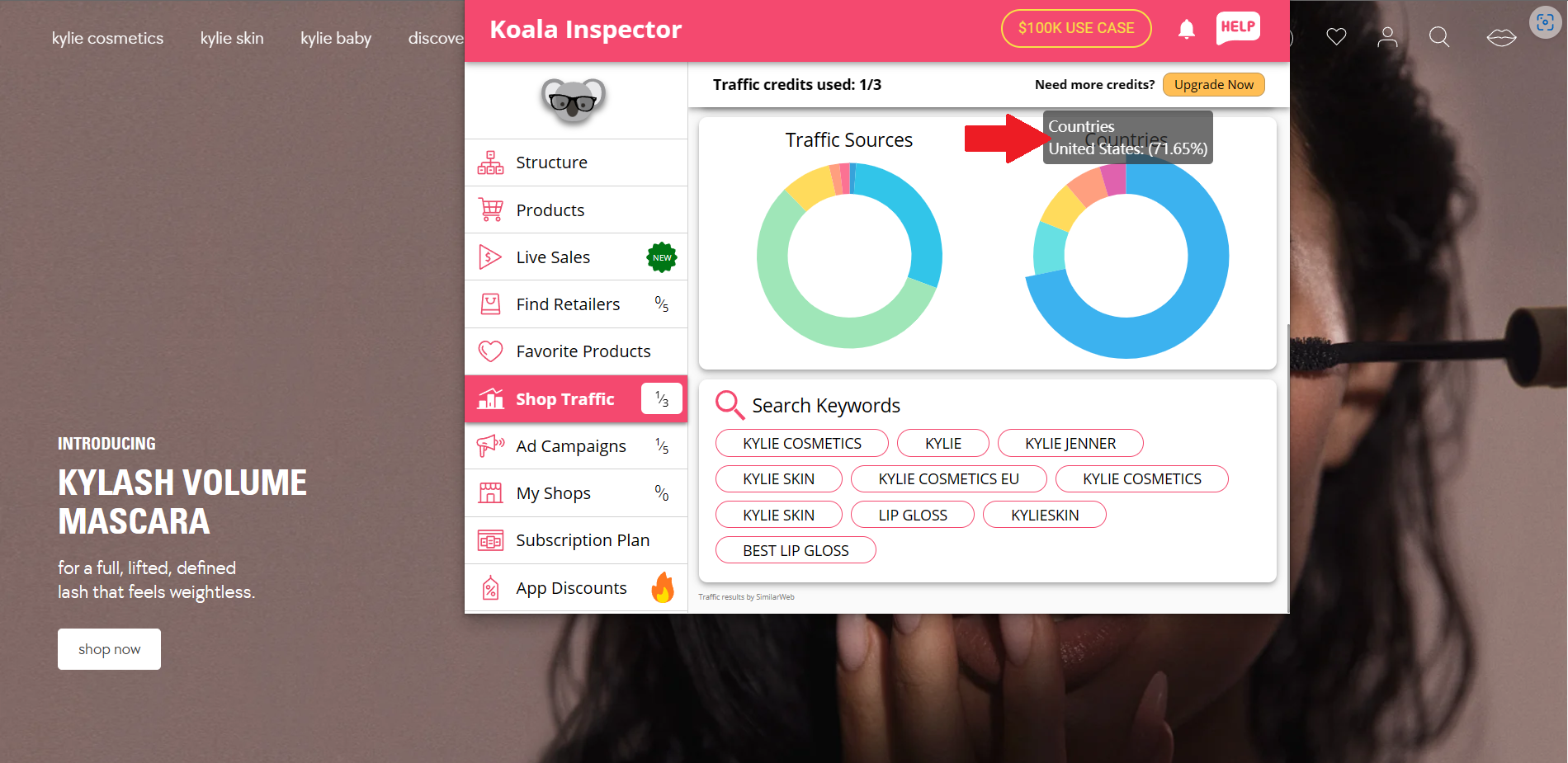
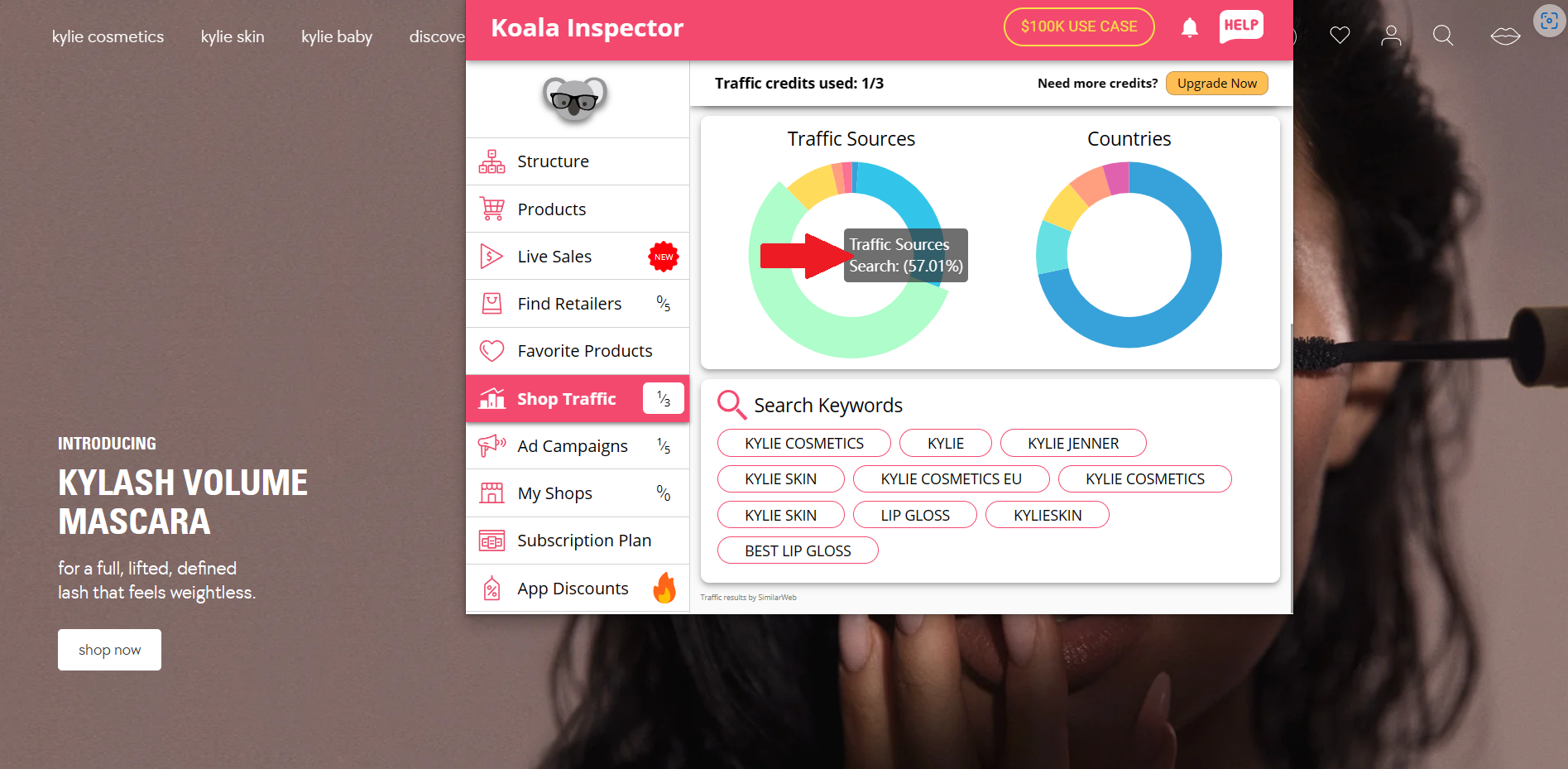
- The traffic sources include the source where a visitor finds the store website. A huge percentage of the shop traffic comes from the Search, which determines that the business should focus more on it.
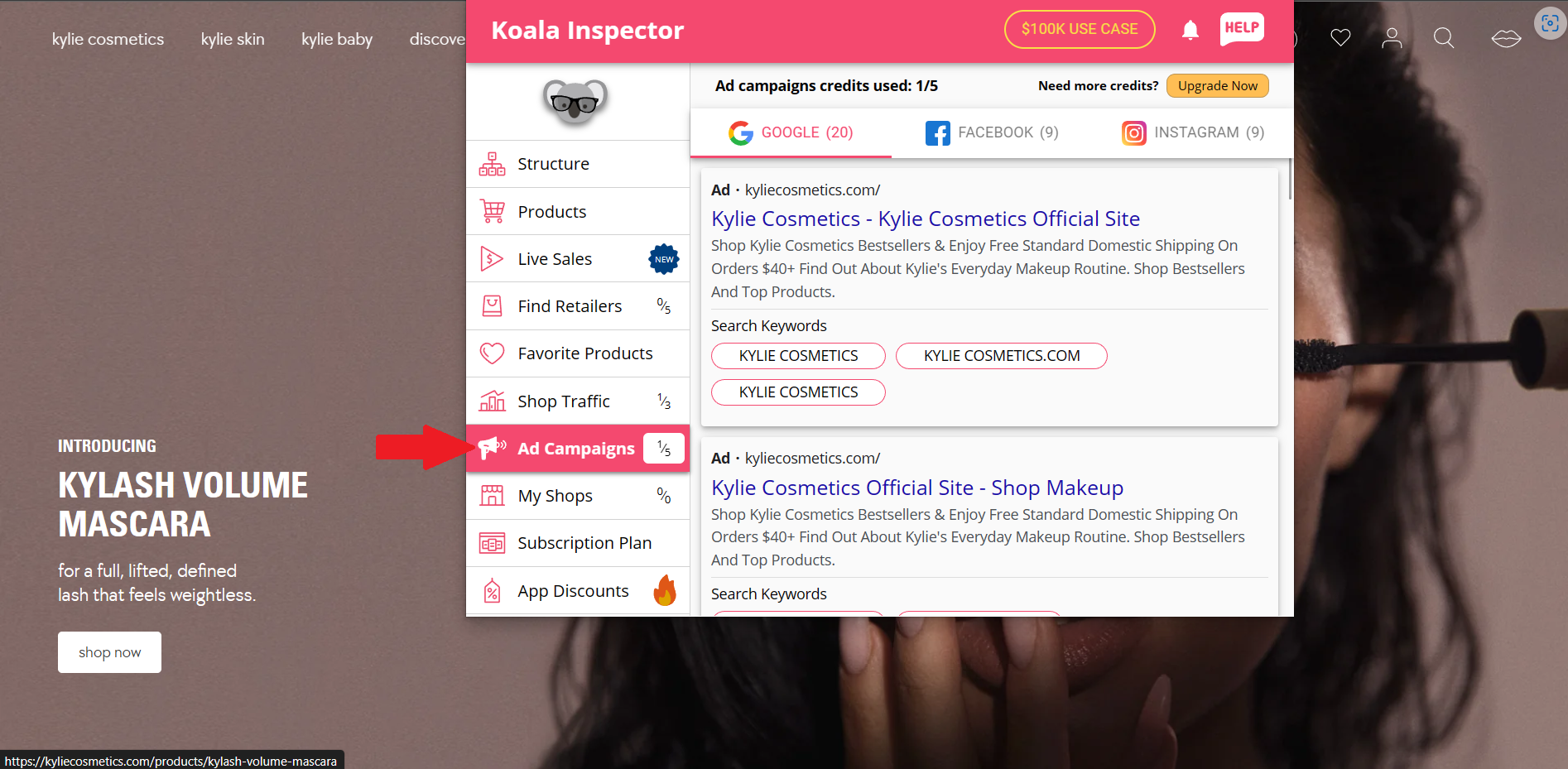
- Next would be the preview of the Shopify store website's ad campaigns. It is illustrated in this tab, wherever the platform the company has decided to put their ads into.
Calculating a Shopify Seller's Income
- Return to the Products tab and click "Find the Store's Revenue".
- After clicking that button, you will be redirected to the Koala Apps website, where you will be taught how to compute your competitors' income.
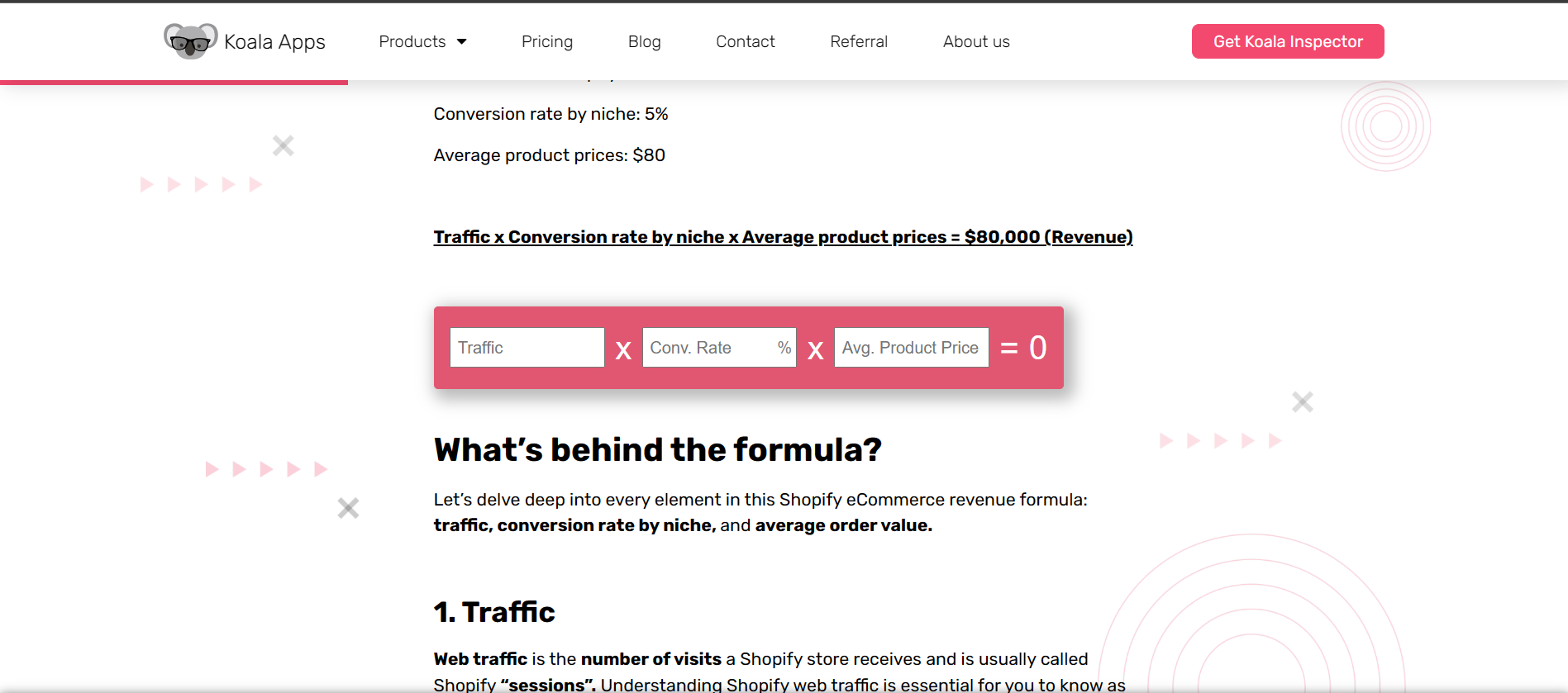
- Scrolling down, you can see the formula to determine the revenue. This formula includes the multiplication of website traffic, conversion rate of the niche, and the average product price.
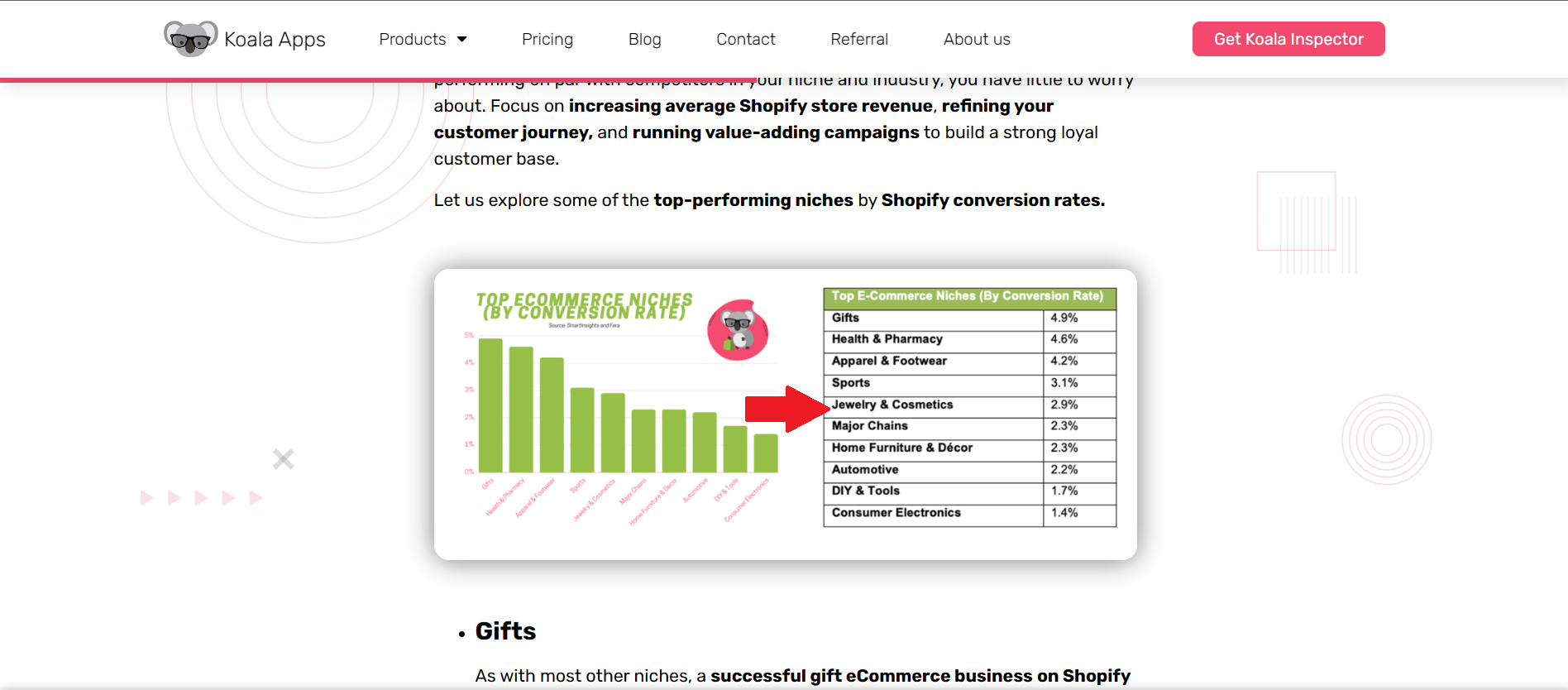
- As you can see, the Koala Apps website has provided the conversion rate of every niche available in eCommerce. Since Kylie Cosmetics is a Cosmetics brand, its Conversion Rate is 2.9%.
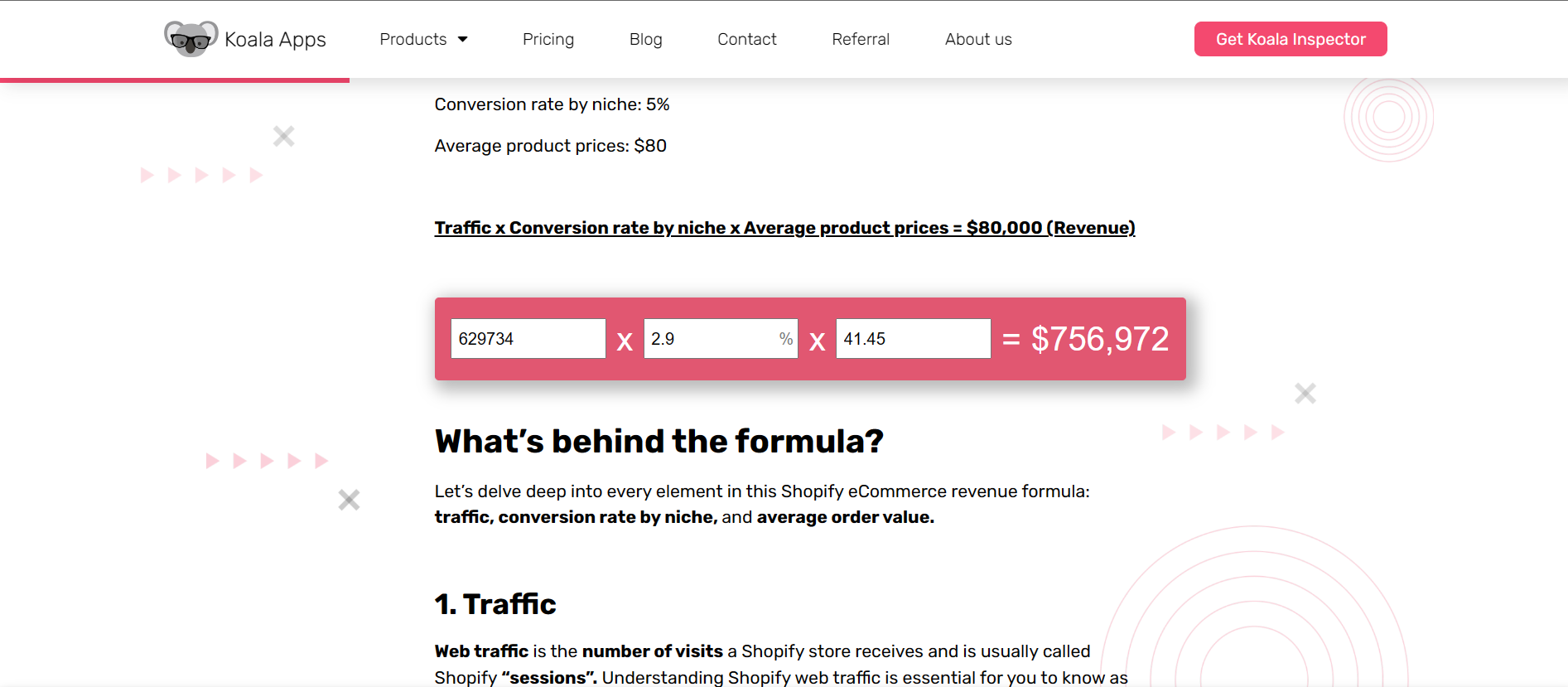
- After inputting the data of the website that you have gathered from the Koala Inspector extension, you can now input it to the calculator and it will show you the Shopify seller's income for that month.
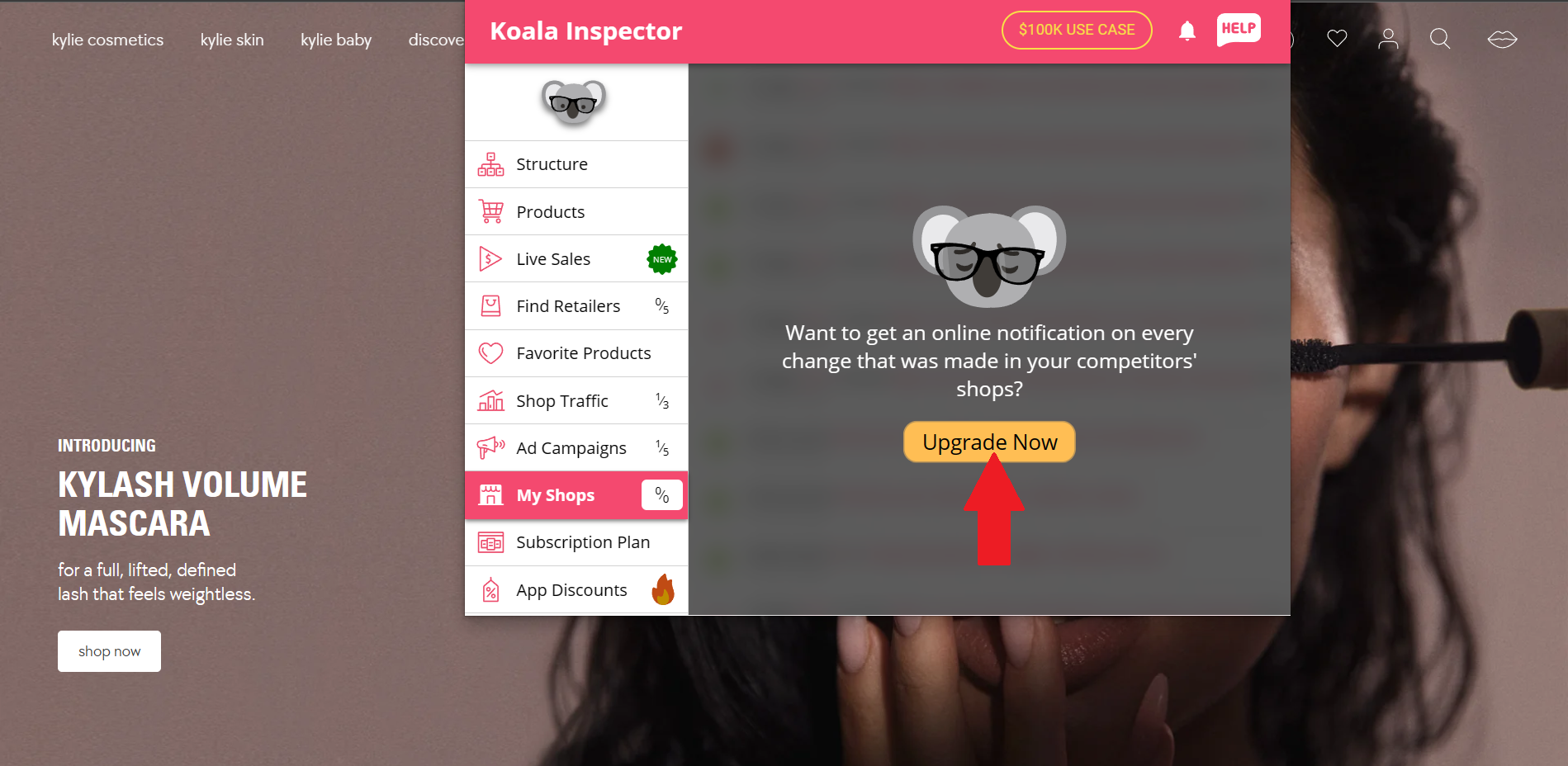
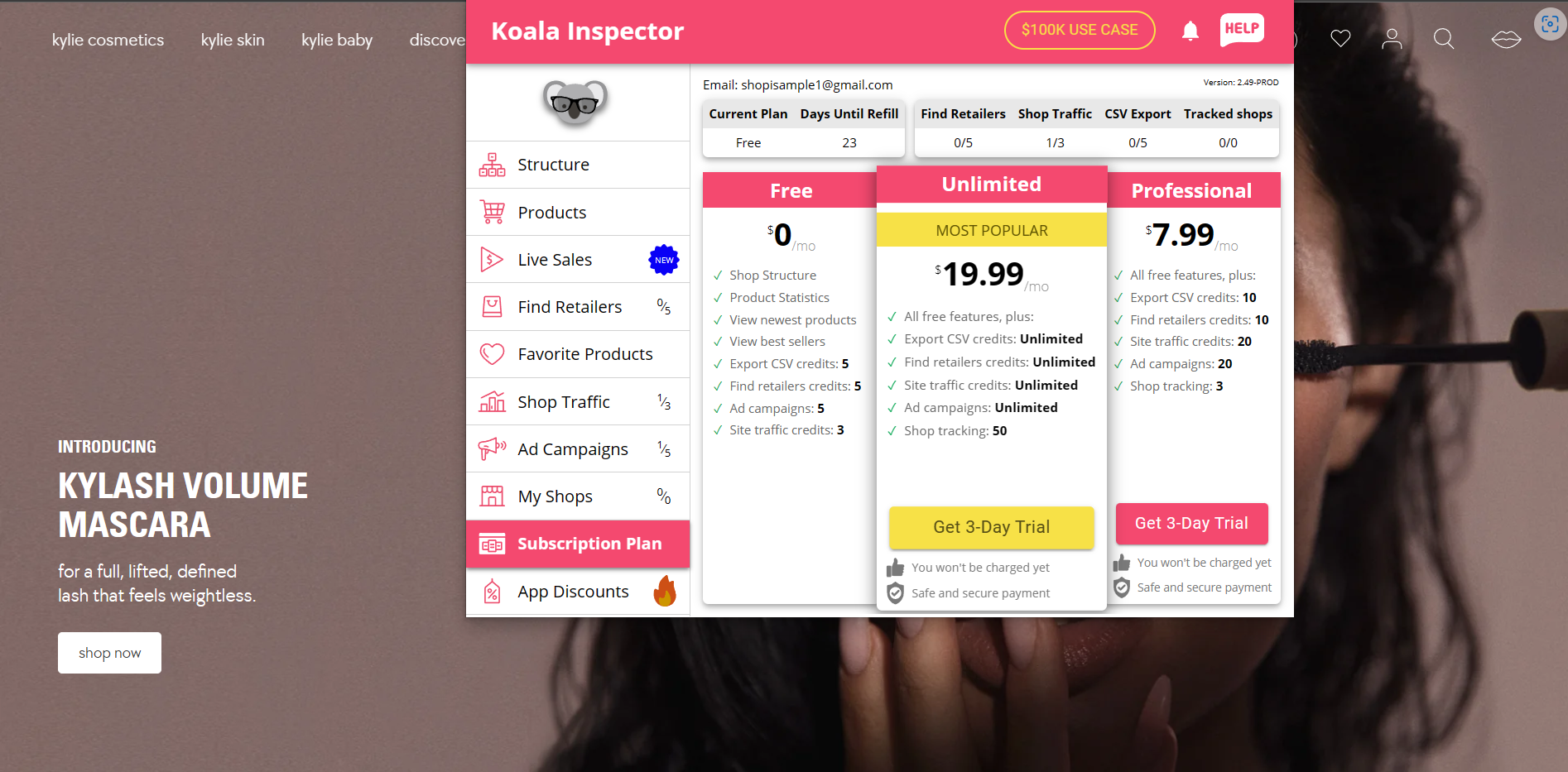
- In addition to this, you can only track and enable notifications from Koala Inspector if you upgrade your plan. To do this, click "Upgrade Now".
- Click the "Get 3-Day Trial" button to assess if you want to continue tracking other Shopify sellers. You will be redirected to the payment methods after this tab.
Conclusion
You’re done! Always remember that there is no automatic way to determine a Shopify store seller's income, but you can calculate it using different functions available in the Koala Inspector extension and the calculator provided in the Koala Apps website.
-
To find and track the income of other Shopify sellers, you need to install the Koala Inspector in your Microsoft Edge or Google Chrome.
-
Since Koala Inspector is an extension, you can navigate to it by clicking its icon beside Microsoft Edge or Google search.
-
This software assesses the webpage from where you clicked your icon in, so it is an easy step to analyze your competitors' information from scanning their dtore website.
-
In calculating the income, you need to collect the Shopify store's information on conversion rate, average product price, and the website traffic.
-
Koala Inspector has other features and functions that scans the website aside from its revenue, which are the products, live sales, retailers, shop traffic, and ad campaigns.