Making It Easy to Share Your Shopify's Content through Social Media
The purpose of this procedure is to make it easy to publish your Shopify content on social media.
Prefer a shortcut? 16 free tools do parts of this for you.

Aim: The purpose of this procedure is to make it easy to publish your Shopify content on social media.
Optimal Outcome: Sharing your Shopify content on social media will allow you to easily reach out to potential consumers and create connections with them.
What do you need to start: You will need to have a Shopify and social media accounts to begin this process.
Why is this SOP Important: Sharing your Shopify content through social media is incredibly important for businesses because it helps to spread awareness about your brand.
When and Where to execute: You may start this procedure as soon as you create your Shopify account.
Who Should Be Doing This: The owner or the manager of the Shopify account is responsible for this process.
What is Shopify’s Product?
Sharing Shopify products on social media is incredibly important for businesses. By promoting products on social media, businesses can reach potential customers, build relationships with them, and generate more sales. Social media can help boost SEO by providing more backlinks to the Shopify store, which helps increase visibility and attract more customers. Additionally, it can be used as a platform to showcase products, engage with customers, and create buzz about the business. Finally, it’s an excellent way to share special offers and discounts, which can help attract more customers and drive sales.
Execution
How to easily share content/products across social media
Make it exceedingly simple for people to share your product if you want as many shares as possible. It's not that people don't want to share; rather, their best intentions frequently fall victim to a busy schedule, and if sharing takes 2-3 minutes as opposed to 10–20 seconds, that is frequently what separates them from not sharing.
How To Add Social Media Icons on Shopify
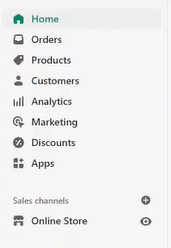
- Log in to your Shopify account, click Online Store, then Themes.
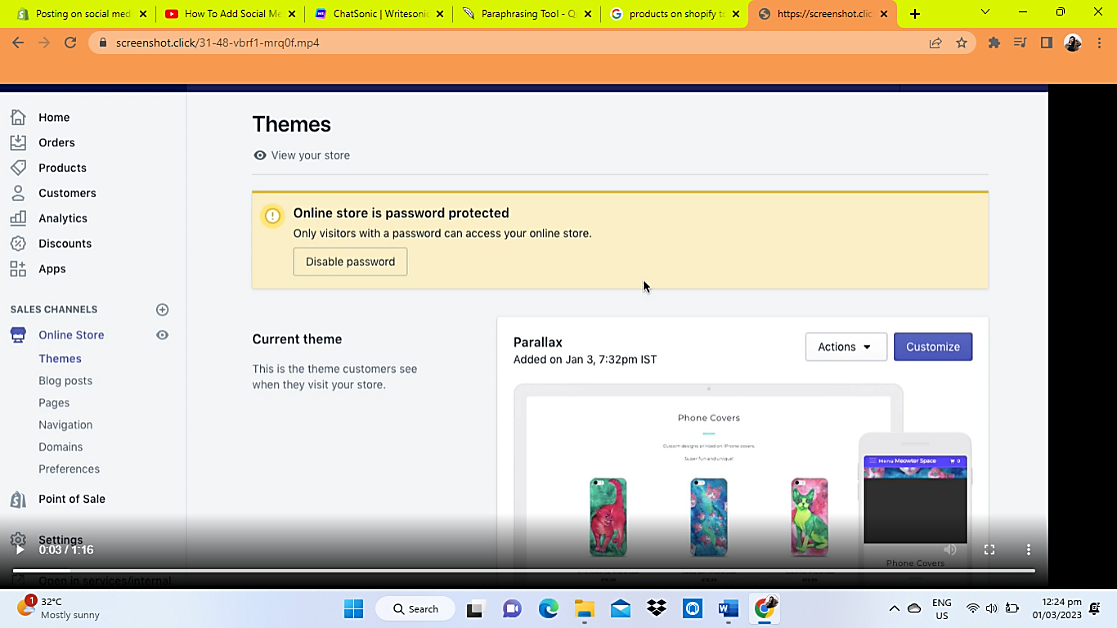

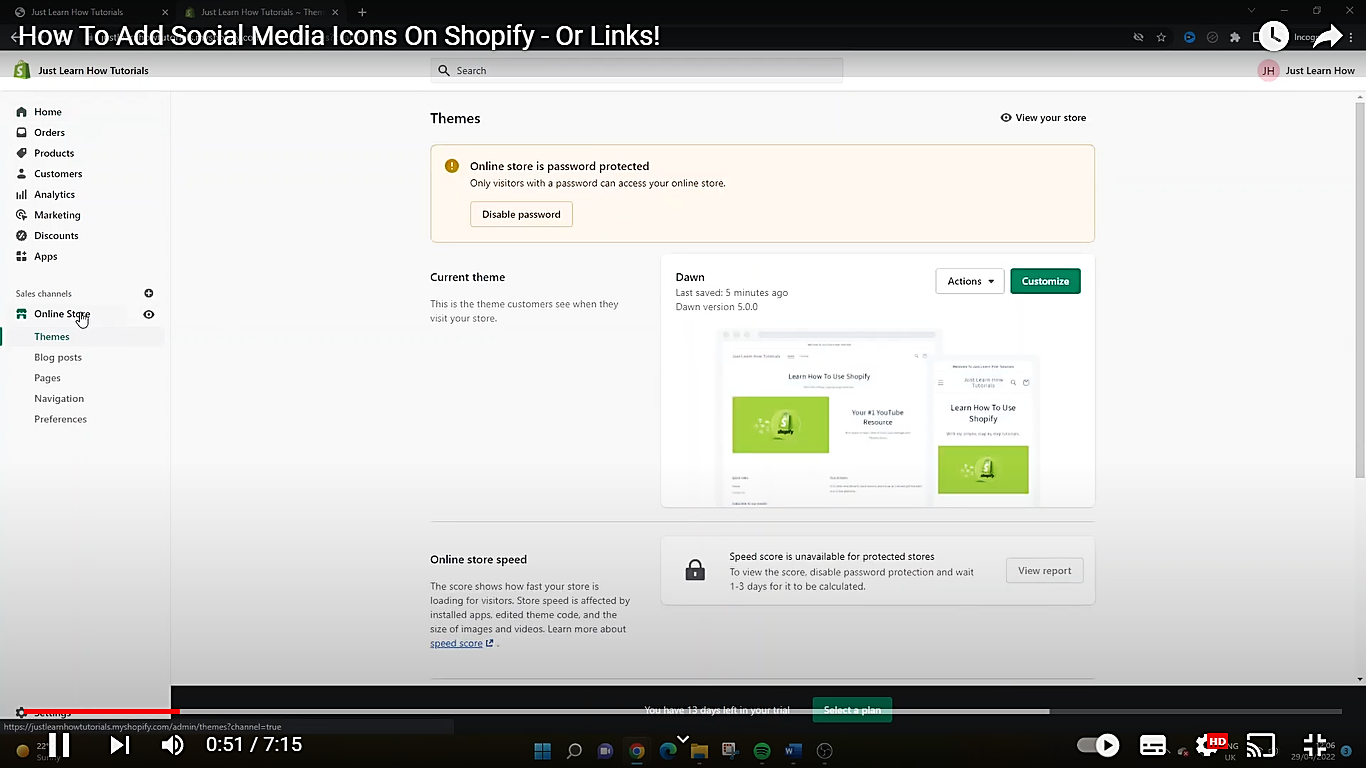
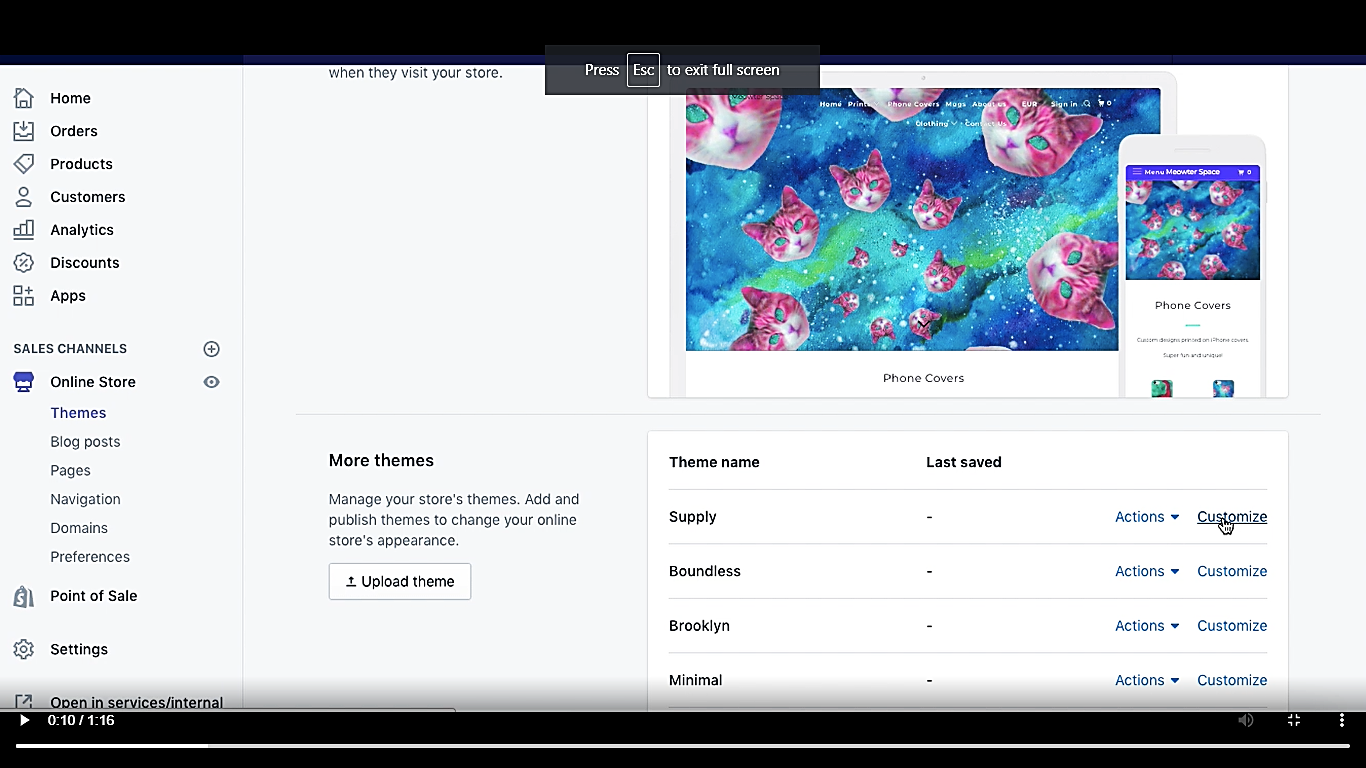
- Go to the bottom of the page, choose the name of the theme you want, and click customize.
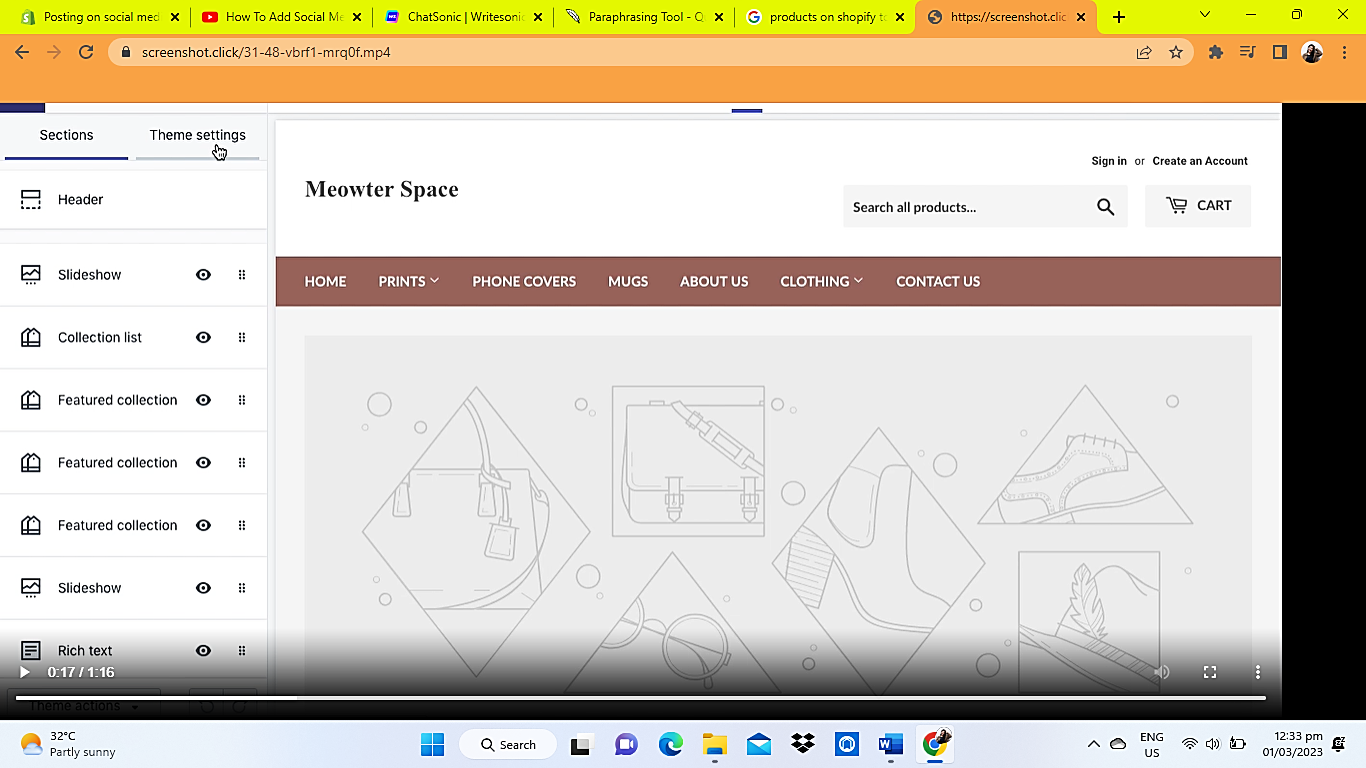
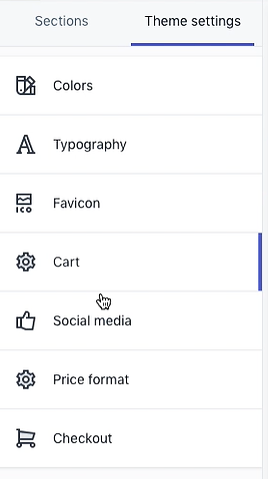
- You will be redirected to the home page editor. Click Theme settings, then social media.
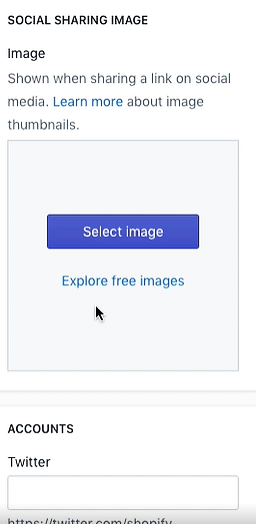
- Your browser will take you to the Social Sharing Dashboard. Go down to the social media accounts by scrolling to the bottom of the page.
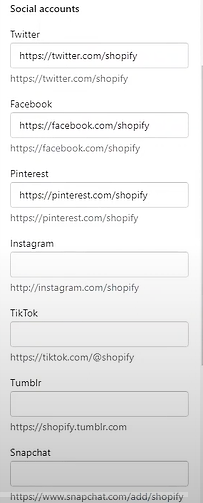

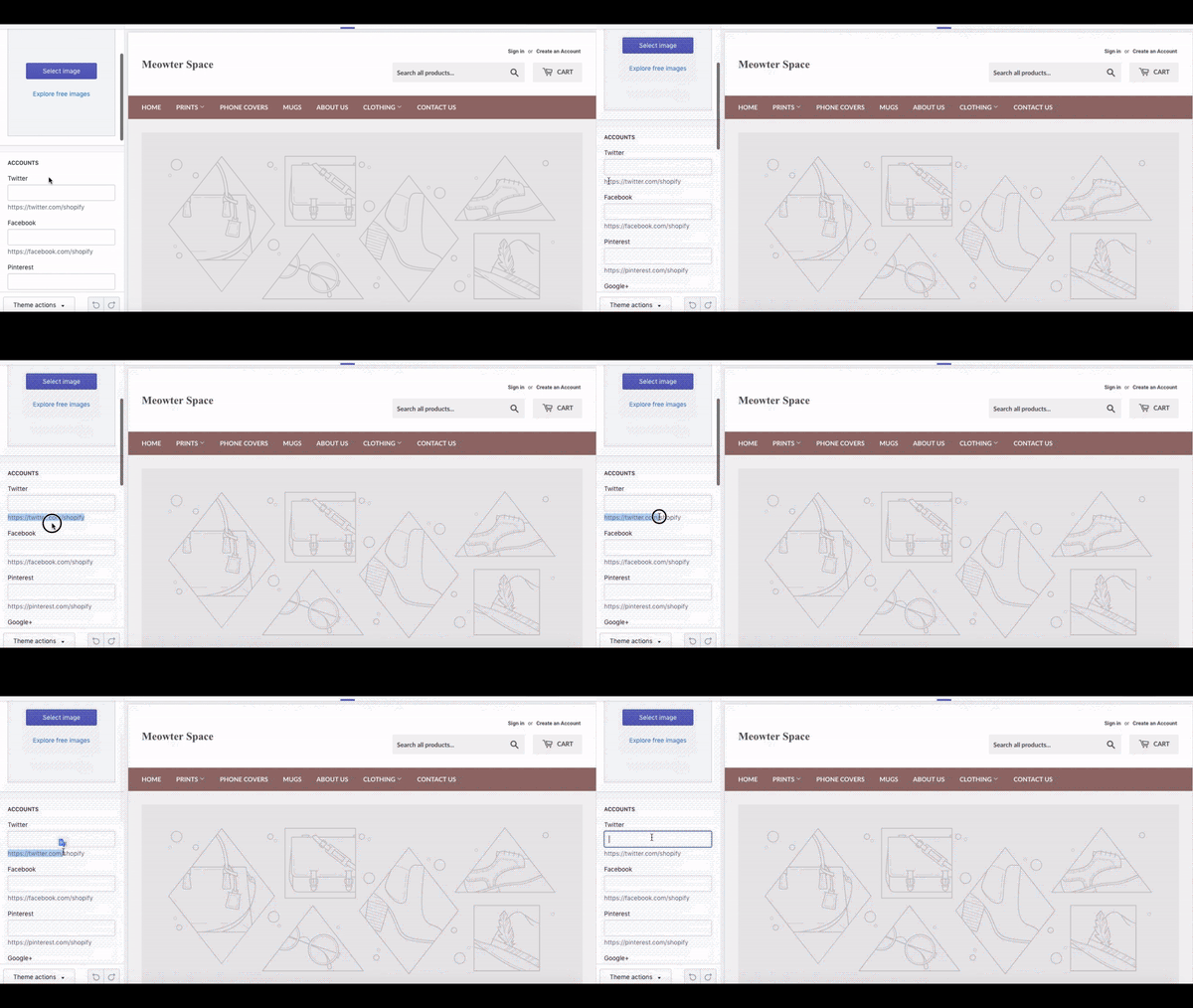
- Fill up the boxes with the appropriate information, such as the URLs of your social media profiles. Click Save.
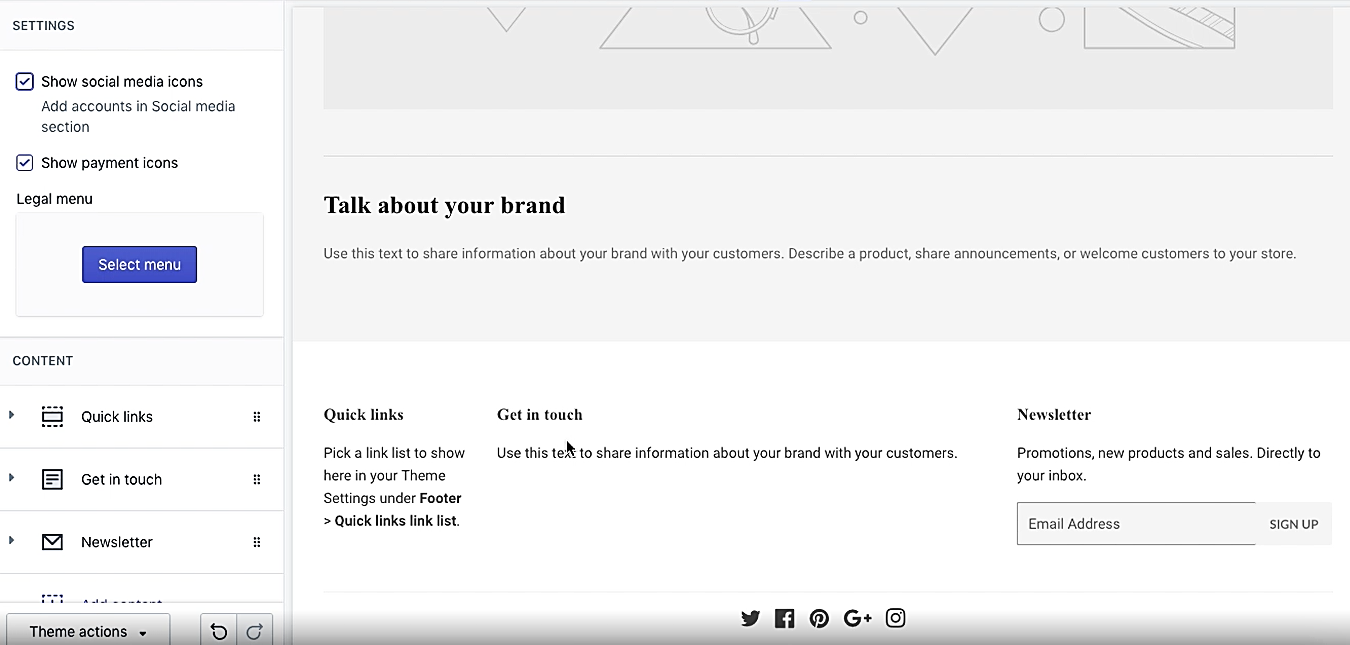
- Click Sections. Scroll down to the bottom of the page, and click on Footer.

- Check the box that states "Show social media icons".
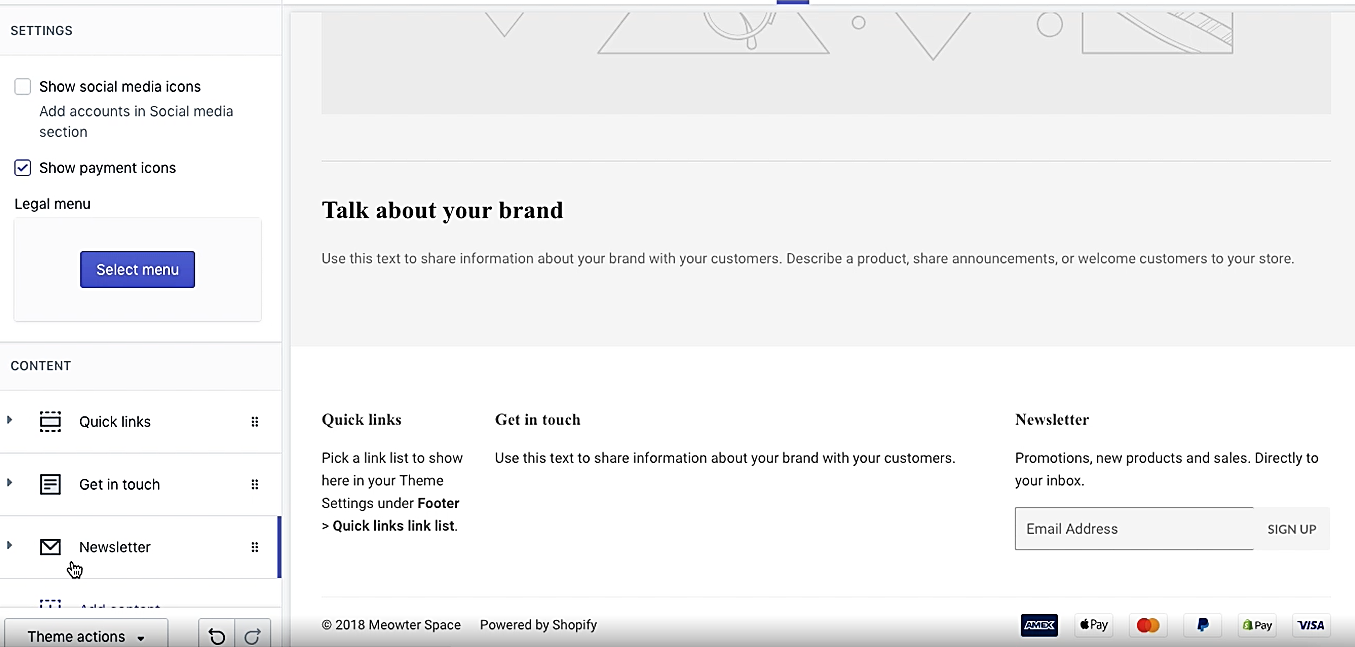
- The social media accounts icon will show at the bottom of the page once you tick the box.
Share your product page on social media
- Log in to your Shopify account, then click on Products.
- Choose the product you wish to share, and then select the relevant social networking button.
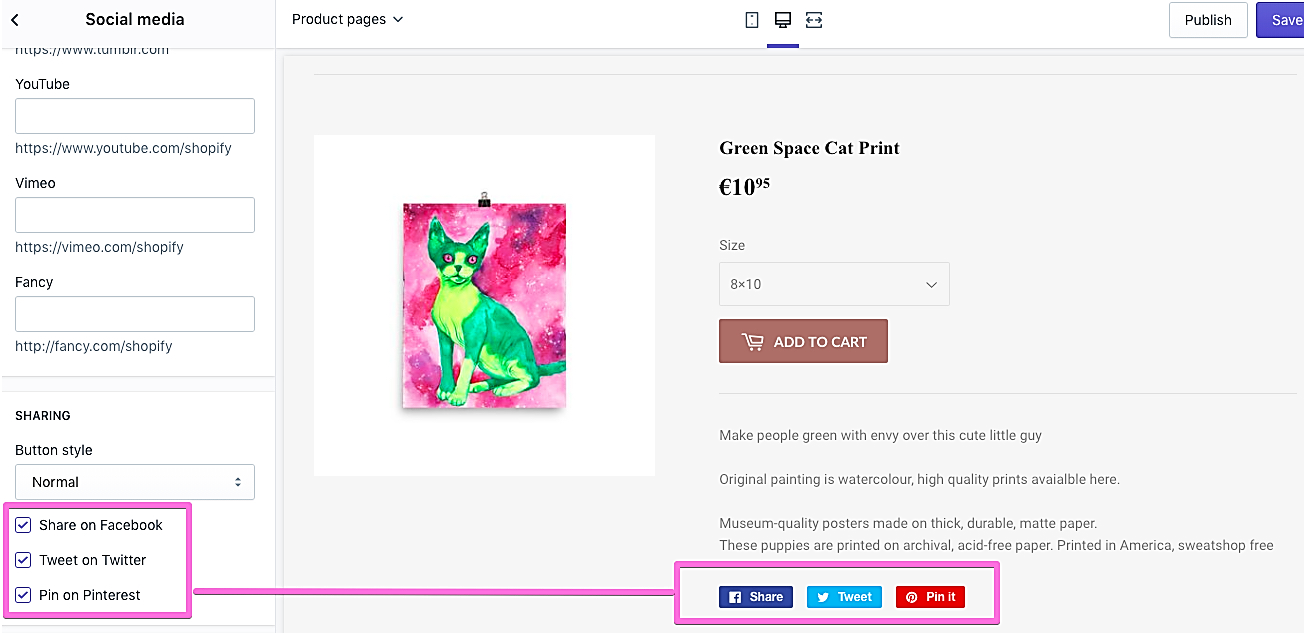
- Congratulations! You may now introduce your product to the public. Choose the social media platform where you want to post a link to your product page. You may manually post the URL on any social networking site by copying it.
Conclusion
You’re done! Keep in mind that sharing your Shopify content through social media is incredibly important for businesses because it helps to spread awareness about your brand.
-
It helps you to reach potential customers and build relationships with clients.
-
It helps to create a buzz and attract more followers who can help promote your products and services.
-
It is a great way to boost SEO and get content found in search engines.
-
It is an excellent way to engage with the audience and demonstrate expertise, giving customers the confidence they need to buy from you.
Execution Checklist:
-
Click Products in your Shopify admin.
-
Choose the item you wish to post on social media.
-
Select Share and then select the social media network with which you wish to share your product page.