Optimize Shopify Store for E-A-T
This process aims to optimize the Shopify store for E-A-T so customers can find what they are looking for quickly and easily.
Prefer a shortcut? 16 free tools do parts of this for you.

Aim: This process aims to optimize the Shopify store for E-A-T so customers can find what they are looking for quickly and easily.
Optimal Outcome: The main outcome of this process is a successful E-A-T optimization for Shopify which ensure content is enhanced for search engine rankings while providing valuable information to potential customers.
What do you need to start: You must have a Shopify account to start this process.
Why is this SOP Important: E-A-T optimization is important because it helps improve website visibility by making sure that all relevant keyword terms appear throughout the page.
When and Where to execute: We always need to have E-A-T optimization when creating or updating any web pages related to products or services. It should be done regularly as search engine algorithms are constantly changing and evolving.
Who Should Be Doing This: The owner of the store, or the content writer assigned is responsible in creating content hubs in Shopify.
What is E-A-T Optimization?
E-A-T stands for “Expertise, Authoritativeness, and Trustworthiness.” It is a concept used to optimize the content on Shopify stores so customers can find what they are looking for quickly and easily. This includes optimizing titles, descriptions, images, and other elements of your store's content with keywords related to the products or services you offer. Additionally, it involves creating high-quality product pages which provide detailed information about each item as well as customer reviews from verified sources. By following these guidelines, businesses can ensure their content is optimized for search engine rankings while providing valuable information to potential customers.
E-A-T optimization is important because it helps improve website visibility by making sure that all relevant keyword terms appear throughout the page. This makes it easier for users searching online to find the site, increasing traffic, and potentially leading to more sales. Furthermore, having accurate and comprehensive product descriptions allows customers to make informed decisions before purchasing items, resulting in higher conversion rates. Finally, E-A-T optimization also increases trust between the user and the brand since customers will be able to see the real feedback from previous buyers. All this contributes to building a strong relationship between both parties.
Execution
E-A-T Optimization in Shopify
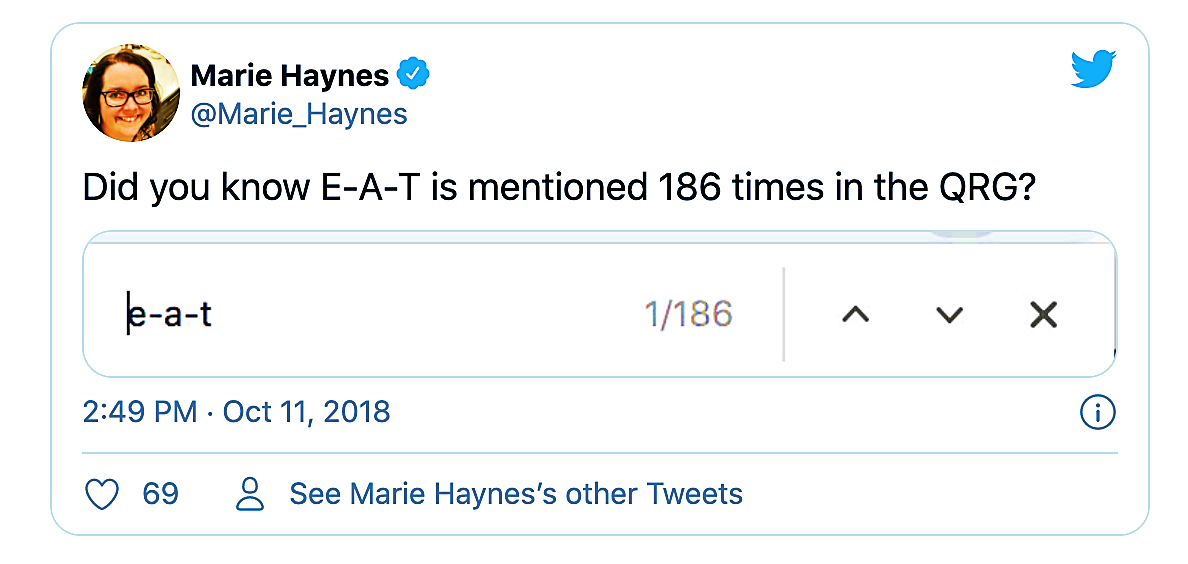
There is no doubt that Google is emphasizing user intent, high-quality content, and E-A-T more and more. Google frequently favors high-quality material while penalizing low-quality content in its algorithm adjustments (such as the infamous Medic update). In fact, we discovered a tweet indicating that E-A-T is mentioned 186 times in the Google rules.
How can you implement these suggestions on your Shopify account?
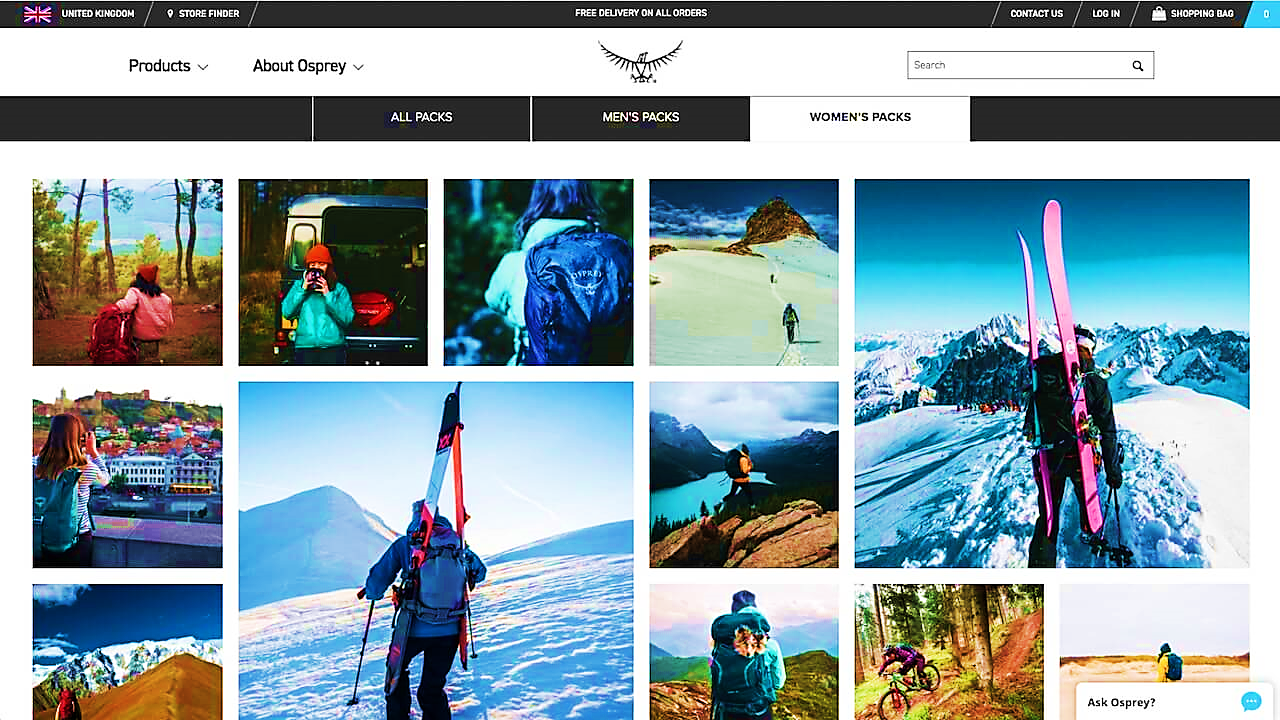
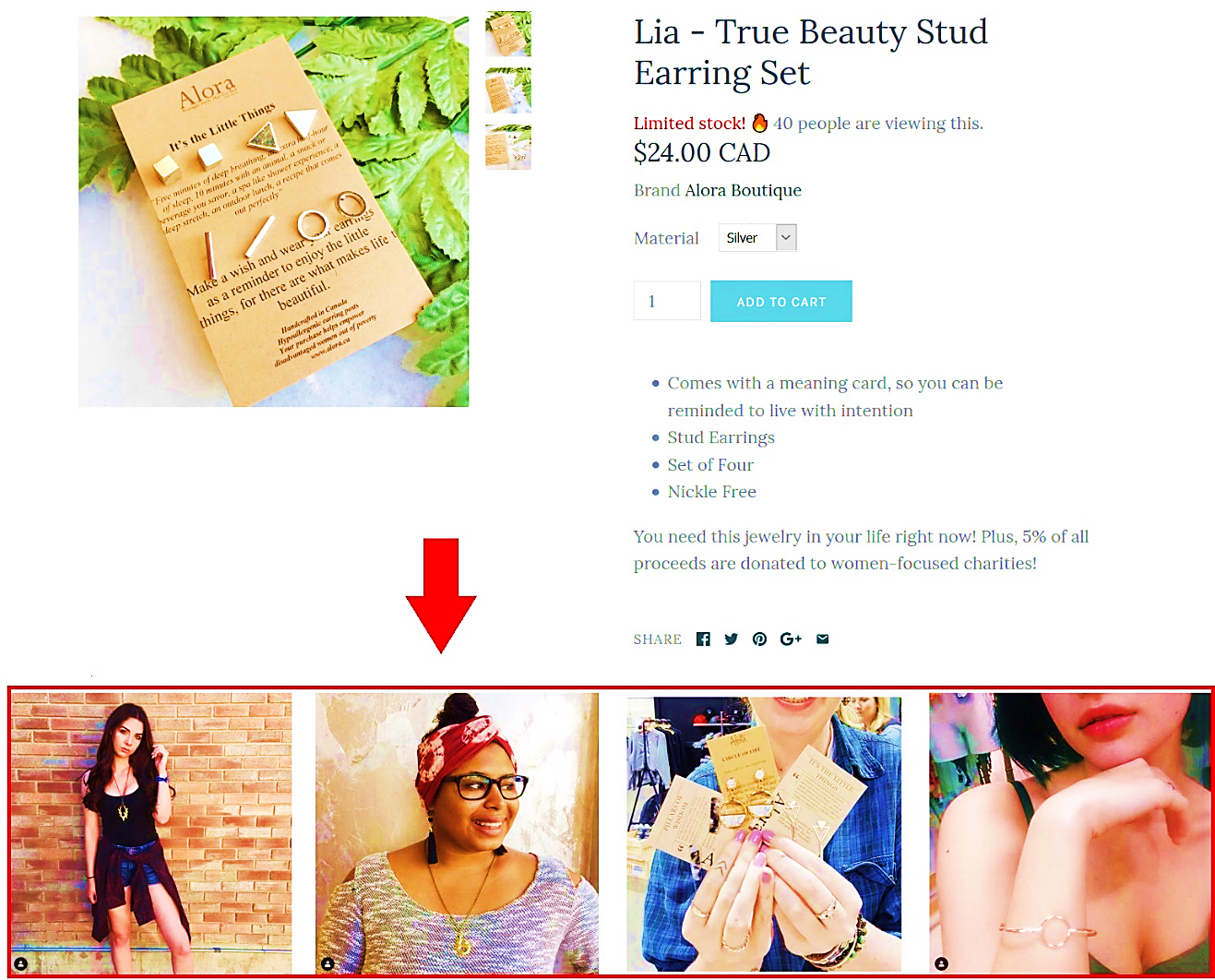
Use apps to display user-generated content
User-generated content (UGC) is a terrific approach to letting people learn more about your product and brand, whether you just have a few physical and-mortar stores or exclusively rely on your online store.
To use apps to display user-generated content, you can create an app that allows users to post and share their content, such as photos, videos, or text posts. You should also include features like commenting, likes/dislikes, and sharing options so other users can interact with each other’s content. Additionally, you could add filters and editing tools for users to customize their posts before they are posted. Finally, you may want to consider adding moderation capabilities to ensure appropriate content is being shared on your platform.
Example 1.
Example 2.

Create a resource section
Create long-form content that matches user intent at different stages of the purchase cycle. Long-form content helps businesses match customer intent across various stages of the buying process by providing detailed information about products or services. Content should be tailored according to where customers are in their journey - from the awareness stage (educating them on product benefits), and the consideration stage (providing comparison charts) to the decision stage (offering discounts). This type of content should provide value beyond what customers would find elsewhere online, while still staying true to the brand’s message. It should also be optimized for search engines and mobile devices. Long-form content should focus on answering questions and addressing concerns related to the topic, rather than simply listing out features. By creating engaging and informative content, companies can help guide potential buyers through their purchasing decisions.

This not only demonstrates a high level of brand knowledge, but it will also help them rank for any long-tail keywords associated with the brand (hopefully resulting in more traffic).
Provide content for all areas of the user journey
Content should be created with each step of the user's journey in mind. At the top of the funnel, you need to create educational content such as blog posts, videos, infographics, etc., which will introduce users to your company/product and explain its purpose and value proposition. As they move further down the funnel, this content should become more specific and targeted toward helping them make informed decisions. You may want to include case studies, comparisons between competitors, FAQ pages, pricing tables, demos, etc. Ultimately, it depends on how far along the user is in their journey when they meet your content. The goal is always to give them enough information so that they feel comfortable making a purchase decision.
Develop content that speaks to each of the five stages of the consumer journey. The five phases of the purchasing process are:
-
Customer research: A consumer is seeking ideas rather than a specific product. What to dress to a cocktail party, for instance.
-
Customer awareness: A consumer is aware of a generic offering, but they are unsure of their exact needs. For instance, "cocktail dresses"
-
Consideration: A consumer is looking for choices and comparisons after choosing a product and is trying to discover the best option. Finest cocktail attire for winter weddings, for instance.
-
Conversion: A consumer who is in the market for a certain product and has the intention to buy it. "Black midi cocktail dress," for instance.
-
After conversion: A consumer who has purchased a product is seeking for advice on how to utilize or maintain it. An illustration might be "What shoes go with a party dress."
Update your FAQ pages with keyword research
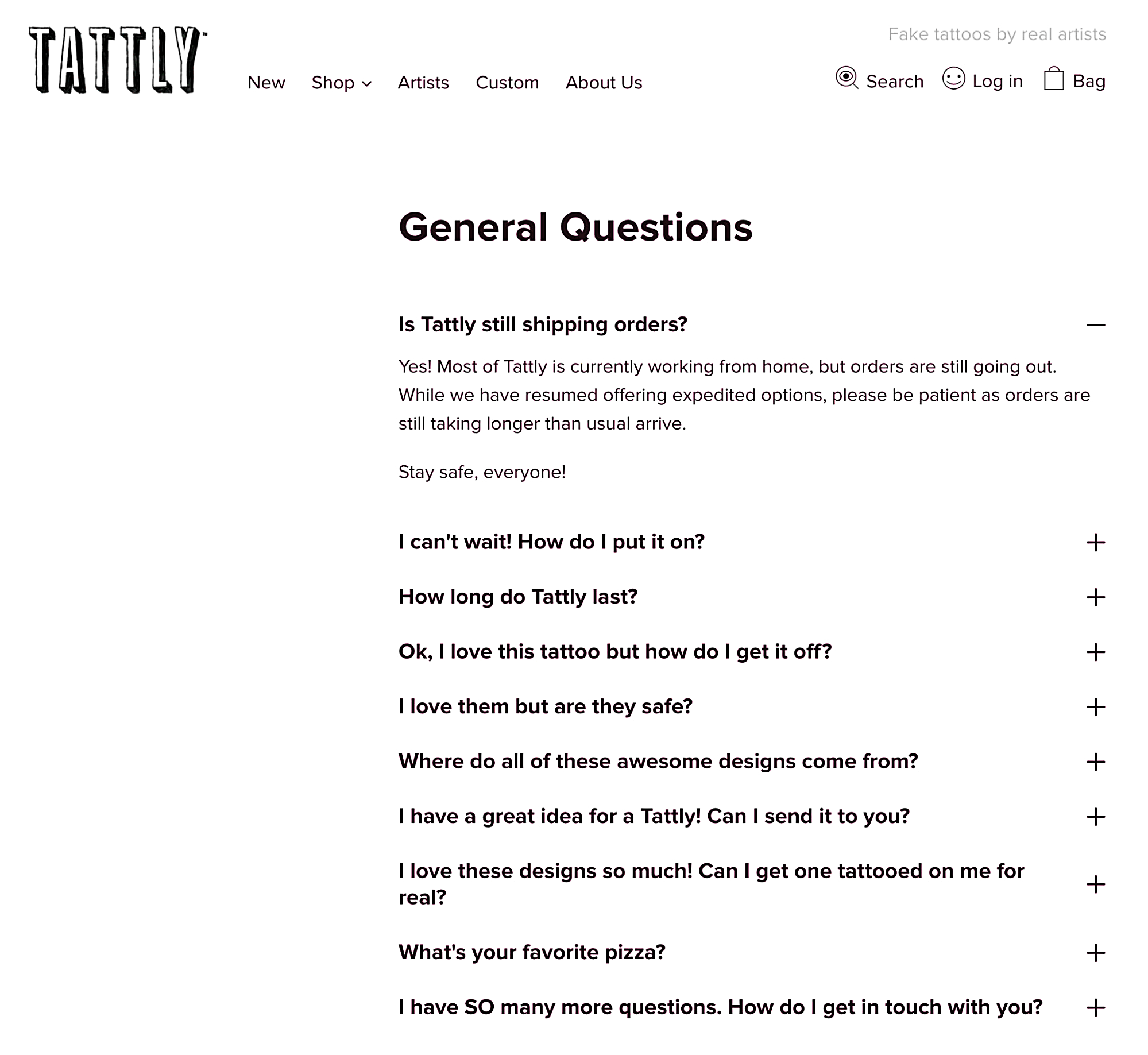
Take full advantage of your FAQ page! These pages are frequently disregarded by SEOs and viewed as "ancillary pages" as opposed to crucial eCommerce pages. But there is plenty of opportunity here to attract new clients.
This works especially effectively for new eCommerce sites that have seen a rise in branded visits and new customers as a result of TV advertising that is now running. Answering any follow-up queries helps to minimize your bounce rate and retain clients on-site.
How can I make these pages more optimized? Put any questions that appeared in your "People Also Asked" sections and were pertinent but could not be combined into a guide on your FAQ page.
FAQ (Frequently Asked Question) pages are important because they provide customers with quick answers to common questions or problems related to products or services. When creating these pages, it is essential to use keywords relevant to the topic being discussed. This can help boost SEO rankings by providing search engines with terms associated with the page’s subject matter. To update existing FAQ pages using keyword research, start by analyzing customer data from previous interactions. Identify topics that arise frequently and determine what words customers typically use when searching for those topics online. Then, incorporate those words into the text while still maintaining readability. Additionally, consider adding internal links within the FAQ page to other helpful resources on the website. Finally, test different versions of the page to see which one performs best. Regularly review and revise the content based on feedback received from customers. By doing so, businesses can ensure their FAQ pages remain up-to-date and optimized for organic traffic.
Optimize your FAQ section with Schema
A schema markup language is used to optimize webpages to make them more visible to search engine crawlers and improve the user experience. Incorporating schema code into an FAQ page helps search engines better understand its structure and content. For example, if you have an FAQ page about shipping policies, you could add schema codes such as “item offer” and “delivery location.”. These codes will tell Google exactly what type of information is available on this page and how users might interact with it. Adding structured data to an FAQ page makes it easier for users to find the information they need quickly since many search engines display rich snippets containing the most pertinent details directly in the SERP results. Furthermore, having well-structured HTML tags improves overall usability since visitors do not have to scroll through long blocks of text to get to the answer they seek. All in all, optimizing an FAQ page with schema coding ensures that both humans and machines can easily access the necessary information.
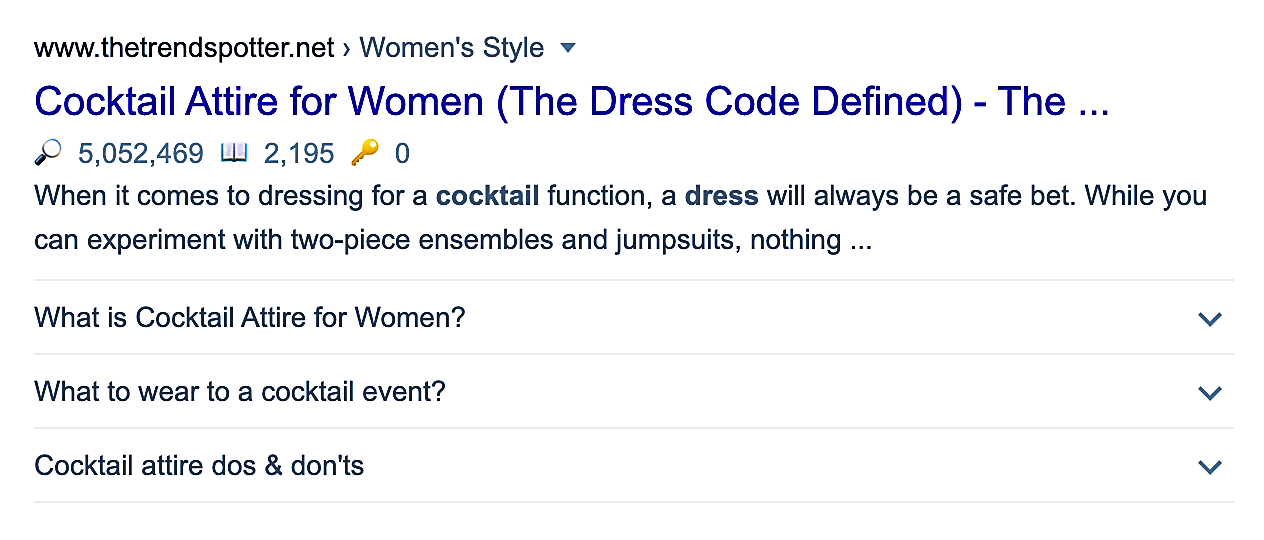
They not only provide Google with a better understanding of the page's content, but they also occupy more SERP space, especially on mobile! This will drop the rankings of your rivals even further. On developers.google.com, you can learn more about implementing FAQ schema.
Resurface old blog posts and add relevant keywords
Are you wasting material on your blog? Exist any older postings that could be changed to reflect user intent? Schedule some time to conduct a blog audit to determine whether any posts may be integrated into a long-form guide or organized to respond to long-tail questions.
Spend some time writing down the queries that come up under the "People Also Asked Section" for your most significant keywords and see whether you can include them in older, existing material.
This will not only show how knowledgeable and reliable your business is, but it may also boost the site's natural exposure. To resurface old blog posts, I would first analyze which topics have been previously covered in order to identify any related or similar content. Then, I could use SEO techniques such as keyword research and optimization of titles and meta descriptions for each post. Additionally, I can create social media campaigns around these older posts by sharing them on various platforms with appropriate hashtags. This will help bring more attention to those articles and potentially increase their reach. Finally, I can also update existing posts with fresh information whenever possible. By doing this regularly, it should be easier to keep readers engaged and interested in the content being provided.
Mark your blog posts up with Schema (where relevant)
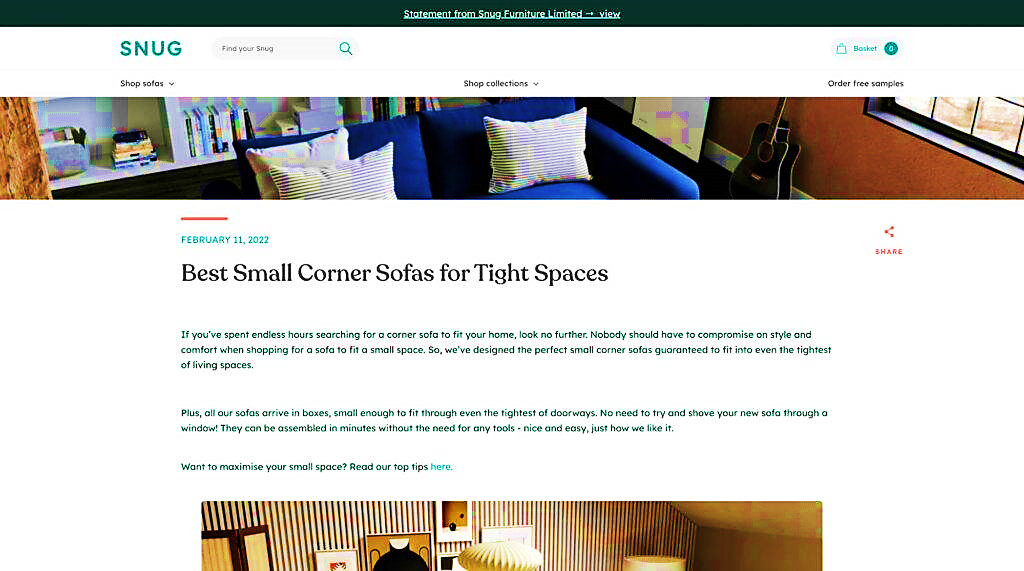
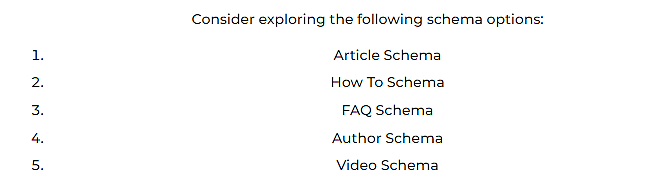
Schema markup helps search engines better understand web pages and display them correctly in SERPs. To mark up my blog posts with schema where relevant, I need to determine what type of content I am providing and if there are specific types of data associated with it. For example, if I am writing about movies, I may want to include movie-related schema like “movie” or “film.” If I am talking about restaurants, I might consider using “restaurant”, food,” or “location” schemas. Once I know what kind of data I am dealing with, I can investigate the different types of schema markup available and start implementing it accordingly.
Include author bios and author info on your blog
Including author biographies and other information related to authors on one’s blog is important for establishing credibility and trustworthiness among readers. This could be done by including short bio paragraphs at the end of each post, as well as links to social media profiles and contact pages so readers can get more detailed information about the author(s).

Ensure your company address is visible on your site
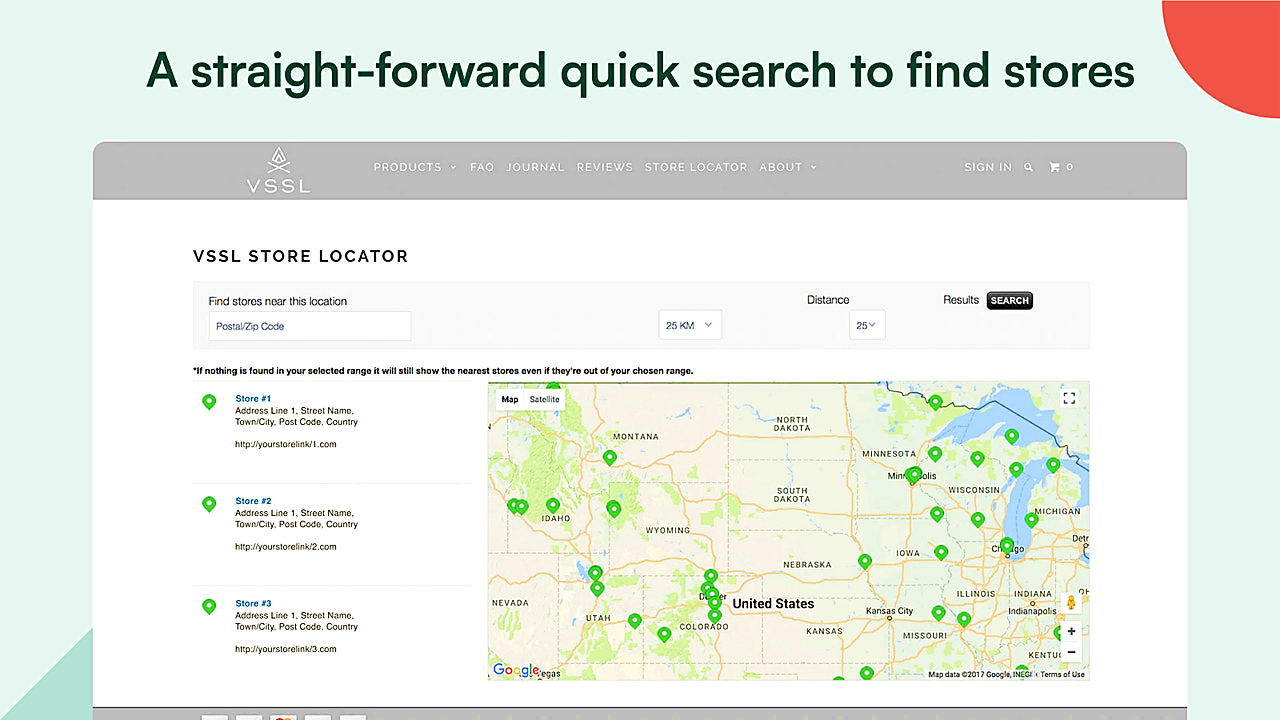
It is advisable to include your company's address in the website footer.
This will:
-
Ensure that Google My Business is active.
-
By using the consistent name, address, and phone number references, support local SEO.
-
Reiterate that you are a reputable business with a real location.
-
Verify your company's transparency and reliability with Google.
Conclusion
You’re done! Always remember that important optimization steps when it comes to E-A-T (Expertise, Authoritativeness, Trustworthiness) include ensuring product descriptions are accurate and up-to-date; providing customer reviews or ratings from verified customers; adding clear images with descriptive captions; using keywords relevant to products in titles and meta tags; creating content around topics related to the store's niche; and engaging with customers through comment sections and email newsletters. All these measures will ensure potential buyers have confidence in the brand and its offerings while increasing organic search rankings.