Link out to relevant & authoritative websites
This process aims to link out relevant and authoritative websites to improve your website's search engine rankings and increase traffic to your store.
Prefer a shortcut? 16 free tools do parts of this for you.

Aim: This process aims to link out relevant and authoritative websites to improve your website's search engine rankings and increase traffic to your store.
Optimal Outcome: The main objective of this process is having links outside of your website which is a valuable strategy for improving your online store's visibility, credibility, and ultimately, its success.
What do you need to start: You must a Shopify account to start this process.
Why is this SOP Important: Linking authoritative websites in Shopify is important because it can help to improve your online store's visibility, credibility, and search engine rankings.
When and Where to execute: Link building should be done during the website development phase, when launching a new product or service, and after publishing new content. It is an ongoing process for your online store, as building high-quality links can help to improve your website's authority and credibility over time rather than a one-time event.
Who Should Be Doing This: Creating link building in Shopify requires a collaborative effort between various stakeholders, including the marketing team, SEO specialist, content creators, and web developers. By working together, these stakeholders can create a comprehensive link building strategy that helps to improve the online store's visibility, credibility, and search engine rankings.
What is Link Building?
Link building in Shopify refers to the process of acquiring links from other websites that point to your online store. This is an important aspect of search engine optimization (SEO) and can help to improve your store's visibility and credibility in search engine results pages.
When other reputable websites link to your online store, search engines like Google view this as a signal that your store is a trustworthy and relevant source of information for your target audience. As a result, your store's search engine rankings may improve, which can drive more traffic to your site and ultimately lead to more sales and conversions.
Link building is also important for establishing your store's credibility and reputation within your industry or niche. When other trusted sources endorse your store by linking to it, this can help to build trust with your target audience and establish your store as a leader in your industry.
However, it's important to note that not all links are created equal. Search engines like Google prioritize high-quality, relevant links from authoritative sources over low-quality links from irrelevant or spammy sources. As a result, it's important to focus on acquiring high-quality links that are relevant to your industry or niche and provide value to your target audience.
Overall, link building in Shopify is an important aspect of SEO that can help to improve your store's visibility, credibility, and search engine rankings. By focusing on acquiring high-quality, relevant links from authoritative sources, you can drive more traffic to your site and establish your store as a trusted source of information for your target audience.
Execution
Link out website in Shopify
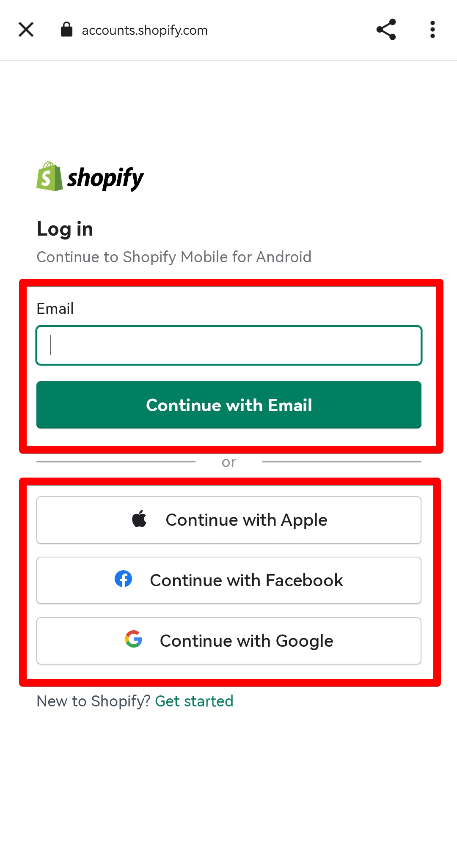
- Log in to your Shopify account.
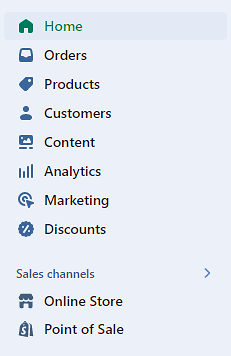
- Navigate to your Shopify admin page, then select Online Store.
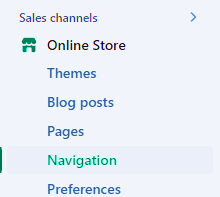
- Click Navigation.
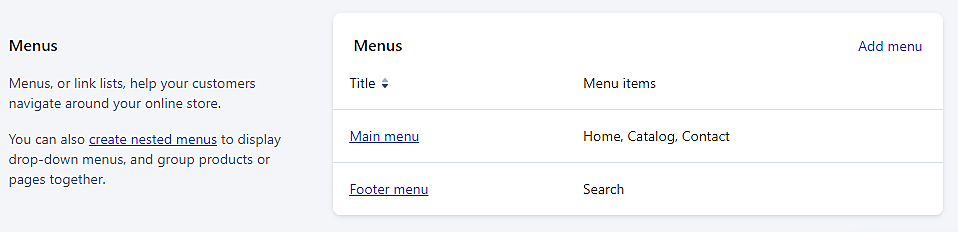
- Locate the menu to which you want to add the link.
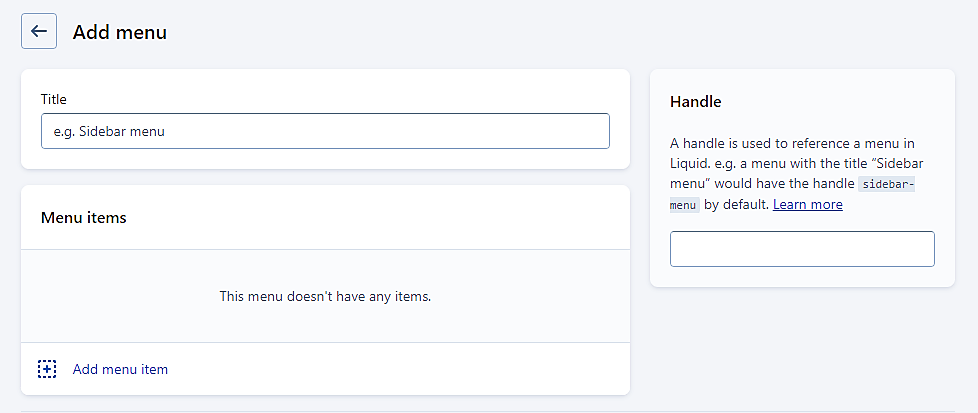
- You have the option to either add a menu item or alter an already existing one.
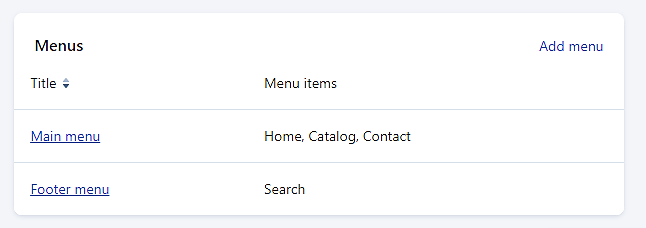
- Fill out the necessary details.
-
Add Menu
-
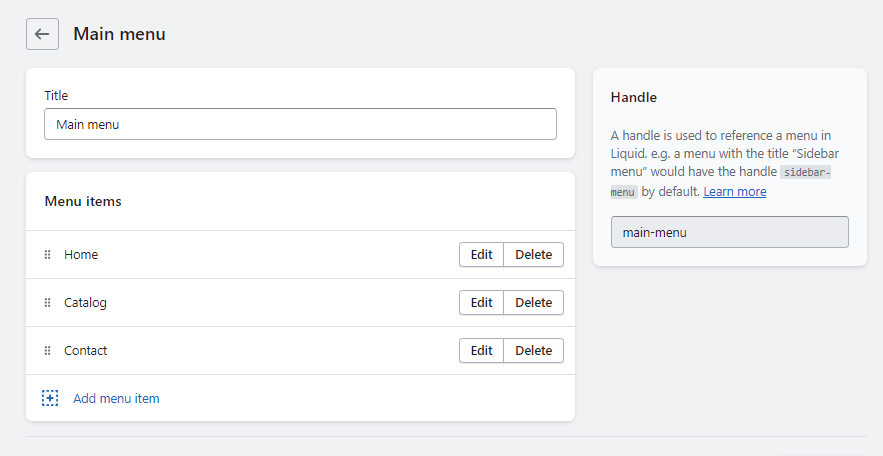
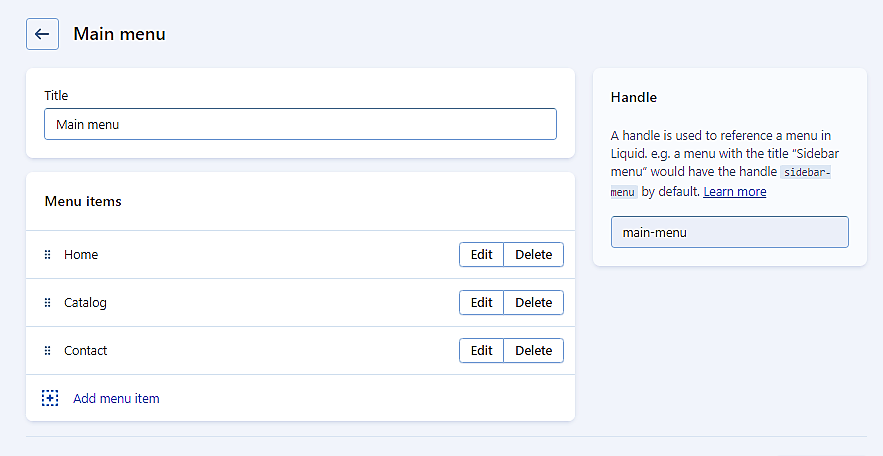
Alter existing menu
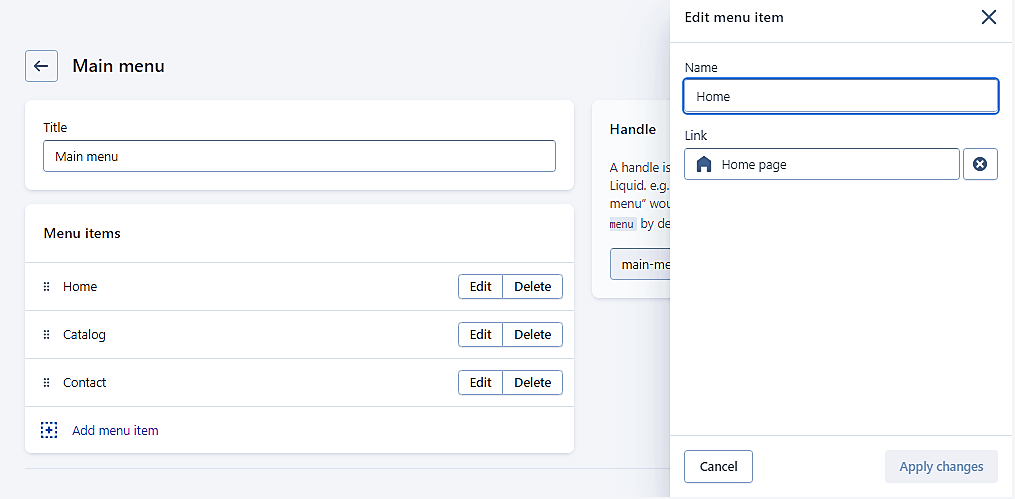
- Select or create the appropriate menu for you when picking from the options available in your business. Click Edit.
In this example, we will model the existing menu items.
-
In the Name field, put the name of the link; examples are "Blog," "UK store," "EU store," or "Facebook."
-
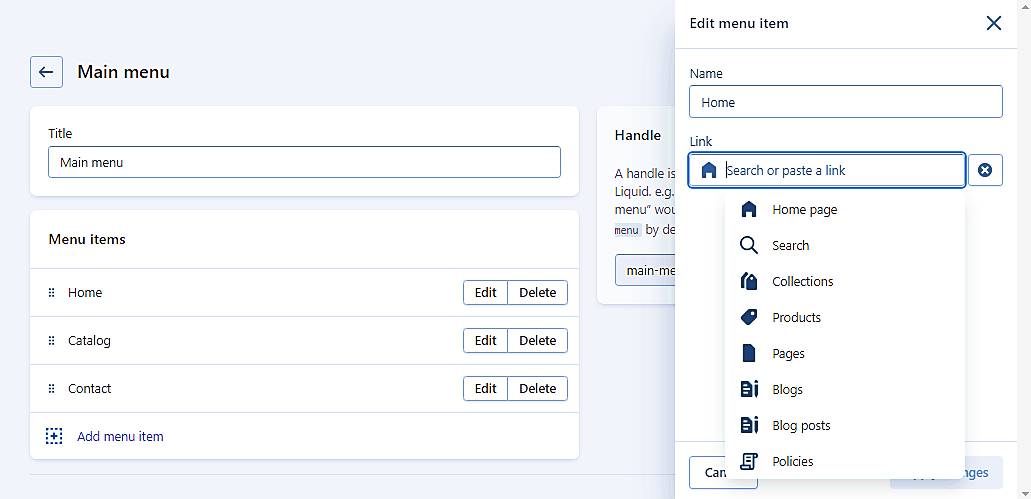
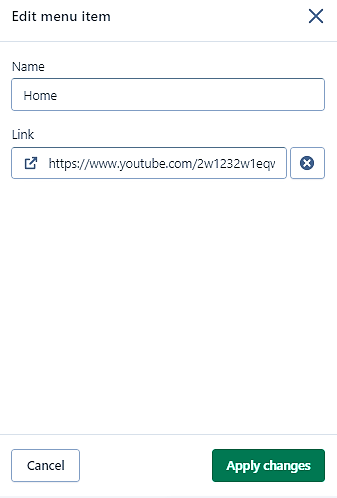
Copy and paste the URL to which you want the menu item to connect. Make sure this is correct. A 404 error will be generated if you copy and paste incorrectly.
-
Click Apply Changes.
-
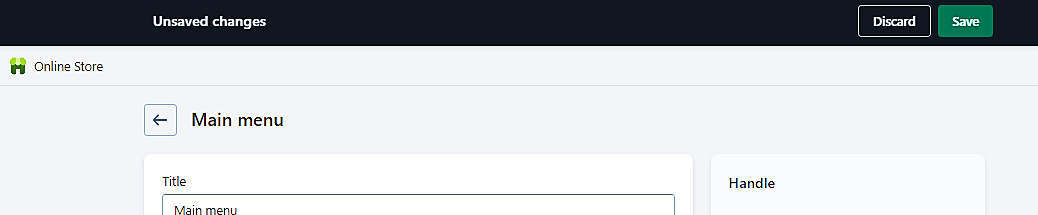
Click Save.
-
Congratulations! You have successfully linked to an external Shopify website using a menu item. On the menu bar, you may now link to an external blog, social network account, or international store website.
Conclusion
You’re done! Always remember that linking authoritative websites in Shopify can have several positive outcomes for your online store, including:
-
Improved search engine rankings: Links from authoritative websites can help to boost your store's search engine rankings. When search engines like Google see that other reputable websites are linking to your site, they may view your site as more trustworthy and relevant to your target audience.
-
Increased traffic: Links from authoritative websites can also drive more traffic to your store. When users click on links to your site from other trusted sources, they are more likely to be interested in your products or services, which can result in more sales or conversions.
-
Improved credibility: Links from authoritative websites can also help to improve your store's credibility and reputation within your industry or niche. When other reputable websites endorse your store by linking to it, this can help to build trust with your target audience and establish your store as a leader in your industry.
Execution Checklist:
-
Login to your Shopify store.
-
Navigate to Online Store > Navigation.
-
Find the Menu > Add Menu item.
- Copy and paste the URL.