
Upsell vs Cross-Sell: The Difference and When Each Wins
An upsell swaps the item for a bigger one. A cross-sell adds something else. The right one depends on whether the buyer is still deciding or already committed, and getting it backwards costs you orders.

A buyer has two skillets open in two tabs. The 10-inch at $60. The 12-inch at $75. She hasn't added either one to her cart.
That's the moment for an upsell. Not for a scrubber.
Here's the short answer on upsell vs cross sell. An upsell swaps what the buyer is getting for a bigger, better or larger-quantity version of the same thing: the 12-inch instead of the 10-inch. A cross-sell adds something different next to it: the chainmail scrubber, the seasoning oil. Both raise average order value. But they win at different moments. Upsell while the buyer is still deciding. Cross-sell once she's committed.
Get the order backwards and you pay for it in conversion rate.
What is the difference between an upsell and a cross-sell?
Swap versus add. That's the whole distinction.
An upsell changes the item. Bigger size, higher tier, the 3-pack instead of the single, the subscription instead of the one-time order. The buyer still walks away with one thing. It's the better version of it.
A cross-sell keeps the item and puts something beside it. Shopify's own help docs draw almost the same line between its two kinds of recommendations. Related products are "products that are similar to a selected product." Complementary products are "products often bought in addition to a selected product" (Shopify Help Center). Similar is upsell territory. In addition to is cross-sell territory.
Here's the side by side, using one hypothetical cast-iron skillet store all the way through this post.
| Upsell | Cross-sell | |
|---|---|---|
| What it does | Swaps for a bigger or better version | Adds a different, related product |
| Skillet example (hypothetical) | 12-inch at $75 instead of 10-inch at $60 | $16 chainmail scrubber next to the skillet |
| Where the buyer's head is | Still deciding | Already committed |
| Best spot | Product page, inside the size or tier picker | Cart drawer and the post-purchase page |
| Price rule of thumb | A small step, around 25% above the item | Small next to the order, a reflex yes |
| What goes wrong when misplaced | Reopens a decision she just finished | Distracts her before she's decided |
| Shopify's term | Related products | Complementary products |
When does an upsell win?
While the buyer is still choosing.
On the product page, she's already comparing. Size, price, whether the bigger one is worth it for a family of four. An upsell walks into a conversation that's already happening. "Most people cooking for four go 12-inch" reads as help, because she was asking that exact question in her head.
Crazy Egg's guide places upsells in "the late consideration stage, just before the customer commits" (Crazy Egg). I'd draw the line harder than that. Once she's clicked add to cart, the upsell window is mostly shut. Asking her to swap the item she just picked feels like you're second-guessing her taste.
Price matters too. GrowthSuite, which sells upsell software and published an analysis of offers across 250 Shopify stores, recommends pre-purchase upgrades sit around 25% above the item's price (GrowthSuite). $60 to $75 is exactly that step. $60 to $120 is a second purchase decision wearing an upgrade costume.
An upsell is a better answer to the question the buyer is already asking. Show it after she's answered, and you've handed her a new question instead.
Quantity is an upsell too. "Buy 2, save 10%" swaps one unit for two of the same thing. If you sell consumables, that's usually your strongest upgrade, and the quantity breaks breakdown shows where it helps and where it eats margin.
When does a cross-sell win?
After the yes.
Cart drawer, checkout, the page right after payment. She's done deciding about the skillet. Now the scrubber isn't competing with anything. It rides on a decision she already made, and at $16 next to a $60 pan, it's a reflex.
GrowthSuite's data on 66 million offer impressions puts the cart drawer as the highest-acceptance spot at 12%, against 7% on the product page and 6% post-purchase (GrowthSuite). It's vendor data, so read it as directional. But it lines up with the logic: the add-on lands best where the buyer has stopped choosing. The cart drawer upsell rules cover what to show there: two or three relevant add-ons, never a carousel of best sellers.
The safest cross-sell spot of all comes after payment, because it can't cost you the first order. Shopify's developer docs say the post-purchase extension "is shown after the payment step, but before the Order status page" (Shopify.dev). Any merchant can use it through an App Store app. Custom builds need Shopify Plus. The post-purchase upsell guide lists the one-click offers that fit there.
What happens when they're in the wrong spot?
Here's the math. Run it on a store like this, a hypothetical skillet brand with 10,000 visitors a month.
Baseline, no offers. Conversion rate 2.0%, average order value $60. That means revenue per visitor is $1.20. On 10,000 visitors, that's $12,000.
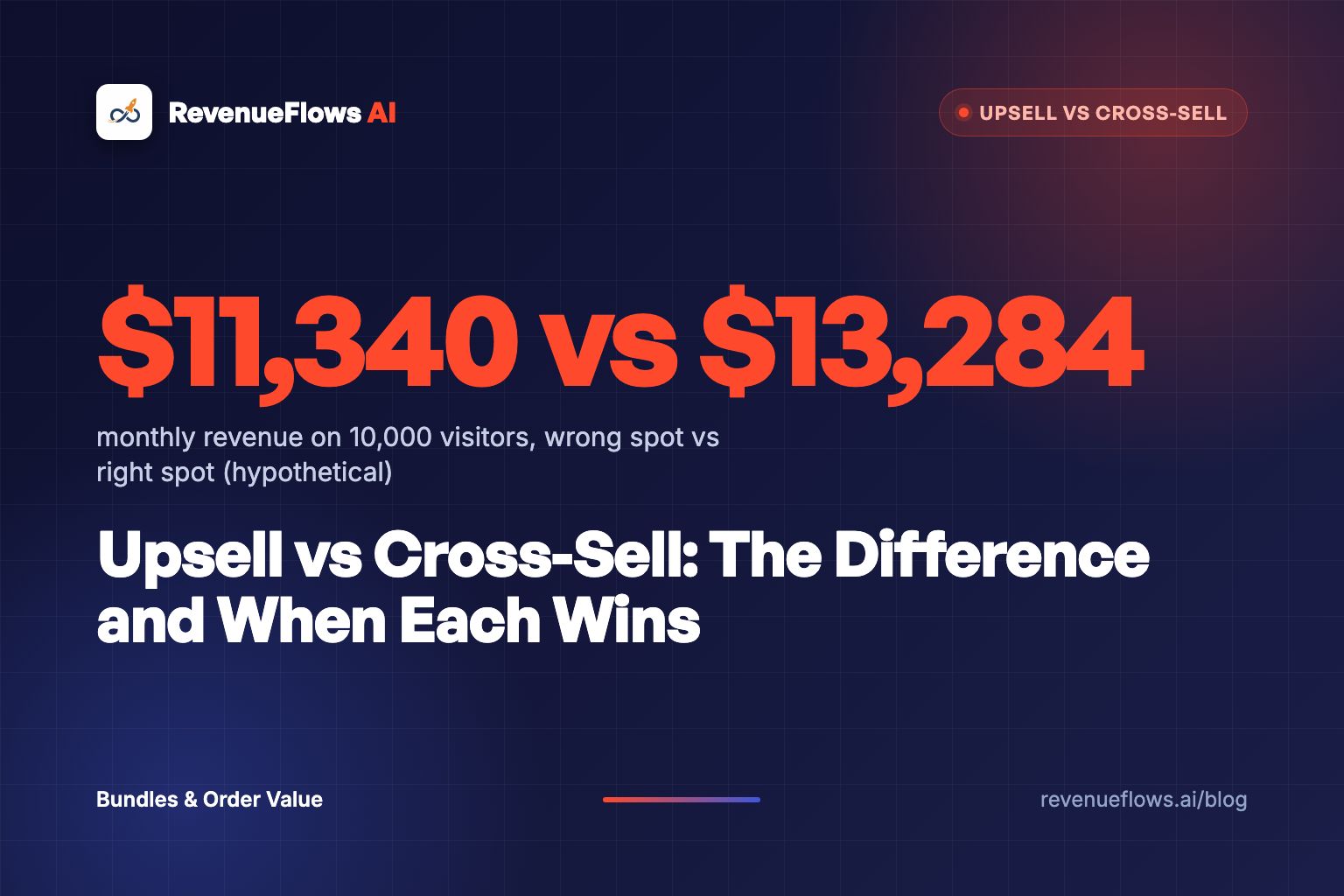
Wrong spot. A "complete your kitchen" row of six cross-sells sits above the add to cart button. A few buyers grab an extra, so average order value rises to $63. But the row gives every buyer five more things to think about before she's picked her pan, and conversion rate slips to 1.8%. That's 1.8% x $63, or $1.13 per visitor. On 10,000 visitors: 180 orders x $63 = $11,340.
Average order value went up. Revenue went down. Watch that one.
Right spot. The 12-inch sits in the size picker on the product page, and say 30% of buyers take it. Average order value becomes $64.50 (70% at $60, 30% at $75). Then the $16 scrubber shows in the cart drawer, and 12% of buyers add it, borrowing GrowthSuite's cart drawer average. That's $1.92 more per order, so $66.42. Conversion rate holds at 2.0%, because nothing got in the way of the decision. Revenue per visitor: 2.0% x $66.42 = $1.33. On 10,000 visitors: 200 orders x $66.42 = $13,284.
Same products. Same traffic. $1,944 a month between the wrong spot and the right one, or $23,328 a year.
Conversion rate x average order value x visitors. Take rates are assumptions for illustration.
A higher average order value with a lower revenue total is the most common trap in this whole category. Judge every offer by revenue per visitor, never by take rate alone.
If you suspect your cart offers are already costing you orders, the cart upsell and conversion rate post shows how to check.
Should you lead with upsells or cross-sells?
Start with your catalog's shape.
If your products come in sizes, tiers or pack counts, lead with the upsell. If they need accessories, refills or matching pieces, lead with the cross-sell. GrowthSuite's guide lands on the same split. My addition: open your best seller's last 90 days of orders. If people buy two of the same thing, upsell quantity. If they come back for a refill, cross-sell it in the cart and again after payment.
Then follow one rule. GrowthSuite puts it in one line: "Never stack an upsell and a cross-sell on the same screen." One move per moment. The product page asks "which one?" The cart asks "anything with it?" Mix them and the buyer has to answer both at once.
And keep perspective on the size of the prize. Offers add a few dollars to an order the product page already sized. A bedding brand we worked with went from conversion rate 1.0% and average order value $125 (revenue per visitor $1.25) to conversion rate 3.5% and average order value $231 (revenue per visitor $8.10) after rebuilding three hero product pages. On 10,000 visitors, that's $12,500 before and $81,000 after. See the full case study numbers. Real client numbers, not typical results, and not a promise of what your store will do.
Offers trim the edges. The page decides how big the order is.
Can AI pick your upsells and cross-sells?
Half of it.
Shopify already generates related products for every item automatically, using purchase history, product descriptions (English storefronts only) or related collections. Complementary products, the cross-sell kind, are still set by hand in the Search & Discovery app, up to 10 per product (Shopify Help Center). Apps go further (we ranked the best Shopify apps to increase average order value by job). Rebuy lists "AI-Powered Upsells" in its Smart Cart and personalized offers on the page between checkout and thank you (Rebuy).
So AI will happily fill a widget. What it won't do is decide which moment each offer belongs in. A recommendation engine trained on "what sells" will push your best seller into every slot, upsell or not.
Here's how I'd split the work. Export 90 days of orders with line items, hand the file to an AI assistant, and ask two questions: which products show up in the same order most often, and which product does a buyer bring home second? The first list is your cross-sells. The second is your post-purchase offer. You decide the placement. The AI vs manual product recommendations breakdown goes deeper on where the algorithm earns its keep.
AI is great at finding the pairs hiding in your order history. It has no idea she hasn't picked a pan yet.
What to do next
Open your best seller's product page and its cart drawer side by side on your phone. On the product page, look for one swap: a bigger size, a higher tier or a 2-pack. In the drawer, look for two adds that belong with the product. Anything sitting in the wrong spot, move it today. Then watch revenue per visitor for 14 days before you touch anything else.
When you're ready for the full lineup, the average order value playbook ranks every lever in order.
Book Your Profit Audit
Upsells and cross-sells add dollars to an order your product page already sized. On a free profit audit we'll show you where your revenue per visitor is leaking before any offer shows up, and how to rebuild a high-converting product sales page in less than 15 minutes.
Or go here to check it out → revenueflows.ai
P.S. The deciding buyer wants a better answer. The committed buyer wants a reason to add one more thing. Give each one the right offer and both say yes.
Frequently asked questions
What is the difference between an upsell and a cross-sell?
An upsell swaps what the buyer is getting for a bigger, better or larger-quantity version of the same thing, like the 12-inch skillet instead of the 10-inch. A cross-sell adds a different product next to it, like a scrubber or seasoning oil. Both raise average order value, but they work at different moments.
Which is better, upselling or cross-selling?
Neither wins everywhere. Upsell while the buyer is still deciding, on the product page. Cross-sell once they've committed, in the cart drawer or right after payment. If your products come in sizes or tiers, start with upsells. If they need accessories or refills, start with cross-sells.
Where should upsells and cross-sells go on a Shopify store?
Upsells belong on the product page, inside the size, tier or pack picker. Cross-sells belong in the cart drawer and on the post-purchase page, where the buyer has stopped choosing. Show one kind of offer per screen, never both at once.
What are some cross-sell examples in ecommerce?
A chainmail scrubber with a cast-iron skillet, filter papers with coffee beans, a carry strap with a yoga mat, a refill with a starter kit. The test is simple: if you have to explain why the add-on is there, it shouldn't be there.
How much should an upsell cost compared to the original product?
Keep the step small. GrowthSuite's analysis of Shopify offers recommends pre-purchase upgrades sit around 25% above the item's price, so a $60 product steps up to about $75. A bigger jump turns an upgrade into a second purchase decision.