
First-Party Tracking for Shopify: Recover Lost Conversions
Your ad platform says the campaign is losing money. Your Shopify orders say it's printing. Here's why browsers drop purchase events, and how first party tracking tied to real orders gets the missing sales back into your reports.

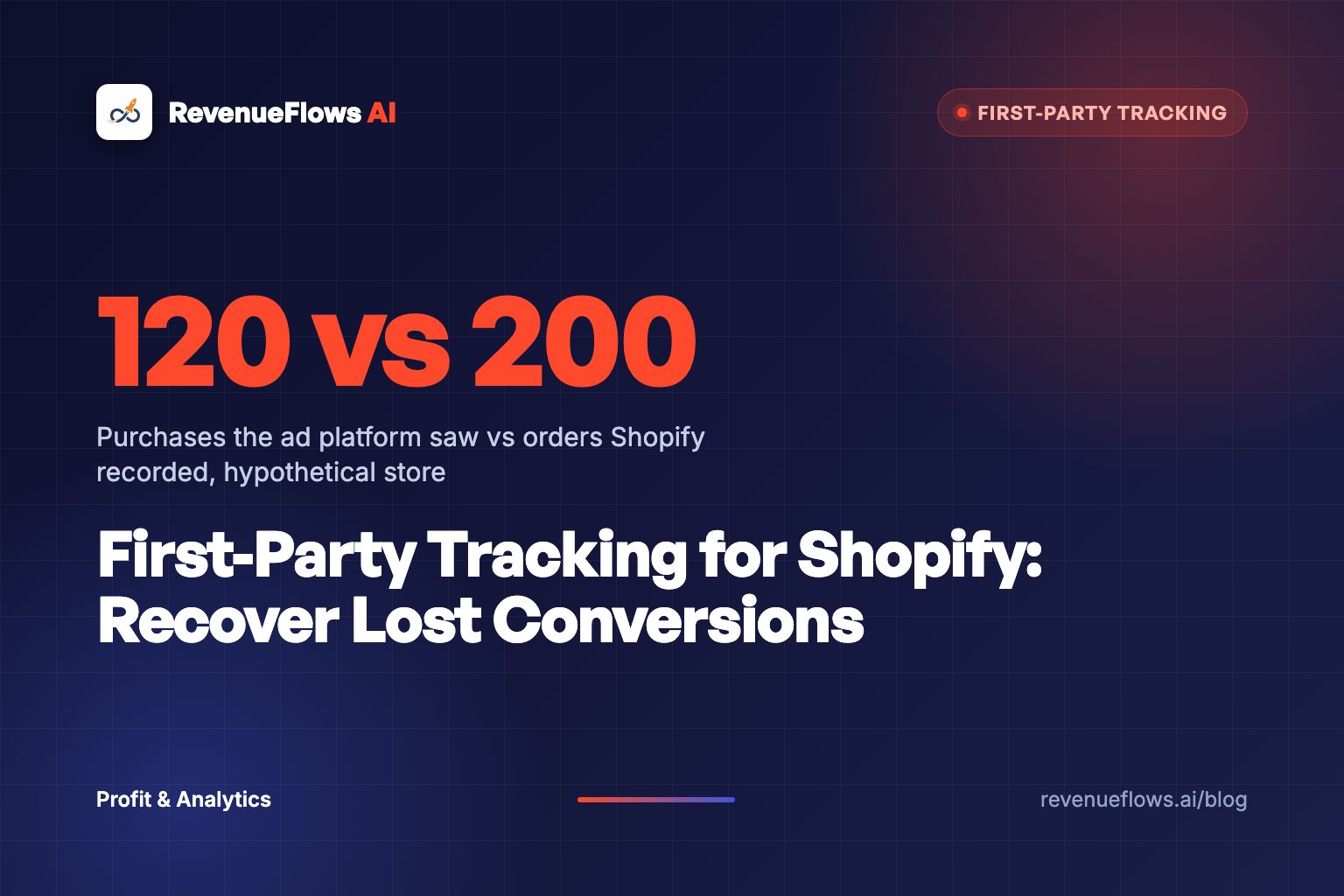
Your ad account is lying to you by omission.
Here's the short answer on first party tracking Shopify founders keep asking me about: treat the Shopify order as the only receipt that matters, record where each buyer came from on your own domain, and send the confirmed order to Meta and Google from the server. The browser pixel stays, but it stops being your only witness.
Why bother? Because the pixel misses sales. Ad blockers kill it. Safari shortens its memory. Consent banners switch it off. And when the pixel misses a sale, your ad platform reports a campaign as weaker than it is, and its bidding system learns from a smaller pile of buyers than you really have.
That's the polarity this whole post runs on. The order is the receipt. The pixel is a rumor.
Why does my ad platform show fewer sales than Shopify?
One merchant in the Shopify Community described it plainly: only about 60% of their Shopify orders showed up as purchases in Meta. That's one store, not a benchmark. But the shape of that gap shows up on almost every profit audit I run.
Shopify's own analytics discrepancies page spells out part of the reason. Tracking scripts can only count visitors with JavaScript and cookies turned on, and shoppers can install browser extensions that block tracking of their sessions and purchases.
Then the browsers pile on.
- Safari caps script cookies. WebKit's tracking prevention rules delete cookies created in JavaScript after 7 days without a visit to your site. If the visitor arrived from a known tracking domain with an ID stuffed in the link, Safari can cut that cookie to 24 hours.
- Safari strips click IDs in private tabs. Private Browsing has blocked known tracking query parameters in links since Safari 17.
- Consent rules pause pixels. In consent-required markets like the EEA and UK, Shopify's pixel manager only runs a pixel once the visitor grants the permissions it needs.
- The Thank you page has to load. Shopify's docs for the checkout_completed event say that if the page where it should fire fails to load, the event isn't triggered at all.
Notice what each of those has in common. The order still happened. Shopify still has it. Only the browser's report went missing.
The order is the receipt. The pixel is a rumor. Build your reporting on the receipt.
What does a missing purchase actually cost you?
Run the math on a store like this (a hypothetical, built to show the mechanism).
A skincare brand sends 10,000 visitors from Meta in a month and spends $6,000 to get them. Conversion rate is 2.0%. Average order value is $90. That means revenue per visitor is $1.80, so those 10,000 visitors produce 200 orders and $18,000 in Shopify.
Now the pixel only reports 60% of those purchases. Meta sees 120 orders and $10,800. In Meta's eyes, revenue per visitor is $1.08.
10,000 visitors, 2.0% conversion rate, $90 average order value. The ad platform only sees 60% of orders.
Here's the math that hurts. Say the brand keeps 45 cents of every sales dollar after product, shipping and fees. Its break-even return on ad spend is about 2.2.
- Shopify says: $18,000 on $6,000 spent, a 3.0 return. Gross profit of $8,100 minus $6,000 in ads leaves $2,100. Winning campaign.
- Meta says: $10,800 on $6,000 spent, a 1.8 return. Gross profit of $4,860 minus $6,000 shows a $1,140 loss. Losing campaign.
Same ads. Same buyers. One founder scales it. The other founder turns it off on Tuesday morning and wonders why sales dip on Wednesday.
That's the real cost of a broken pixel. It doesn't just make your dashboard ugly. It makes you kill winners.
Didn't Google cancel the cookie apocalypse?
Kind of. And it doesn't matter as much as people think.
In April 2025, Google said it would keep its current approach to third-party cookies in Chrome and wouldn't roll out a new standalone prompt. Users keep choosing in Chrome's settings. So the big "Chrome kills cookies" deadline never arrived.
But here's the thing. Your missing purchases were never mostly about Chrome. They come from Safari's limits, ad blockers, consent banners and checkout pages that didn't finish loading. None of those went away with Google's announcement.
So cookieless tracking still matters, just for a different reason than the headlines said. You want a setup where the sale counts even when no cookie survived.
What does first party tracking on Shopify actually look like?
Strip away the vendor jargon and it's three moves.
Move one: catch the click on your own turf. When a visitor lands, your store records the source (the UTM tags, the click ID, the landing page) on your own domain and carries it through to the cart and the order. That's first party data ecommerce brands actually own. Nobody else's script has to survive for you to know where the buyer came from. For the sources no link can carry, like a podcast or a friend's tip, ask the buyer with one of these post-purchase survey tools.
Move two: let Shopify run the browser side. Pixels now live in Settings, under Customer events. Shopify's Web Pixels API loads app pixels in a strict sandbox and custom pixels in a looser one, and they fire on the storefront, checkout, Thank you page and Order status page. Quick warning: if your purchase tracking used to live in old additional scripts on the Thank you page, check it today. Shopify set August 26, 2026 as the deadline to upgrade those pages and upgraded stores that missed it automatically. Old scripts are a classic place for tracking to quietly break.
Move three: send the order from the server. Meta's Conversions API takes events straight from your server, and Meta processes them like pixel events in measurement and reporting. Meta's own guidance is a redundant setup: run the Conversions API alongside the Pixel, give both versions of the purchase the same event ID and event name, and Meta keeps one. The match has to land within 48 hours of the first event.
A pixel asks the browser for permission to tell the truth. A server event just tells it.
Where does AI fit into this?
Every ad platform now runs on automated bidding. The machine decides who sees your ad based on who bought before. And it can only learn from the buyers you report.
So if 80 of your 200 buyers never reach Meta, its system is learning from a skinnier, weirder sample of your customers. Feed it the full set of confirmed orders and it has more real buyers to find lookalikes of. That's why tracking is now a targeting problem as much as a reporting one.
AI helps on your side too. Export a month of Shopify orders and a month of ad-platform purchases, hand both files to an AI assistant, and ask it to match them by date and order value and list the days with the biggest gaps. Ten minutes later you know whether your leak is a slow drip or a single broken week.
How do I check if my Shopify tracking setup is working?
Here's the six-step version.
- Treat Shopify orders as the source of truth.
- Capture UTMs and click IDs on landing, onto the order.
- Run every pixel through Shopify's Customer events.
- Send purchases server side with matching event IDs.
- Pass identifiers like external_id and fbp for matching.
- Compare platform purchases to Shopify orders every week.
Step six is the one that saves you. Divide the purchases your ad platform reports by your Shopify orders for the same days. That's your capture rate. I'd rather have one steady capture rate I trust than six dashboards I argue with. A steady rate means you can adjust in your head. A sudden drop means something broke, and you fix it before you make a single budget decision.
If you've ever compared tools, our breakdown of Shopify analytics vs Google Analytics shows the same principle on the analytics side, and the Triple Whale vs Northbeam comparison covers what paid attribution tools add on top.
Why does honest tracking matter for revenue per visitor?
Because revenue per visitor is only as honest as the orders under it.
Take a real one. On the Copper Bamboo Sheets page for one of our bedding clients, conversion rate went from 1.0% to 4.3% and average order value from $125 to $221. That's revenue per visitor going from $1.25 to $9.50, which on 10,000 visitors is $95,000 instead of $12,500. You can see the full case study numbers. Real client numbers, not typical results, and not a promise of what your store will do.
Now run a hypothetical on top of it. If tracking had only caught 60% of those orders, the dashboard would have shown $5.70 per visitor. Still good. But a founder reading $5.70 scales slower, bids lower and leaves money sitting on the table. Bad tracking doesn't only hide losses. It shrinks your wins.
If you want the bigger picture on measuring profit by product, start with our ecommerce profit analytics guide, then calculate your Shopify revenue per visitor from orders. Once the numbers are honest, scaling Facebook ads stops being a guess.
Bad tracking doesn't only hide your losses. It shrinks your wins.
What to do next
Pull last month's Shopify orders and last month's Meta purchases for the same dates. Divide one by the other. If your capture rate is below the level you've been assuming, every campaign decision you made last month was built on the rumor, not the receipt. Fix step four first.
Book Your Profit Audit
Once your tracking shows the real orders, the next leak is the page those orders come from. On a profit audit we'll show you what each visitor is worth on your store right now, and how to rebuild a high-converting product sales page in less than 15 minutes.
Or go here to check it out → revenueflows.ai
P.S. The pixel tells you what the browser allowed it to see. The order tells you what happened. Spend your ad budget on what happened.
Frequently asked questions
What is first party tracking on Shopify?
First party tracking means your store collects the visit, the click source and the purchase on its own domain and ties them to the real Shopify order. Ad platforms then get that order data from your side, server to server, instead of depending only on a browser pixel that ad blockers and Safari can cut off.
Why does Meta show fewer purchases than Shopify?
The browser pixel never reported some purchases. Ad blockers, Safari's cookie limits, consent rules and a Thank you page that fails to load all drop the event. Meta also counts only purchases it can tie to an ad inside your attribution window. Shopify counts every order, so its number is the one to trust.
Does Chrome still allow third-party cookies in 2026?
Yes. In April 2025 Google said it would keep its current approach in Chrome and skip a new standalone cookie prompt, so third-party cookies stay on by default. That doesn't save your tracking. Safari, ad blockers and consent rules still drop events, which is why the order record has to be your anchor.
Is cookieless tracking the same as first party tracking?
Not quite. Cookieless tracking means measuring without depending on browser cookies at all. First party tracking means the data is collected and owned by your store. The strongest Shopify setups do both: they keep a first party record of the click, then send the confirmed order from the server so no cookie has to survive for the sale to count.
Do I still need the Meta Pixel if I send the Conversions API?
Yes. Meta recommends running the Conversions API alongside the Pixel and matching them with the same event ID so the purchase only counts once. The pixel catches browser context, the server event catches what the browser dropped.