
Shopify Profit Dashboard: Build It in One Afternoon
Twenty charts nobody reads won't tell you if the store is healthy. Six numbers on one screen will, and you can build the whole thing between lunch and dinner.

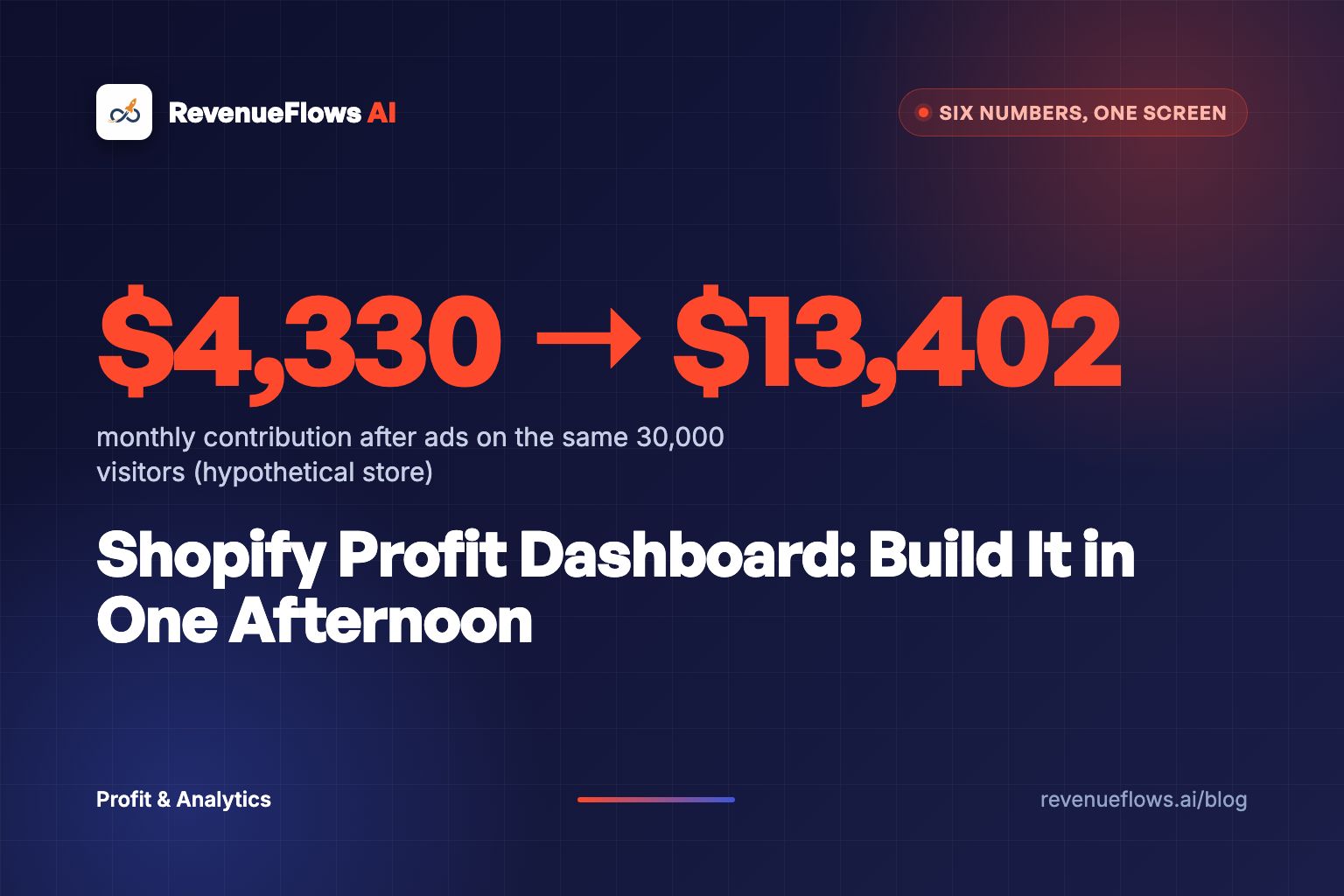
Most dashboards are screensavers.
They look busy. Sessions by device, top referrers, a map of where buyers live, a line chart that goes up and to the right. And then a founder closes the tab and still can't answer the only question that matters this morning: did yesterday make money?
A Shopify profit dashboard should answer that in ten seconds. It needs six numbers on one screen: revenue per visitor, contribution margin after ads, profit per visitor on your hero products, marketing efficiency ratio against its break-even line, new-customer acquisition cost against first-order contribution, and cash with weeks of inventory cover. You can build it in one afternoon with a Google Sheet, Shopify's own reports and your ad accounts. No new app required to start.
Here's the build, hour by hour, with a worked example you can check with a calculator.
Why do twenty charts tell you less than six numbers?
Because every chart you add gets equal weight on the screen, and your attention doesn't scale.
I'd rather see six numbers a founder checks every morning than twenty they admire once a month. The twenty-chart ecommerce dashboard is a spec sheet. It lists everything and argues for nothing. The six-number version is a conversation: here's what happened, here's whether it paid, here's the one thing to look at.
And there's a second problem. Most default dashboards stop halfway. Sales, sessions, conversion rate. That tells you whether the store is selling. It doesn't tell you whether the selling is worth it, because shipping, fees, returns and ad spend never show up.
Shopify's own profit reports are honest about this. Profit only counts for products that had a cost recorded at the time of sale, the cost per item field is static, and ad spend isn't part of the report at all. So the native view gets you to gross profit. The rest of the way is yours.
A dashboard that doesn't produce a decision is a screensaver with better fonts.
What are the six numbers on a Shopify profit dashboard?
Two halves. The top half asks: is the store selling? The bottom half asks: is the selling worth it?
| # | Number | Formula | What it tells you |
|---|---|---|---|
| 1 | Revenue per visitor | Conversion rate x average order value | How hard each click works |
| 2 | Contribution margin after ads | Net revenue minus product cost, shipping, fees, returns, ad spend | Whether the month is making money |
| 3 | Profit per visitor, hero products | Contribution after ads divided by sessions, per product | Which page deserves the next ad dollar |
| 4 | Marketing efficiency ratio vs break-even | Total revenue divided by total marketing spend, next to 1 divided by contribution margin before marketing | Whether ads are buying profit or renting revenue |
| 5 | New-customer acquisition cost vs first-order contribution | Ad spend divided by new customers, next to contribution per order before ads | Whether a new customer pays for themselves on order one |
| 6 | Cash and weeks of inventory cover | Bank balance, units on hand divided by weekly units sold | Whether you can afford to keep doing it |
Number 1 sits on top on purpose. It's the multiplier everything else runs through. If you want the full stack behind number 2, the contribution margin breakdown walks CM1 to CM3 line by line. For number 4, the marketing efficiency ratio guide shows how to draw the break-even line.
How do you build a profit dashboard template in one afternoon?
Four hours. One sheet. Here's the order I'd do it in.
- Hour one: pull the raw data. Sessions, orders, net sales and refunds from Shopify for the last 30 days. Ad spend from Meta and Google for the same days.
- Hour two: fix your costs. Fill in cost per item for every product that sold. Add your real shipping cost per order and payment fee percentage.
- Hour three: write the six formulas. One tab for raw data, one tab with six cells that never move.
- Hour four: set the triggers. For each number, write the line that makes you act.
Hour two is where most stores stall. If cost per item is blank on half your catalog, Shopify will report profit on the other half and the dashboard will lie politely. Fill it in, then rebuild it any time freight, duty or a supplier price changes.
Now the AI part, because this is where the afternoon got shorter. Shopify's analytics editor now works with Sidekick, so you can ask a plain-language question and get a report back as ShopifyQL with an explanation. "Orders by new versus returning customers for the last 30 days" is a sentence now, not a report-builder session. Ad spend still lives in Meta and Google, so the join is still yours.
Then put the store half on Shopify's home screen. The overview dashboard lets you add, remove and rearrange metric cards, and Shopify has supported editing the overview since 2023. Strip it down to sessions, conversion rate, average order value and net sales. Your sheet holds the profit half.
What does a Shopify KPI dashboard look like with numbers in it?
Run the math on a store like this, a hypothetical. 30,000 sessions a month. Conversion rate 1.8%. Average order value $72. Ad spend $12,000. Contribution margin before marketing is 42%.
Here's the math.
- Revenue per visitor: 1.8% x $72 = $1.296, call it $1.30. On 30,000 visitors that's $38,880.
- Contribution margin after ads: 42% of $38,880 is $16,329.60. Minus $12,000 in ads leaves $4,329.60.
- Profit per visitor: $4,329.60 divided by 30,000 sessions is about 14 cents.
- Marketing efficiency ratio: $38,880 divided by $12,000 is 3.24. Break-even is 1 divided by 0.42, which is 2.38. Above the line, but not by much.
- New-customer acquisition cost: 540 orders, 340 of them from new customers. $12,000 divided by 340 is $35.29. Contribution per order before ads is $16,329.60 divided by 540, which is $30.24. Every new customer costs $5.05 more than their first order earns.
That last line is the one a twenty-chart dashboard buries. The month looks profitable because 200 repeat orders carry no ad cost. Every new customer is a small loss you're betting comes back. If you don't know your repeat rate, the LTV to CAC breakdown tells you whether that bet is safe.
Now watch what happens when the page does more of the work. Same 30,000 visitors, same $12,000 in ads. Conversion rate goes to 2.4%, average order value to $84.
- Revenue per visitor: 2.4% x $84 = $2.016, call it $2.02. Revenue on 30,000 visitors: $60,480.
- Contribution after ads: 42% of $60,480 is $25,401.60, minus $12,000 is $13,401.60.
- Marketing efficiency ratio: 5.04.
- 720 orders. If new customers stay about 63% of orders, that's 453 new customers and an acquisition cost of $26.49 against $35.28 of contribution per order. Now each new customer pays for themselves on order one.
Conversion rate x average order value x visitors, times a 42% contribution margin, minus $12,000 in ads.
No new traffic. No new ad budget. The dashboard didn't make that money, but it pointed at where it was hiding.
Which ecommerce dashboard tool should hold it: Shopify, a sheet or an app?
Honestly? Start with the sheet, even if you end up on an app.
| Option | Good at | Weak at | Use it when |
|---|---|---|---|
| Shopify overview dashboard | Sessions, conversion rate, average order value, net sales, live | No ad spend, profit only where cost per item exists | Always, for the store half |
| Google Sheet | You see every formula, free, fast to change | Manual pasting, breaks if nobody updates it | Your first 90 days, or under a few hundred orders a day |
| Profit tracking app | Pulls ad spend and fees automatically, daily history | You inherit its attribution choices | Once you trust your own formulas and want them automated |
The sheet teaches you what the numbers mean. Skip it and you'll accept whatever an app's default attribution says. If you're choosing an app, the BeProfit vs TrueProfit comparison shows where their numbers disagree and why.
What should each number make you do?
This is the hour most people skip. And it's the only hour that pays.
Write one trigger per number. Something like this:
- Revenue per visitor drops 15% week over week: open the hero product pages before touching ads.
- Contribution after ads goes negative for 7 days: freeze budget increases.
- Hero product profit per visitor ranking changes: find out which cost moved.
- Marketing efficiency ratio within 10% of break-even: no new campaigns until it recovers.
- Acquisition cost above first-order contribution: check the repeat rate before scaling.
- Inventory cover under 6 weeks on a hero product: reorder or slow spend.
Notice how many triggers point back at the page. That's not an accident. Revenue per visitor is the number every other line multiplies through, and it's the one most founders try to fix with more ads.
Here's a real one. On a cooling bamboo sheets product, conversion rate went from 1.0% to 4.3% and average order value from $125 to $254. Revenue per visitor moved from $1.25 to $10.92, which on 10,000 visitors is $109,200 instead of $12,500. See the full case study numbers. Real client numbers, not typical results, and not a promise of what your store will do.
More ads on a weak page amplifies a leak. A stronger page amplifies a machine.
What to do next
Block one afternoon this week. Pull 30 days of sessions, orders, net sales and ad spend. Fill in cost per item. Write the six formulas and one trigger for each. Then look at number 5: if a new customer costs more than their first order earns, you've found the line to fix first.
For the weekly version with cohorts and payback, the ecommerce profit analytics guide is the long read. To rank products by what they actually keep, use profit per product on Shopify. And if number 6 is the one keeping you up, start with ecommerce cash flow.
Book Your Profit Audit
If your dashboard says a new customer costs more than their first order earns, the fix usually lives on the product page, not in the ad account. On a free profit audit we run your six numbers, find the page that's dragging revenue per visitor down, and show you how to rebuild a high-converting product sales page in less than 15 minutes.
Or go here to check it out → revenueflows.ai
P.S. Twenty charts tell you what happened. Six numbers tell you what to do on Monday.
Frequently asked questions
What should a Shopify profit dashboard show?
Six numbers: revenue per visitor (conversion rate times average order value), contribution margin after ads in dollars, profit per visitor on your hero products, marketing efficiency ratio against its break-even line, new-customer acquisition cost against first-order contribution, and cash with weeks of inventory cover. Everything else is a drill-down you open when one of the six moves.
Does Shopify have a built-in profit dashboard?
Partly. Shopify's profit reports show gross profit by product and margin by order, but only for products that had a cost recorded at the time of sale, and the cost per item field is static. Ad spend isn't in them, so contribution after ads still has to be joined in a sheet or a profit app.
Can I build a profit dashboard in Google Sheets?
Yes, and for most stores under a few hundred orders a day it's the right first version. Export sessions, orders and net sales from Shopify, paste ad spend from Meta and Google, and let six formulas do the rest. Once you trust the numbers, decide whether an app is worth paying for.
How often should I check my ecommerce dashboard?
Glance at it daily, decide from it weekly. Daily numbers are noisy on a store doing 20 orders a day, so use the morning look to catch something broken and the Monday review to make one decision: push, fix, reprice or pause.
What's the difference between a KPI dashboard and a profit dashboard?
A Shopify KPI dashboard usually stops at sales, sessions and conversion rate, which tells you whether the store is selling. A profit dashboard keeps going through shipping, fees, returns and ad spend, which tells you whether the selling is worth it. You need both halves on the same screen.